
9 Best Tools for Remote Teams in 2026, Compared
Compare the 9 best tools for remote teams for chat, video, docs, projects, async video, whiteboards and global hiring, with every price checked by hand.
 Shamim Mia, Founder, SerpAstraLast verified November 7, 20269 min read
We compare pricing pages, documentation and public reviews. We never accept payment for rankings.
Key takeaways
- A working remote stack covers five jobs — chat, meetings, documents, task tracking and async updates — and most teams can start every one of them on a free plan.
- Slack Pro at $7.25 a user a month billed annually and Google Workspace Business Starter at $7 a user a month billed annually are the core of most small remote teams.
- Loom replaces status meetings with short videos, and only the people who record need paid seats.
- Deel is the pick for paying contractors in other countries, at $49 a month per contractor billed monthly.
On this page
Quick comparison
| Tool | Best for | Starting price | Free plan |
|---|---|---|---|
| Slack | Remote teams that need one searchable place for day-to-day conversation | $8.75/user/mo | Yes (free plan) |
| Zoom Workplace | Teams that need reliable video meetings, recordings and AI summaries | $16.99/mo | Yes (free plan) |
| Google Workspace | Small remote teams that need email, shared documents, drive and video in one subscription | $7/mo (annual) | No (14-day trial) |
| Notion | Remote teams that want a written wiki, handbook and meeting notes in one place | $10/member/mo | Yes (free plan) |
| Asana | Remote teams that need clear owners and deadlines across shared projects | $13.49/user/mo | Yes (free plan) |
| Loom | Teams across time zones that want to replace status meetings with short videos | $15/mo (annual) | Yes (25 videos) |
| Miro | Remote teams that plan, brainstorm and run workshops together | $10/mo | Yes (free plan) |
| Calendly | Remote teams booking calls across time zones with clients, candidates and each other | $12/seat/mo | Yes (free plan) |
| Deel | Remote teams that hire and pay contractors in other countries | $49/contractor/mo | No |
Make one of these tools?
We re-check this list every quarter. Send a correction, request a review, or ask about a clearly labeled sponsored spot.
Request a listingThe best tools for remote teams

Slack
Best for: Remote teams that need one searchable place for day-to-day conversation
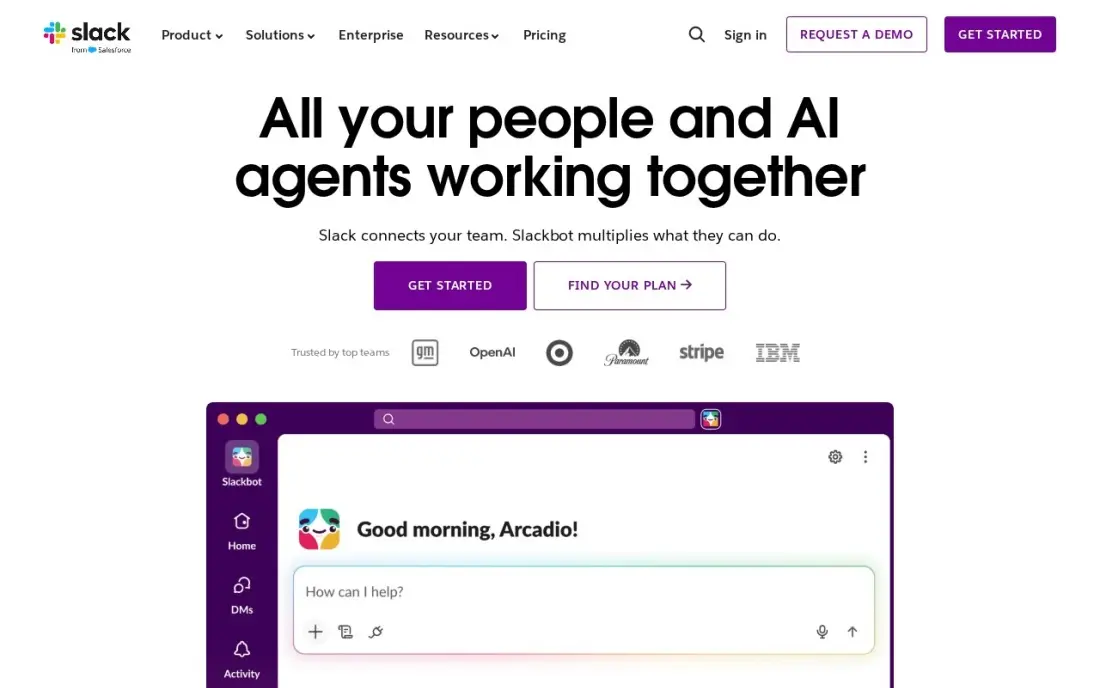
Slack is the default office for most remote teams. Channels organise conversation by project or topic, so decisions stay findable instead of buried in email, and huddles give a quick voice call without scheduling a meeting. Pro costs $8.75 a user a month billed monthly, or $7.25 billed annually, and adds unlimited message history, unlimited apps and group huddles. Fair billing means you pay only for members active in the last 28 days.
The free plan keeps only 90 days of message history, which hurts a remote team that relies on written decisions. Slack is chat, not task tracking, so pair it with a project tool.
What we like
- Channels replace long email threads and keep every conversation findable by topic
- Pro adds unlimited message history, unlimited apps and group huddles
- Fair billing means the business pays only for members active in the last 28 days
- More than 2,600 apps in the Slack Marketplace, including Google Drive, Jira and Zoom
Watch out for
- Slack is chat, not task management: deadlines and ownership still need another tool
- The free plan keeps only 90 days of message history, so old decisions disappear
- Per-user billing rises with every hire, and inactive users still count unless deactivated

Zoom Workplace
Best for: Teams that need reliable video meetings, recordings and AI summaries
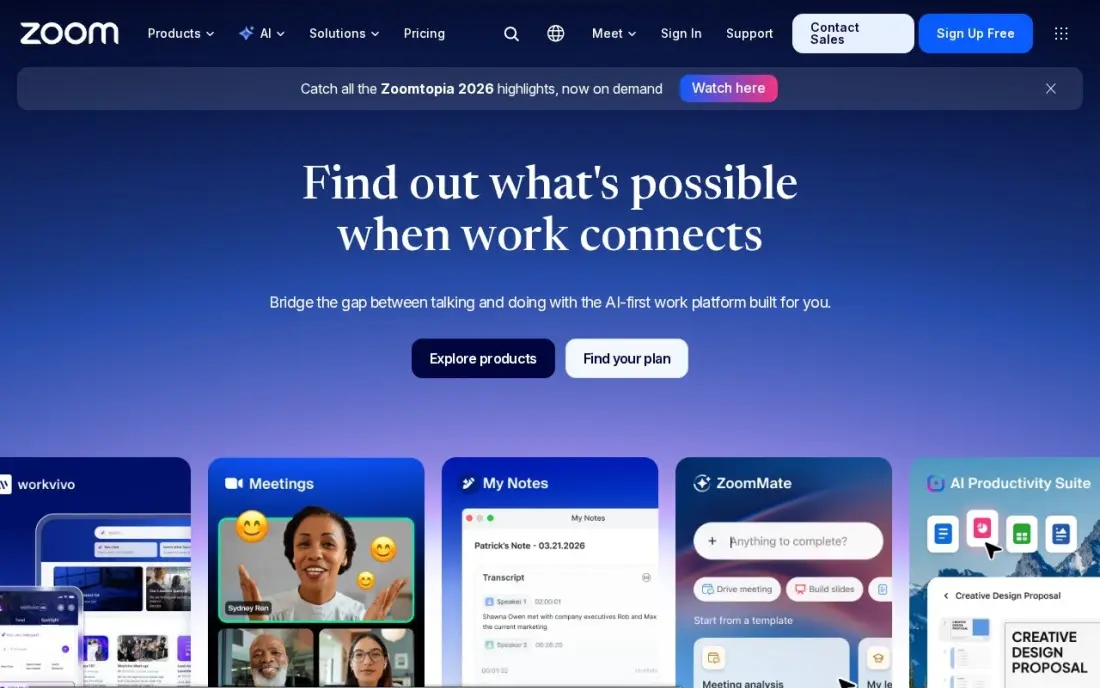
Zoom is still the most dependable video for remote meetings with clients and colleagues on weak connections. Workplace Pro costs $16.99 a user a month billed monthly, or $14.16 billed annually, and allows 30-hour meetings for 100 participants, unlimited meeting summaries and 10 GB of cloud recording per user, with Team Chat, whiteboard and scheduler in the same app.
Only hosts need a licence, so a team pays for the people who run meetings, not everyone who attends. The free Basic plan caps group meetings at 40 minutes. If the team is already on Google Workspace, Meet may cover internal calls without a second subscription.
What we like
- The most reliable video in this list, with 30-hour meetings for 100 participants on Pro
- Pro adds unlimited meeting summaries, unlimited AI document creation and 10 GB of cloud recording per user
- Team Chat, whiteboard, scheduler and mail sit in the same app, so meetings need no second tool
- The free Basic plan covers 100 participants, so a team can test real meetings before paying
Watch out for
- Pro is the dearest entry price in this list at $16.99 a user a month billed monthly
- Zoom raised Pro from $14.99 to $16.99 a month, so older guides understate the price
- Only hosts need a Pro licence, but every host on the team needs one, so the bill grows with every meeting organiser

Google Workspace
Best for: Small remote teams that need email, shared documents, drive and video in one subscription
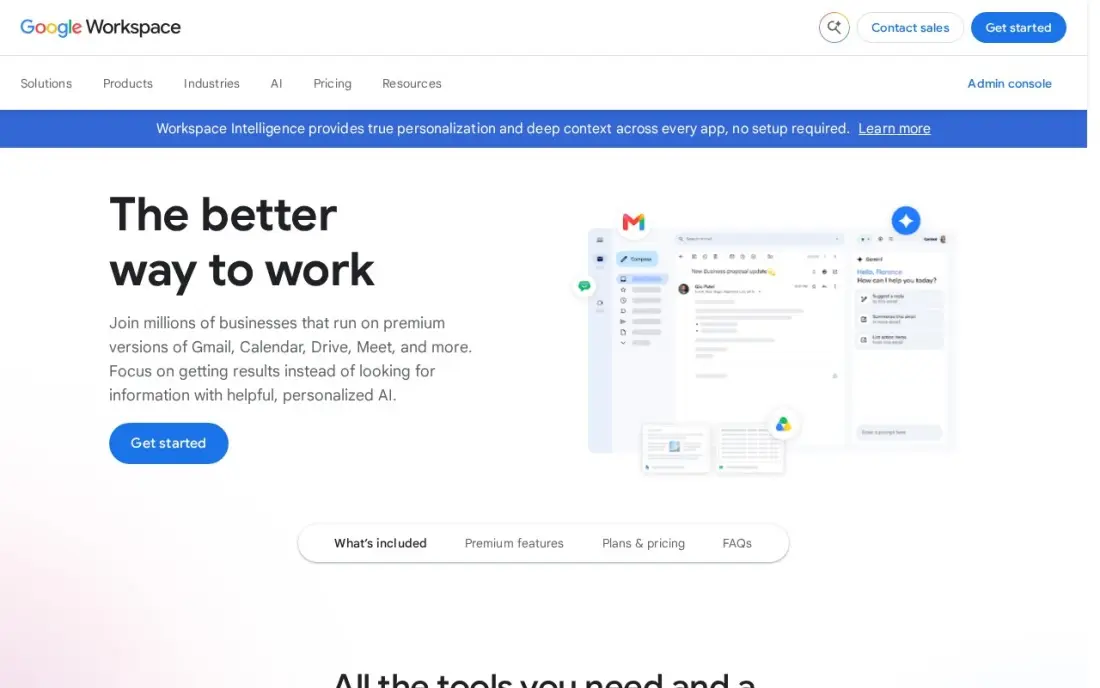
Google Workspace gives a remote team its shared desk: business email, Docs, Sheets, Slides, Drive and Meet, all editable together in real time. Business Starter costs $7 a user a month billed annually or $8.40 on flexible monthly billing, with 30 GB of pooled storage per user, Meet for up to 100 participants and Gemini AI in Gmail. There is a 14-day free trial.
Meet recording and advanced admin controls need Business Standard at $14, which matters for a team that records meetings for colleagues in other time zones. Business editions cap at 300 users.
What we like
- Business email, Docs, Sheets, Slides, Drive and Meet in one subscription from $7 a user a month billed annually
- Gemini AI is included in Gmail and the Gemini app on every Business plan
- 30 GB of pooled storage per user on Business Starter, with Meet for up to 100 participants
- The suite most clients already use, so sharing files and calendars needs no training
Watch out for
- Business editions cap at 300 users, so a growing company must move to Enterprise
- Meet recording and advanced admin controls need Business Standard ($14) or higher
- The 50%-off new-customer offer covers only the first 20 users for 12 months

Notion
Best for: Remote teams that want a written wiki, handbook and meeting notes in one place
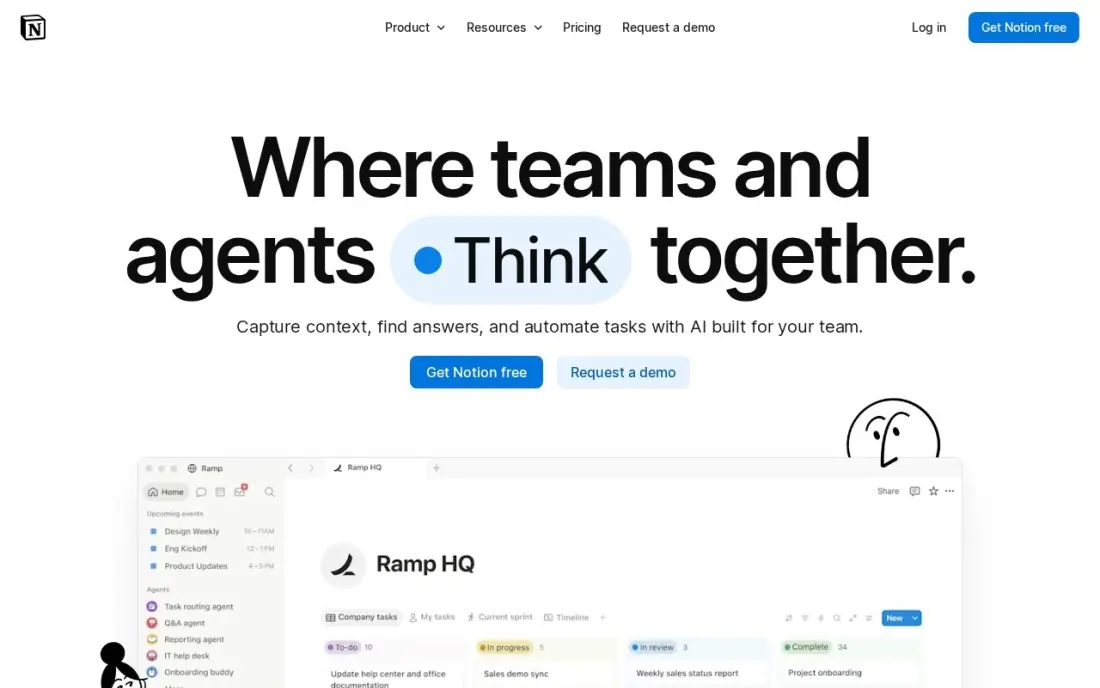
Remote teams run on writing, and Notion is where many keep it: the team handbook, onboarding pages, meeting notes, decision logs and simple project databases, all linked together. The free plan is unlimited for one person, and Plus costs $10 a member a month billed annually or $12 billed monthly, adding unlimited file uploads, 30-day page history and unlimited guests. It holds 4.6 out of 5 on G2 from 13,975 reviews.
Full Notion AI sits on Business at $20 a member a month. A blank workspace takes setup time, so assign one owner to build the structure before inviting everyone.
What we like
- Databases, calendars, kanban boards and templates combine into a wiki, roadmap or tracker you design
- Free plan is genuinely unlimited for one person, with sync on every device
- Plus adds unlimited file uploads, 30-day page history and unlimited guests
- Rated 4.6/5 on G2 from 13,975 reviews, the largest review base in this list
Watch out for
- Full Notion AI sits on Business ($20/member/month), not Plus — Plus gets an AI trial only
- Per-member pricing means a 5-person team pays $50 a month on Plus
- Blank-page freedom is a learning curve: building a good structure takes setup time

Asana
Best for: Remote teams that need clear owners and deadlines across shared projects
Asana answers the question a remote manager cannot answer by walking past a desk: who is doing what, and by when. Every task has one owner and a due date, and the same project reads as a list, board, timeline or calendar. Starter costs $10.99 a user a month billed annually, or $13.49 billed monthly, and adds Gantt timelines, dashboards, forms and unlimited automations, with unlimited free guests for clients and contractors.
The free Personal plan covers only two people, so a real team pays from the first seat. Workload views and goals wait for Advanced at $24.99 a user a month.
What we like
- Board, list, timeline and calendar views in one project, so the same work reads as a kanban board or a Gantt chart
- Starter adds Timeline and Gantt, dashboards, forms, custom fields and unlimited automations from $10.99 a user
- Unlimited free guests, so clients and contractors can follow work without a paid seat
- Asana AI is included on Starter, with writing help and smart summaries
Watch out for
- Portfolios, goals, workload and approvals wait for Advanced at $24.99 a user a month
- The free Personal plan covers only two people, so any real team pays from the first seat
- Time tracking needs a $5.99 add-on or the Advanced plan

Loom
Best for: Teams across time zones that want to replace status meetings with short videos

Loom is the async tool that saves remote teams the most meeting time. Record your screen and camera, share a link, and colleagues watch, comment and react when their day starts. Only creators need paid seats. Business costs $15 a month billed annually, or $18 billed monthly, with unlimited videos, unlimited length, 4K recording, branding and engagement insights.
The free Starter plan caps each person at 25 videos of five minutes, which is enough to test the habit. AI summaries, chapters and filler-word removal need Business plus AI at $24 a user a month billed monthly.
What we like
- Unlimited videos and unlimited recording length on Business, with 4K recording
- Only creators need paid seats; viewers watch, comment and react for free
- Custom branding, trim and stitch editing, engagement insights and password protection included
- Recordings upload automatically and share by link, so there is no file to attach or host
Watch out for
- Full AI features (summaries, chapters, filler removal) need Business + AI at $24 a user a month billed monthly
- Only the people who record videos need paid seats, but annual billing now uses fixed user tiers
- The free Starter plan caps recordings at 5 minutes and 25 videos per person


Miro is the remote replacement for the whiteboard and sticky notes. Its template library covers retrospectives, journey maps, sprint planning and workshops, and timers, voting and Talktracks turn a board into a run session rather than a drawing. Starter costs $8 a member a month billed annually, or $10 billed monthly, and unlocks unlimited and private boards.
The free plan stops at three editable boards, which an active team hits quickly, and Business at $20 a member a month billed annually adds SSO. Large boards get messy without a facilitator, so give each workshop a clear owner.
What we like
- The deepest template library for retrospectives, journey maps, sprint planning and workshops
- Starter unlocks unlimited boards, private boards, visitor editing and high-resolution exports
- Thousands of integrations connect Miro to Jira, Asana, Slack, Zoom and more
- Timer, voting and Talktracks turn a board into a run workshop, not just a drawing
Watch out for
- The free plan stops at 3 editable boards, so active teams hit the limit fast
- Business costs $20 a member a month billed annually, two and a half times Starter, for SSO and deeper integrations
- Boards get messy at scale without a facilitator, and finding one sticky note in a huge board is slow

Calendly
Best for: Remote teams booking calls across time zones with clients, candidates and each other
Calendly removes the back-and-forth of finding a time across time zones: share a link, and the other person picks a slot that shows in their own local time. The free plan covers one event type and one calendar, and Standard costs $10 a seat a month billed annually, or $12 billed monthly, adding reminders and payments through Stripe and PayPal. It connects to Zoom, Google Meet and 127 other tools.
Round-robin and team scheduling need Teams at $16 a seat a month billed annually, and AI add-ons cost extra. For internal meetings, shared calendars may be enough.
What we like
- The fastest setup here: one booking link, unlimited one-on-one meetings and no booking cap on every plan
- Free plan is genuinely usable for a solo pro, with one event type and one calendar connection
- Payments at booking through Stripe and PayPal from Standard, plus automated reminders that cut no-shows
- 129 integrations, including Zoom, Google Meet, Salesforce and HubSpot
Watch out for
- Built for meetings, not services: no staff calendars, no service menu and no point of sale
- Round-robin and team scheduling need Teams at $16/seat/month billed annually
- AI add-ons (Notetaker and Callie) cost extra on top of the per-seat price


Deel handles the part of remote work that is about people, not tools: compliant contracts, onboarding, invoicing and payments for contractors in more than 150 countries. Contractor Management costs $49 a month per contractor billed monthly, and Contractor of Record at $325 a month shifts misclassification risk to Deel. Deel HR is free for companies under 200 employees, and it holds 4.7 out of 5 on G2 from 6,959 reviews.
The per-contractor fee adds up past twenty people, before payment and currency fees, and support quality varies by region. A team hiring only in its own country does not need it.
What we like
- Localized, compliant contracts and onboarding in 150-plus countries
- Automated invoicing, payments and tax-form collection in one flow
- Contractor of Record option ($325/month) shifts misclassification risk to Deel
- Deel HR is free for companies under 200 employees
Watch out for
- $49 per contractor adds up fast past twenty contractors, before payment and currency fees
- Support quality varies by region, according to reviewer reports
- US-only teams pay for global coverage they never use
The best tools for remote teams replace what an office did for free: a place to talk, a way to meet, a shared desk for documents, a clear view of who owns what, and a way to hand work across time zones. We compared nine tools that cover those jobs, plus scheduling and global contractor payments, and every price below comes from the vendor's own pricing page as checked in November 2026.
How to choose the best tools for remote teams
- Cover the five jobs before adding extras. Chat, meetings, documents, task tracking and async updates; anything else is optional until those work.
- Prefer written and async by default. Tools that keep decisions searchable — a wiki, threaded chat, recorded video — matter more across time zones than more meetings.
- Count who actually needs a paid seat. Zoom licenses hosts, Loom licenses creators and Asana lets guests in free, so not every person needs every tool.
- Check history limits on free plans. Slack's 90-day limit and Miro's three-board limit can lose work a remote team relies on.
- Keep the stack small. Every extra tool is another place to check; one chat, one wiki and one task tool beat three of each.
- Sort out security early. Single sign-on and admin controls usually sit on higher tiers, so price them before the team grows.
A remote team that sells online also needs its website to bring in work while everyone is heads-down. Our monthly SEO service handles that side, and the best collaboration software for small business guide covers more all-in-one options.
Tools for remote teams pricing: what you will actually pay
Take a 10-person remote team on annual billing. Slack Pro at $7.25 a user costs $72.50 a month; Google Workspace Business Starter at $7 costs $70; Notion Plus at $10 costs $100; Asana Starter at $10.99 costs $109.90; and Miro Starter at $8 costs $80. That core stack comes to $432.40 a month, or $5,188.80 a year.
Add three Zoom Workplace Pro hosts at $14.16 a month billed annually ($42.48) and four Loom Business creators at $15 a month billed annually ($60), and the total is $534.88 a month, about $53 per person. Paying monthly instead raises most line items by 15% to 25%: Slack goes to $8.75, Asana to $13.49 and Zoom to $16.99. If the team pays five overseas contractors through Deel, add $245 a month at $49 each.
Know the difference: sync tools vs async tools
Sync tools need people present at the same time. Zoom meetings, Slack huddles and live Miro workshops are good for decisions, conflict and creative work, but every hour of them is an hour that someone in another time zone gives up from the start or end of their day.
Async tools let work move without overlap. Loom videos, Notion pages, Asana tasks and threaded Slack messages can be read and answered when each person's day begins. Strong remote teams default to async for updates and reviews, and save sync time for the few conversations that need it.
Quick comparison: tool type by need
| Buyer | Best pick | Why |
|---|---|---|
| Team chat | Slack | Channels and huddles, Pro $7.25/user/month annually |
| Video meetings | Zoom Workplace | 30-hour meetings for 100, hosts only need a licence |
| Email, docs and drive | Google Workspace | Full suite from $7/user/month annually |
| Wiki and handbook | Notion | Free for one person, Plus $10/member/month annually |
| Task ownership | Asana | Owners and dates, free guests, Starter $10.99/user/month |
| Async updates | Loom | Video messages, only creators pay |
| Workshops and planning | Miro | Whiteboard templates, Starter $8/member/month annually |
| Scheduling across time zones | Calendly | Free plan, Standard $10/seat/month annually |
| Paying overseas contractors | Deel | 150+ countries, $49/contractor/month |
Mistakes to avoid
- Recreating the office in video calls. Back-to-back meetings exhaust remote teams; move status updates to Loom or written posts.
- Letting decisions live in chat. Slack scrolls away; copy final decisions into Notion or the Asana task.
- Buying overlapping tools. Zoom Team Chat, Google Chat and Slack all do chat; pick one and switch off the others.
- Skipping onboarding documentation. A new remote hire cannot ask the person at the next desk; a written handbook saves weeks.
- Ignoring time zones in scheduling. Rotate meeting times or use shared overlap hours so the same people are not always on late calls.
Related comparisons: Remote Monitoring Software · Free CRM Software for Small Teams · Project Management Software for Marketing Teams · Analytics Tools for Football Teams
How we chose
We read each vendor's pricing page in November 2026 and recorded the starting price exactly as shown, with annual and monthly billing listed separately. We picked one leading tool for each core remote job — chat, meetings, documents, wiki, tasks, async video, whiteboarding, scheduling and global payments — favouring tools with a free plan or trial and wide integration support. Ratings come from G2 pages checked on the dates shown in the sources. No vendor paid for a place in this list, and none of the links here are affiliate links.
What to do next
List the five core jobs, write which tool your team uses for each today, and remove any duplicates before buying anything new; then run free plans for two weeks on the gaps. If you want your remote business to win more work from search, book a free call with SerpAstra.
Frequently asked questions
What are the best tools for remote teams?
Most remote teams need chat (Slack), meetings (Zoom Workplace or Google Meet), documents and email (Google Workspace), a wiki (Notion), task tracking (Asana) and async video (Loom). Miro covers workshops, Calendly covers scheduling across time zones, and Deel covers paying contractors abroad.
Can a remote team run on free tools?
Yes, to start. Slack, Zoom, Notion, Loom, Miro and Calendly all have free plans. The limits bite quickly: Slack keeps 90 days of history, Zoom caps group meetings at 40 minutes and Miro allows three editable boards.
How much do remote team tools cost per person?
On annual billing, Slack Pro costs $7.25 a user a month, Google Workspace Business Starter $7, Notion Plus $10, Asana Starter $10.99 and Miro Starter $8. That core set is about $43 per person a month; Zoom and Loom are only needed for hosts and creators.
How do remote teams work across time zones?
They write things down and lean on async tools: decisions in Notion, updates as Loom videos, tasks with owners and dates in Asana, and short overlap hours for live meetings. Calendly shows booking slots in each person's local time.
Do remote teams need a project management tool?
Yes, once more than two or three people share work. Chat shows what people said, not who owns what by when. Asana gives every task one owner and a due date, which replaces the visibility of a shared office.
How do you pay remote contractors in other countries?
A contractor management platform such as Deel creates local contracts, collects tax forms and pays invoices in local currency. Deel costs $49 a month per contractor billed monthly.
What are the best communication tools for remote teams?
Slack for day-to-day conversation: channels keep every discussion searchable by topic, and Pro costs $7.25 a user a month billed annually. Zoom Workplace for video meetings, with a free Basic plan for 100 participants and 40-minute group meetings. Loom replaces status meetings with short videos that viewers watch free, and Google Workspace adds business email and Meet in one subscription.
What are the best brainstorming tools for remote teams?
Miro is the pick here: it has the deepest template library for retrospectives, journey maps, sprint planning and workshops, plus a timer, voting and Talktracks to run a session. The free plan includes 3 editable boards, and Starter unlocks unlimited boards from $8 a member a month billed annually. Zoom Workplace also includes a whiteboard if your team brainstorms during calls.
Sources we checked (15)
- Slack — slack.com/pricing (checked November 12, 2026)
- Slack reviews on G2 (checked November 12, 2026)
- Zoom Workplace — zoom.us/pricing (checked November 10, 2026)
- Google Workspace — workspace.google.com/pricing (checked November 10, 2026)
- Google Workspace reviews on G2 (checked November 10, 2026)
- Notion — www.notion.com/pricing (checked November 12, 2026)
- Notion reviews on G2 (checked November 12, 2026)
- Asana — asana.com/pricing (checked November 12, 2026)
- Asana reviews on G2 (checked November 12, 2026)
- Loom — www.loom.com/pricing (checked November 10, 2026)
- Miro — miro.com/pricing (checked November 10, 2026)
- Calendly — calendly.com/pricing (checked November 12, 2026)
- Calendly reviews on G2 (checked November 12, 2026)
- Deel — www.deel.com/pricing (checked November 7, 2026)
- Deel reviews on G2 (checked November 7, 2026)
Make one of these tools?
We re-check this list every quarter. Send a correction, request a review, or ask about a clearly labeled sponsored spot.
Request a listingShamim
Founder of SerpAstra
A full-stack digital marketer and SEO strategist covering technical and local SEO, AI search visibility, paid ads and lead generation for local businesses, e-commerce brands and SaaS teams.
Free SEO and AI visibility audit
Find out what is holding your rankings back
Send us your site. Within 2 business days you get a written audit, an AI visibility check and a short fix list ranked by impact. Free, with no contract attached.
Request my free audit→Related buying guides
 Productivity & Office10 Best Collaboration Software for Small Business in 2026, ComparedCompare the 10 best collaboration software for small business options on price, free plans, chat and project tools, with every price checked November 10, 2026.Read guide →
 Productivity & Office8 Best Productivity Software for Small Business in 2026, ComparedCompare the 8 best productivity software for small business options on price, free plans and features, with every price checked November 12, 2026.Read guide →
 HR & Payroll10 Best Contractor Management Software in 2026, ComparedCompare the 10 best contractor management software platforms on price, compliance and global payments, with every price checked November 7, 2026.Read guide →