
6 Best Web Monitoring Software in 2026, Compared
Compare the 6 best web monitoring software on uptime checks, check intervals, alerts, status pages, free plans and real monthly cost, with prices checked.
 Shamim Mia, Founder, SerpAstraLast verified November 7, 20268 min read
We compare pricing pages, documentation and public reviews. We never accept payment for rankings.

Key takeaways
- UptimeRobot has the most generous free plan here: 50 monitors checked every 5 minutes, with paid Solo plans from €10 a month.
- Better Stack is the pick for teams that need on-call alerts by phone and SMS, at $29 a responder a month billed annually with 10 monitors included.
- StatusCake's Superior plan gives 100 uptime monitors at 1-minute checks for $20.41 a month billed annually, the best paid value for agencies watching many sites.
- Datadog is the step up from uptime checks to real user monitoring, priced per session rather than per monitor.
On this page
Quick comparison
| Tool | Best for | Starting price | Free plan |
|---|---|---|---|
| UptimeRobot | Small businesses and freelancers who want free uptime checks on many sites | Free; Solo from €10/mo | Yes (50 monitors) |
| Better Stack | Teams that need uptime checks plus on-call phone and SMS alerts and a status page in one tool | Free; $29/responder/mo (annual) | Yes (10 monitors) |
| StatusCake | Agencies and site owners who want uptime, page speed, SSL and domain monitoring at a low price | Free; Superior $20.41/mo (annual) | Yes (10 monitors) |
| Site24x7 | Small IT teams that want website, server and network monitoring in one console | Free; Starter $9/mo | Yes (free plan) |
| Pingdom | Businesses that want uptime, transaction checks and real user monitoring from one established vendor | By check volume | No (14-day trial) |
| Datadog | Engineering teams that want real user monitoring tied to backend metrics and logs | $0.15 per 1,000 sessions (RUM) | No (14-day trial) |
Make one of these tools?
We re-check this list every quarter. Send a correction, request a review, or ask about a clearly labeled sponsored spot.
Request a listingThe best web monitoring software

UptimeRobot
Best for: Small businesses and freelancers who want free uptime checks on many sites
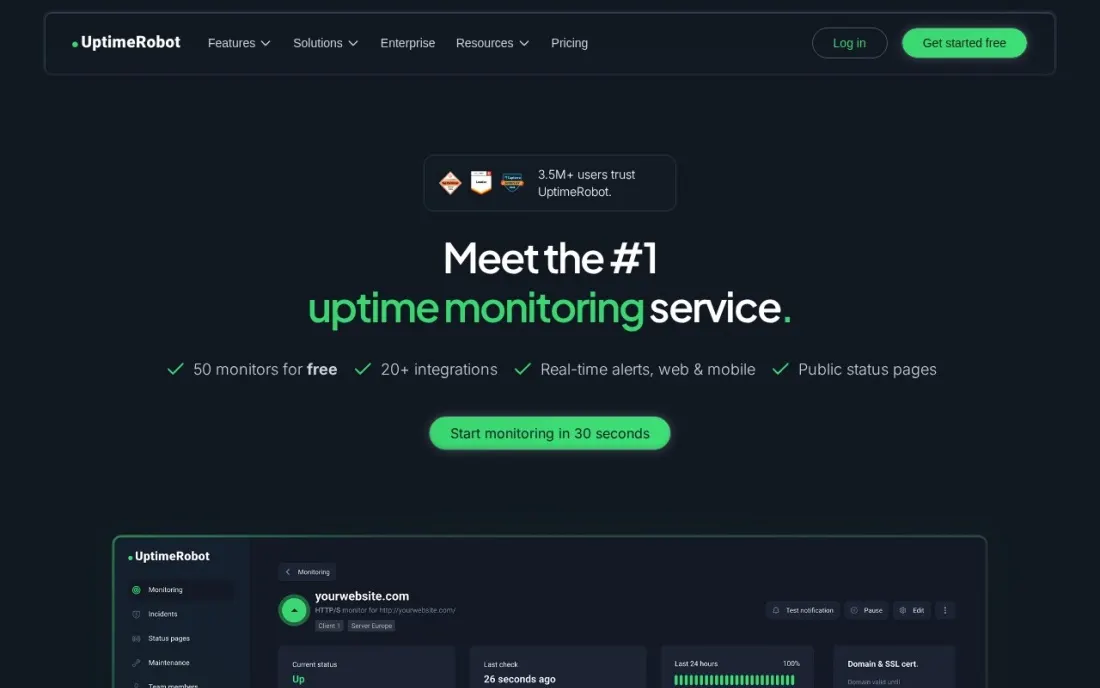
UptimeRobot is where most small sites start, because the free plan is large enough to be useful: 50 monitors checked every 5 minutes, one basic status page and alerts through five integrations including Discord and Google Chat. For a freelancer or agency watching a handful of client sites, that covers the core question of whether the site is up.
The paid plans buy speed and depth. Solo starts at €10 a month, or €9 billed annually, for 10 monitors at 60-second checks with custom status pages; Team starts at €41, or €35 annually, for 100 monitors at 30 seconds; Scale starts at €77. The pricing page showed euro prices for our region, so check your local price.
What we like
- The largest free allowance here: 50 monitors and a status page at $0
- Solo moves checks to every 60 seconds and adds custom-domain status pages
- Team adds 30-second checks, 100 monitors and Webhook, Zapier and PagerDuty alerts
Watch out for
- Free checks run only every 5 minutes, with no SSL, domain-expiry, DNS or heartbeat monitors
- Free data retention is 3 months
- Prices are shown by region, so the euro figures here may differ from your local price

Better Stack
Best for: Teams that need uptime checks plus on-call phone and SMS alerts and a status page in one tool
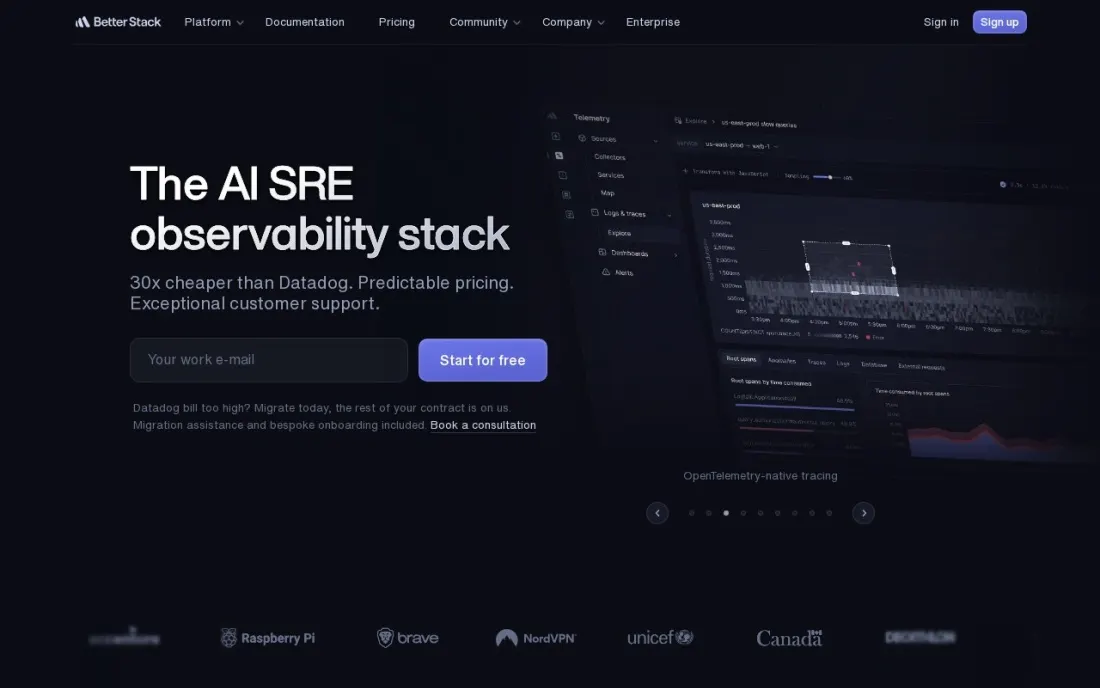
Better Stack combines uptime monitoring with incident alerting, so the person on call gets a phone call or SMS rather than an email nobody reads at 3 a.m. Checks run up to every 30 seconds, cron jobs can report in through heartbeats, and Playwright scripts test a full checkout or login flow, at $1 per 100 Playwright minutes.
The free plan covers 10 monitors and heartbeats, one status page and Slack and email alerts, and is described as for personal projects. A responder licence costs $34 a month, or $29 billed annually, with 10 monitors included and unlimited calls and SMS. Each additional 50 monitors costs $25 a month, or $21 billed annually.
What we like
- Unlimited phone call and SMS alerts per responder on the paid plan
- Checks up to every 30 seconds, plus cron heartbeats and Playwright transaction checks
- Status page included, with paid options for custom domains, passwords and SSO
Watch out for
- The free plan is described as for personal projects
- Extra monitors cost $25 a month per 50, or $21 billed annually
- Status page extras such as password protection ($50 a page a month) add up quickly

StatusCake
Best for: Agencies and site owners who want uptime, page speed, SSL and domain monitoring at a low price
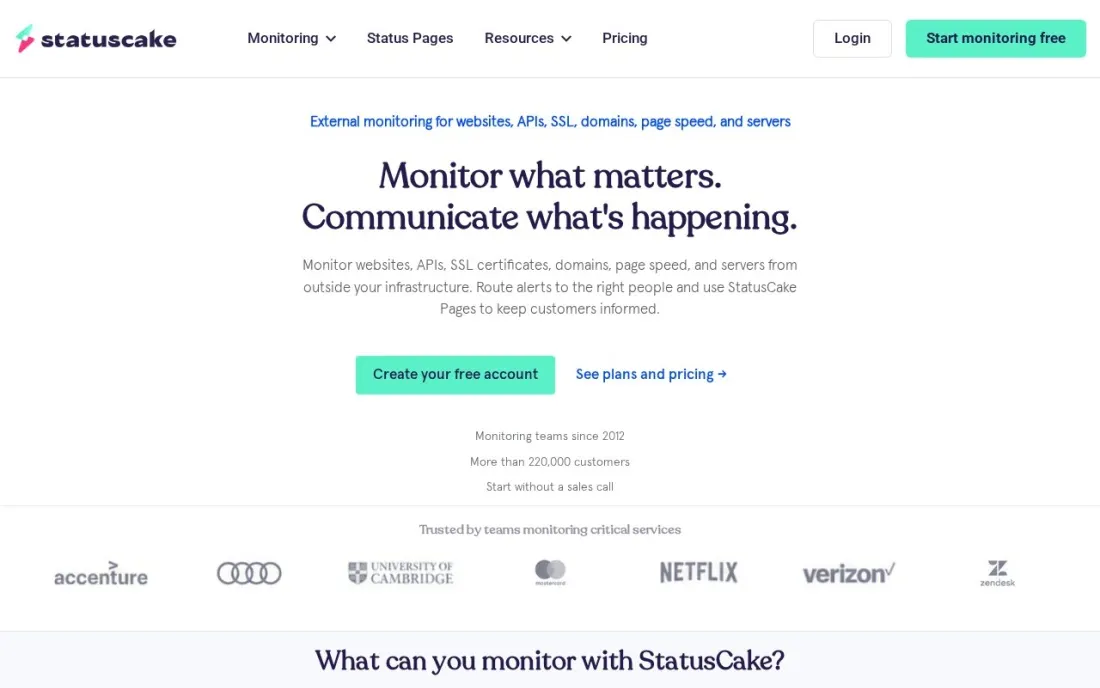
StatusCake covers the checks a website owner forgets until something breaks: uptime, page speed, SSL certificate expiry and domain expiry, all on every plan. The free plan includes 10 uptime monitors at 5-minute intervals plus one page speed, one SSL and one domain monitor, which is enough to protect a small business site.
Superior costs $20.41 a month billed annually, or $24.49 monthly, for 100 uptime monitors at 1-minute checks, 15 page speed monitors, 50 SSL monitors and 3 server monitors. Business costs $66.66 billed annually or $79.99 monthly and moves checks to 30 seconds with 300 monitors. For an agency watching dozens of client sites, Superior is strong value.
What we like
- Superior gives 100 uptime monitors at 1-minute checks
- Page speed, SSL and domain-expiry monitors included on every plan
- Server monitoring included from Superior
Watch out for
- Free checks run every 5 minutes and page speed only daily
- 30-second checks need Business at $66.66 a month billed annually
- On-call phone alerting is less central than in Better Stack

Site24x7
Best for: Small IT teams that want website, server and network monitoring in one console
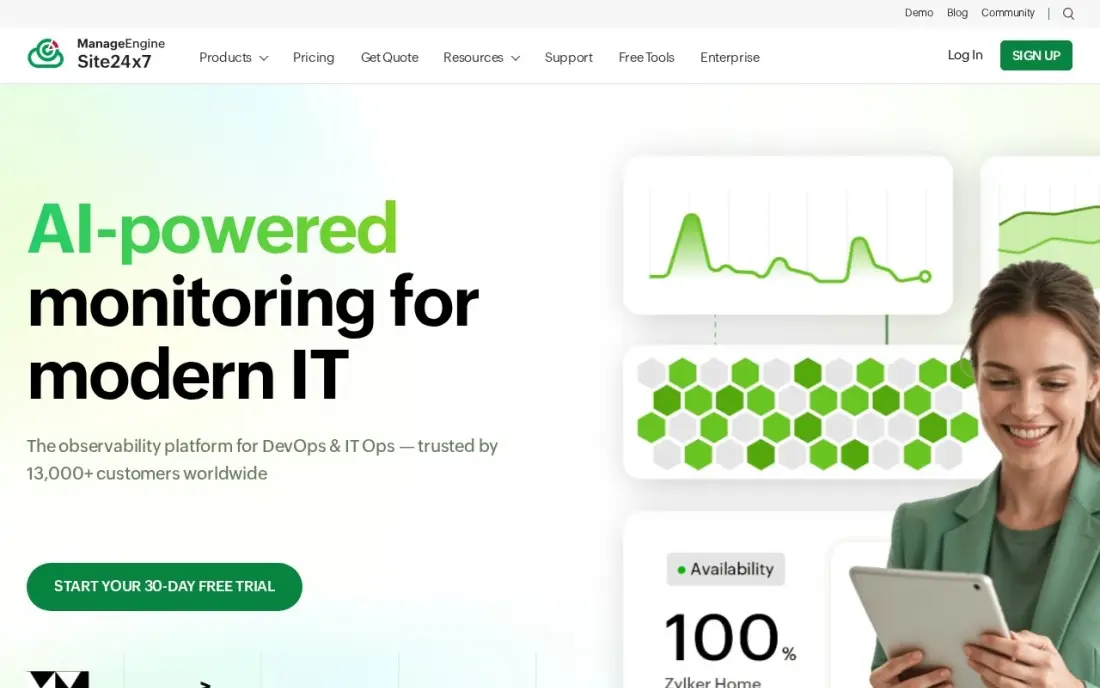
Site24x7 watches more than the website. Website uptime, servers, networks and cloud services sit in one console, with checks every minute from more than 130 locations and alerts by email, SMS and chat. It belongs to the Zoho and ManageEngine family, so it suits IT teams already using those tools, and it is rated 4.6 out of 5 on G2 from 482 reviews.
The free plan covers 5 monitors, and every paid plan has a 30-day free trial. Starter costs $9 a month, with 10% off billed annually, but covers web uptime only; server, network and application monitoring sit on higher plans. There is no automated fix on the entry plan, so someone still has to act on each alert.
What we like
- Website, server, network and cloud monitoring in one console from $9/month
- Checks run every minute from 130+ locations, with instant alerts by email, SMS and chat
- Free plan covers 5 monitors, and every paid plan includes a 30-day free trial
- Part of the ManageEngine and Zoho ecosystem, so it suits IT teams already using those tools
Watch out for
- The $9 plan covers web uptime; server, network and application monitoring cost more
- Alerting needs someone to act on it — there is no automated remediation on the entry plan

Pingdom
Best for: Businesses that want uptime, transaction checks and real user monitoring from one established vendor
Pingdom covers both sides of website monitoring: synthetic checks that test uptime, page speed and multi-step transactions from outside, and real user monitoring that measures how fast pages load for actual visitors. That pairing suits an online store that wants to know both when checkout breaks and when it is merely slow.
Plans are priced by check volume, from a tier with 10 uptime checks and 1 advanced check up to 1,000 uptime checks and 80 advanced checks, with enterprise plans beyond. The tier prices did not display on the public pricing page when we checked, so confirm the figure for your tier before buying. The first 14 days are free.
What we like
- Synthetic uptime, page speed and transaction checks plus real user monitoring
- Tiers scale from 10 uptime checks to 1,000, with enterprise plans beyond
- The 14-day trial includes both synthetics and real user monitoring
Watch out for
- No free plan
- Tier prices did not display on the public pricing page when we checked, so get a quote
- Advanced checks are limited per tier, from 1 at the entry tier

Datadog
Best for: Engineering teams that want real user monitoring tied to backend metrics and logs
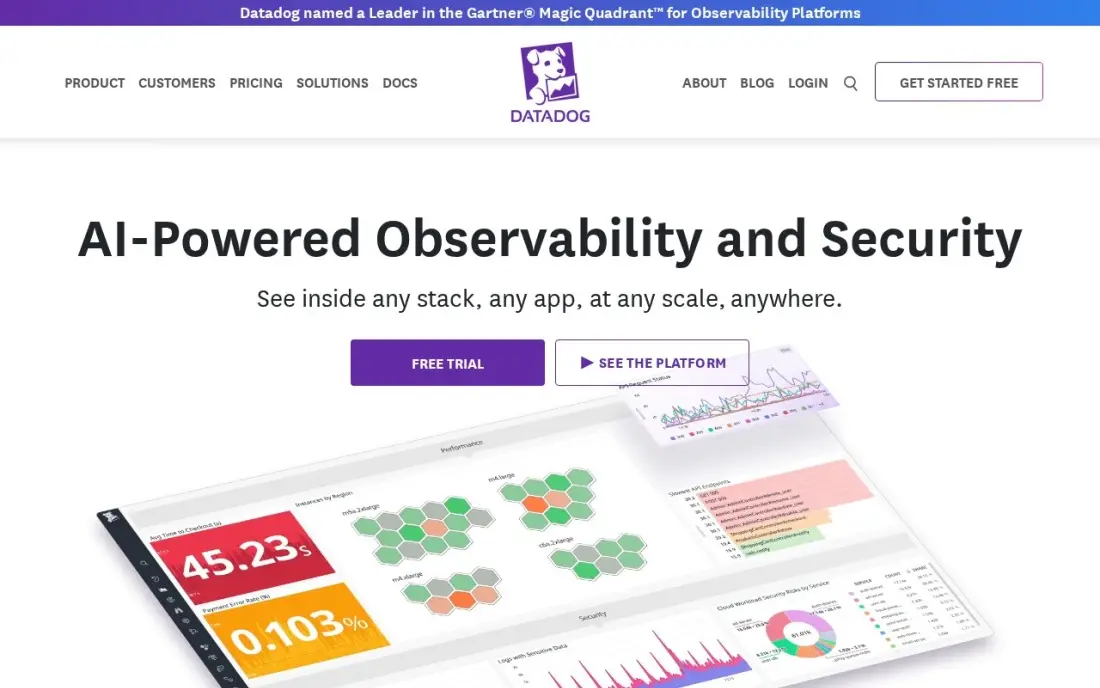
Datadog is the step beyond uptime checks. Its real user monitoring records how real visitors experience the site, page by page and session by session, and ties slow pages and front-end errors to the backend metrics, logs and traces the rest of Datadog collects. For an engineering team, that turns a vague 'the site is slow' into the exact request that caused it.
Pricing is per session rather than per monitor: RUM Measure costs $0.15 per 1,000 sessions and RUM Investigate costs $3 per 1,000 sessions. There is a 14-day free trial and no free plan. It is rated 4.4 out of 5 on G2 from 726 reviews. Small sites are better served by an uptime tool.
What we like
- Session data joins with APM, logs and infrastructure in one platform
- RUM Measure starts at $0.15 per 1,000 sessions — the cheapest per-session rate here
- Session replay and error tracking show exactly what users hit before a failure
Watch out for
- Modular pricing means RUM, APM, logs and hosts bill separately and the total climbs fast
- Investigate jumps to $3 per 1,000 sessions and session replay adds $2.50 per 1,000
- No free tier for RUM — only a 14-day trial
The best web monitoring software tells you a site is down, slow or about to lose its SSL certificate before a customer or a search engine finds out. We compared six tools, from free uptime checkers to on-call alerting and real user monitoring, on check intervals, alerts, status pages and what a small business or agency really pays, with every price checked on the vendor's own pricing page in November 2026.
How to choose the best web monitoring software
- Decide how fast you need to know. A 5-minute check can miss a short outage; 1-minute or 30-second checks catch it, at a higher price.
- Check who gets alerted, and how. Email works for a brochure site; a store needs SMS, phone calls or Slack alerts that reach someone at night.
- Look beyond uptime. SSL expiry, domain expiry and page speed failures take sites down just as surely, and some tools include those checks free.
- Count monitors per site. A homepage, checkout, API and login page each need their own monitor, so ten sites can need forty monitors.
- Decide whether customers need a status page. A public status page cuts support tickets during an outage.
- Choose synthetic, real user or both. Synthetic checks catch outages; real user monitoring shows how slow the site feels to visitors.
Monitoring tells you when the site breaks; it does not tell you why traffic fell. Our SEO audit service covers the search side, and our guide to the best website change monitoring software covers tracking content changes on your own or competitors' pages.
Web monitoring software pricing: what you will actually pay
Take an agency watching 40 client pages. UptimeRobot's free plan covers 50 monitors at $0 but checks only every 5 minutes. StatusCake Superior covers 100 monitors at 1-minute checks for $20.41 a month billed annually, or about $245 a year, and $24.49 billed monthly, or about $294 a year. UptimeRobot Team covers 100 monitors at 30-second checks from €35 a month billed annually, or €420 a year.
Better Stack prices by responder and monitor pack. One responder at $29 a month billed annually includes 10 monitors; adding 50 more costs $21 a month billed annually, so 60 monitors cost $50 a month, or $600 a year, with unlimited phone and SMS alerts for that responder.
Real user monitoring is priced by traffic instead. Datadog RUM Measure at $0.15 per 1,000 sessions costs $15 for 100,000 sessions a month, or $180 a year, and Investigate at $3 per 1,000 sessions costs $300 a month for the same traffic.
Know the difference: synthetic monitoring vs real user monitoring
Synthetic monitoring sends scripted requests to your site from servers around the world on a schedule: load the homepage, check the SSL certificate, log in, add to cart. When a check fails, you get an alert. UptimeRobot, Better Stack, StatusCake, Site24x7 and Pingdom all do this, and it is the tool that tells you the site is down.
Real user monitoring adds a small script to your pages and records what actual visitors experience: how long each page took to load, on which device and browser, and which errors they hit. Datadog and Pingdom offer it. It cannot tell you about an outage at 3 a.m. when nobody visits, but it shows which slow page is costing you sales, so larger sites usually run both.
Quick comparison: tool type by need
| Buyer | Best pick | Why |
|---|---|---|
| Small sites on no budget | UptimeRobot | 50 free monitors at 5-minute checks |
| Teams with on-call rotas | Better Stack | Phone and SMS alerts, $29/responder/month billed annually |
| Agencies with many client sites | StatusCake | 100 monitors at 1-minute checks, $20.41/month billed annually |
| IT teams watching servers too | Site24x7 | Website, server and network monitoring, from $9/month |
| Stores wanting synthetics plus RUM | Pingdom | Transaction checks and real user monitoring, 14-day trial |
| Engineering teams | Datadog | RUM tied to backend data, $0.15 per 1,000 sessions |
Mistakes to avoid
- Monitoring only the homepage. The homepage can load while checkout, login or the API is down; monitor the pages that make money.
- Sending alerts to one inbox. An alert nobody sees is no alert; route it to a phone or a team channel with a named person on call.
- Ignoring SSL and domain expiry. An expired certificate or domain takes a site offline as completely as a server crash.
- Checking from one location. A single-location check can report outages that are really network blips; confirm from more than one region.
- Never testing the alert. Pause a monitor or point one at a test page once a quarter to make sure alerts still arrive.
Related comparisons: Infrastructure Monitoring Software · Web Hosting Services for Ecommerce · Cheap Web Hosting Service Options · Web Content Filtering Software · Kiosk Software · Device Management Software
How we chose
We checked each vendor's own pricing page in November 2026 and recorded the starting price exactly as shown, with annual and monthly billing stated where the vendor gives both. UptimeRobot's page showed euro prices for our region, so we quote those, and Pingdom's tier prices did not display on its public page, so we describe its tiers without a figure. We ranked the tools by fit for the most common buyer, a small business or agency responsible for a few to a few dozen sites. Ratings come from G2 pages checked on the dates shown in the sources; we left ratings out where we could not verify them. No vendor paid for a place in this list, and none of the links here are affiliate links.
What to do next
Set up free monitors today on your homepage, checkout or contact form, and SSL certificate, and send the alerts to a phone, not just an inbox. Upgrade only when you need faster checks or on-call routing. If the site stays up but traffic still falls, book a free SEO check and we will find out why.
Frequently asked questions
What is the best web monitoring software?
UptimeRobot is the best free option, with 50 monitors at 5-minute checks. Better Stack is best for teams that need phone and SMS on-call alerts, from $29 a responder a month billed annually, and StatusCake's Superior plan is the best paid value at $20.41 a month billed annually for 100 monitors.
Is there free website monitoring software?
Yes. UptimeRobot's free plan covers 50 monitors at 5-minute checks, StatusCake's covers 10 uptime monitors plus page speed, SSL and domain checks, Better Stack's covers 10 monitors for personal projects, and Site24x7's covers 5 monitors.
How often should a website be checked?
For a brochure site, every 5 minutes is usually enough. For an online store or a SaaS product, 1-minute or 30-second checks catch outages before many customers notice; StatusCake Superior checks every minute and UptimeRobot Team and Better Stack every 30 seconds.
What is the difference between uptime monitoring and real user monitoring?
Uptime monitoring sends a test request from outside on a schedule and alerts when the site fails to answer. Real user monitoring measures what actual visitors experience, such as page load time and errors. Datadog and Pingdom offer real user monitoring; most uptime tools do not.
How much does web monitoring cost?
On published prices, Site24x7 Starter costs $9 a month, UptimeRobot Solo from €10 a month, StatusCake Superior $20.41 a month billed annually and Better Stack $29 a responder a month billed annually. Datadog RUM costs $0.15 per 1,000 sessions.
Does website downtime affect SEO?
Short outages rarely matter, but repeated or long downtime can lead search engines to crawl less often and, in time, drop pages. Monitoring lets you fix an outage before it lasts long enough to matter, and a status page explains it to customers.
Sources we checked (8)
- UptimeRobot — uptimerobot.com/pricing (checked November 16, 2026)
- Better Stack — betterstack.com/uptime/pricing (checked November 16, 2026)
- StatusCake — www.statuscake.com/pricing (checked November 16, 2026)
- Site24x7 — www.site24x7.com/site24x7-pricing.html (checked November 7, 2026)
- Site24x7 reviews on G2 (checked November 7, 2026)
- Pingdom — www.pingdom.com/synthetic-pricing (checked November 16, 2026)
- Datadog — www.datadoghq.com/pricing (checked November 12, 2026)
- Datadog reviews on G2 (checked November 12, 2026)
Make one of these tools?
We re-check this list every quarter. Send a correction, request a review, or ask about a clearly labeled sponsored spot.
Request a listingShamim
Founder of SerpAstra
A full-stack digital marketer and SEO strategist covering technical and local SEO, AI search visibility, paid ads and lead generation for local businesses, e-commerce brands and SaaS teams.
Free SEO and AI visibility audit
Find out what is holding your rankings back
Send us your site. Within 2 business days you get a written audit, an AI visibility check and a short fix list ranked by impact. Free, with no contract attached.
Request my free audit→Related buying guides
 SEO & AI Search Visibility6 Best Website Change Monitoring Software in 2026, ComparedCompare the 6 best website change monitoring software on check limits, frequency, alerts and real yearly cost, with every price checked on vendor pricing pages.Read guide →
 Developer Tools7 Best Load Testing Tools in 2026 (Free and Paid, Compared)Compare the 7 best load testing tools on starting price, free plans, scripting language and cloud scale, with every price checked November 7, 2026.Read guide →
 IT Management9 Best Cloud Hosting Services in 2026, ComparedCompare the 9 best cloud hosting services on starting price, free credits, egress costs, managed services and support, with every price checked on vendor pages.Read guide →