
6 Best Kiosk Software in 2026, Compared
Compare the 6 best kiosk software for locking down tablets, PCs and touchscreens on platforms, remote management and real per-device cost, checked for 2026.
 Shamim Mia, Founder, SerpAstraLast verified November 10, 202610 min read
We compare pricing pages, documentation and public reviews. We never accept payment for rankings.
Key takeaways
- Esper and Hexnode are the cheapest ways to lock down fleets of Android tablets as kiosks, at $2 and $2.20 per device a month, with 25-device and 15-device minimums.
- KioWare is the specialist lockdown browser for Windows, Android, Linux and Chrome OS, listed on Capterra from $125 a year on its Starter tier.
- SiteKiosk Online bundles lockdown, remote management and content at €239 per device a year for 1 to 9 devices, with a cheaper non-profit rate.
- NoviSign and 22Miles are content-led: pick them when the kiosk is mainly an interactive screen or a wayfinding map rather than a locked-down app.
On this page
Quick comparison
| Tool | Best for | Starting price | Free plan |
|---|---|---|---|
| Esper | Businesses running fleets of Android tablets or dedicated devices as kiosks, check-in stations or POS terminals | $2/device/mo | No (30-day trial) |
| Hexnode UEM | Businesses that want kiosk lockdown plus full device management across Android, iPad and Windows | $2.20/device/mo | No (14-day trial) |
| KioWare | Organisations that need a dedicated lockdown browser for public kiosks on Windows, Android, Linux or Chrome OS | $125/yr (Starter) | No (free trial) |
| SiteKiosk Online | European and public-sector organisations that want lockdown, remote management and screen content in one subscription | €239/device/yr | No |
| NoviSign | Restaurants and retailers that want interactive touchscreen kiosks with surveys, quizzes and menus | $16/screen/mo | No (30-day trial) |
| 22Miles | Hospitals, airports and campuses that want touch kiosks for wayfinding and directories across many buildings | Custom quote | No (demo only) |
Make one of these tools?
We re-check this list every quarter. Send a correction, request a review, or ask about a clearly labeled sponsored spot.
Request a listingThe best kiosk software
Esper
Best for: Businesses running fleets of Android tablets or dedicated devices as kiosks, check-in stations or POS terminals
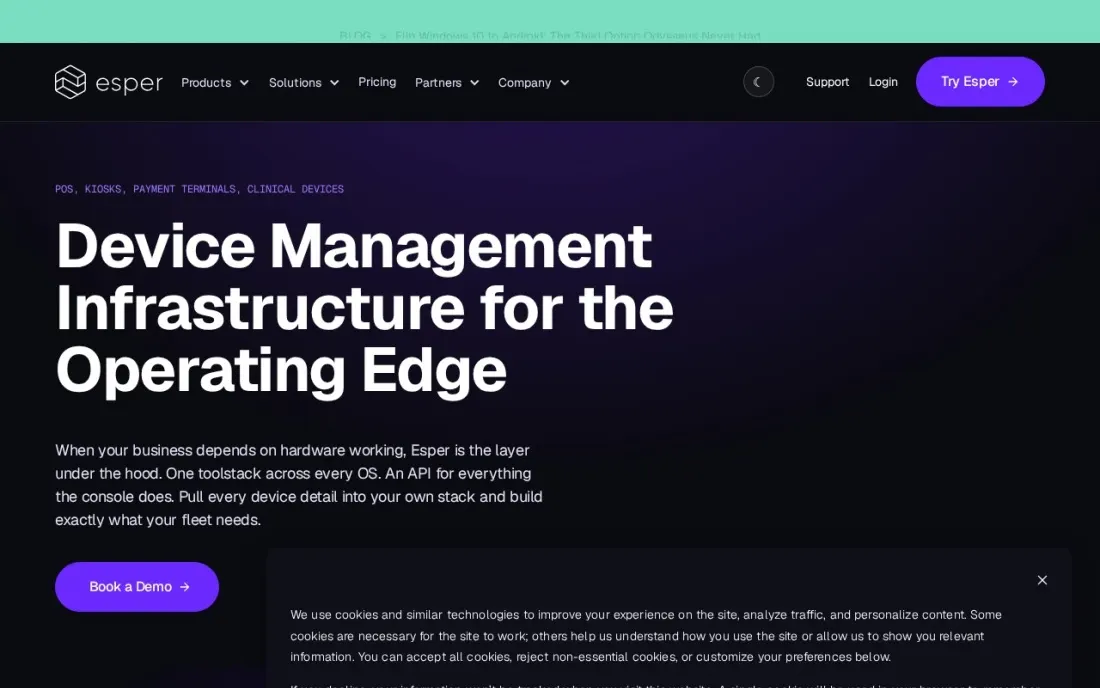
Esper is built for dedicated devices, the tablets and handhelds that run one job all day, which is exactly what a kiosk is. Kiosk and multi-app mode is included on every plan, and it can enrol and provision AOSP Android hardware, the non-Google devices common in self-service terminals, alongside standard Android. Updates and app pushes run from one console across the fleet.
Genesis costs $2 per device a month with 5 console users, Bridge $4 with 20, and Architect $6 with 100 and seamless provisioning included, with Enterprise quoted. Every contract has a 25-device minimum, so it suits fleets rather than a single lobby tablet. A 30-day free trial lets you enrol devices straight away.
What we like
- Kiosk and multi-app mode on every listed plan
- Provisioning for AOSP Android devices, not just Google-certified hardware
- Published per-device prices: $2, $4 and $6 a month
Watch out for
- 25-device minimum on every contract
- Genesis allows only 5 console users
- Seamless provisioning and several extras are paid add-ons below Architect

Hexnode UEM
Best for: Businesses that want kiosk lockdown plus full device management across Android, iPad and Windows
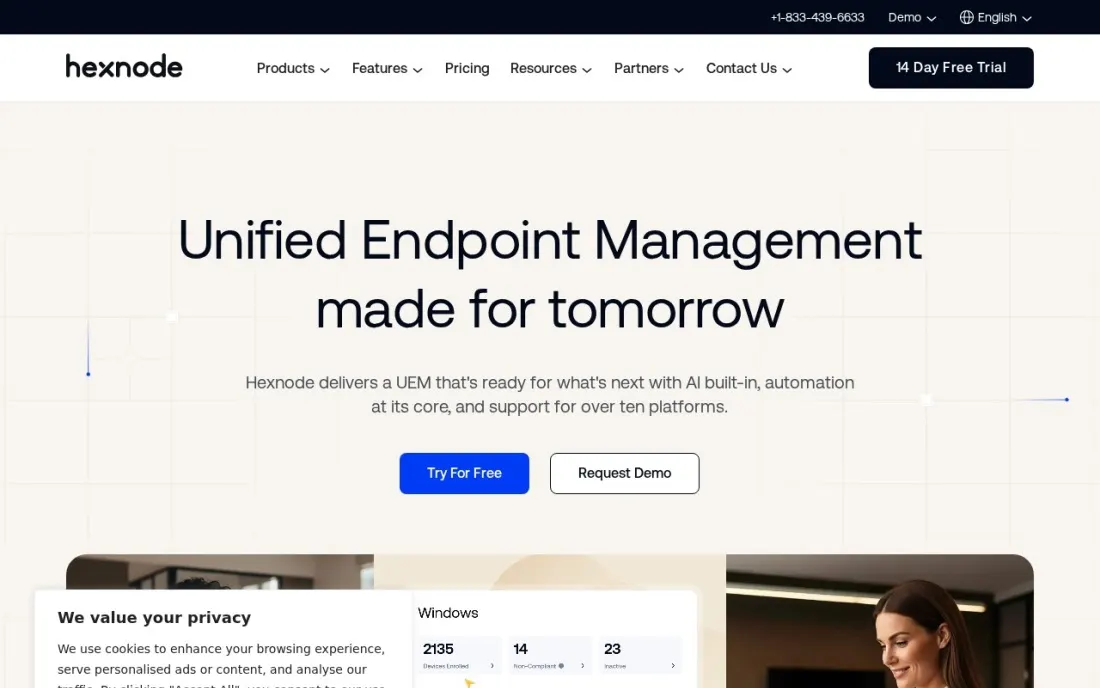
Hexnode is a full device management platform with kiosk mode built in, which suits a business that wants its kiosks managed in the same console as staff phones and laptops. The entry Pro plan includes its basic and advanced kiosk features, app allowlists, Samsung Knox and Apple Business Manager enrolment, so a new tablet can arrive, enrol itself and boot straight into the kiosk app.
Pro costs $2.20 per device a month as a monthly-equivalent rate, Enterprise $3.20 with Windows, macOS and tvOS management, and Ultimate $4.70, with about 10% off on annual billing and a 15-device minimum. The 14-day trial runs on Ultra, so check which kiosk features your chosen plan keeps.
What we like
- Kiosk features included on the entry Pro plan
- Samsung Knox and Apple Business Manager zero-touch enrolment
- Windows and macOS management on Enterprise at $3.20 per device
Watch out for
- Windows kiosks need Enterprise, not Pro
- 15-device minimum
- The trial runs on Ultra, so features may differ from your plan

KioWare
Best for: Organisations that need a dedicated lockdown browser for public kiosks on Windows, Android, Linux or Chrome OS
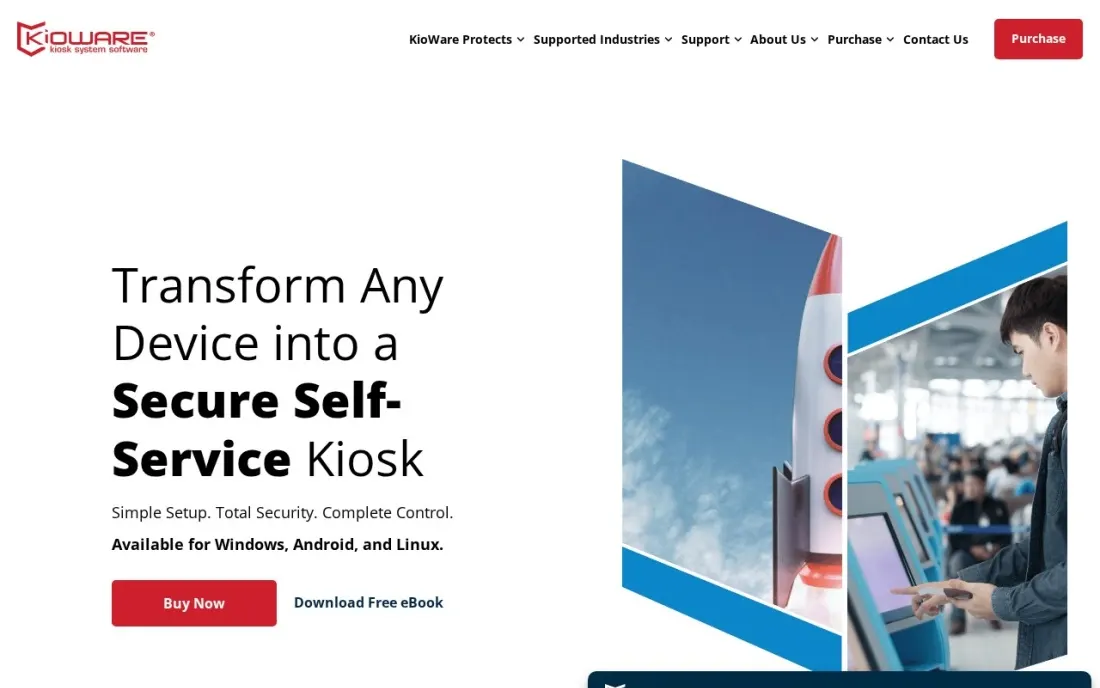
KioWare is kiosk software in the traditional sense: a locked-down browser and app shell for public-facing machines such as library terminals, hotel check-ins and patient sign-in stations. It locks the operating system and starts on boot, restricts browsing and apps, clears each visitor's session automatically, and shows attract screens when idle. It runs on Windows, Android, Linux and Chrome OS.
Capterra lists tiers at $125, $155 and $195 a year, and remote management through self-hosted KioWare Server or cloud KioCloud adds cost on the Enterprise tier. A free trial is available. It is rated 4.3 out of 5 on Capterra from 19 reviews. Confirm the per-device licence terms directly with KioWare.
What we like
- Supports Windows, Android, Linux and Chrome OS
- Session control clears user data automatically between visitors
- Self-hosted KioWare Server or cloud KioCloud for central management
Watch out for
- Prices come from Capterra; KioWare's own price page did not load for us
- Remote management costs extra on top of the Enterprise tier
- Interface and setup are more technical than tablet MDM tools

SiteKiosk Online
Best for: European and public-sector organisations that want lockdown, remote management and screen content in one subscription
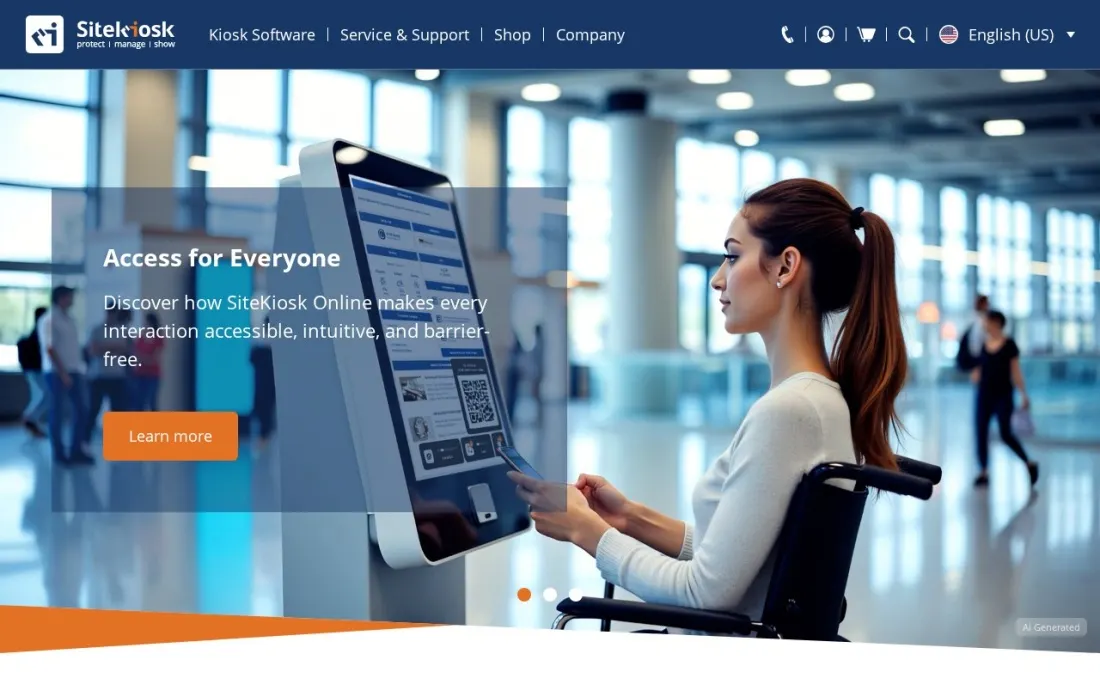
SiteKiosk Online combines three jobs in one subscription: protecting the device, managing it remotely and showing content on it, which its maker describes as Protect, Manage and Show. Each licence includes browser-based server access, updates and technical support, and dedicated or on-premise servers are available for organisations that cannot use the cloud. One licence is needed per display or player device.
The cloud subscription costs €239 per device a year for 1 to 9 devices, €215 for 10 to 24 and €203 for 25 to 49, with non-profit rates from €149. Billing is annual. The older SiteKiosk Classic for Windows sells at €240 per copy with €100 a year maintenance, but sales end in 2029.
What we like
- Lockdown, management and content display in one licence
- Volume tiers drop to €203 per device a year at 25–49 devices
- Non-profit pricing from €149 per device a year
Watch out for
- Annual subscription only; no monthly billing
- Prices are in euros, with 50+ devices quoted on request
- SiteKiosk Classic sales end on December 31, 2029

NoviSign
Best for: Restaurants and retailers that want interactive touchscreen kiosks with surveys, quizzes and menus
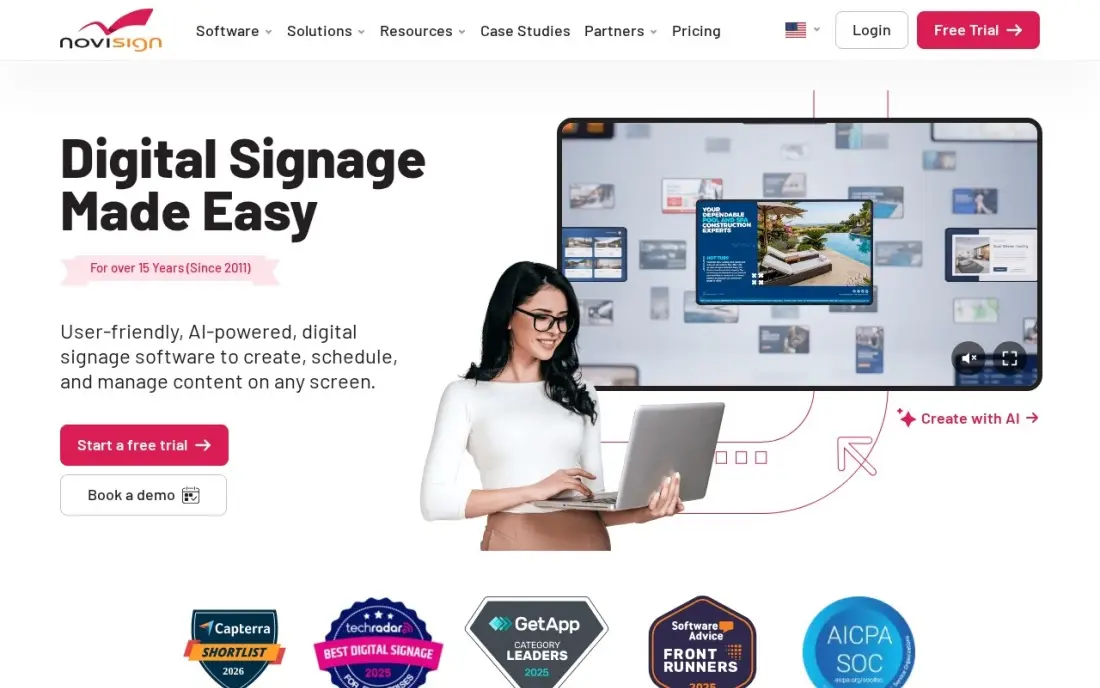
NoviSign approaches kiosks from the content side. It is digital signage software with touch widgets, quizzes, surveys and kiosk modes as core features, so a screen can show a menu, take a feedback survey or let customers browse products without a developer. The drag-and-drop editor has more than 500 templates and a Canva integration.
Business costs $16 per screen a month, or $14 billed annually, and Business Plus at $17 adds a Toast POS link, so menu prices follow the till. SSO and the open API need Premium at $25. It does not lock down a general-purpose device the way KioWare or Esper do. It is rated 5.0 out of 5 on G2 from 47 reviews.
What we like
- Touch widgets, quizzes, surveys and kiosk modes ship as core features, not add-ons
- Highest G2 score here at 5.0 out of 5, with reviewers praising ease of use and support
- Drag-and-drop editor with 500+ templates and a Canva integration for non-designers
- Business Plus adds a Toast POS link, so menu prices can follow the till instead of being retyped
Watch out for
- Business Plus ($17) is needed for the Toast POS link, AI image creator and proof of play
- SSO, the open API and the audit log sit behind Premium at $25 per screen per month
- Digital signage software first, so it does not lock down a general-purpose device the way KioWare or Esper do

22Miles
Best for: Hospitals, airports and campuses that want touch kiosks for wayfinding and directories across many buildings
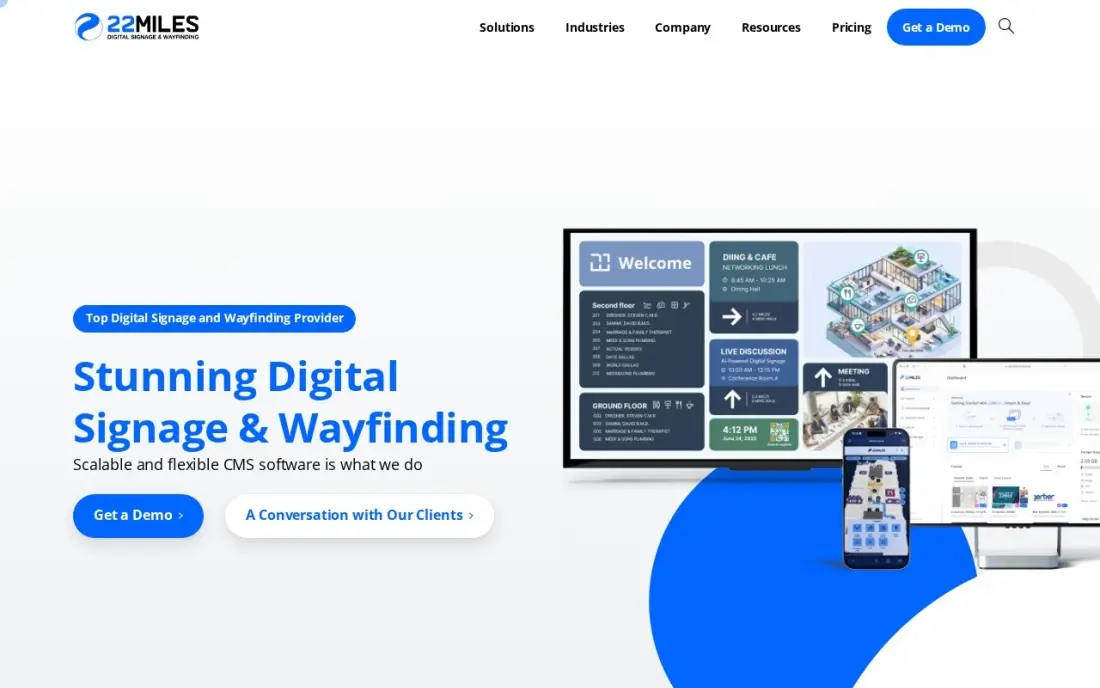
22Miles is the kiosk platform for large venues where visitors need to find their way. One CMS drives touch kiosks, video walls and mobile and web wayfinding from the same 2D or 3D maps, and routes can be changed in real time when a corridor closes. Pricing is based on buildings and floors rather than square footage, with unlimited CMS seats.
Every project is quoted, and kiosk hardware is extra on top of the software licence. G2 reviewers say it can be complex for new users and that it does not work on macOS. It earns its cost in a hospital or campus with many entrances; a single shop is better served elsewhere. It is rated 5.0 out of 5 on G2 from 4 reviews.
What we like
- One CMS runs kiosks, video walls, mobile and web wayfinding with 2D or 3D maps
- Pricing is based on buildings and floors, not square footage, with unlimited CMS seats
- Routes can be edited in real time when construction or a room change closes a path
- Rated 5.0 out of 5 on G2, with reviewers praising responsive support and reliability
Watch out for
- No published price: the vendor quotes per project, so budgeting needs a sales conversation
- Kiosk hardware is an added cost on top of the software licence
- G2 reviewers note the system can be complex for new users and does not work on macOS
The best kiosk software turns an ordinary tablet, PC or touchscreen into a self-service station the public can use without breaking it: one app or website on screen, everything else locked away, and remote control from an office. We compared six tools, from device management platforms with kiosk mode to dedicated lockdown browsers and interactive screen software. Prices come from vendor pricing pages, a vendor price list and review-site listings, checked in November 2026.
How to choose the best kiosk software
- Start with the hardware. Android tablets, iPads, Windows PCs and Chrome OS devices each support different tools; pick software that runs on the devices you already own.
- Decide single-app or multi-app. A check-in screen needs one app; a library terminal may need a browser plus a few approved apps.
- Check session clearing. Public kiosks must wipe the last visitor's data automatically, especially for forms and logins.
- Plan remote management. With more than a handful of kiosks, you need to push updates, restart devices and see which are offline without visiting them.
- Read the minimums. Device minimums and annual contracts can make a tool expensive for two or three kiosks.
- Think about content. If the kiosk mainly shows menus, maps or promotions, interactive signage software may be easier to run than an MDM.
A self-service kiosk helps the customers already in your building; search brings the next ones. If you run a local business with check-in kiosks or a showroom, our local SEO service helps you appear when nearby customers search, and the free Google review link generator makes it easy to ask kiosk users for a review.
Which kiosk software fits your situation
A clinic or retail chain with dozens of Android check-in tablets. Esper fits best, because kiosk and multi-app mode come on every plan from $2 per device a month and it can provision AOSP Android hardware as well as standard Android. The 25-device minimum is fine for a fleet but makes it poor value for a handful of screens, and Genesis allows only 5 console users.
A business that wants kiosks in the same console as staff phones and laptops. Hexnode UEM includes kiosk features on Pro at $2.20 per device a month, with Samsung Knox and Apple Business Manager zero-touch enrolment, so a new tablet can boot straight into the kiosk app. Windows kiosks need Enterprise at $3.20, and the 14-day trial runs on Ultra, so confirm your plan keeps the features you tested.
A library, hotel or patient sign-in desk running public PCs. KioWare is the specialist lockdown browser, running on Windows, Android, Linux and Chrome OS and clearing each visitor's session automatically. Capterra lists it from $125 a year, but remote management costs extra on Enterprise and setup is more technical than tablet tools, so confirm licence terms with KioWare.
A European public-sector body or non-profit. SiteKiosk Online puts lockdown, remote management and screen content in one licence at €239 per device a year for 1 to 9 devices, or from €149 for non-profits, with on-premise servers available. Billing is annual only.
A restaurant, shop or large venue where the kiosk is mainly content. NoviSign builds touch menus, surveys and quizzes from $16 per screen a month, with a Toast POS link on Business Plus. 22Miles suits hospitals and campuses that need wayfinding across many buildings, quoted by buildings and floors. Neither locks down a general-purpose device, so pair them with dedicated hardware or a lockdown tool.
Kiosk software pricing: what you will actually pay
Take a clinic chain with 30 Android check-in tablets. On Esper Genesis at $2 per device a month, 30 tablets cost $60 a month, or $720 a year, above the 25-device minimum. On Hexnode Pro at $2.20 per device a month, the same fleet costs $66 a month, or $792 a year at the monthly-equivalent rate, less about 10% billed annually. If you need Windows kiosks too, Hexnode Enterprise costs $3.20 per device a month, or $1,152 a year for 30 devices.
On SiteKiosk Online, 30 devices fall in the 25–49 tier at €203 per device a year, or €6,090 a year, with content display included. KioWare is listed on Capterra from $125 a year on Starter. NoviSign costs $14 per screen a month billed annually, or $5,040 a year for 30 screens, and is priced for content rather than lockdown. 22Miles quotes each project.
Know the difference: kiosk lockdown vs kiosk content
Lockdown software controls the device. Esper, Hexnode, KioWare and SiteKiosk stop visitors leaving the kiosk app, block settings and other apps, restart the app if it crashes and clear sessions between users. Esper and Hexnode do this as part of device management; KioWare and SiteKiosk do it with a purpose-built kiosk browser.
Content software controls what the screen shows. NoviSign builds interactive menus, surveys and product browsers, and 22Miles builds wayfinding maps and directories. These tools assume the screen is already secure or runs on dedicated hardware. Many deployments need both: a lockdown layer on the device and a content layer for what customers see.
Quick comparison: tool type by need
| Buyer | Best pick | Why |
|---|---|---|
| Android tablet fleets | Esper | Kiosk mode on every plan, from $2/device/month, 25-device minimum |
| Kiosks plus staff devices | Hexnode UEM | Kiosk on Pro at $2.20/device/month, Windows on Enterprise |
| Public lockdown browser | KioWare | Windows, Android, Linux and Chrome OS, from $125/year via Capterra |
| Lockdown plus content, EU | SiteKiosk Online | €239/device/year for 1–9 devices, non-profit from €149 |
| Interactive menus and surveys | NoviSign | Touch widgets and kiosk modes, $16/screen/month |
| Wayfinding across buildings | 22Miles | Kiosks, video walls and mobile maps on one CMS, by quote |
Mistakes to avoid
- Relying on built-in single-app mode at scale. Guided Access and screen pinning work on one device, but give you no remote control when a kiosk freezes across town.
- Forgetting session data. A kiosk that keeps the last person's form or login open is a privacy incident waiting to happen.
- Ignoring updates. Locked-down devices still need OS and app updates; schedule them outside opening hours.
- Buying for one kiosk on a fleet contract. Minimums of 15 or 25 devices make some tools poor value for a single lobby screen.
- Skipping accessibility. Check text size, contrast and reach height so every visitor can use the kiosk.
Related comparisons: Web Monitoring Software · Web Hosting Services in India · Tools for Enterprises to Integrate Apps · Remote Monitoring Software
How we chose
We drew NoviSign and 22Miles from our verified database and researched the other four on November 16, 2026: Esper from its pricing page, Hexnode from its own published pricing breakdown, SiteKiosk from its September 2026 price list, and KioWare from its Capterra listing because its own price page did not load. We ranked tools by fit for a business running between five and a few hundred public kiosks, weighing platform support, lockdown depth, remote management and cost. Ratings come from G2 or Capterra pages checked on the dates shown; we left ratings out where we did not verify them. No vendor paid for a place in this list, and none of the links here are affiliate links.
What to do next
Pick one kiosk location, start a free trial of the tool that fits your hardware, and run it for a week with real visitors, checking session clearing and remote restarts. Then roll it out. If you also want more local customers walking up to those kiosks, book a free local visibility check.
Frequently asked questions
What is the best kiosk software?
For fleets of Android tablets, Esper is the best value at $2 per device a month with a 25-device minimum. Hexnode is better if kiosks share a console with staff devices, and KioWare is the specialist lockdown browser for Windows, Android, Linux and Chrome OS.
What does kiosk software do?
It locks a device to one app, website or set of apps, hides the rest of the operating system, restarts the kiosk app if it closes, clears each visitor's session and lets you update or monitor the device remotely.
How much does kiosk software cost?
On published prices, Esper costs $2 to $6 per device a month, Hexnode $2.20 to $4.70, KioWare $125 to $195 a year per Capterra, SiteKiosk Online €239 per device a year for 1 to 9 devices, and NoviSign $16 per screen a month. 22Miles is quote-only.
Is there free kiosk software?
Android and iPad have basic single-app modes built in, Guided Access on iPad and screen pinning on Android, which work for one device. For more than a few devices, paid tools add remote management; Esper, Hexnode and NoviSign offer free trials.
Can I turn a Windows PC into a kiosk?
Yes. KioWare and SiteKiosk Classic both run on Windows, and Hexnode manages Windows devices on its Enterprise plan. Windows also has a built-in assigned-access kiosk mode for simple single-app setups.
What is the difference between kiosk software and digital signage?
Kiosk software locks a device so the public can use it safely. Digital signage software manages what a screen displays. Interactive signage such as NoviSign overlaps with kiosks, but it does not lock down the underlying device.
Sources we checked (9)
- Esper — www.esper.io/pricing (checked November 16, 2026)
- Hexnode UEM — www.hexnode.com/blogs/hexnode-uem-pricing-breakdown (checked November 16, 2026)
- KioWare — www.capterra.com/p/55371/KioWare-Kiosk-Software (checked November 16, 2026)
- KioWare reviews on Capterra (checked November 16, 2026)
- SiteKiosk Online — www.sitekiosk.com/wp-content/uploads/pricing_eu_en_2026_09_15.pdf (checked November 16, 2026)
- NoviSign — www.novisign.com/pricing (checked November 10, 2026)
- NoviSign reviews on G2 (checked November 10, 2026)
- 22Miles — www.22miles.com (checked November 10, 2026)
- 22Miles reviews on G2 (checked November 10, 2026)
Make one of these tools?
We re-check this list every quarter. Send a correction, request a review, or ask about a clearly labeled sponsored spot.
Request a listingShamim
Founder of SerpAstra
A full-stack digital marketer and SEO strategist covering technical and local SEO, AI search visibility, paid ads and lead generation for local businesses, e-commerce brands and SaaS teams.
Free SEO and AI visibility audit
Find out what is holding your rankings back
Send us your site. Within 2 business days you get a written audit, an AI visibility check and a short fix list ranked by impact. Free, with no contract attached.
Request my free audit→Related buying guides
 MarketingBest Digital Signage Software for 2026: 7 Options Compared by Use CaseCompare the 7 best digital signage software options on price, free plans and features, with every per-screen price checked November 10, 2026.Read guide →
 Manufacturing, Maintenance & ERP7 Best Digital Wayfinding Software in 2026, ComparedCompare the 7 best digital wayfinding software options for campuses, hospitals and venues, with real prices and quote-only costs checked November 10, 2026.Read guide →
 Retail, Restaurants & Hospitality11 Best Digital Menu Board Software in 2026, ComparedCompare the 11 best digital menu board software options on real per-screen prices, free plans and menu features, checked on November 10, 2026.Read guide →