
8 Best Home Improvement Apps in 2026, Compared
Compare the 8 best home improvement apps for planning rooms, collecting ideas and hiring pros, with free plans and paid tiers checked on vendor pages.
 Shamim Mia, Founder, SerpAstraLast verified November 4, 20269 min read
We compare pricing pages, documentation and public reviews. We never accept payment for rankings.

Key takeaways
- Planner 5D is the best home improvement app for planning a renovation yourself: a usable free plan, and Premium at $59.99 a year for the full 10,000-plus item catalog.
- Homestyler is the free pick for seeing a finished room, with unlimited 1K renders on its Basic plan; Floorplanner is the cheapest paid plan at $5 a month for accurate dimensioned plans.
- For hiring, Angi and Thumbtack are free to homeowners and you pay the pro's quote; TaskRabbit suits small jobs where you want to pick the person by hourly rate and reviews.
- Pinterest is still the best free place to collect ideas before you plan or hire.
On this page
Quick comparison
| Tool | Best for | Starting price | Free plan |
|---|---|---|---|
| Planner 5D | Homeowners planning a renovation end to end who want a full furniture catalog on a budget | $19.99/mo | Yes (free plan) |
| Homestyler | Homeowners who want to see a restyled room in realistic renders for free | Free; Pro+ from $6.80/mo | Yes (free) |
| Floorplanner | DIYers who need an accurate, dimensioned floor plan to measure materials and brief a contractor | $5/mo | Yes (free Basic) |
| RoomSketcher | Homeowners who want to-scale printed plans and 3D walkthroughs to share with builders | $24/mo | Yes (free plan) |
| Angi | Homeowners who want a large marketplace of screened pros and cost guides before hiring | From $75/visit | Yes (free to use) |
| Thumbtack | Homeowners who want several local quotes to compare side by side on price and reviews | Free to use | Yes (free to use) |
| TaskRabbit | Small jobs such as furniture assembly, mounting and minor repairs where you pick the person | From $40/clean | No (pay per task) |
| Collecting and organising renovation ideas before you plan or hire | Free | Yes (free) |
Make one of these tools?
We re-check this list every quarter. Send a correction, request a review, or ask about a clearly labeled sponsored spot.
Request a listingThe best home improvement apps

Planner 5D
Best for: Homeowners planning a renovation end to end who want a full furniture catalog on a budget
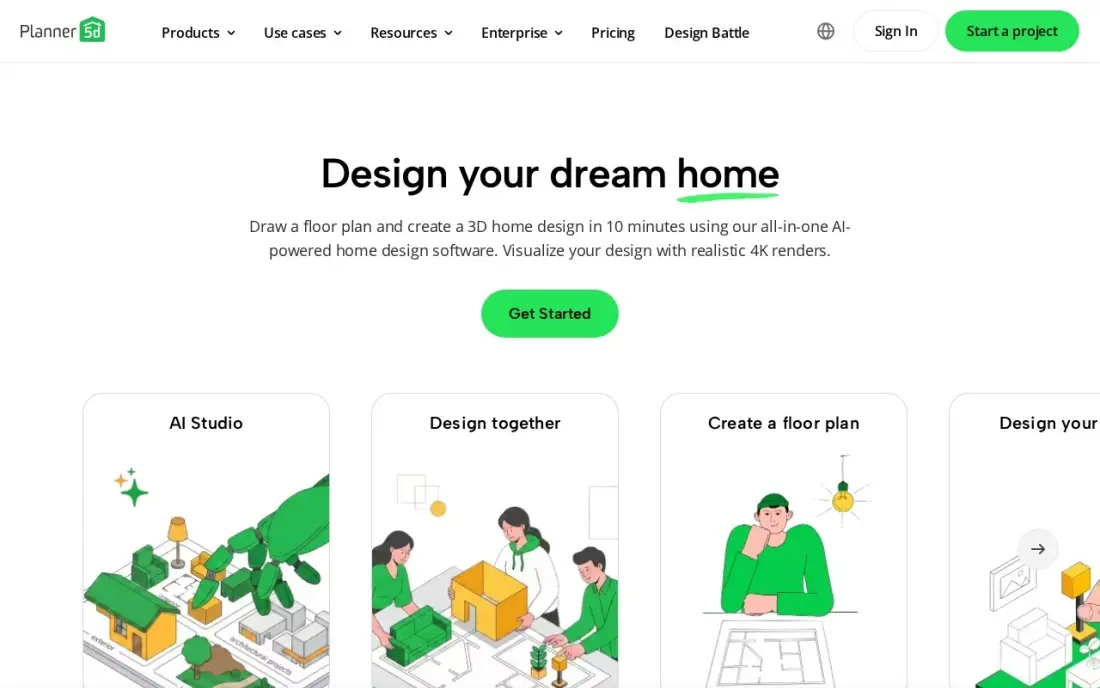
Planner 5D is the planning app most homeowners should try first. The free plan includes unlimited projects and half the catalog with no time limit, which is enough to lay out a kitchen or a new bedroom and test whether the furniture fits before you buy anything. AI floor-plan recognition turns a photo or sketch of your existing plan into an editable 3D layout.
Premium costs $19.99 a month, or $59.99 a year billed annually, and unlocks the full catalog of more than 10,000 items. It rates 4.7 out of 5 on G2 from 188 reviews. Subscriptions auto-renew with no refunds, so buy the annual plan only when you have a real project to plan.
What we like
- Premium at $59.99 a year is the cheapest paid plan in this list for the full 10,000-plus item catalog
- AI floor-plan recognition turns a photo or sketch of a plan into an editable 3D layout
- Free plan includes unlimited projects and half the catalog, with no time limit
- Runs on web, iOS, Android, Windows, macOS and visionOS, with projects syncing across devices
Watch out for
- Watermark-free 4K renders, 3D model upload and CAD export need Professional at $399.99 a year
- Subscriptions auto-renew and Planner 5D gives no refunds, so the renewal date needs a reminder
- Android-only subscriptions do not sync across platforms

Homestyler
Best for: Homeowners who want to see a restyled room in realistic renders for free
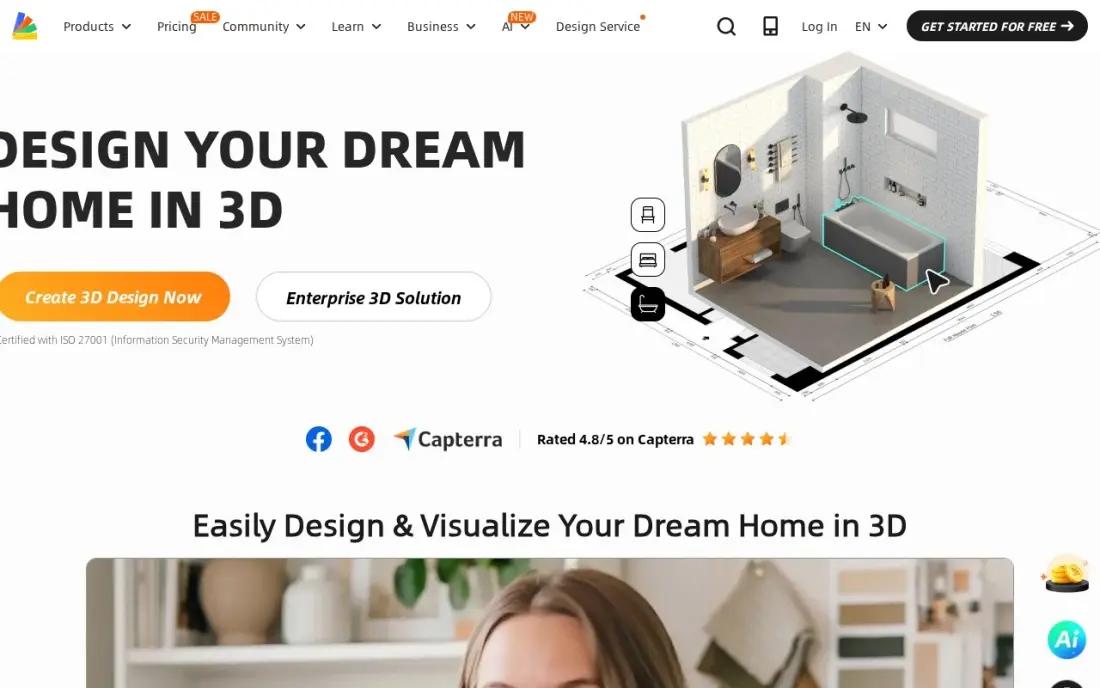
Homestyler is the app for seeing what a room could look like. Its free Basic plan includes a 3D floor planner, more than 100,000 free models and materials and unlimited 1K renders, so you can try three paint colours and two sofa layouts and compare the pictures. AI tools restyle a room from a photo, which is the quickest way to test a style before committing.
Free renders are 1K and watermarked, and the plan includes only 3 AI credits in total. Pro+ starts from $6.80 a month, but Homestyler does not publish the billing term beside that figure, so check the price at checkout. For a homeowner who mostly wants pictures, the free plan goes a long way.
What we like
- Unlimited 1K renders on the free plan — no other free tool here renders without a cap
- AI tools restyle a room from a photo and turn images into 3D models
- A library of more than 100,000 free 3D models and materials on the free plan
- The cheapest paid step up here: Pro+ starts from $6.80 a month
Watch out for
- The paid price is a 'from' figure and the billing term is not published on the pricing page
- Free renders are 1K only and carry a watermark; 2K and 4K need Pro+
- Only 3 AI credits in total on the free plan, so AI restyling runs out fast

Floorplanner
Best for: DIYers who need an accurate, dimensioned floor plan to measure materials and brief a contractor
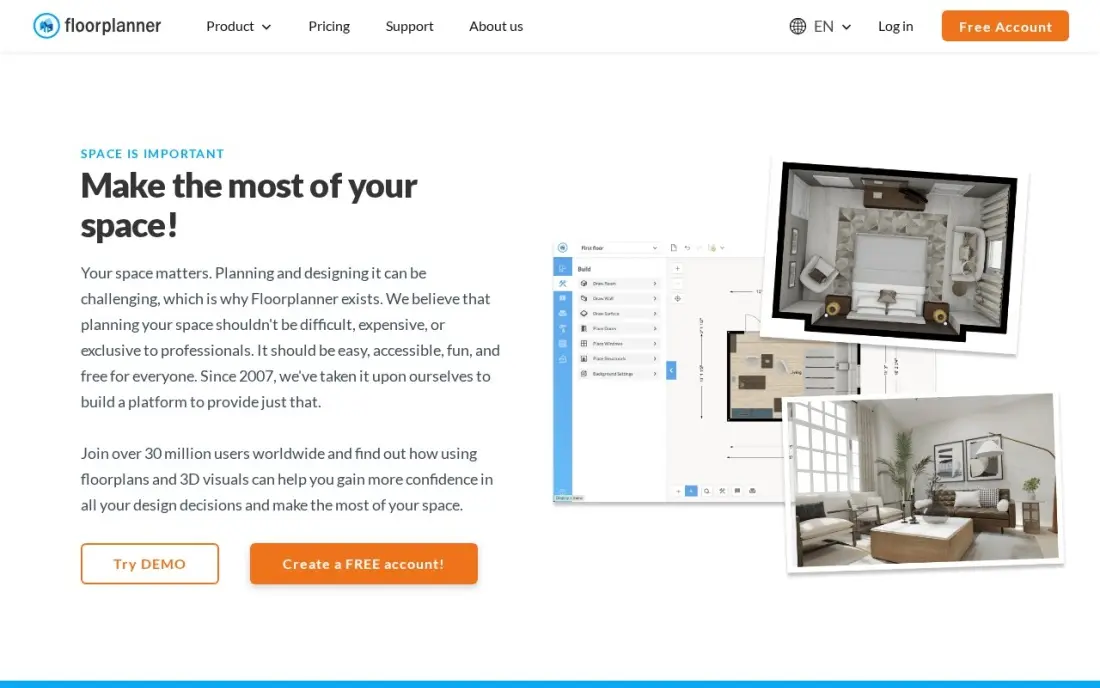
Floorplanner is the measurement tool in this list. You draw rooms and walls in the browser and get a dimensioned 2D plan in minutes, then switch to 3D to check how it feels. That accuracy matters when you are ordering flooring, pricing drywall or showing a contractor exactly where a wall is coming out.
The free Basic plan covers up to five projects with watermarked, lower-resolution exports. Plus costs $5 a month, or $4.08 a month billed annually, the cheapest paid plan here, and includes 4 credits a month; one HD export costs 5 credits, so expect to buy a credit at $1.63 now and then.
What we like
- Plus at $5 a month is the cheapest paid plan here, with 4 credits a month and no export cooldown
- Draws accurate dimensioned plans in the browser with no install and no CAD training
- Free Basic plan covers up to 5 projects, enough to test the editor properly
- Credit packs are a flat $1.63 per credit, so occasional exports can be bought without a subscription
Watch out for
- Plus includes only 4 credits a month, and one HD project upgrade costs 5, so heavy exporters buy extra credits
- Exports on the free plan are watermarked, limited in resolution and slowed by cooldowns
- No 3D furniture catalog as deep as Planner 5D or Coohom

RoomSketcher
Best for: Homeowners who want to-scale printed plans and 3D walkthroughs to share with builders
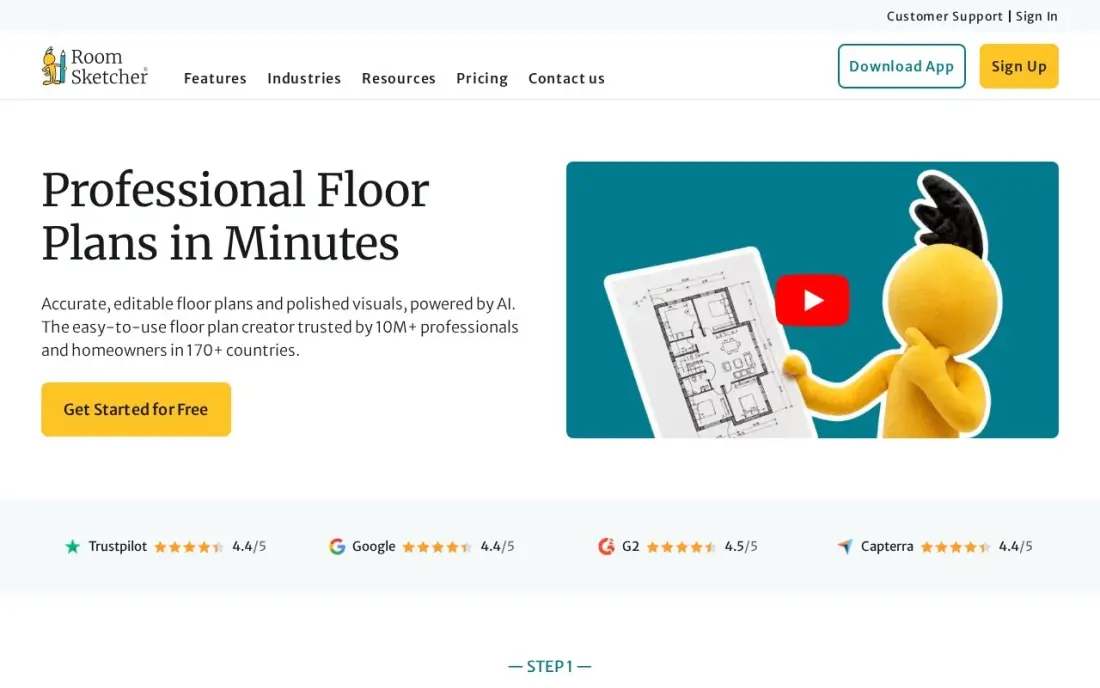
RoomSketcher suits a homeowner managing a bigger remodel. From one drawing it produces a to-scale 2D plan with measurements and total floor area, a furnished 3D view and a 360-degree walkthrough, which is exactly what a builder or kitchen fitter needs to quote properly. The free plan covers basic drawing and 3D viewing, so you can draw the house before paying.
Pro costs $24 a month, or $144 a year billed annually, and adds to-scale printing. Premium outputs run on credits, with 5 a month on Pro and one spent per 3D photo or 360 view. It rates 4.5 out of 5 on G2 from 150 reviews. Use it when the plan has to be precise enough to price.
What we like
- Pro prints floor plans to scale with measurements and total floor area, which matters when a contractor prices the work
- Generates 2D plans, furnished 3D views and 360-degree walkthroughs from the same drawing, with no CAD training
- Free plan covers basic drawing and 3D viewing, so the workflow can be tested before paying
- Team at $420 a year adds five users and collaboration for a small studio
Watch out for
- Premium outputs run on credits: Pro includes 5 a month, and each 3D photo or 360 view spends one
- Ordering a finished floor plan costs from $18 a floor for Pro subscribers, on top of the subscription
- No desktop app for phones; it runs on desktop and tablet only

Angi
Best for: Homeowners who want a large marketplace of screened pros and cost guides before hiring
Angi is the hiring app most homeowners know, and its strength is the size of the network: one free account covers handymen, plumbers, electricians, cleaners and hundreds of other trades. Pros are screened, bookings carry Angi's happiness guarantee, and its cost guides, built from tens of thousands of verified projects, help you judge whether a quote is reasonable.
Angi publishes ranges, not prices, so every job still needs a quote for your home. Pro-side complaints about lead costs are common in reviews, and the cheapest quote is not always the best job. Use the cost guide to set a budget, then compare at least three quotes before you book.
What we like
- The largest home-services marketplace here, with cost guides built from 98,643 verified projects
- Cost guides built from tens of thousands of verified projects help you judge whether a quote is reasonable
- Pros are screened and the booking carries Angi's happiness guarantee
- One free account covers handymen, plumbers, electricians and hundreds of other trades
Watch out for
- Angi publishes no fixed price — its cost guide gives ranges, and every pro quotes your home
- The cheapest quote is not always the best job, so compare at least three before you book
- Trustpilot reviewers are split, and pro-side complaints about lead costs are common

Thumbtack
Best for: Homeowners who want several local quotes to compare side by side on price and reviews
Thumbtack flips the process: you describe the job, and local pros send quotes you can compare by price, reviews and availability. It is free for homeowners, because the pros pay for leads, and the Thumbtack Guarantee offers up to $2,500 back if a job is not done as agreed.
The effort is on your side. There is no single price, so you need to check what each quote includes, and G2 rates the platform 3.4 out of 5 from 58 reviews, largely reflecting pro-side complaints about lead costs. It works best for well-defined jobs such as fitting a ceiling fan or regrouting a shower.
What we like
- Free to use: get cost estimates, contact pros and book the job at no cost to you
- Compare local pros by reviews, price and availability, with free estimates from each
- Works best for well-defined jobs such as fitting a ceiling fan or regrouting a shower
- The Thumbtack Guarantee offers up to $2,500 back if a job is not done as agreed
Watch out for
- No single national starting price — every pro quotes, so comparing takes real effort
- G2 reviewers rate the platform 3.4/5, with many complaints coming from pros about lead costs
- The cheapest quote is not always the best job, so reviews matter more than the headline rate

TaskRabbit
Best for: Small jobs such as furniture assembly, mounting and minor repairs where you pick the person
TaskRabbit is the app for jobs too small for a contractor: assembling flat-pack furniture, mounting a TV, hanging shelves or patching a wall. You browse Taskers by hourly rate, skills and reviews, message the one you want and book as soon as the same day. Taskers are background-checked, and IKEA has owned the company since 2017.
Rates vary by Tasker and city, most jobs carry a 2-hour minimum, and a service fee is added at checkout, so the total is higher than the hourly figure. G2 rates it 2.9 out of 5 from 31 reviews, with complaints about fees. Check the full price before you confirm.
What we like
- Choose your own Tasker by price, skills and reviews instead of accepting whoever is assigned
- Book as soon as the same day for jobs like mounting a TV, hanging shelves or patching a wall
- Chat, pay, tip and review in one place, with Taskers background-checked before joining
- Owned by IKEA since 2017 and operating across the US, UK and Canada
Watch out for
- Rates vary by Tasker and city, and a 2-hour minimum applies on most jobs
- A service fee is added at checkout, so the rate you see is not the total you pay
- G2 reviewers rate the platform 2.9/5, with complaints about fees and unpredictable pricing

Best for: Collecting and organising renovation ideas before you plan or hire

Pinterest is where most home improvement projects really start. You save photos of kitchens, tile patterns, paint colours and DIY guides into boards for each room, and visual search finds similar products from a photo. It is completely free, with no paid tier for users, and the boards are easy to share with a partner or a designer.
Its limit is that ideas are not plans. A pin will not tell you whether an island fits your kitchen or what the job costs, so move the best ideas into Planner 5D or Homestyler to test them, and into Angi or Thumbtack to price them.
What we like
- Save photos of kitchens, tile patterns, paint colours and DIY guides into a board for each room
- Boards are easy to share with a partner or a designer before you plan or hire
- Completely free to use, with no paid tier for users
- Visual search finds similar products from a photo instead of a keyword
Watch out for
- Ideas are not plans: a pin will not tell you whether an island fits your kitchen
- A pin will not tell you what the job costs, so quotes still need a hiring app
- Boards sprawl easily, so you still need to narrow hundreds of pins to a few before you plan
The best home improvement apps help you do three jobs: collect ideas, plan the room so it actually fits, and hire the right person for the parts you will not do yourself. We compared eight apps across those jobs — planners, a visual idea board and three hiring marketplaces — and every price below comes from the vendor's own page as checked in November 2026.
How to choose the best home improvement apps
- Match the app to the stage. Ideas, planning and hiring are different jobs, and most homeowners end up using one app for each.
- Test on the free plan first. Every planner here has a free tier; draw your real room before paying for anything.
- Check measurement accuracy. If you will order materials or brief a contractor from the plan, use a tool that produces dimensioned, to-scale drawings.
- Count renders and credits. Several planners limit HD exports or 3D views by credits, which matters if you want lots of pictures.
- Read how hiring apps charge. Angi and Thumbtack are free to homeowners; TaskRabbit adds a service fee at checkout and has a 2-hour minimum on most jobs.
- Compare quotes, not headlines. A marketplace's starting rate is not your price; get at least three quotes for any job over a few hundred dollars.
If you are a contractor reading this to understand how homeowners find you, our local SEO service helps your business appear when they search, and our guide to the best software for remodeling contractors covers the tools on your side of the job.
Home improvement apps pricing: what you will actually pay
Take a homeowner planning a kitchen and living-room refresh over six months. Planning can cost $0: Homestyler's free plan renders unlimited 1K images, and Planner 5D's free plan covers unlimited projects. If you need the full catalog, Planner 5D Premium is $59.99 a year billed annually, against $119.94 for six months at $19.99 billed monthly — so the annual plan is cheaper even for a half-year project. Floorplanner Plus costs $30 over six months at $5 a month, and RoomSketcher Pro is $144 a year billed annually or $24 a month.
Hiring is where the real money goes, and none of the marketplaces charge homeowners a fee to use them. Angi and Thumbtack are free; you pay the pro's quote. TaskRabbit adds a service fee at checkout and most jobs carry a 2-hour minimum, so a Tasker at a given hourly rate costs at least two hours plus the fee. Budget the apps at under $100 a year and spend the rest of the effort comparing quotes.
Know the difference: planning app vs hiring app
A planning app works on your home's layout. Planner 5D, Homestyler, Floorplanner and RoomSketcher let you draw rooms, place furniture and see the result in 2D and 3D, so you can find out that the island blocks the dishwasher before anyone is paid to build it. They sell subscriptions, and the free plans are generous.
A hiring app works on people. Angi, Thumbtack and TaskRabbit connect you with pros, show reviews and handle booking, and they make money from pros or service fees rather than a homeowner subscription. A good project uses both: plan first so your brief is precise, then hire with a drawing that every quote is based on.
Quick comparison: tool type by need
| Buyer | Best pick | Why |
|---|---|---|
| DIY renovation planning | Planner 5D | Free plan; Premium $59.99/year for 10,000+ items |
| Seeing the finished room | Homestyler | Unlimited 1K renders on the free plan |
| Accurate measured plans | Floorplanner | Dimensioned plans; Plus $5/month |
| To-scale plans for builders | RoomSketcher | Pro prints to scale; $144/year |
| Large network of pros | Angi | Free to homeowners, cost guides, guarantee |
| Comparing local quotes | Thumbtack | Free, side-by-side quotes, up to $2,500 guarantee |
| Small handyman jobs | TaskRabbit | Pick a Tasker by rate and reviews |
| Collecting ideas | Free boards and visual search |
Mistakes to avoid
- Buying before measuring. A 3D picture with wrong dimensions is worse than none; measure the room and check the plan before ordering anything.
- Paying monthly for a long project. Planner 5D's annual plan costs less than six months billed monthly; pick the billing period that matches the project.
- Hiring from one quote. A single marketplace quote gives you no benchmark; get at least three for any sizeable job.
- Ignoring checkout fees. TaskRabbit's service fee and 2-hour minimum change the real price of a small job; read the total before you confirm.
- Letting ideas sprawl. A Pinterest board with 400 pins is not a brief; pick five that define the look before you plan or hire.
Related comparisons: AI Home Design Apps · Home Builder Software · Budget Software for Home · Digital Out of Home Advertising Platforms · Pool Chemical Calculator Apps
How we chose
We checked each vendor's own pricing page in November 2026 and recorded the free plan and paid tiers exactly as shown, including annual-billing figures where listed. We grouped the apps by job — ideas, planning and hiring — and ranked them for the most common reader: a homeowner doing one or two projects a year. Homestyler's paid price is listed as a "from" figure because the vendor does not show the billing term beside it. G2 and Capterra ratings come from the review pages checked on the dates in our sources. No vendor paid for a place in this list, and none of the links here are affiliate links.
What to do next
Measure one room this weekend, draw it in Planner 5D or Floorplanner on the free plan, and use that plan as the brief for three quotes on Angi or Thumbtack. If you run a home improvement business and want more of those homeowners to find you, book a free local SEO call.
Frequently asked questions
What is the best home improvement app?
Planner 5D is the best home improvement app for planning a project yourself, with a usable free plan and Premium at $59.99 a year. For hiring, Angi and Thumbtack are free to homeowners, and Pinterest is the best free app for collecting ideas.
Is there a free app to design my house?
Yes. Homestyler's free Basic plan includes a 3D floor planner and unlimited 1K renders, Planner 5D's free plan includes unlimited projects and half its catalog, and Floorplanner and RoomSketcher both have free plans for basic drawing.
Do Angi and Thumbtack charge homeowners?
No. Both are free for homeowners to use; you pay the pro's quote for the job, and the pros pay the platform for leads. Thumbtack also offers a guarantee of up to $2,500 if a job is not done as agreed.
Which app is best for small handyman jobs?
TaskRabbit, for jobs like furniture assembly, mounting and minor repairs. You pick a Tasker by hourly rate and reviews, but most jobs have a 2-hour minimum and a service fee is added at checkout.
Can a home improvement app measure my room?
Floorplanner and RoomSketcher both produce dimensioned plans, and RoomSketcher Pro prints them to scale with total floor area. Planner 5D can also turn a photo of an existing floor plan into an editable layout. Always confirm key measurements with a tape before ordering materials.
How much should I spend on a home design app?
Usually nothing until you have a real project. The free plans are enough to test layouts; Floorplanner Plus at $5 a month or Planner 5D Premium at $59.99 a year are the cheapest upgrades if you need full features.
Which home improvement apps work on iPhone and Android?
Planner 5D has the widest reach: it runs on iOS, Android, web, Windows, macOS and visionOS, with projects syncing across devices, though Android-only subscriptions do not sync across platforms. Floorplanner runs in the browser with no install. RoomSketcher runs on desktop and tablet only, not phones. For hiring and ideas, Angi, Thumbtack, TaskRabbit and Pinterest are free to use.
Sources we checked (13)
- Planner 5D — planner5d.com/pricing (checked November 12, 2026)
- Planner 5D reviews on G2 (checked November 12, 2026)
- Homestyler — www.homestyler.com/pricing (checked November 4, 2026)
- Floorplanner — floorplanner.com/pricing (checked November 12, 2026)
- Floorplanner reviews on Capterra (checked November 12, 2026)
- RoomSketcher — www.roomsketcher.com/pricing (checked November 12, 2026)
- RoomSketcher reviews on G2 (checked November 12, 2026)
- Angi — www.angi.com/articles/how-much-does-it-cost-hire-house-cleaner.htm?cid=ssabadge&page=16&entry_point_id=33797117 (checked November 8, 2026)
- Thumbtack — www.thumbtack.com/tx/houston/cleaning (checked November 8, 2026)
- Thumbtack reviews on G2 (checked November 8, 2026)
- TaskRabbit — www.taskrabbit.com/locations/orlando/house-cleaning (checked November 8, 2026)
- TaskRabbit reviews on G2 (checked November 8, 2026)
- Pinterest — www.pinterest.com (checked November 6, 2026)
Make one of these tools?
We re-check this list every quarter. Send a correction, request a review, or ask about a clearly labeled sponsored spot.
Request a listingShamim
Founder of SerpAstra
A full-stack digital marketer and SEO strategist covering technical and local SEO, AI search visibility, paid ads and lead generation for local businesses, e-commerce brands and SaaS teams.
Free SEO and AI visibility audit
Find out what is holding your rankings back
Send us your site. Within 2 business days you get a written audit, an AI visibility check and a short fix list ranked by impact. Free, with no contract attached.
Request my free audit→Related buying guides
 Productivity & OfficeBest Space Planning Software for 2026: 9 Options Compared by Use CaseCompare the 9 best space planning software options for homeowners and designers on price, free plans and 3D features, with prices checked November 12, 2026.Read guide →
 Architecture & Interior Design10 Best Free CAD Software for Home Design in 2026, ComparedCompare the 10 best free cad software for home design options on price, free plans, 3D views and rendering, with every price checked November 4, 2026.Read guide →
 Architecture & Interior Design7 Best AI Home Design Apps in 2026, ComparedCompare the 7 best AI home design apps for room restyling, virtual staging and 3D floor plans on free tiers, credits and real cost, checked on vendor pages.Read guide →