
8 Best Software Testing Tools in 2026, Compared
Compare the 8 best software testing tools for end-to-end, cross-browser, API, load and code quality testing, with free options and real prices checked in 2026.
 Shamim Mia, Founder, SerpAstraLast verified November 7, 20269 min read
We compare pricing pages, documentation and public reviews. We never accept payment for rankings.
Key takeaways
- Most of a testing stack is free: Playwright, Selenium, the Cypress app, Apache JMeter and the k6 engine are open source, and SonarQube is free up to 50,000 lines of code.
- Playwright is the strongest default for new end-to-end suites, covering Chromium, Firefox and WebKit from one API in JavaScript, Python, C# or Java.
- You pay for scale and devices, not for frameworks: BrowserStack Automate starts at $99 a month billed annually, and Cypress Cloud Team costs $799 a year.
- Cover each layer with one tool: end-to-end, cross-browser, API, load and static analysis catch different bugs, and no single product here does all five.
On this page
Quick comparison
| Tool | Best for | Starting price | Free plan |
|---|---|---|---|
| Playwright | Teams starting a new end-to-end test suite that must cover Chromium, Firefox and WebKit | Free | Free |
| Selenium | Teams that need browser automation in Java, Python, C#, Ruby or JavaScript on the W3C WebDriver standard | Free | Free |
| Cypress | JavaScript front-end teams that want fast in-browser tests with a hosted results dashboard | Free; Cloud $799/yr | Yes |
| BrowserStack | Teams that need real browsers and mobile devices without running their own device lab | From $12.50/mo yearly | Trial |
| Postman | Teams that test APIs with saved collections, scripted checks and monitors | Free; Team $19/user/mo | Yes, 1 user |
| Grafana k6 | Developer teams that want load tests written as code and run in CI | $19/mo | Yes (free tier) |
| Apache JMeter | Testers who need free load testing across web, API, database and messaging protocols | Free | Yes (free) |
| SonarQube | Teams that want static analysis to block buggy or insecure code before it is tested | $34/mo | Yes (free tier) |
Make one of these tools?
We re-check this list every quarter. Send a correction, request a review, or ask about a clearly labeled sponsored spot.
Request a listingThe best software testing tools

Playwright
Best for: Teams starting a new end-to-end test suite that must cover Chromium, Firefox and WebKit
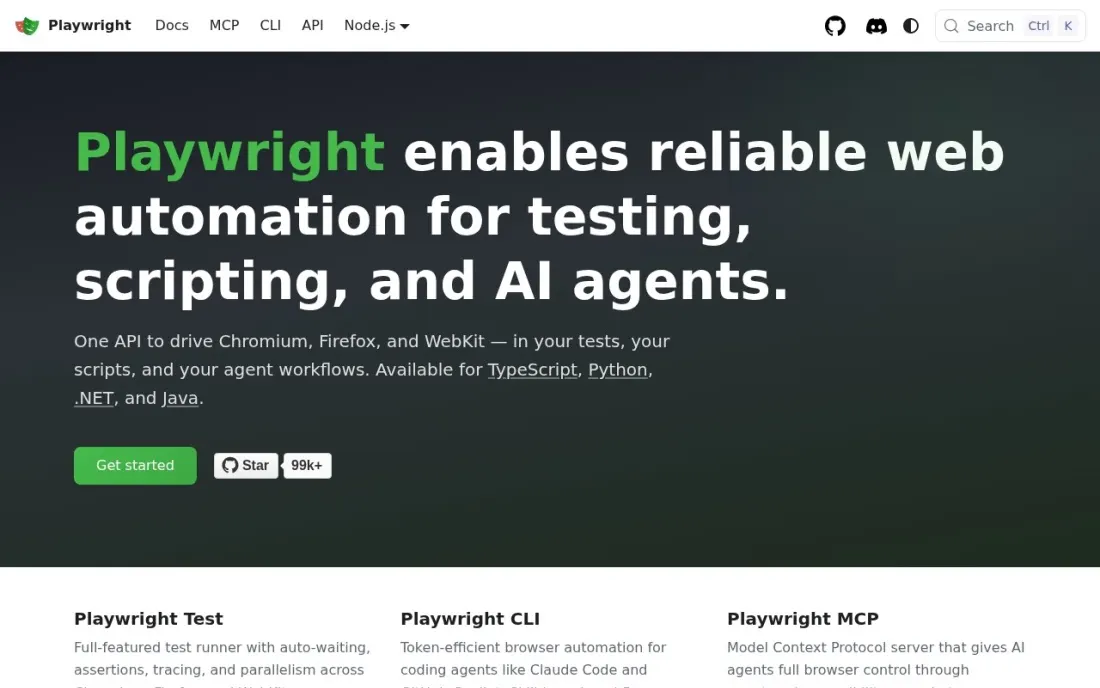
Playwright is the end-to-end framework we would start a new suite with. Developed by Microsoft and released in January 2020, it automates Chromium, Firefox and WebKit with a single API, so one test covers the engines behind Chrome, Edge, Firefox and Safari. Tests can be written in JavaScript, Python, C# or Java, and the library is open source under the Apache 2.0 licence.
It costs nothing, so the real costs are developer time and somewhere to run the tests. It has no hosted results dashboard of its own, which means CI reports or a paid cloud grid once the suite grows. Teams with large existing Selenium suites may not gain enough to justify a rewrite.
What we like
- One API automates Chromium, Firefox and WebKit
- Tests can be written in JavaScript, Python, C# or Java
- Open source under the Apache 2.0 licence and developed by Microsoft
Watch out for
- No hosted dashboard of its own; running at scale needs your CI or a paid grid
- Younger than Selenium, first released in January 2020, so older teams have fewer in-house experts
- It is a code library, so non-developers need help writing tests

Selenium
Best for: Teams that need browser automation in Java, Python, C#, Ruby or JavaScript on the W3C WebDriver standard
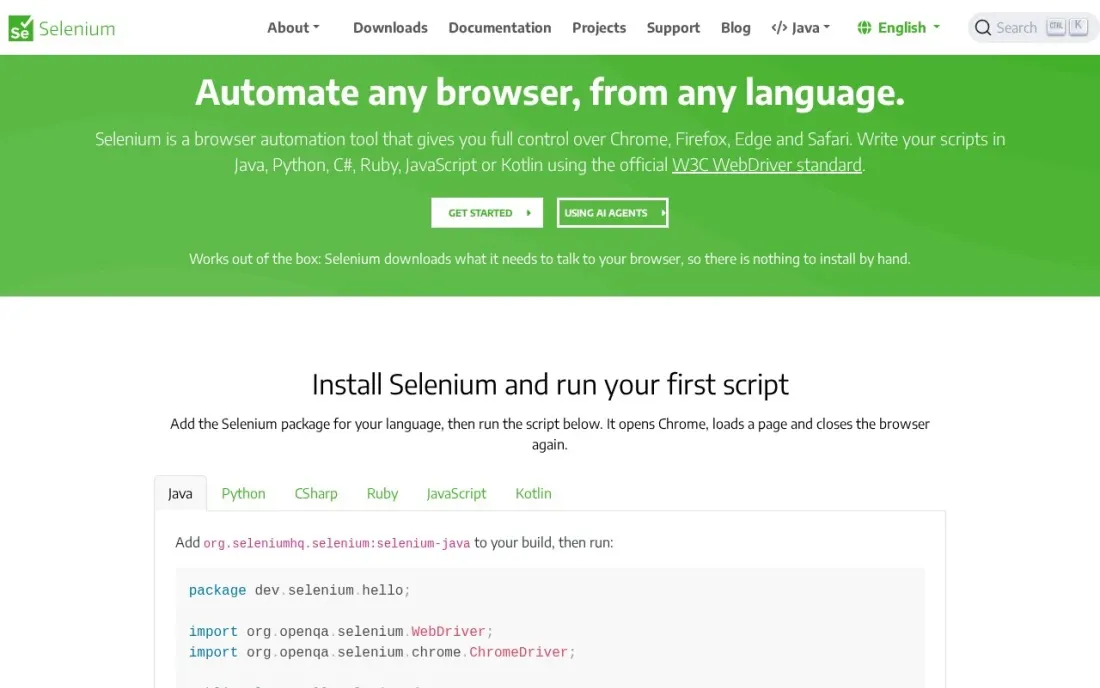
Selenium is the long-standing standard for browser automation, built on the W3C WebDriver specification and supported by every major cloud testing grid. It drives Chrome, Firefox, Edge and Safari, with official bindings for Java, Python, C#, Ruby and JavaScript, and Selenium Grid spreads sessions across many machines to run tests in parallel. It is open source under the Apache 2.0 licence.
Its breadth is why large enterprise suites still run on it, especially in Java and C# shops. The cost is assembly: Selenium is a library, so the test runner, reports and waiting strategy are yours to choose, and a self-hosted Grid needs maintenance.
What we like
- Drives Chrome, Firefox, Edge and Safari through the W3C WebDriver standard
- Official bindings for Java, Python, C#, Ruby and JavaScript, with Kotlin through the Java bindings
- Selenium Grid runs tests across many machines, browsers and operating systems in parallel
- Downloads the browser drivers it needs, so there is nothing to install by hand
Watch out for
- A library, not a test runner: reporting, retries and waits are yours to build
- Running Grid at scale means maintaining your own infrastructure or paying a cloud grid
- Support comes from the community, not a vendor
Cypress
Best for: JavaScript front-end teams that want fast in-browser tests with a hosted results dashboard
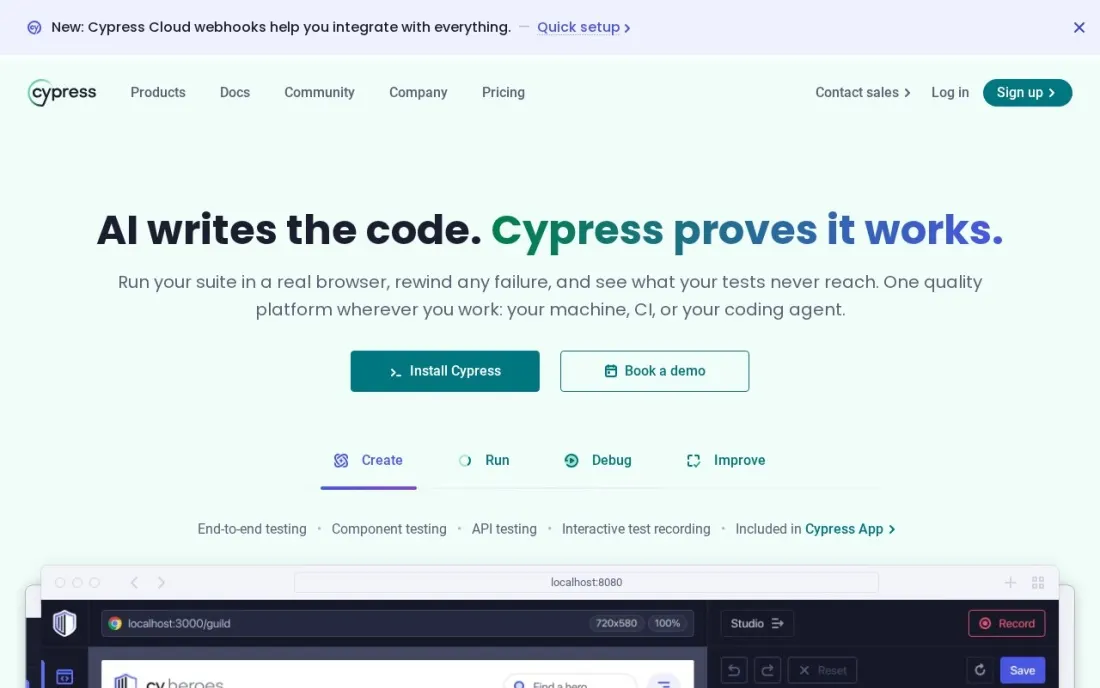
Cypress runs tests inside the browser alongside the app, which makes it quick to write and debug front-end tests for JavaScript teams. The Cypress app is free and open source under the MIT licence. Cypress Cloud adds the dashboard: Starter is free for 500 test results a month and 10 users, with parallelization, Test Replay and 30-day data retention.
Team costs $799 a year billed annually, shown as starting at $67 a month, with 120,000 test results a year, flake detection and Jira issue creation; extra results cost $6 per 1,000. Business at $3,199 a year adds single sign-on. Budget by test results, because a large suite on every commit uses the allowance quickly.
What we like
- The Cypress app is free and open source under the MIT licence
- Cloud Starter is free for 500 test results a month and 10 users, with parallelization and Test Replay
- Cloud Team adds flake detection, flaky test analytics and Jira issue creation
Watch out for
- Cloud Team costs $799 a year billed annually, and the pricing page shows no monthly-billing total
- Test results beyond the plan allowance are charged per 1,000
- Single sign-on waits for Business at $3,199 a year

BrowserStack
Best for: Teams that need real browsers and mobile devices without running their own device lab
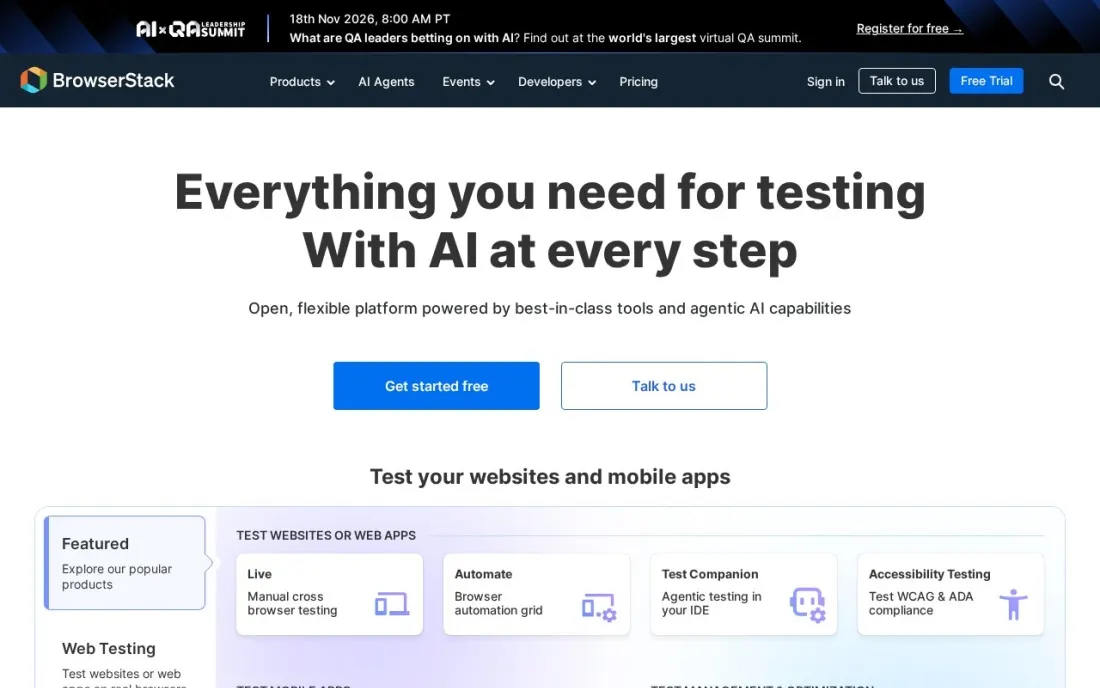
BrowserStack solves the device problem: instead of buying phones and keeping old browser versions, a team tests on real devices in the cloud. Live, for manual testing, starts with Freelancer at $12.50 a month billed annually, or $19 month to month, for 100 minutes, and Desktop and Mobile at $39 a month billed annually covers 35,000+ real devices for one user.
Automate runs scripted tests on its device and browser grid, from $99 a month billed annually for Desktop with unlimited users, or $175 for Desktop and Mobile. The number of parallel tests changes the price, and most plans are annual only, so confirm parallels before signing.
What we like
- Live Desktop and Mobile adds 35,000+ real devices for manual testing at $39 a month billed annually
- Automate plans include unlimited users, from $99 a month billed annually
- Live Team covers 5 users from $150 a month billed annually
Watch out for
- Only the Freelancer plan shows a month-to-month price; other plans are annual
- Live Freelancer is capped at 100 minutes
- Parallel test counts change the price, so the headline Automate figure is a floor

Postman
Best for: Teams that test APIs with saved collections, scripted checks and monitors
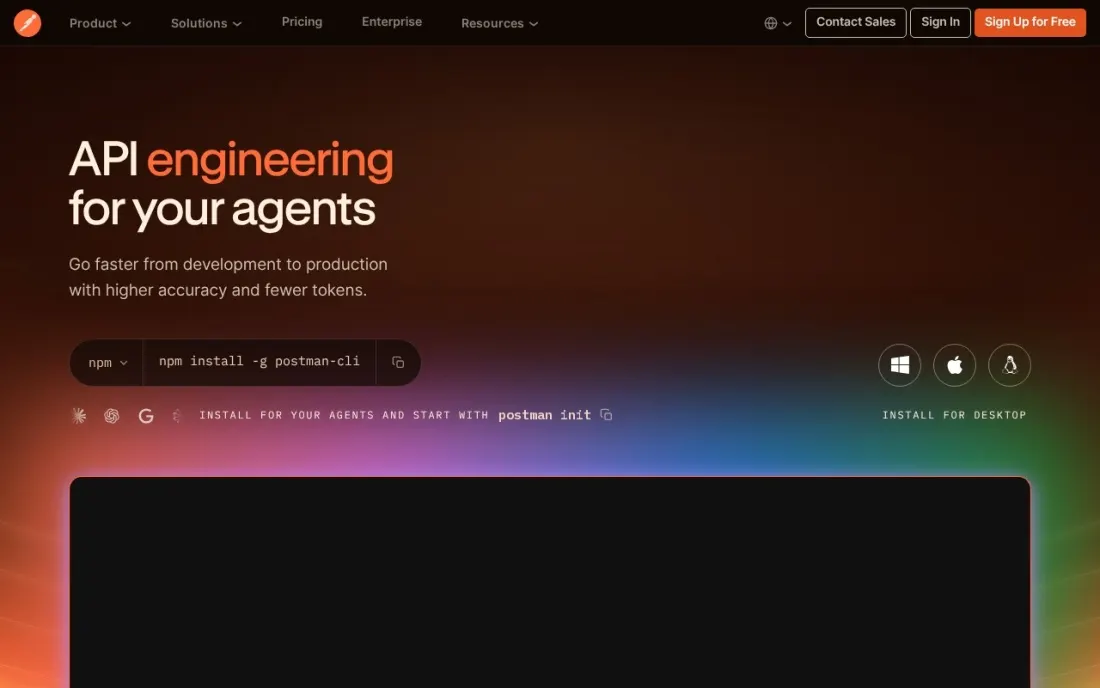
Postman covers the API layer, where many bugs are cheaper to catch than in the browser. Requests live in collections with test scripts attached, the Collection Runner executes them in sequence, and monitors re-run them on a schedule. The Free plan covers one user with 1,000 monitoring requests a month, and Solo costs $9 a month billed annually with unlimited automated API testing.
Team costs $19 a user a month billed annually, adding collaboration, unlimited viewers and basic role-based access. Cloud performance testing costs $0.04 per virtual user hour on paid plans, though dedicated load tools below go further. Monthly prices are not listed.
What we like
- A Free plan for one user, with the Collection Runner and up to 5 integrations
- Paid plans include unlimited automated API testing runs
- Team at $19 a user a month billed annually adds unlimited viewers and basic role-based access
Watch out for
- The Free plan is limited to one user and cannot create a team
- Monthly-billing prices are not listed for Solo or Team
- Cloud performance testing is charged per virtual user hour on paid plans

Grafana k6
Best for: Developer teams that want load tests written as code and run in CI
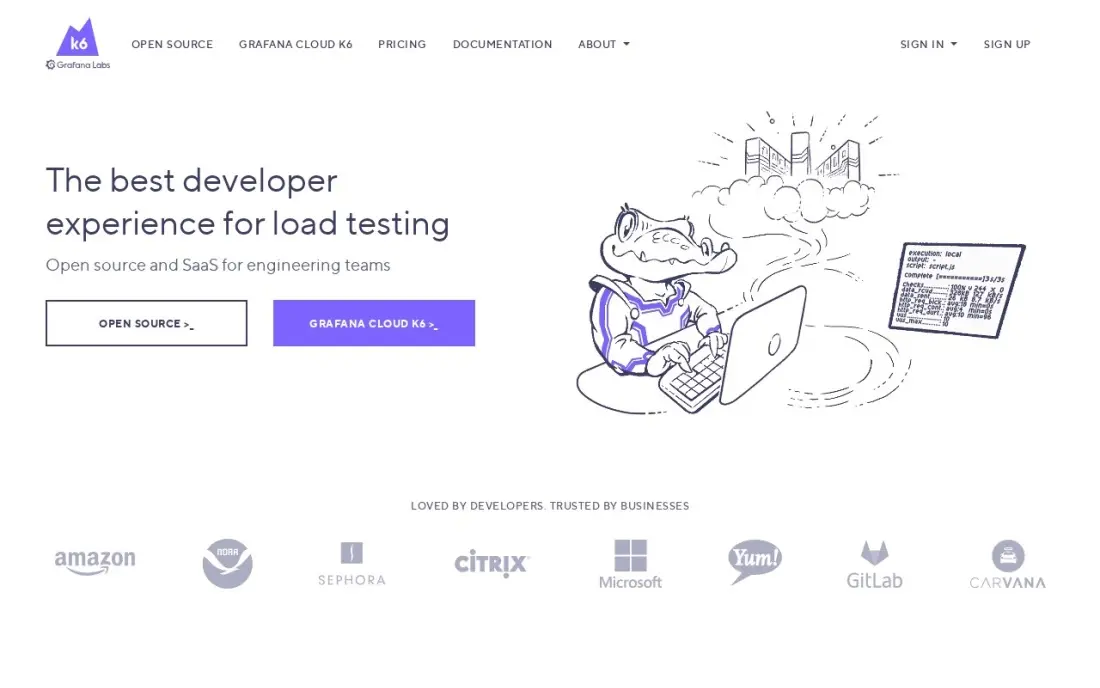
Grafana k6 brings load testing into the same workflow as unit tests: a JavaScript script defines virtual users, stages and pass-fail thresholds, and a CI pipeline can fail the build when response times or error rates cross a limit. The open-source engine is free and runs on a laptop or in Kubernetes.
Grafana Cloud adds team reporting, longer retention and 21 load zones. The free tier includes 500 virtual user hours a month, and Cloud Pro charges a $19 monthly platform fee with 500 hours included, then $0.15 per extra virtual user hour. Choose it when performance should block a release, not arrive as a report afterwards.
What we like
- Tests are plain JavaScript stored in Git, so they get reviewed like any other code
- Thresholds and checks fail a build when response times or error rates cross a limit
- The same script runs locally, in Kubernetes, or in Grafana Cloud from 21 load zones
- Open-source engine is free, and the Cloud free tier covers 500 virtual user hours a month
Watch out for
- Cloud billing is metered, so a big test month costs more than the $19 platform fee
- Browser-based testing is an extension, not the core of the tool
- Only JavaScript and TypeScript are supported, so other-language teams must learn them

Apache JMeter
Best for: Testers who need free load testing across web, API, database and messaging protocols
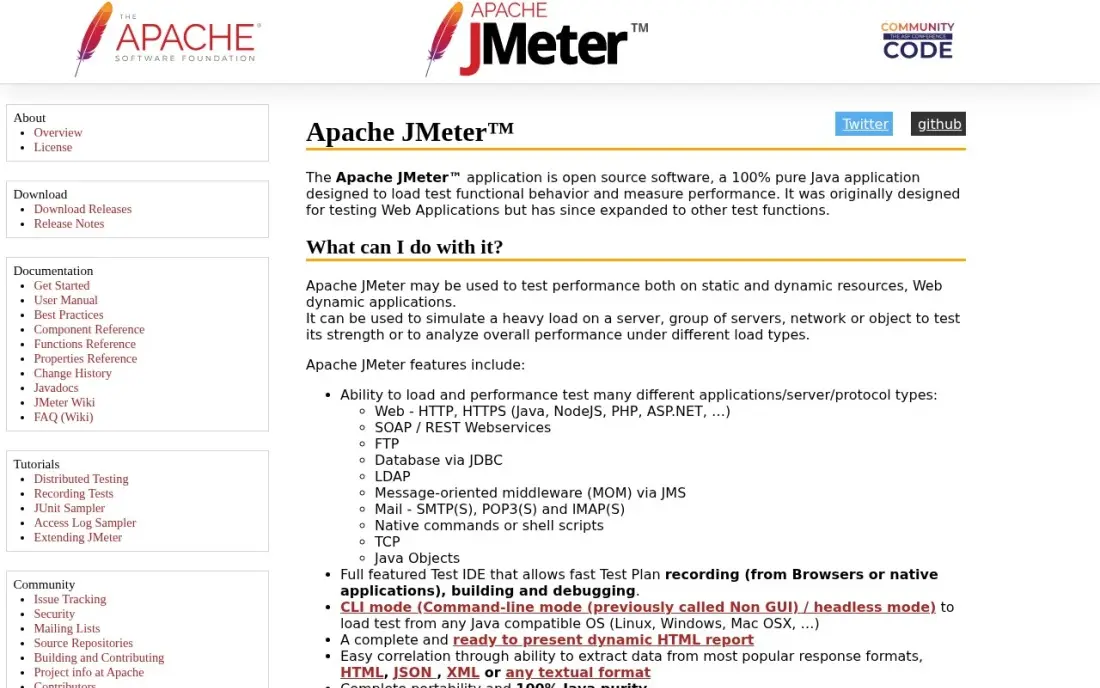
Apache JMeter is the free load testing workhorse. One test plan can hit a web app, a REST API, a database over JDBC and a message queue, then report response times, throughput and errors together. Testers can record a browser session in the graphical builder and run the plan headlessly from CI. It is open source under the Apache 2.0 licence.
The cost is learning time. JMeter is not a browser, so it does not run JavaScript or render pages, and session tokens must be extracted and reused by hand. Large tests need several machines to generate enough load. For API-only work, k6 will feel lighter.
What we like
- The widest protocol coverage here: HTTP, JDBC, JMS, FTP and LDAP in one free tool
- Graphical test builder with recording, so a first test needs no code
- Distributed mode and HTML reports cover large tests without a paid tier
- A large plugin community covers almost every sampler and listener you will need
Watch out for
- The interface looks dated and takes time to learn for complex test plans
- Running large tests through the GUI is slow; big runs need headless or distributed mode
- Dynamic values such as session tokens must be correlated by hand

SonarQube
Best for: Teams that want static analysis to block buggy or insecure code before it is tested
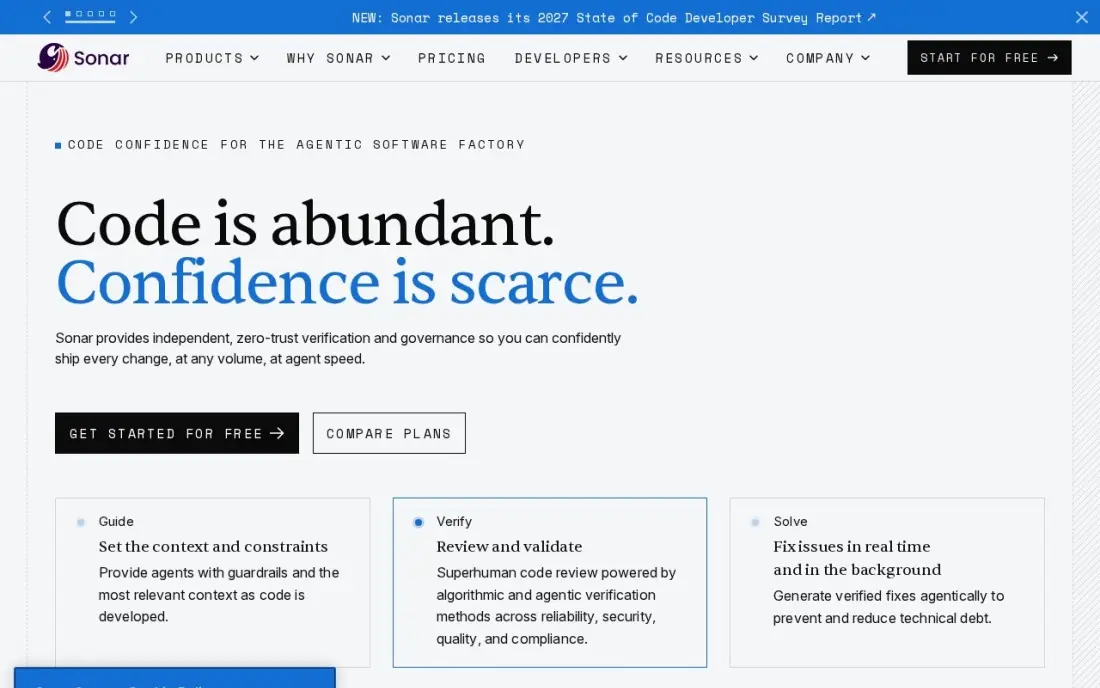
SonarQube tests the code before it runs: static analysis on every pull request flags bugs, vulnerabilities and code smells, and a quality gate blocks the merge when the team's thresholds fail. That cuts the number of defects that reach the slower end-to-end suite. The free tier covers up to 50,000 lines of code, and Team costs $34 a month flat for up to 100,000 lines.
The price follows the size of the codebase rather than the team, so it rises as the product grows, and dependency scanning costs extra through the Advanced Security add-on. It complements functional tests; it does not replace them.
What we like
- Quality gates block merges that fail the team's own bar, across 35 or more languages
- Flat monthly price scales with lines of code, not seats, so reviewers and managers cost nothing extra
- Community Build self-hosted edition is free with no contributor limits
- Pull request decoration puts findings where reviewers already work
Watch out for
- Priced by lines of code, so a growing codebase raises the bill without adding seats
- Dependency scanning needs the separate Advanced Security add-on
- Automation checks quality — it does not judge design or business logic
The best software testing tools catch bugs at the cheapest point: in the code, at the API, in the browser and under load. We compared eight tools across those layers — end-to-end frameworks, a cloud device grid, API testing, load testing and static analysis — and checked what each costs and what the free options really include. Every price was checked on the vendor's own page in November 2026.
How to choose the best software testing tools
- Map tools to test layers. Static analysis, API tests, end-to-end tests and load tests each catch different failures, so pick one tool per layer instead of one tool for everything.
- Match the language your developers write. Tests that live in the same language and repository as the product get maintained; tests in a separate tool get abandoned.
- Check browser and device coverage. Playwright covers three engines locally, while real iPhones and older Android devices need a cloud grid such as BrowserStack.
- Price by usage, not just seats. Cypress Cloud charges by test results, BrowserStack by parallels, k6 by virtual user hours and SonarQube by lines of code.
- Make tests block releases. A tool that reports after deployment is a dashboard; one that fails the CI build is a safety net.
- Budget for flaky tests. Retries, flake detection and good waits matter more than raw speed once the suite grows.
Testing protects what you ship; it does not tell you whether customers can find it. Our SEO audit checks the crawlability and speed problems that tests rarely cover, and the free robots.txt tester confirms you have not blocked search engines from a release by mistake.
Software testing tools pricing: what you will actually pay
Take a team of eight engineers testing a web app. Playwright, JMeter and the k6 engine cost nothing, and SonarQube is free while the codebase is under 50,000 lines. Add a hosted results dashboard with Cypress Cloud Team at $799 a year billed annually, real-device coverage with BrowserStack Automate Desktop and Mobile at $175 a month billed annually, or $2,100 a year, and Postman Team for API testing at $19 a user a month billed annually, or $1,824 a year for eight people.
That paid stack comes to $4,723 a year before overages. Once the code passes 50,000 lines, SonarQube Team adds $34 a month, or $408 a year, and Grafana Cloud Pro adds a $19 monthly platform fee if you want hosted load tests. Most teams do not need every paid line on day one: start with the free frameworks, then pay where the free option runs out.
Know the difference: test frameworks vs test platforms
A test framework is the code that defines and runs a test. Playwright, Selenium, the Cypress app, JMeter and k6 are frameworks: free, installed with your project and run by your developers or CI. They decide how tests are written and which browsers or protocols they can reach.
A test platform is the paid service around the framework. BrowserStack supplies the real devices and parallel browsers, Cypress Cloud stores results and spots flaky tests, and Grafana Cloud runs load from many regions. You can usually switch platforms without rewriting tests; switching frameworks means rewriting them, so choose the framework more carefully.
Quick comparison: tool type by need
| Buyer | Best pick | Why |
|---|---|---|
| New end-to-end suites | Playwright | Free; Chromium, Firefox and WebKit from one API |
| Enterprise multi-language suites | Selenium | Free; W3C WebDriver with Grid for parallel runs |
| JavaScript front-end teams | Cypress | Free app; Cloud Team $799/year billed annually |
| Real-device coverage | BrowserStack | Automate from $99/month billed annually |
| API testing | Postman | Free for 1 user; Team $19/user/month billed annually |
| Load tests in CI | Grafana k6 | Free engine; Cloud Pro $19/month platform fee |
| Multi-protocol load testing | Apache JMeter | Free; web, API, JDBC and messaging |
| Static analysis gate | SonarQube | Free up to 50,000 lines; Team $34/month |
Mistakes to avoid
- Testing only through the browser. End-to-end tests are slow and fragile; push as many checks as possible down to the API and code level.
- Running the suite after release. Tests that do not block a merge or deploy only tell you what already broke.
- Ignoring flaky tests. A suite that fails randomly trains the team to ignore failures; fix or quarantine flaky tests quickly.
- Paying for parallels you do not use. Check how many tests actually run at once before buying a larger grid plan.
- Skipping load tests before a launch. A feature that works for one user can still fail for a thousand.
Related comparisons: A/B Testing Software · A/B Testing Software · Email Testing Tools · Tools for Visual A/B Testing
How we chose
We read each vendor's pricing page, documentation or project repository in November 2026 and recorded prices and licences exactly as shown, including whether a figure is billed annually or monthly. We picked one strong tool for each testing layer a typical web team needs and favoured open-source frameworks with a paid platform available when scale requires it. Ratings come from G2 pages checked on the dates shown in the sources; we omit ratings we did not read. No vendor paid for a place in this list, and none of the links here are affiliate links.
What to do next
Pick the one layer your team tests least today, add a free tool for it this sprint and make it fail the build when it finds a problem. Expand from there. If your site's search traffic needs the same kind of systematic checking, book a free consultation.
Frequently asked questions
What are the best software testing tools?
Playwright is the best default for new end-to-end suites, Selenium for large multi-language enterprise suites, and Cypress for JavaScript front-end teams. Add BrowserStack for real devices, Postman for APIs, k6 or JMeter for load and SonarQube for static analysis.
Are there free software testing tools?
Yes. Playwright, Selenium, the Cypress app, Apache JMeter and the k6 engine are free and open source. SonarQube is free up to 50,000 lines of code, Postman is free for one user, and Cypress Cloud Starter is free for 500 test results a month.
Playwright vs Selenium vs Cypress: which should I use?
Playwright covers Chromium, Firefox and WebKit from one API in four languages and suits most new projects. Selenium has the widest language and grid support and suits existing Java or C# suites. Cypress runs inside the browser and suits JavaScript front-end teams that want its hosted dashboard.
How much do software testing tools cost?
The frameworks are free; you pay for hosting and scale. Cypress Cloud Team costs $799 a year billed annually, BrowserStack Automate starts at $99 a month billed annually, Postman Team is $19 a user a month billed annually, and SonarQube Team is $34 a month.
What is the difference between manual and automated testing tools?
Manual testing tools, such as BrowserStack Live, give a tester a real browser or device to click through. Automated tools, such as Playwright, Selenium and Cypress, run scripted checks on every code change without a person watching.
Do I need a separate load testing tool?
If performance matters to users, yes. Functional tests confirm that features work for one user; load tools such as Grafana k6 and Apache JMeter show what happens when hundreds or thousands arrive at once.
What types of software testing tools are there?
There are five main types, one per test layer. Static analysis tools such as SonarQube check code before it runs. API testing tools such as Postman run scripted checks against endpoints. End-to-end frameworks such as Playwright, Selenium and Cypress drive real browsers. Device clouds such as BrowserStack supply real phones and browsers. Load testing tools such as Grafana k6 and Apache JMeter measure how the system holds up under traffic.
What are the best free software testing tools for beginners?
Apache JMeter and Postman are the gentlest starts. JMeter is free and has a graphical test builder with recording, so a first load test needs no code. Postman's free plan gives one user the Collection Runner for API tests. For browser tests, the Cypress app is free and open source, with Cloud Starter free for 500 test results a month. Playwright and Selenium are free too, but they are code libraries.
Sources we checked (11)
- Playwright — en.wikipedia.org/wiki/Playwright_(software) (checked November 16, 2026)
- Selenium — github.com/seleniumhq/selenium (checked November 16, 2026)
- Cypress — www.cypress.io/pricing (checked November 16, 2026)
- BrowserStack — www.browserstack.com/pricing (checked November 16, 2026)
- Postman — www.postman.com/pricing (checked November 16, 2026)
- Grafana k6 — k6.io (checked November 7, 2026)
- Grafana k6 reviews on G2 (checked November 7, 2026)
- Apache JMeter — jmeter.apache.org (checked November 7, 2026)
- Apache JMeter reviews on G2 (checked November 7, 2026)
- SonarQube — www.sonarsource.com/plans-and-pricing (checked November 7, 2026)
- SonarQube reviews on G2 (checked November 7, 2026)
Make one of these tools?
We re-check this list every quarter. Send a correction, request a review, or ask about a clearly labeled sponsored spot.
Request a listingShamim
Founder of SerpAstra
A full-stack digital marketer and SEO strategist covering technical and local SEO, AI search visibility, paid ads and lead generation for local businesses, e-commerce brands and SaaS teams.
Free SEO and AI visibility audit
Find out what is holding your rankings back
Send us your site. Within 2 business days you get a written audit, an AI visibility check and a short fix list ranked by impact. Free, with no contract attached.
Request my free audit→Related buying guides
 Developer Tools7 Best Load Testing Tools in 2026 (Free and Paid, Compared)Compare the 7 best load testing tools on starting price, free plans, scripting language and cloud scale, with every price checked November 7, 2026.Read guide →
 Developer Tools8 Best Email Testing Tools in 2026 (Free and Paid, Compared)Compare the 8 best email testing tools on price, free plans, rendering previews and automation, with every price checked on November 6, 2026.Read guide →
 Developer Tools7 Best Code Review Tools for Distributed Teams in 2026, ComparedCompare the 7 best code review tools for distributed teams on price, free plans and review workflows, with every price checked November 7, 2026.Read guide →