
7 Best Apps for Routine Building in 2026, Compared
Compare the 7 best apps for routine building: step-by-step routine timers, habit trackers and visual planners, with free plans and app prices checked Nov 2026.
 Shamim Mia, Founder, SerpAstraLast verified November 7, 20268 min read
We compare pricing pages, documentation and public reviews. We never accept payment for rankings.
Key takeaways
- Routinery is the best app for following a routine step by step: each step has its own timer and a voice cue, and Premium costs $49.99 a year or $6.99 a month on the US App Store.
- Tiimo is the visual planner built for neurodivergent brains, with a free plan on iOS and Android and Pro priced by location at checkout.
- TickTick is the value pick if your routine lives alongside a to-do list: habits, tasks, calendar and a Pomodoro timer for $35.99 a year.
- Home Routines and Habitify have free tiers; Fabulous suits people who want coaching with their routines, with an annual subscription listed at $49.99.
On this page
Quick comparison
| Tool | Best for | Starting price | Free plan |
|---|---|---|---|
| Routinery | People who want to follow a morning or evening routine step by step with timers | Free; $49.99/yr | Free |
| Tiimo | Neurodivergent people and anyone who plans better with a visual timeline of the day | Free; Pro varies | Yes |
| TickTick | People who want daily habits, tasks and a calendar in one inexpensive app | $35.99/yr | Yes (9 lists) |
| Home Routines | iPhone users who want a gentle, forgiving home and cleaning routine | Free | Yes (free) |
| Reclaim.ai | Professionals whose routines keep getting crowded out by meetings | $12/mo | Yes (free Lite plan) |
| Habitify | People who want a clean habit tracker with health and calendar integrations | Free; paid in-app | 3 habits |
| Fabulous | People who want coaching and guided journeys alongside their daily routines | Free; $49.99/yr | Free |
Make one of these tools?
We re-check this list every quarter. Send a correction, request a review, or ask about a clearly labeled sponsored spot.
Request a listingThe best routine apps

Routinery
Best for: People who want to follow a morning or evening routine step by step with timers
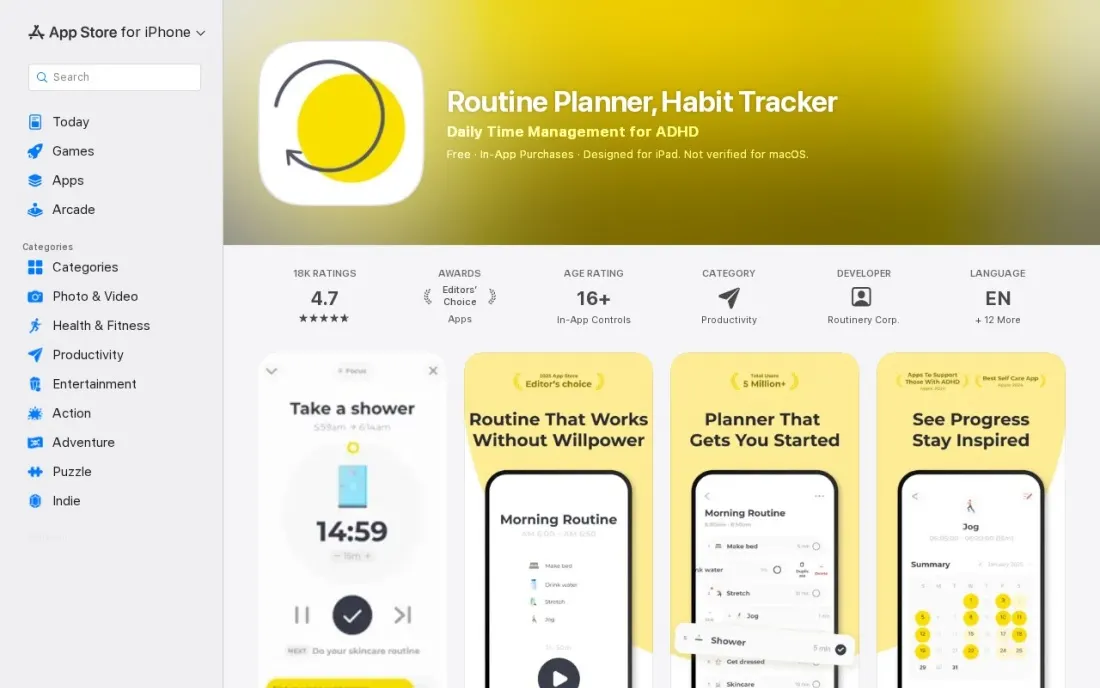
Routinery treats a routine as a sequence rather than a checklist. You build a morning or evening routine from steps — drink water, stretch, shower, review the day — and each step gets its own timer, with a voice announcing what comes next, so you move through it without checking your phone between tasks. Streaks grow a plant, weekly and monthly stats show progress, and you can start on the phone and continue on Apple Watch.
The app is free with in-app purchases. On the US App Store, Premium costs $6.99 a month or $49.99 a year, alongside weekly and multi-month options, so pick the yearly plan if you plan to stick with it. It is rated 4.7 out of 5 from 18,000 ratings there.
What we like
- Every step of a routine has its own timer, and a voice announces the next step
- Streak tracking with a growing plant, plus weekly and monthly stats
- Runs on iPhone, iPad and Apple Watch, with home and lock screen widgets
- Rated 4.7 out of 5 on the US App Store from 18,000 ratings
Watch out for
- The App Store lists several overlapping Premium options, from $0.99 weekly to $49.99 yearly
- Premium is a subscription, with no lifetime option listed

Tiimo
Best for: Neurodivergent people and anyone who plans better with a visual timeline of the day
Tiimo describes itself as a visual daily planner designed to support neurodivergent brains, and that focus shapes the whole app. The day is planned visually, with structure and reminders, so a routine is something you can see rather than a list you have to remember. One subscription works on iPhone, iPad, Apple Watch, Android, Mac and the web.
The free plan covers a selection of planning tools on iOS and Android. Pro unlocks everything, including the web app, billed monthly or yearly at a discount; prices vary by location and appear at checkout. The 7-day free trial applies only to yearly plans, and monthly plans charge immediately.
What we like
- Visual daily planner designed to support neurodivergent brains
- One subscription works across iOS, iPad, Apple Watch, Android, Mac and the web
- Free plan includes a selection of planning tools on iOS and Android
- Monthly or discounted yearly billing, with a 7-day trial on yearly
Watch out for
- Pro prices are not published; they vary by location and appear at checkout
- The web app is Pro-only, and the trial applies only to yearly plans

TickTick
Best for: People who want daily habits, tasks and a calendar in one inexpensive app
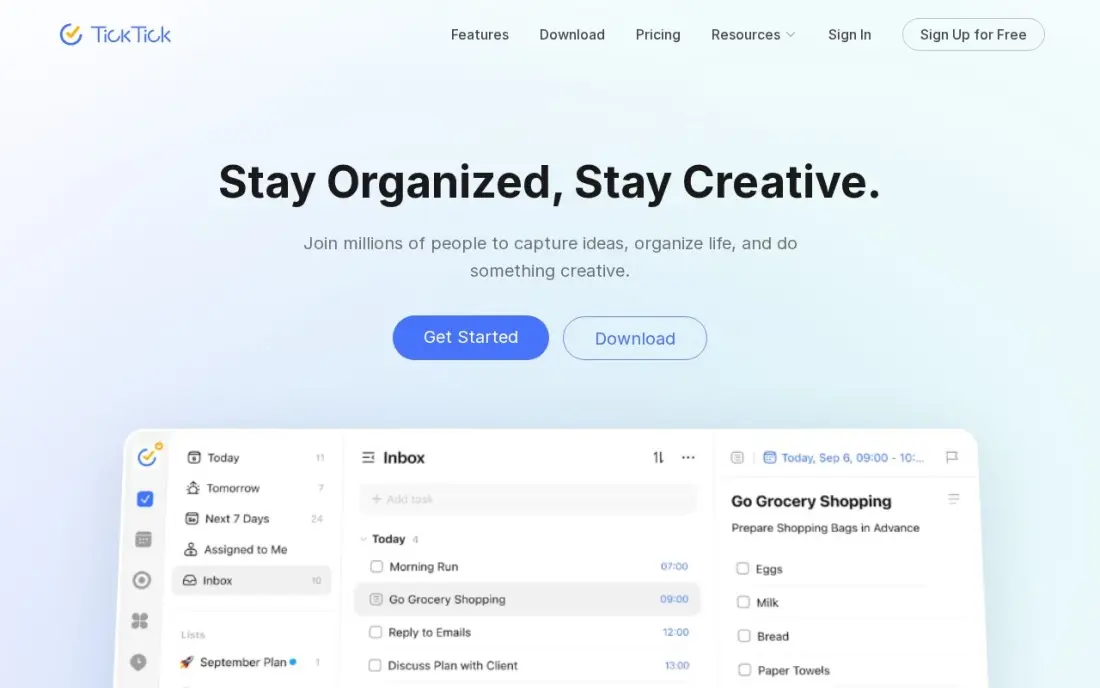
TickTick is the routine app for people whose routines sit next to a busy to-do list. Its habit tracker logs daily routines such as reading or exercise, while tasks, a calendar view, reminders and a Pomodoro timer handle everything else, so the morning routine and the work plan live in one place. The free plan covers up to 9 lists.
Premium costs $35.99 a year, shown as a limited-time offer against a $49.99 list price, or $3.99 a month, and adds calendar sync and smart lists. There is no free trial of Premium and no family plan. If you want one app for habits and tasks rather than two, it is the cheapest complete option.
What we like
- One subscription covers tasks, calendar, habit tracking, Pomodoro timer and reminders
- Premium is $35.99 a year, the cheapest full task-plus-calendar plan here
- Two-way calendar sync, custom filters, smart lists and location reminders
- AI voice task creation and meeting transcription arrived in the 2026 update
Watch out for
- The $35.99 annual price is shown as a limited-time offer against a $49.99 list price — check the renewal price
- No free trial of Premium, so you pay before testing the paid features
- No team or family plan: each person needs their own subscription

Home Routines
Best for: iPhone users who want a gentle, forgiving home and cleaning routine
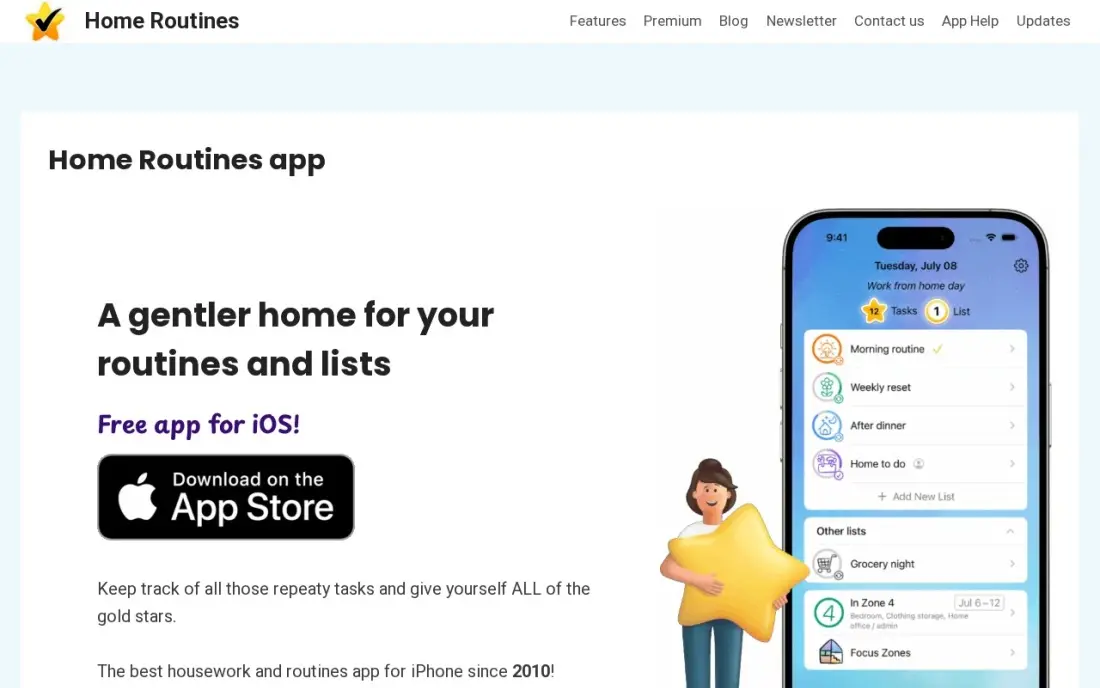
Home Routines takes the pressure out of routines. Tasks reset overnight, so a missed day never turns into a pile of overdue items, a rotating zone schedule spreads cleaning and decluttering across the month, and gold stars plus a short-burst timer keep momentum. It has been around since 2010, and user reviews often mention it helping people with ADHD, autism and chronic illness.
The app is free on iPhone and iPad, with Premium as an in-app purchase whose price appears only in the app. There is no Android version, and sharing routines across a household needs Premium. It suits one person running their own home routine.
What we like
- Tasks reset overnight, so a missed day never piles up into a wall of overdue guilt
- A rotating zone schedule spreads small cleaning and decluttering jobs across the month
- Gold stars for completed tasks, plus a built-in timer for short work bursts
- Around since 2010, with user reviews that praise it for ADHD, autism and chronic illness
Watch out for
- iPhone and iPad only — there is no Android version and no family sharing
- Sharing routines across a household needs Premium
- The premium price is not published on the vendor's site; it is shown in the app

Reclaim.ai
Best for: Professionals whose routines keep getting crowded out by meetings
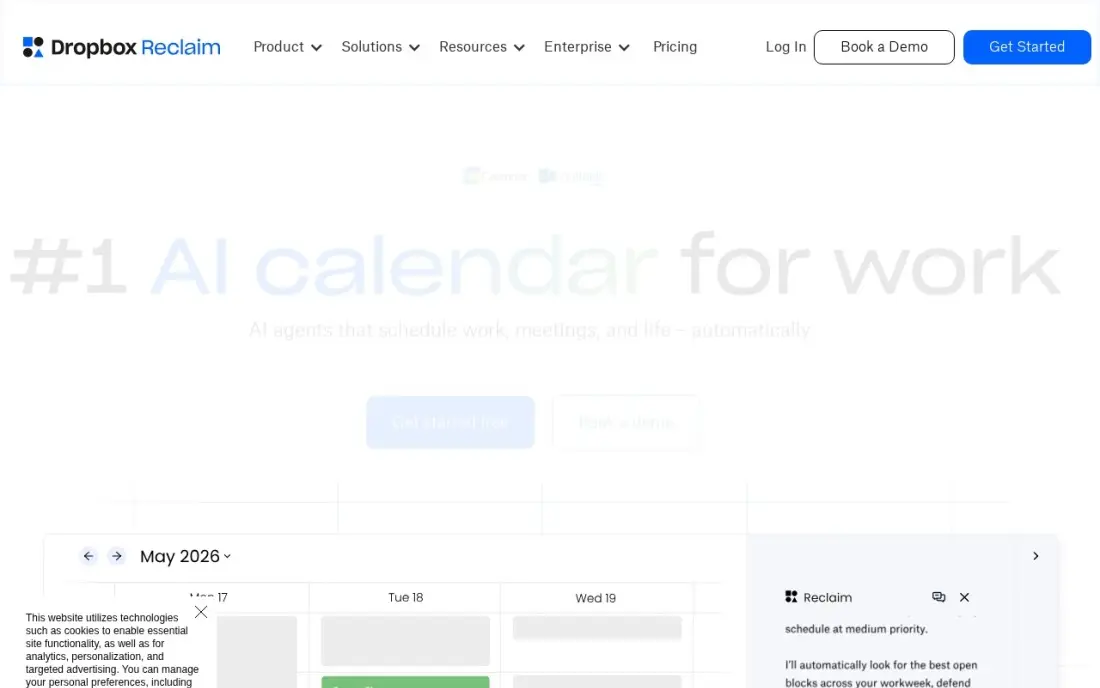
Reclaim.ai protects routines at work. Set habits such as a daily planning block, lunch, exercise or a weekly review, give each a preferred time window, and Reclaim books them on your Google or Outlook calendar, then moves them when meetings land on top. The routine survives a busy week instead of being skipped.
The free Lite plan includes habits, focus time and breaks, with a one-week scheduling range. Starter costs $12 a user a month, or $10 billed annually, for a longer range and more AI agents. There is no native mobile app yet and iCloud calendars are not supported directly, so it suits desk-based routines more than mornings at home.
What we like
- A real free Lite plan that defends focus time, habits and breaks
- Auto-schedules tasks and habits around meetings, then moves them when plans change
- Syncs events between Google and Outlook calendars to protect availability
- The tool Clockwise itself recommended when it shut down in March 2026
Watch out for
- No native mobile app yet, so phone use runs through the web or the calendar itself
- Lite caps at 5 AI agents and a 1-week scheduling range, so real use needs Starter
- Works only on Google Calendar and Outlook, not iCloud directly

Habitify
Best for: People who want a clean habit tracker with health and calendar integrations
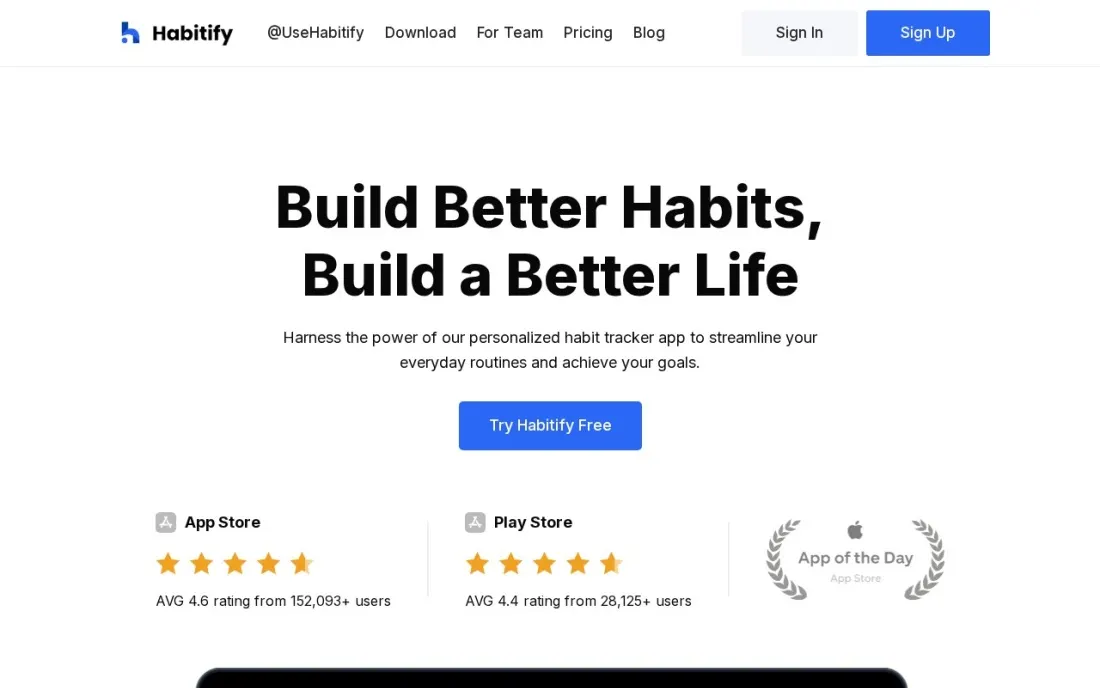
Habitify is a straightforward habit tracker for building a routine out of small daily actions. The free plan, which the company describes as free forever, tracks up to 3 active habits with one reminder each, enough to anchor a simple morning routine. Integrations with Apple Health, Health Connect, Strava, Fitbit and Google and Outlook calendars let some habits check themselves off.
Paid plans come in two tiers. Plus is billed annually only, and Pro is available monthly, annually or as a lifetime purchase, though Pro monthly on iOS carries a 12-month commitment. The help-centre pricing article does not list amounts, so check the price in the app before upgrading.
What we like
- Free plan, described as free forever, tracks up to 3 active habits with a reminder each
- Pro offers monthly, annual and lifetime billing
- Integrations include Apple Health, Health Connect, Strava, Fitbit, Google Calendar and Outlook Calendar
Watch out for
- Plan prices are not listed in the help-centre pricing article
- Plus is annual-only, and Pro monthly on iOS requires a 12-month commitment

Fabulous
Best for: People who want coaching and guided journeys alongside their daily routines
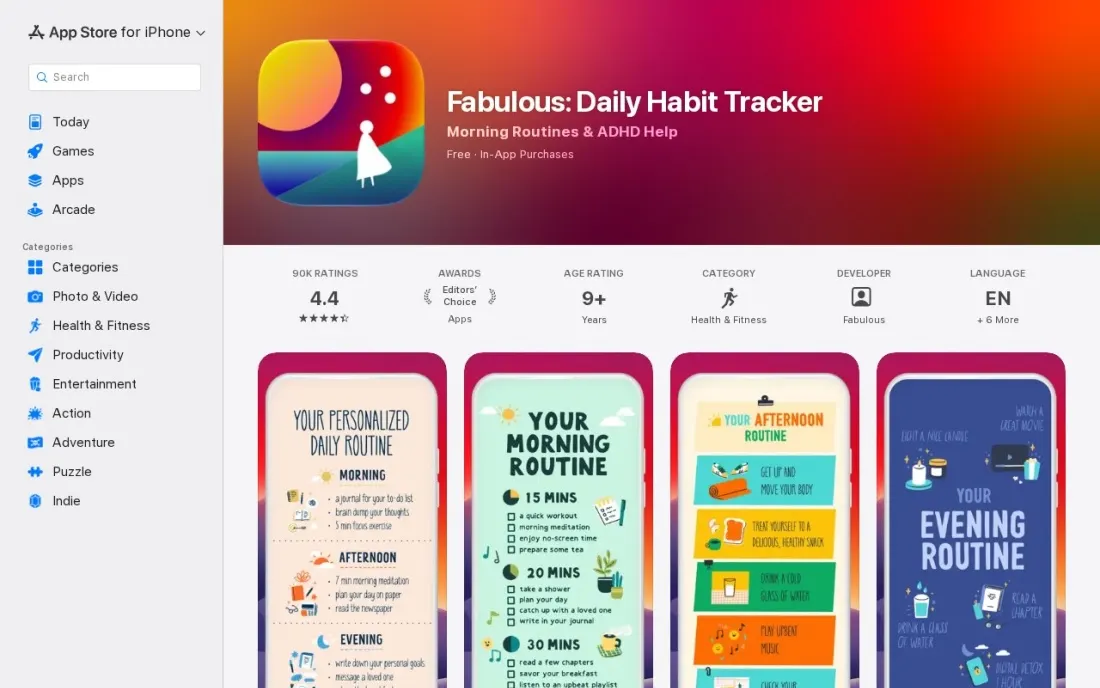
Fabulous wraps routines in coaching. Alongside unlimited habits for morning and evening routines, it offers coaching series on topics such as anxiety, productivity and self-love, plus Premium Journeys for mental health, self-care and fitness. Journaling, gratitude prompts, meditation, breathing exercises and short workouts sit in the same app, so the routine itself is guided.
The app is free with in-app purchases, and the US App Store lists an Annual Subscription at $49.99 among ten Premium options from $16.99 to $59.99, so check which offer you are shown. It is rated 4.4 out of 5 from 90,000 ratings. Choose it if motivation, not scheduling, is what breaks your routines.
What we like
- Unlimited habits for morning and evening routines
- Coaching series and Premium Journeys for mental health, self-care and fitness
- Journaling, gratitude, meditation, breathing exercises and short workouts in the same app
Watch out for
- The App Store lists ten Premium options from $16.99 to $59.99, so the price you see may differ
- One-on-one coaching and Journeys sit behind Premium
- Rated 4.4 out of 5, lower than Routinery on the same store
The best app for routine building makes the next step obvious, so a morning or evening routine runs on autopilot instead of willpower. We compared seven apps across three approaches — step-by-step routine timers, visual planners and habit trackers, plus a calendar tool that protects work routines — on free features, platforms and real yearly cost, checking every price on the vendor's own page, help centre or app store listing in November 2026.
How to choose the best app for routine building
- Decide whether you need guidance or tracking. Step timers walk you through a routine; habit trackers only record whether you did it.
- Pick the format your brain likes. Visual planning (Tiimo), voice-guided steps (Routinery) and forgiving checklists (Home Routines) suit different people.
- Check the platforms you use. Home Routines is iPhone and iPad only; Tiimo and TickTick work across phone, computer and web.
- Look for forgiveness. Apps that reset missed tasks or let you skip a day without breaking everything keep you using them longer.
- Read the in-app price before you subscribe. Several routine apps list multiple overlapping offers on the App Store, and prices vary by country.
- Start with one routine. Build a five-step morning routine first and add more only once it sticks.
A routine is also how small business owners keep marketing from slipping. A weekly 30-minute slot for reviews, posts and website updates goes a long way, and if you would rather hand the search side off, our monthly SEO service runs it for you. For planning the rest of the day, see our guide to the best digital planner app.
Routine app pricing: what you will actually pay
Most people can build a working routine for $0. Routinery, Fabulous and Home Routines are free to download, Tiimo's free plan covers iOS and Android, Habitify tracks 3 habits free, TickTick's free plan covers 9 lists and Reclaim's Lite plan schedules habits on your calendar at no cost.
If you pay, compare yearly prices. On the US App Store, Routinery Premium is $49.99 a year against $83.88 a year on the $6.99 monthly plan, and Fabulous lists an Annual Subscription at $49.99. TickTick Premium is $35.99 a year, or $47.88 a year at $3.99 a month. Reclaim Starter is $120 a year billed annually at $10 a month, or $144 at $12 monthly. Tiimo, Habitify and Home Routines show their paid prices at checkout or in the app, so check them there; Tiimo's 7-day trial applies only to its yearly plan.
Know the difference: routine timers vs habit trackers
Routine timers and planners — Routinery, Tiimo and Fabulous — guide you through the routine as it happens. They present the next step, time it, and move you on, which helps when the problem is drifting, losing track of time or not knowing what comes next. They are especially useful for mornings, bedtimes and transitions between tasks.
Habit trackers — Habitify, TickTick's habit list and Home Routines' daily checklist — record whether each habit happened and show streaks over time. They suit people who already know what to do and need accountability. Reclaim sits apart, protecting time on the calendar so routines at work are not overrun by meetings.
Quick comparison: tool type by need
| Need | Best pick | Why |
|---|---|---|
| Step-by-step routines | Routinery | Timer and voice cue per step, Premium $49.99/year |
| Visual, neurodivergent-friendly planning | Tiimo | Visual daily planner, free plan on iOS and Android |
| Habits plus tasks | TickTick | Habits, tasks, calendar and Pomodoro for $35.99/year |
| Gentle home routines | Home Routines | Tasks reset overnight, free on iPhone |
| Routines at work | Reclaim.ai | Books habits around meetings, free Lite plan |
| Simple habit tracking | Habitify | Free for 3 habits with health integrations |
| Coaching and motivation | Fabulous | Coaching series and journeys, Annual Subscription $49.99 |
Mistakes to avoid
- Building a 20-step routine on day one. Start with three to five steps and add more once they are automatic.
- Paying weekly or monthly by default. Yearly plans cost far less if you are committed; trial first, then switch.
- Chasing perfect streaks. One missed day is normal; choose an app that lets you recover rather than restart.
- Using three apps for one routine. Keep your routine, habits and tasks in as few places as possible.
- Ignoring notifications settings. Too many reminders get muted; keep only the ones that start each routine.
Related comparisons: SOP Software Tools · Software to Block Websites · Whiteboard Software Tools · Tracker Apps
How we chose
We checked each app's own pricing page, help-centre pricing article or US App Store listing in November 2026 and recorded the price exactly as shown; where a vendor publishes no price, we say so. We grouped the apps by how they support a routine and ranked them by fit for the most common buyer, one person trying to make mornings, evenings or workdays more consistent. Ratings come from G2 pages where available; app store ratings are mentioned in the text where we read them. No vendor paid for a place in this list, and none of the links here are affiliate links.
What to do next
Write down tomorrow morning's routine as five steps, enter it into Routinery or Tiimo's free version tonight, and follow it for a week before paying for anything. If one of those steps is growing your business online, book a free SEO review and we will show you where to start.
Frequently asked questions
What is the best app for routine building?
Routinery is the best app for following a routine step by step, with a timer and voice cue for each step; Premium costs $49.99 a year on the US App Store. Tiimo is better for neurodivergent users who plan visually, and TickTick suits people who want habits and tasks together for $35.99 a year.
Is there a free routine app?
Yes. Routinery, Fabulous and Home Routines are free to download with in-app purchases, Tiimo has a free plan on iOS and Android, Habitify's free plan tracks 3 habits, TickTick's free plan covers 9 lists and Reclaim.ai's Lite plan schedules habits on your calendar free.
What is the best routine app for ADHD?
Tiimo is a visual daily planner designed specifically to support neurodivergent brains. Home Routines is also often praised in user reviews by people with ADHD because missed tasks reset overnight, and Routinery's step timers help keep a routine moving.
What is the difference between a routine app and a habit tracker?
A habit tracker records whether you did something each day, like Habitify or TickTick's habit list. A routine app guides you through a sequence of steps in order, like Routinery's step timers or Tiimo's visual daily planner.
Do routine apps work on Apple Watch?
Routinery runs on Apple Watch and lets you start a routine on your phone and continue on the watch. Tiimo also works on Apple Watch with one subscription across devices.
How much do routine apps cost?
On the US App Store, Routinery Premium costs $6.99 a month or $49.99 a year and Fabulous lists an Annual Subscription at $49.99. TickTick Premium is $35.99 a year. Tiimo, Habitify and Home Routines show their paid prices at checkout or in the app.
Sources we checked (8)
- Routinery — apps.apple.com/us/app/routine-planner-habit-tracker/id1450486923 (checked November 16, 2026)
- Tiimo — tiimoapp.com/faq (checked November 16, 2026)
- TickTick — ticktick.com (checked November 12, 2026)
- TickTick reviews on G2 (checked November 12, 2026)
- Home Routines — homeroutines.com (checked November 7, 2026)
- Reclaim.ai — reclaim.ai/pricing (checked November 10, 2026)
- Habitify — intercom.help/habitify-app/en/articles/6113487-premium-pricing-plans (checked November 16, 2026)
- Fabulous — apps.apple.com/US/app/id1203637303 (checked November 16, 2026)
Make one of these tools?
We re-check this list every quarter. Send a correction, request a review, or ask about a clearly labeled sponsored spot.
Request a listingShamim
Founder of SerpAstra
A full-stack digital marketer and SEO strategist covering technical and local SEO, AI search visibility, paid ads and lead generation for local businesses, e-commerce brands and SaaS teams.
Free SEO and AI visibility audit
Find out what is holding your rankings back
Send us your site. Within 2 business days you get a written audit, an AI visibility check and a short fix list ranked by impact. Free, with no contract attached.
Request my free audit→Related buying guides
 Productivity & OfficeBest Digital Planner Apps (2026): 12 Apps Worth DownloadingCompare the 12 best digital planner app options for iPad, Android and desktop on price, free plans and features, with every price checked November 12, 2026.Read guide →
 Business SoftwareBest Cleaning Schedule Apps (2026): 7 Apps Worth DownloadingCompare the 7 best cleaning schedule app options for 2026 on price, free plans and household sharing, with every price checked November 7, 2026.Read guide →
 Productivity & Office12 Best Cross-Platform Calendar for 2026 (Pros, Cons and Pricing)Compare the 12 best cross-platform calendar apps for 2026, with real starting prices, free plans and sync across iOS, Android and the web checked.Read guide →