
6 Best Whiteboard Software Tools in 2026, Compared
Compare the 6 best whiteboard software tools for brainstorming, workshops and diagrams, with free plan limits and per-member prices checked on vendor pages.
 Shamim Mia, Founder, SerpAstraLast verified November 10, 20269 min read
We compare pricing pages, documentation and public reviews. We never accept payment for rankings.

Key takeaways
- Miro and Mural are the two full workshop whiteboards, at $8 and $9.99 a member a month billed annually; both free plans stop at 3 editable boards.
- Microsoft Whiteboard is included with Microsoft 365 and built into Teams, so many companies already own a whiteboard they have not switched on.
- Excalidraw is the best free sketching board, with unlimited collaborators on the free version and Plus at $6 a user a month billed annually.
- European teams that need German hosting and ISO certifications should look at Conceptboard, from €5 a user a month.
On this page
Quick comparison
| Tool | Best for | Starting price | Free plan |
|---|---|---|---|
| Miro | Remote teams that run workshops, retrospectives and planning on one large shared canvas | $10/mo | Yes (free plan) |
| Mural | Facilitators and teams that run structured workshops and want visitors to edit for free | Free; $9.99/mo annual | Yes (3 editable) |
| Microsoft Whiteboard | Companies on Microsoft 365 and Teams that want a whiteboard inside meetings at no extra cost | Included with M365 | With Microsoft 365 |
| Whimsical | Product teams that mix whiteboards with flowcharts, mind maps, wireframes and docs | Free; Pro $10/editor | Yes (50 objects/mo) |
| Excalidraw | Developers and small teams who want a free hand-drawn sketch board with no sign-up | Free; Plus $6/user | Yes (open source) |
| Conceptboard | European companies and public bodies that need GDPR-focused whiteboards hosted in Germany | Free; €5/user | Yes (3 boards) |
Make one of these tools?
We re-check this list every quarter. Send a correction, request a review, or ask about a clearly labeled sponsored spot.
Request a listingThe best whiteboard software

Miro
Best for: Remote teams that run workshops, retrospectives and planning on one large shared canvas

Miro has the deepest template library in this list, covering retrospectives, journey maps, sprint planning and workshops, and thousands of integrations link boards to Jira, Asana, Slack and Zoom. Timer, voting and Talktracks turn a board into a facilitated session rather than a drawing.
Starter costs $8 a member a month billed annually, or $10 monthly, and unlocks unlimited and private boards, visitor editing and high-resolution exports. The free plan stops at 3 editable boards, which an active team reaches quickly, and Business at $20 a member billed annually adds SSO. Large boards get messy without someone tidying them.
What we like
- The deepest template library for retrospectives, journey maps, sprint planning and workshops
- Starter unlocks unlimited boards, private boards, visitor editing and high-resolution exports
- Thousands of integrations connect Miro to Jira, Asana, Slack, Zoom and more
- Timer, voting and Talktracks turn a board into a run workshop, not just a drawing
Watch out for
- The free plan stops at 3 editable boards, so active teams hit the limit fast
- Business costs $20 a member a month billed annually, two and a half times Starter, for SSO and deeper integrations
- Boards get messy at scale without a facilitator, and finding one sticky note in a huge board is slow

Mural
Best for: Facilitators and teams that run structured workshops and want visitors to edit for free
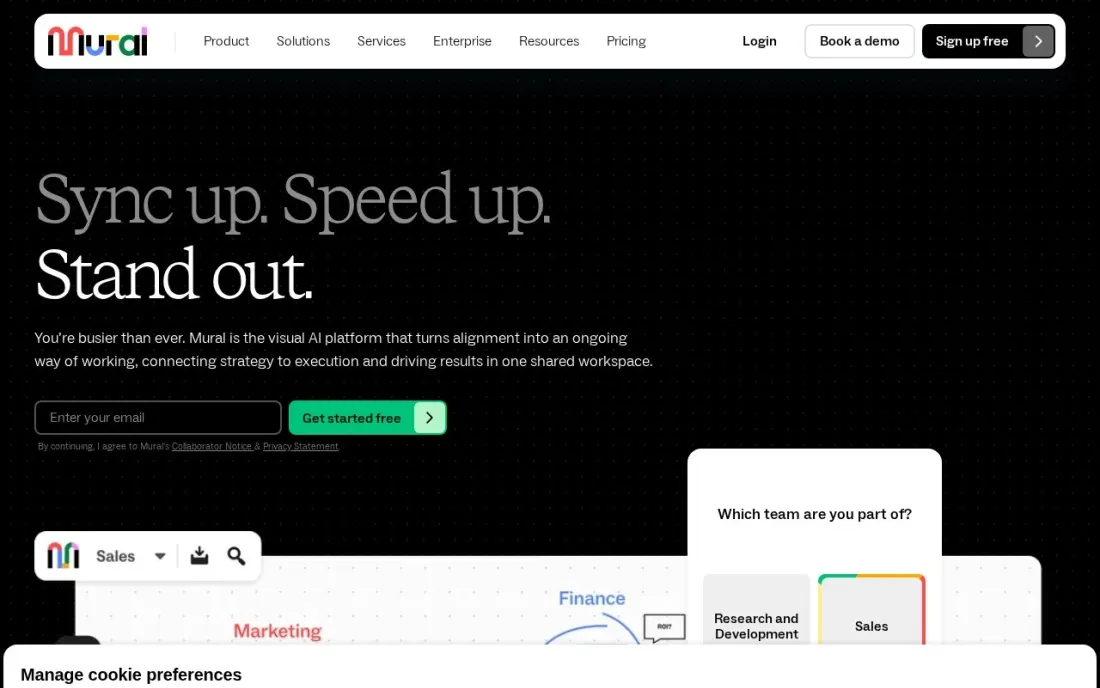
Mural is built around facilitation. Every plan includes a timer, voting, private mode, an outline, a laser pointer and a facilitator lock, so a workshop runs to an agenda rather than turning into a free-for-all. Templates, mapping and diagramming, mobile apps and interactive display sharing are standard.
The free plan keeps unlimited murals but only 3 editable at a time. Team+ costs $9.99 a member a month billed annually, or $12 monthly, with unlimited editable murals, private rooms and visitors who can edit. Business at $17.99 billed annually adds unlimited external guests.
What we like
- Facilitation tools on every plan: timer, voting, private mode, laser pointer and facilitator lock
- Team+ lets visitors edit and adds private rooms
- Unlimited members and view-only visitors on the free plan
Watch out for
- Free plan allows only 3 editable murals at a time
- Unlimited external guests need Business at $17.99 a member billed annually
- Enterprise pricing is not published

Microsoft Whiteboard
Best for: Companies on Microsoft 365 and Teams that want a whiteboard inside meetings at no extra cost
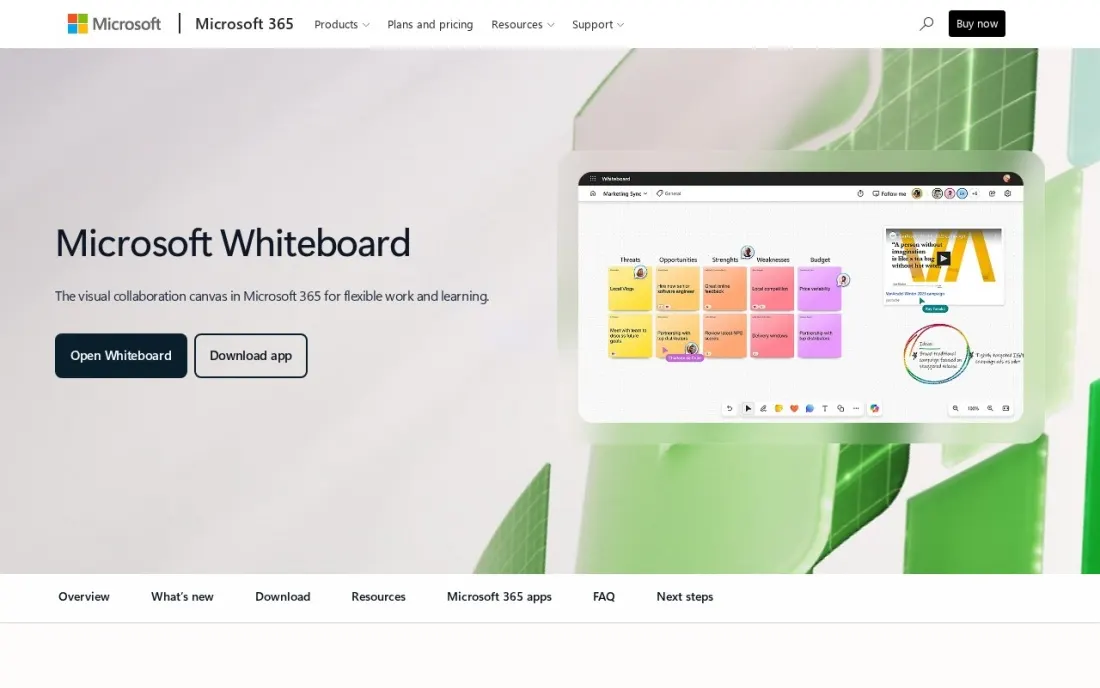
Microsoft Whiteboard is the whiteboard many companies already pay for. It is included with Microsoft 365, opens from the Share tray in a Teams meeting and stays in the meeting chat afterwards, so the board does not get lost. It offers an infinite canvas, more than 60 templates, inking, sticky notes and Copilot to group and summarise ideas.
Boards are stored in OneDrive for Business, and admins enable the app in the admin centre. It is free for students and educators through Microsoft 365 A1. It has fewer workshop tools than Miro or Mural, but for quick team sessions it costs nothing extra.
What we like
- Opens inside Teams meetings and stays available in the chat afterwards
- More than 60 templates, inking, sticky notes and Copilot for summarising ideas
- Apps for Windows, iOS, Android, web and Surface Hub
Watch out for
- Admins must enable it in the Microsoft 365 tenant
- Fewer facilitation and integration features than Miro or Mural
- Built for Microsoft 365 organisations rather than mixed tool stacks

Whimsical
Best for: Product teams that mix whiteboards with flowcharts, mind maps, wireframes and docs
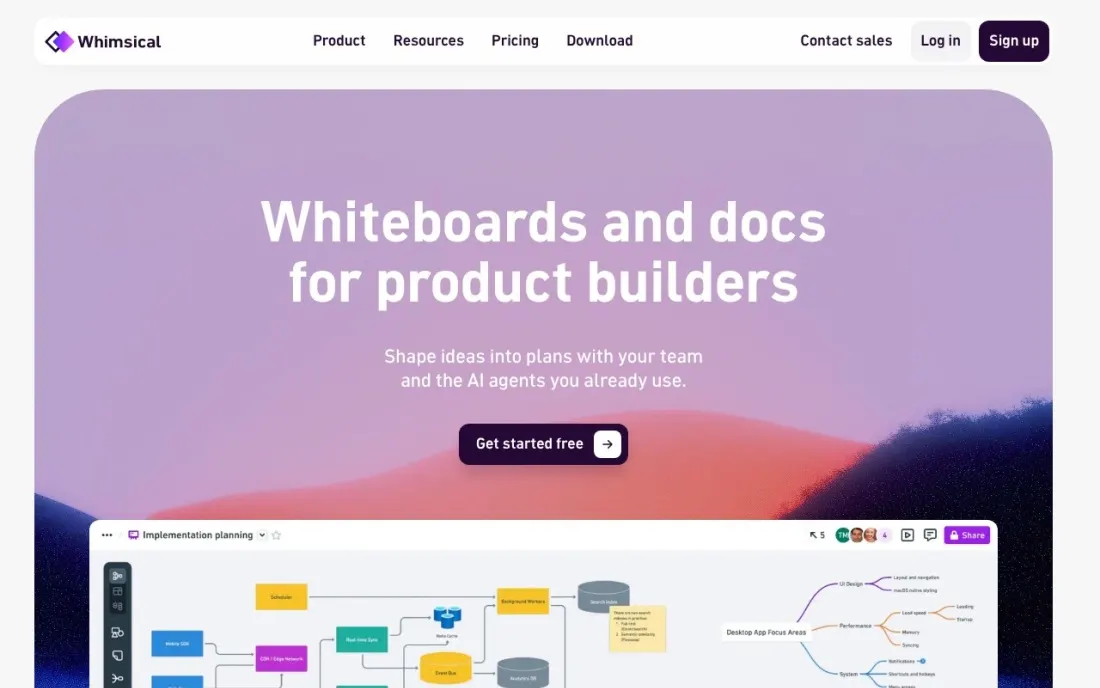
Whimsical is a tidy whiteboard for teams that also draw flowcharts, mind maps and wireframes and write short docs next to them. Shapes snap into place, so diagrams stay clean, and voting, a timer, templates and Slack and GitHub integrations are on every plan. Viewers are free, so only people who edit need a seat.
The free plan allows 50 new board objects and 50 doc blocks a month, with watermarked exports. Pro costs $10 an editor a month billed annually, or $12 monthly, with unlimited objects and 90 days of version history. Business at $20 billed annually adds SAML SSO and private teams.
What we like
- Boards, flowcharts, mind maps, wireframes and docs in one workspace
- Viewers are free on every plan
- Voting, timer, templates and Slack and GitHub integrations on the free plan
Watch out for
- Free plan caps you at 50 new board objects a month and watermarks exports
- Free version history is only 7 days
- SSO and private teams need Business at $20 an editor billed annually

Excalidraw
Best for: Developers and small teams who want a free hand-drawn sketch board with no sign-up
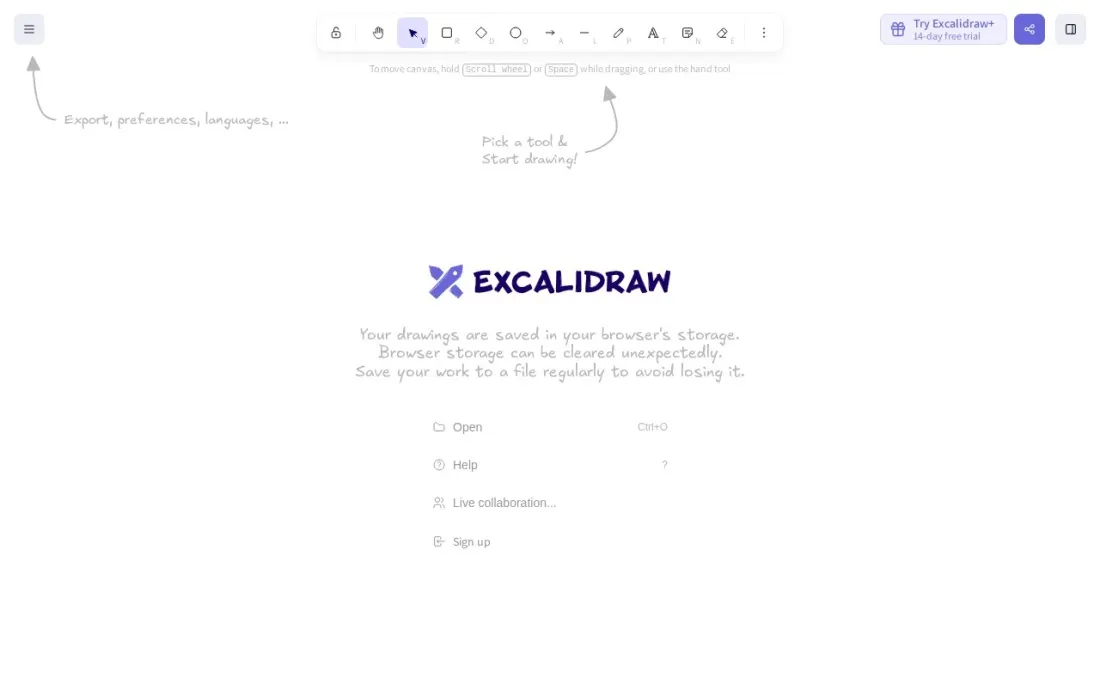
Excalidraw is the quick sketch board developers love: a hand-drawn style canvas you can open and share without an account. The free version is open source, end-to-end encrypted in the browser and allows unlimited collaborators, which makes it ideal for architecture sketches during a call.
Its limits are storage and organisation: one infinite scene, a library saved in the browser and 10 AI requests a day. Excalidraw+ costs $6 a user a month billed annually, or $7 monthly, and adds unlimited scenes and folders, cloud saving, comments, voice hangouts, presentations and PDF and PPTX export, with a 14-day free trial.
What we like
- Free, open-source board with unlimited collaborators and end-to-end encryption
- Plus adds unlimited scenes, cloud saving, comments, voice hangouts and PDF and PPTX export
- Plus includes presentations, an MCP and REST API in public beta and SOC 2 Type 2
Watch out for
- The free version has one scene and stores your library in the browser
- Free AI requests are capped at 10 a day
- Plus is billed by credit card only

Conceptboard
Best for: European companies and public bodies that need GDPR-focused whiteboards hosted in Germany
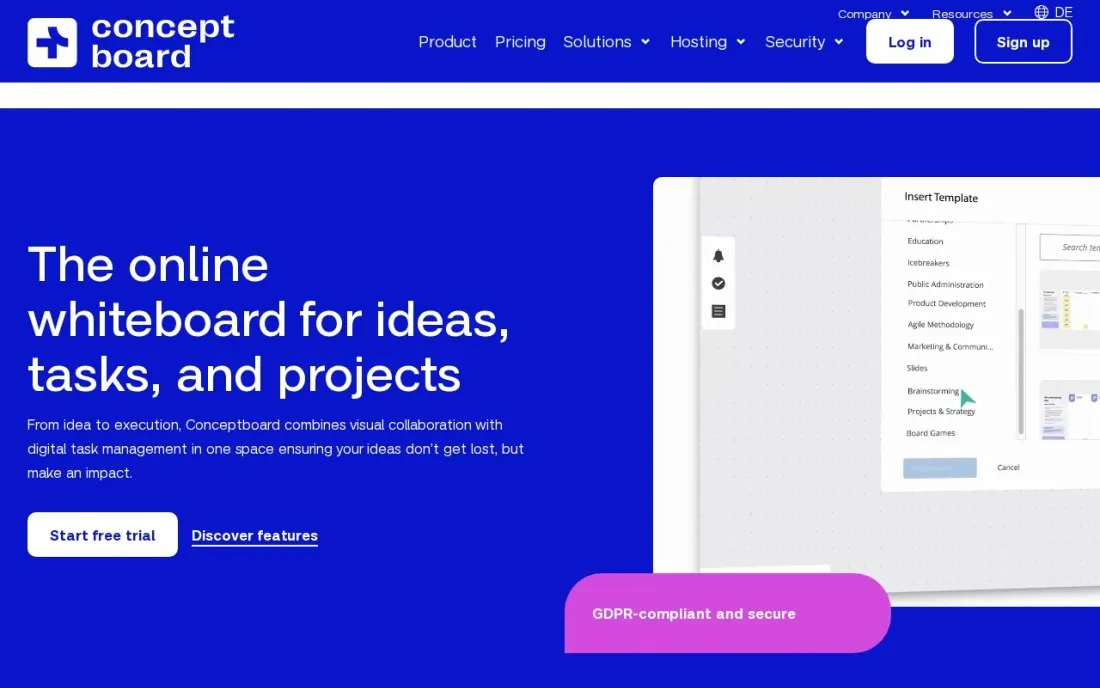
Conceptboard is the whiteboard for organisations where data location matters. It hosts in Germany, states GDPR compliance and ISO 27001, 27017 and 27018 certification, and offers optional IONOS or StackIT hosting on higher plans. Starter includes unlimited boards, more than 150 templates, facilitator tools and guest access for external people.
Starter costs €5 a user a month, billed monthly or yearly, from one user. Advanced starts at €10 a user on a 12-month contract for 10 or more users and adds board history, branding and admin controls. The free plan allows 3 active boards with 100 objects each.
What we like
- Data centres in Germany, with ISO 27001, 27017 and 27018 certifications stated
- Starter includes unlimited boards, 150-plus templates, facilitator tools and guest access
- 30-day free trial on Starter and Advanced
Watch out for
- Free plan limits you to 3 active boards and 100 objects per board
- Advanced needs a 12-month contract for 10 or more users
- Prices are in euros and exclude VAT
The best whiteboard software gives a team one shared canvas to think on: sticky notes for brainstorming, shapes for diagrams, timers and votes for workshops, and a link that keeps the work after the meeting ends. We compared six tools, from full workshop platforms to a free sketch board, on free plan limits, facilitation features, guest access and price per member, with every price checked on the vendor's own pricing page in November 2026.
How to choose the best whiteboard software
- Name the main use. Workshops need facilitation tools; architecture sketches need speed; diagrams need snapping shapes.
- Check the free plan limit. Miro and Mural stop at 3 editable boards, Whimsical at 50 objects a month and Conceptboard at 3 active boards.
- Count who edits and who watches. Free viewers and editing visitors keep the bill down when clients or other teams join sessions.
- Look at integrations. Boards that link to Jira, Slack or Teams turn ideas into work instead of screenshots.
- Confirm where data lives. Regulated or public-sector teams may need EU hosting and certifications.
- Check what you already own. Microsoft 365 includes Whiteboard, which may cover simple sessions.
- Teaching a class. Microsoft Whiteboard is free for students and educators through Microsoft 365 A1, with inking and templates. Excalidraw needs no account, so students can join a board from a link.
Whiteboards are where most good content and SEO plans start. If your team is mapping topics or site structure on a board, our SEO audit turns that map into a prioritised plan, and the free heading structure checker helps make sure each page follows the outline you drew.
Which whiteboard software fits your situation
A remote team that runs retrospectives and planning every sprint. Miro is the safest pick. It has the deepest template library for retrospectives, journey maps and sprint planning, plus timer, voting and Talktracks, and it links boards to Jira, Asana, Slack and Zoom. Budget for Starter at $8 a member billed annually, because the free plan stops at 3 editable boards and an active team reaches that quickly.
A facilitator or consultant who runs workshops with clients. Mural fits best. Every plan includes a timer, voting, private mode, a laser pointer and a facilitator lock, and Team+ at $9.99 a member billed annually lets visitors edit, so clients do not need seats. Watch the guest rules: unlimited external guests need Business at $17.99 a member billed annually.
A company that already pays for Microsoft 365. Switch on Microsoft Whiteboard before buying anything. It opens from the Share tray in a Teams meeting, keeps the board in the meeting chat and has more than 60 templates and Copilot. An admin has to enable it in the tenant, and it has fewer workshop tools than Miro or Mural, so add a workshop board only if sessions outgrow it.
A developer or small product team that sketches during calls. Start with Excalidraw. The free version is open source, end-to-end encrypted and allows unlimited collaborators with no sign-up. Its limits are one scene and a library saved in the browser; Excalidraw+ at $6 a user billed annually adds unlimited scenes, cloud saving and comments. If the same team also writes flowcharts, mind maps and wireframes next to short docs, Whimsical Pro at $10 an editor billed annually keeps them together, and viewers stay free.
A European company or public body with strict data rules. Conceptboard is the clear fit, with data centres in Germany, stated GDPR compliance and ISO 27001, 27017 and 27018 certifications. Starter costs €5 a user a month before VAT and includes unlimited boards and guest access. Note that Advanced needs a 12-month contract for 10 or more users.
Whiteboard software pricing: what you will actually pay
Take a team of eight people who all edit boards. On Miro Starter at $8 a member a month billed annually, that is $768 a year, or $960 at $10 billed monthly. Mural Team+ at $9.99 billed annually comes to $959.04 a year, or $1,152 at $12 monthly. Whimsical Pro at $10 an editor billed annually costs $960 a year.
Excalidraw+ is the cheapest paid option at $6 a user billed annually, so $576 a year for eight, or $672 at $7 monthly. Conceptboard Starter costs €5 a user a month, so €480 a year before VAT. If the company already runs Microsoft 365, Microsoft Whiteboard adds no cost at all.
Viewers change the maths. Whimsical charges only for editors, Mural Team+ lets visitors edit, and Excalidraw's free version allows unlimited collaborators, so a team where only a few people build boards can pay for far fewer seats.
Know the difference: workshop whiteboards vs sketch boards
Workshop whiteboards such as Miro and Mural are built for running sessions. They come with large template libraries, timers, voting, private mode and facilitator controls, plus integrations that send results to project tools. They suit retrospectives, design sprints, customer journey mapping and planning days.
Sketch boards such as Excalidraw, Whimsical and Microsoft Whiteboard are built for speed. They open quickly, draw cleanly and suit a diagram during a call or a flowchart in a spec. They have fewer facilitation features, and they cost less or nothing. Many teams use one of each: a sketch board for daily work and a workshop board for big sessions.
Quick comparison: tool type by need
| Buyer | Best pick | Why |
|---|---|---|
| Remote team workshops | Miro | Deepest templates; Starter $8/member billed annually |
| Facilitated sessions | Mural | Facilitation tools on every plan; Team+ $9.99 annual |
| Microsoft 365 companies | Microsoft Whiteboard | Included with Microsoft 365, built into Teams |
| Diagrams plus docs | Whimsical | Flowcharts, mind maps and wireframes; Pro $10/editor |
| Free quick sketches | Excalidraw | Open source, unlimited collaborators; Plus $6/user |
| EU data residency | Conceptboard | Hosted in Germany; Starter €5/user/month |
Mistakes to avoid
- Buying seats for viewers. Check which tools let guests view or edit for free before counting licences.
- Leaving boards without an owner. Old boards pile up; archive them after each project so search stays useful.
- Running a workshop without a template. A blank canvas wastes the first twenty minutes; start from a structure.
- Keeping decisions only on the board. Move actions into your task tool, or they will be forgotten.
- Ignoring data rules. If client or personal data goes on boards, confirm hosting and certifications first.
Related comparisons: Software for Translators · SOP Software Tools · Workflow Automation Software · Tracker Apps · Apps for ADHD
How we chose
We read each vendor's own pricing page in November 2026 and recorded starting prices exactly as shown, including annual and monthly billing where both are listed. We judged each tool on free plan limits, facilitation features, guest access, integrations and cost for an eight-person team. Ratings come from G2 pages checked on the dates shown in the sources, and we omit ratings we did not verify. No vendor paid for a place in this list, and none of the links here are affiliate links.
What to do next
Run your next team meeting on the free plan of two tools from this list, using the same template, and ask the team which board they would open again. If the session ends with a content or website plan you want to act on, book a free call with our team.
Frequently asked questions
What is the best whiteboard software?
Miro is the best all-round whiteboard software for remote teams, from $8 a member a month billed annually. Mural is best for facilitated workshops, Microsoft Whiteboard for Microsoft 365 companies, Excalidraw for free quick sketches and Conceptboard for GDPR-focused European teams.
Is there free whiteboard software?
Yes. Excalidraw is free and open source with unlimited collaborators. Miro's and Mural's free plans allow 3 editable boards, Whimsical's free plan allows 50 board objects a month and Conceptboard's free plan allows 3 active boards. Microsoft Whiteboard comes with Microsoft 365.
How much does an online whiteboard cost?
On published prices, Excalidraw+ costs $6 a user a month billed annually, Miro Starter $8, Mural Team+ $9.99, Whimsical Pro $10 an editor and Conceptboard Starter €5 a user. Monthly billing costs more on every tool that offers both.
Miro vs Mural: which is better?
Both are full workshop whiteboards with free plans capped at 3 editable boards. Miro has the larger template library and integration list and is cheaper at $8 a member billed annually. Mural puts more facilitation tools on every plan and lets visitors edit on Team+ at $9.99.
Can guests edit a whiteboard without paying?
On several tools, yes. Mural's Team+ lets visitors edit, Miro's Starter adds visitor editing, Whimsical makes viewers free, Excalidraw allows unlimited collaborators and Conceptboard Starter includes guest access for external people.
Which whiteboard is best for GDPR?
Conceptboard is the clearest choice, with data centres in Germany, stated ISO 27001, 27017 and 27018 certifications and optional European hosting providers on higher plans.
What is the best whiteboard software for teaching?
Microsoft Whiteboard is the natural pick for schools: it is free for students and educators through Microsoft 365 A1, supports inking, has more than 60 templates and opens inside Teams lessons. Excalidraw is free with no sign-up and unlimited collaborators, so a class can join from a link. Mural's free plan allows unlimited members and view-only visitors for structured activities.
Which whiteboard software works on PC, Mac, iPad and Linux?
Microsoft Whiteboard has apps for Windows, iOS, Android, web and Surface Hub, so it covers PC, iPad and tablets. Excalidraw runs in the browser with end-to-end encryption, so it works on Mac, Linux or any computer with a modern browser and needs no install. Check the other tools' app pages for your device before you commit.
Sources we checked (6)
- Miro — miro.com/pricing (checked November 10, 2026)
- Mural — www.mural.co/pricing (checked November 16, 2026)
- Microsoft Whiteboard — www.microsoft.com/en-us/microsoft-365/microsoft-whiteboard/digital-whiteboard-app (checked November 16, 2026)
- Whimsical — whimsical.com/pricing (checked November 16, 2026)
- Excalidraw — plus.excalidraw.com/pricing (checked November 16, 2026)
- Conceptboard — conceptboard.com/pricing (checked November 16, 2026)
Make one of these tools?
We re-check this list every quarter. Send a correction, request a review, or ask about a clearly labeled sponsored spot.
Request a listingShamim
Founder of SerpAstra
A full-stack digital marketer and SEO strategist covering technical and local SEO, AI search visibility, paid ads and lead generation for local businesses, e-commerce brands and SaaS teams.
Free SEO and AI visibility audit
Find out what is holding your rankings back
Send us your site. Within 2 business days you get a written audit, an AI visibility check and a short fix list ranked by impact. Free, with no contract attached.
Request my free audit→Related buying guides
 Productivity & Office10 Best Collaboration Software for Small Business in 2026, ComparedCompare the 10 best collaboration software for small business options on price, free plans, chat and project tools, with every price checked November 10, 2026.Read guide →
 Communication & Community8 Best Meeting Collaboration Software in 2026, ComparedCompare the 8 best meeting collaboration software for AI notes, shared agendas, whiteboards and async video, on free plans, limits and real cost per user.Read guide →
 Communication & Community7 Best Online Meeting Platforms in 2026, ComparedCompare the 7 best online meeting platforms on time limits, participant caps, free plans and real per-user cost, with every price checked on vendor pages.Read guide →