
8 Best SOP Software Tools in 2026, Compared
Compare the 8 best SOP software tools for writing, sharing and enforcing standard operating procedures, with free plans and real per-user cost checked.
 Shamim Mia, Founder, SerpAstraLast verified November 10, 20268 min read
We compare pricing pages, documentation and public reviews. We never accept payment for rankings.

Key takeaways
- Scribe and Tango are the fastest way to write software SOPs: both capture clicks and screenshots as you work, and both have free plans.
- Process Street turns SOPs into checklists people must run in order, with approvals and conditional logic, which suits procedures that have to be followed, not just read.
- Trainual combines SOPs with onboarding and training paths, but it is quote-only with a one-time $1,000 implementation fee.
- Manufacturers should look at Dozuki or SwipeGuide, which add version control, skills tracking and shop-floor access that office tools lack.
On this page
Quick comparison
| Tool | Best for | Starting price | Free plan |
|---|---|---|---|
| Scribe | Teams documenting software processes who want step-by-step SOPs written for them | Free; Pro Team $13/seat | Yes (Basic) |
| Tango | Small teams that want free click-by-click SOPs with screenshots captured as they work | Free; Pro $22/mo | Yes (free plan) |
| Process Street | Operations teams that need SOPs run as checklists with approvals, order and due dates | Custom quote | No (14-day trial) |
| Trainual | Growing small businesses that want SOPs, onboarding and training paths in one playbook | Custom quote | No (demo) |
| Notion | Small teams that want a free, flexible SOP library inside the workspace they already use | $10/member/mo | Yes (free plan) |
| Confluence | Teams on Jira that want SOPs in a structured wiki with permissions and page history | $6/mo (annual) | Yes (up to 10 users) |
| Dozuki | Manufacturers that need controlled SOPs and work instructions with training records | Custom quote | No (no trial) |
| SwipeGuide | Mid-size plants that want flat-priced SOPs on phones and tablets with unlimited users | €649/mo | No (free trial) |
Make one of these tools?
We re-check this list every quarter. Send a correction, request a review, or ask about a clearly labeled sponsored spot.
Request a listingThe best SOP software

Scribe
Best for: Teams documenting software processes who want step-by-step SOPs written for them
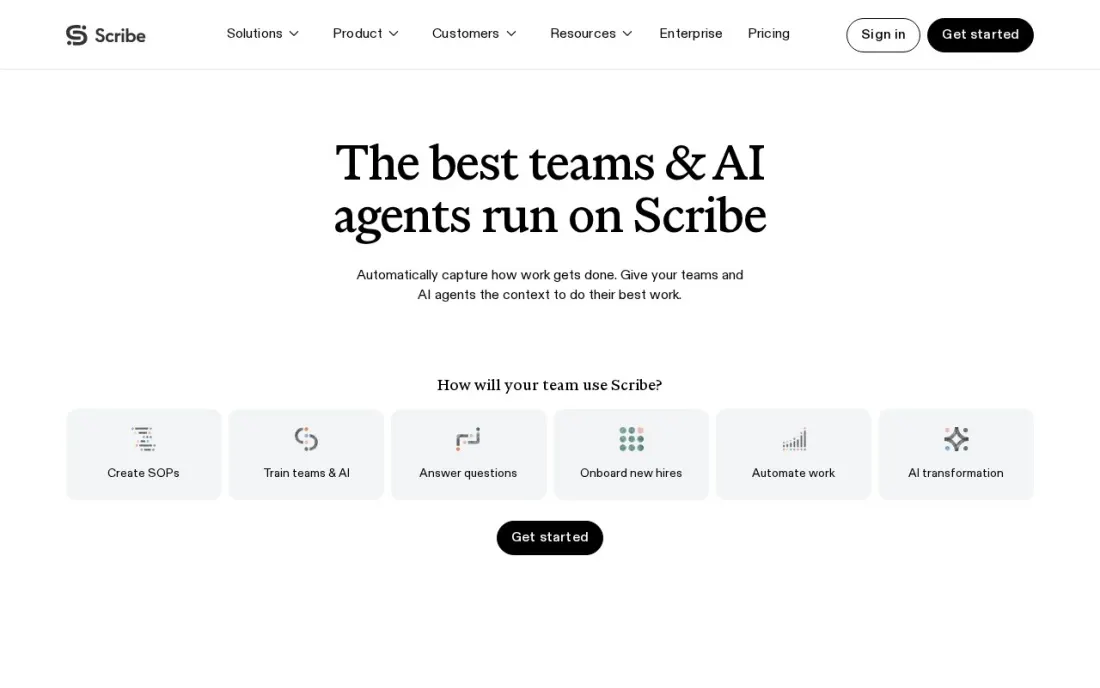
Scribe writes the SOP while you do the task. Turn on capture, click through the process once, and Scribe produces a step-by-step guide with screenshots and written instructions that you can edit, share by link or embed in a wiki. The free Basic plan works in the browser with any web app, which is enough to document most software procedures.
Pro Personal costs $25 a seat a month billed yearly, or $35 monthly, and adds desktop and mobile capture, branding, screenshot redaction and export. Pro Team costs $13 a seat billed yearly, or $17 monthly, with a 5-seat minimum and comments, and every member must be on the same tier.
What we like
- Free Basic plan captures browser workflows and shares guides by link or embed
- Pro adds desktop and mobile capture, branding, redaction and PDF, HTML and Markdown export
- Education and nonprofit discounts available on Pro
Watch out for
- Pro Team needs at least 5 seats, and the whole team must be on the same tier
- Free plan keeps only one week of version history
- Automatic PII redaction and SSO need Enterprise

Tango
Best for: Small teams that want free click-by-click SOPs with screenshots captured as they work
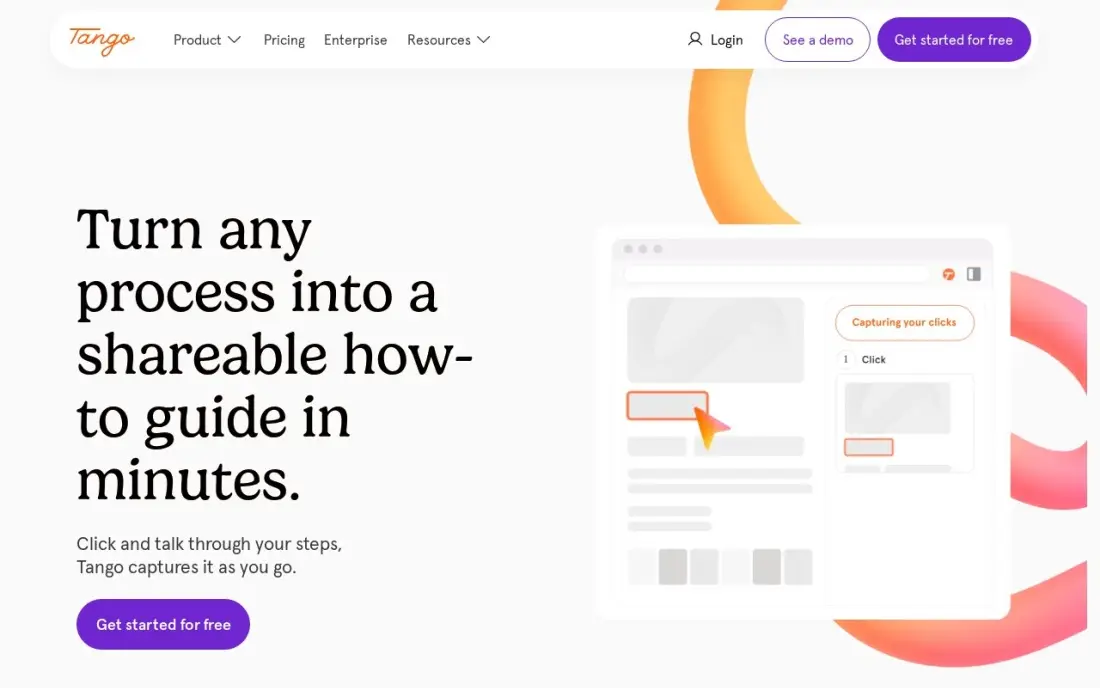
Tango works like Scribe: you do the task once and it captures clicks, typing and screenshots into a guide with AI-written step descriptions. The free plan covers 5 shared workflows and up to 10 users with no credit card, which is enough for a small team to document its most common processes.
Pro costs $22 a user a month for 1 to 2 users and $20 billed monthly for teams of 3 or more, or $15 billed annually. So a 10-person team pays $200 a month billed monthly. Guide Me, which overlays the steps inside the live app, is Enterprise-only, so Pro buyers get documentation rather than in-app guidance.
What we like
- Captures workflows automatically with screenshots as you do the work — no manual writing
- Free plan covers 5 shared workflows and up to 10 users with no credit card
- Guide Me overlays steps inside the live app so people learn by doing
Watch out for
- In-app guidance (Pins, Guide Me, Automations) is Enterprise-only, not on Pro
- Pro is per-user, so a 10-person team pays $200 a month billed monthly
- G2 still lists the old $15 Pro figure — that is the annual-billed rate for teams of 3+, not the headline price

Process Street
Best for: Operations teams that need SOPs run as checklists with approvals, order and due dates
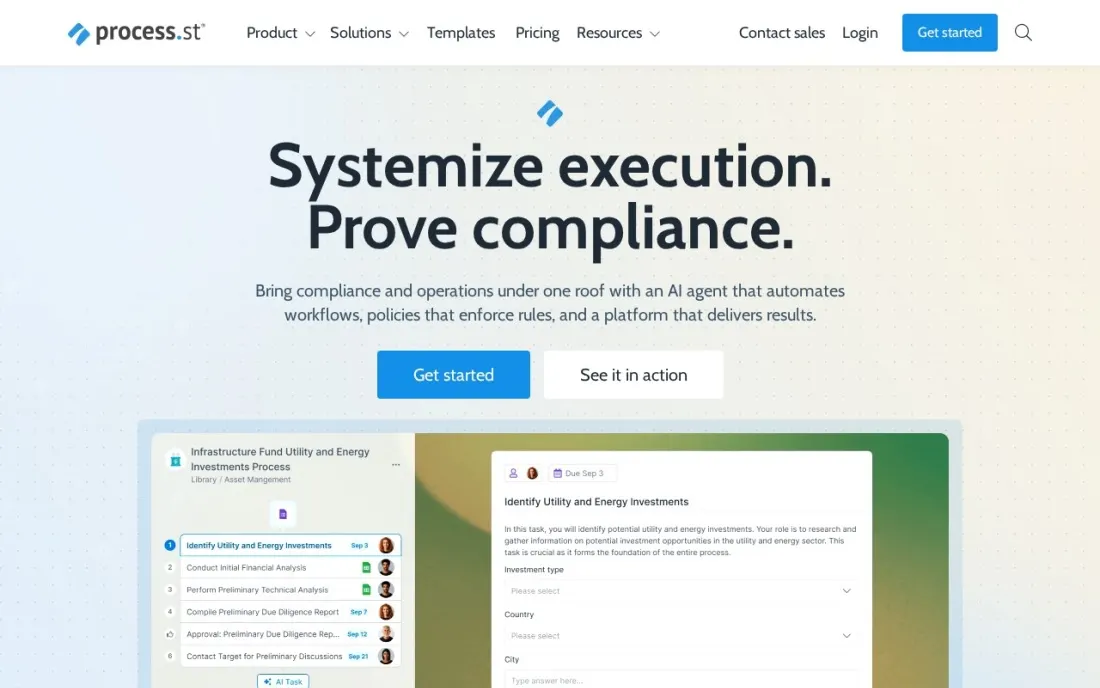
Process Street treats an SOP as something people run, not just read. Each procedure becomes a workflow with conditional logic, approvals, enforced task order, role assignments and dynamic due dates, and every run leaves a record of who did what. That suits recurring procedures such as client onboarding, month-end close or quality checks where skipping a step is costly.
Prices are not published. Startup is a reduced-price version of Pro for companies under 15 employees and $2 million in revenue, capped at 5 users and 10 guests. Pro has a 14-day free trial with no credit card, and nonprofits can ask for discounts.
What we like
- Conditional logic, approvals, enforced task order and dynamic due dates on every plan
- Unlimited workflows, tasks, forms and pages on every plan
- Startup plan is a reduced-price Pro for companies under 15 employees and $2 million revenue
Watch out for
- No prices published, so every plan needs a sales conversation
- Startup caps at 5 users, 10 guests and 100 automation actions a month
- More setup than a capture tool: each SOP is built as a workflow

Trainual
Best for: Growing small businesses that want SOPs, onboarding and training paths in one playbook
Trainual is built for the small business that wants its SOPs to double as an onboarding programme. Procedures, policies and role responsibilities live in one playbook with more than 500 templates, flowcharts, screen recording and AI search, and content verification reminders prompt owners to review pages before they go stale.
Pricing depends on team size and is quoted after a demo, and the FAQ states a one-time implementation fee of $1,000. Core has 30 days of version history; Pro adds individual training paths, 300 e-signatures a year and a customer success manager. You can pause the account for up to three months.
What we like
- 500-plus customizable templates, flowcharts and built-in screen recording
- AI-powered knowledge search and content verification reminders
- Training paths and e-signatures on Pro and above
Watch out for
- No published prices, and a one-time $1,000 implementation fee applies
- No free trial, only a demo
- Training paths are not on Core

Notion
Best for: Small teams that want a free, flexible SOP library inside the workspace they already use
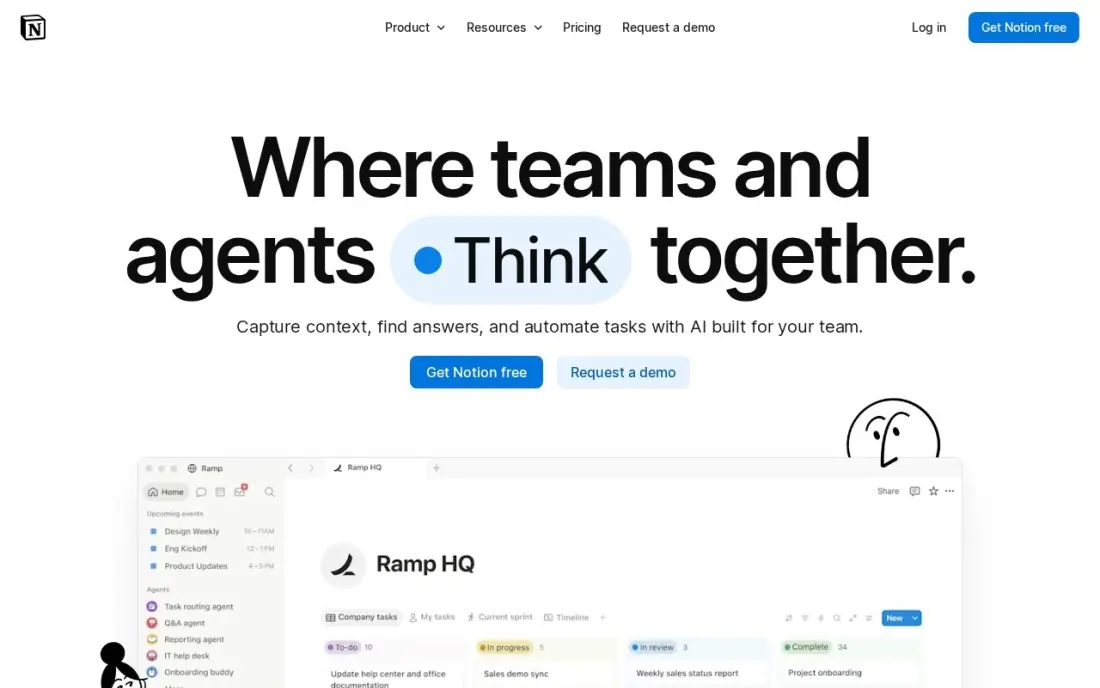
Notion is the build-it-yourself SOP library. A database of procedures with owner, department and review date properties, linked pages and templates gives a small team a searchable SOP hub without another subscription. The free plan is unlimited for one person, and the 4.6 rating across 13,975 G2 reviews reflects how widely it is used.
Plus costs $10 a member a month billed annually, or $12 monthly, and adds unlimited uploads and 30-day page history. Full Notion AI sits on Business at $20 a member a month. Notion will not enforce a procedure or remind owners to update it unless you build that yourself.
What we like
- Databases, linked pages and templates combine into a searchable SOP library you design yourself
- Free plan is genuinely unlimited for one person, with sync on every device
- Plus adds unlimited file uploads, 30-day page history and unlimited guests
- Rated 4.6/5 on G2 from 13,975 reviews, the largest review base in this list
Watch out for
- Full Notion AI sits on Business ($20/member/month), not Plus — Plus gets an AI trial only
- Per-member pricing means a 5-person team pays $50 a month on Plus
- Blank-page freedom is a learning curve: building a good SOP library takes setup time

Confluence
Best for: Teams on Jira that want SOPs in a structured wiki with permissions and page history
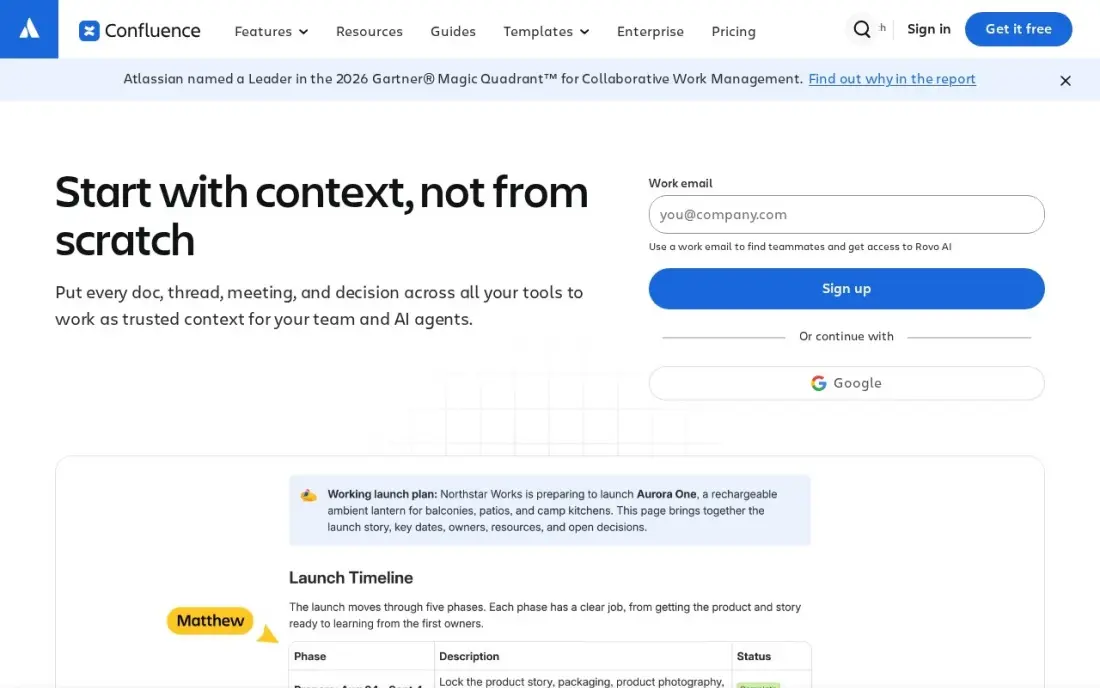
Confluence suits SOPs that live next to technical work. Spaces carry their own permissions, every page keeps history, templates standardise how procedures are written and links into Jira tie a procedure to the tickets that use it. The free plan covers up to 10 users.
Standard costs $7.15 a user a month billed monthly, or $6 billed annually, for teams of 1 to 100 users, and includes Rovo AI search, chat and agents. The pricing page headline shows a lower blended rate for larger teams, so price your own user count.
What we like
- Standard adds page permissions, 250 GB of storage, public links and Rovo AI search, chat and agents
- Free plan covers up to 10 users, so a tiny team can run a real wiki for nothing
- Deep Jira integration turns specs and decision pages into linked, traceable records
Watch out for
- The $7.15 rate is for the first 100 users; Atlassian raised it from $6.70 on October 13, 2026, and the pricing page headline shows a lower blended rate
- No built-in news feed, employee directory or chat, so it is a wiki first and an intranet second

Dozuki
Best for: Manufacturers that need controlled SOPs and work instructions with training records

Dozuki is the standard for SOPs on the shop floor. Procedures are built as photo, video and text steps with annotations, then pass through version control and approval workflows, and training and skills tracking draw on the same content. When a procedure changes, every operator sees the new version with an audit trail behind it.
There is no published price and no free trial, and G2 reviewers report implementation taking around 5 months on average. Reviewers also mention reporting limits and a cap on images per step. It is the right choice when document control is an audit requirement.
What we like
- Purpose-built for standard work instructions, with version control and approvals
- Training and skills tracking sit next to the instructions, so onboarding follows the same content
- Strongest review base in this list at 4.4 out of 5 on G2 across 210 reviews
- Photo, video and text steps with annotations, built for the shop floor
Watch out for
- Quote-only pricing, so small teams cannot budget without a sales call
- G2 reviewers report implementation taking around 5 months on average
- Reviewers note reporting limits and a cap on images per step

SwipeGuide
Best for: Mid-size plants that want flat-priced SOPs on phones and tablets with unlimited users
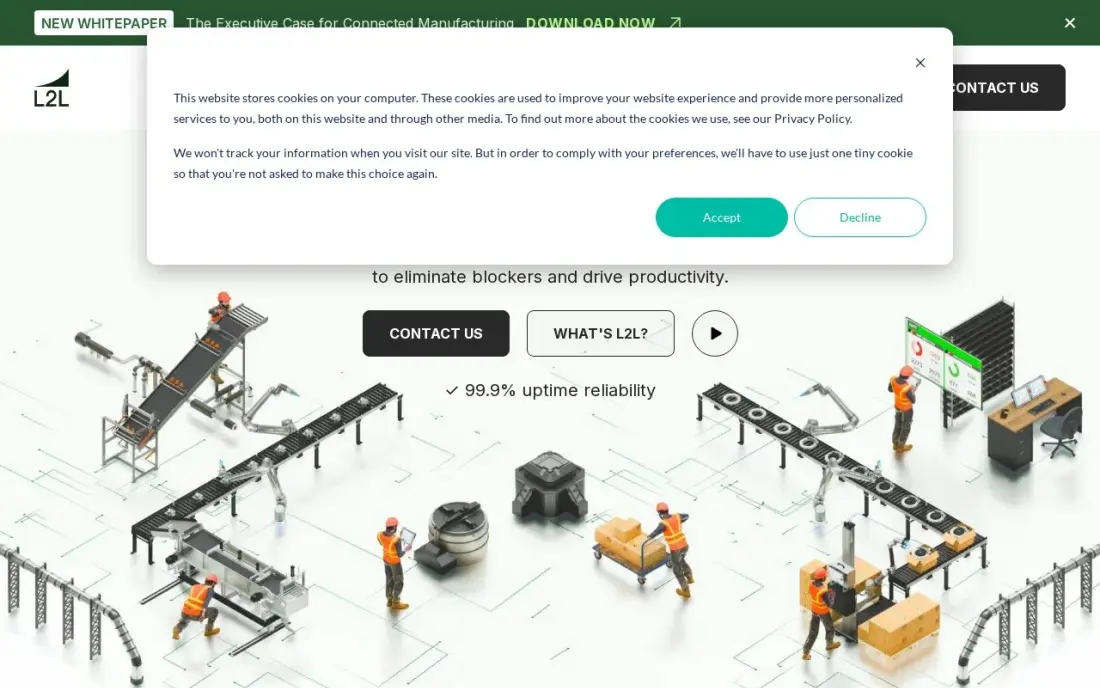
SwipeGuide delivers SOPs at the workstation: operators scan a QR code and follow steps on a phone or tablet with checklists, and an AI instruction builder drafts guides from existing documents and videos. Skills management is built in, so training records sit next to the procedures.
Pro costs a flat €649 a month for one location with unlimited users, 10 content editors and 2 languages. That is steep for a small team but cheap per head for a large one. There is no free plan, and multi-site work needs the custom Enterprise tier.
What we like
- Flat €649 a month with unlimited users, so adding operators never raises the bill
- AI-powered instruction builder drafts guides from existing documents and videos
- Guides work on phones and tablets at the station, with QR codes and checklists
- Skills management is built in, so training and instructions live in one place
Watch out for
- Flat €649 a month is steep for a single line or a very small team
- Now part of L2L, so the roadmap and branding sit inside a larger platform
- No free plan, and the entry plan covers one location only
The best SOP software makes procedures quick to write, easy to find and hard to skip. We compared eight tools across four approaches — screen-capture guides, checklist workflows, training playbooks and shop-floor work instructions, plus two wikis — on how fast you can document a process, how well the tool keeps it current and what a team actually pays, with every price checked on the vendor's own pricing page in November 2026.
How to choose the best SOP software
- Decide whether SOPs are read or run. A reference guide needs search and screenshots; a procedure that must be followed needs checklists, order and sign-off.
- Measure time to the first SOP. Capture tools turn one run-through into a guide; blank editors need someone to write every step.
- Plan who keeps them current. Look for owners, review reminders and version history so outdated steps do not linger.
- Check where people will read them. Office staff use a browser; operators on a line need phones, tablets and QR codes.
- Price your full team. Per-seat minimums, whole-team tiers and flat rates change which tool is cheapest at your size.
- Confirm export. If you switch tools later, you want PDF, HTML or Markdown out, not a locked library.
SOPs are also where good marketing processes get written down. If your team runs content and SEO in-house, our monthly SEO service comes with documented processes you can adopt, and the free readability checker helps keep each SOP plain enough for a new hire to follow.
SOP software pricing: what you will actually pay
Take a 10-person office team. On Scribe Pro Team at $13 a seat a month billed yearly, that is $130 a month or $1,560 a year; billed monthly at $17, it is $2,040 a year. Tango Pro for 10 users billed monthly at $20 costs $200 a month, or $2,400 a year, and $15 a user on annual billing brings it to $1,800. Notion Plus at $10 a member billed annually costs $1,200 a year, and Confluence Standard at $6 a user billed annually costs $720.
Trainual and Process Street publish no prices, and Trainual adds a one-time $1,000 implementation fee, so ask both for a written first-year total. For a plant, SwipeGuide Pro is a flat €649 a month, or €7,788 a year, for one location with unlimited users, while Dozuki is quote-only.
If the budget is zero, Tango's free plan covers 5 shared workflows for up to 10 users, Scribe Basic is free for browser capture and Confluence is free for up to 10 users.
Know the difference: SOP documentation vs SOP execution
Documentation tools make the procedure easy to find and follow. Scribe, Tango, Notion and Confluence produce pages and guides that someone reads while doing the task. They are quick to start and cheap, but they cannot tell you whether anyone actually followed the steps.
Execution tools make the procedure a process. Process Street runs each SOP as a checklist with required order, approvals and due dates, and keeps a record of every run, while Dozuki and SwipeGuide tie procedures to training and skills records on the shop floor. Trainual sits between the two, pairing documentation with assigned training and sign-offs. Choose execution when a missed step causes real cost or an audit finding.
Quick comparison: tool type by need
| Buyer | Best pick | Why |
|---|---|---|
| Software procedures, fast | Scribe | Auto-written guides; free Basic, Pro Team $13/seat yearly |
| Small team, free | Tango | Free for 5 shared workflows and 10 users |
| Procedures that must be followed | Process Street | Checklists with approvals and enforced order, by quote |
| SOPs plus onboarding | Trainual | Playbook with training paths, by quote plus $1,000 setup |
| Flexible SOP library | Notion | Free for one person; Plus $10/member billed annually |
| Teams on Jira | Confluence | Structured wiki; free up to 10 users |
| Regulated manufacturing | Dozuki | Version control, approvals and skills tracking |
| Shop floor, flat price | SwipeGuide | €649/month per location, unlimited users |
Mistakes to avoid
- Documenting everything at once. Start with the ten procedures that cause the most errors or questions, then expand.
- Writing SOPs nobody owns. Every procedure needs a named owner and a review date, or it goes stale within months.
- Burying SOPs in a drive. If staff cannot find the procedure in seconds, they will ask a colleague instead.
- Using a reader tool for a compliance process. If you must prove a step was done, you need checklist runs and sign-off, not a page.
- Ignoring seat minimums. Scribe Pro Team needs 5 seats and moves the whole team to one tier, so price the full team.
Related comparisons: Software for Translators · Tools for Remote Teams · Software to Block Websites · Workflow Automation Software
How we chose
We read each vendor's own pricing page in November 2026 and recorded starting prices as shown, noting where billing is yearly or monthly and where no price is published. We judged each tool on time to the first SOP, how it keeps procedures current, whether it can enforce steps and its cost for a 10-person team. Ratings come from G2 pages checked on the dates shown in the sources, and we omit ratings we did not verify. No vendor paid for a place in this list, and none of the links here are affiliate links.
What to do next
Pick the one procedure that new staff ask about most, document it in a free plan from this list and ask a new hire to follow it without help. Fix what they get stuck on, then do the next one. If marketing is one of the processes you want documented and run well, book a free call with our team.
Frequently asked questions
What is the best SOP software?
Scribe and Tango are the best for quickly documenting software procedures, both with free plans. Process Street is best when SOPs must be run as checklists with approvals, Trainual when SOPs double as onboarding, and Dozuki for manufacturers that need controlled work instructions.
Is there free SOP software?
Yes. Scribe's Basic plan is free for browser capture, Tango's free plan covers 5 shared workflows and up to 10 users, Notion is free for one person and Confluence is free for up to 10 users.
How much does SOP software cost?
On published prices, Scribe Pro Team costs $13 a seat a month billed yearly with a 5-seat minimum, Tango Pro $20 a user billed monthly for teams of 3 or more, Notion Plus $10 a member billed annually and Confluence Standard $6 a user billed annually. Trainual, Process Street and Dozuki are quote-only.
What is the difference between an SOP and a work instruction?
An SOP describes how a process should be done and who is responsible. A work instruction is the detailed step-by-step for one task, often at a workstation. Dozuki and SwipeGuide are built for work instructions; Scribe, Tango and Trainual suit office SOPs.
How do I keep SOPs up to date?
Give each SOP an owner and a review date. Trainual sends content verification reminders, Dozuki and Confluence keep version history, and capture tools like Scribe and Tango make re-recording a changed process quick.
Can I use Google Docs for SOPs?
You can start there, but documents drift, nobody is reminded to review them and there is no record of who followed a procedure. Once a team has more than a handful of SOPs, a dedicated tool or a structured wiki saves time.
What is the best software for creating SOPs automatically?
Scribe and Tango generate SOPs for you as you work. Scribe captures browser workflows into step-by-step guides on its free Basic plan, with desktop and mobile capture on Pro. Tango captures click-by-click screenshots automatically, and its free plan covers 5 shared workflows and up to 10 users. SwipeGuide's AI instruction builder drafts guides from existing documents and videos for manufacturing teams.
What is the best SOP software for software development teams?
Confluence is the natural fit for teams on Jira: deep Jira integration links specs and decision pages, page permissions and history keep procedures controlled, and the free plan covers up to 10 users. Scribe suits documenting software processes as step-by-step guides, with Markdown and HTML export on Pro. Notion works for small teams that want a flexible SOP library in a workspace they already use.
Sources we checked (12)
- Scribe — scribe.com/pricing (checked November 16, 2026)
- Tango — www.tango.us/pricing (checked November 12, 2026)
- Tango reviews on G2 (checked November 12, 2026)
- Process Street — www.process.st/pricing (checked November 16, 2026)
- Trainual — trainual.com/pricing (checked November 16, 2026)
- Notion — www.notion.com/pricing (checked November 12, 2026)
- Notion reviews on G2 (checked November 12, 2026)
- Confluence — www.atlassian.com/software/confluence/pricing (checked November 10, 2026)
- Confluence reviews on G2 (checked November 10, 2026)
- Dozuki — www.g2.com/products/dozuki/pricing (checked November 10, 2026)
- Dozuki reviews on G2 (checked November 10, 2026)
- SwipeGuide — www.softwareadvice.com/cms/swipeguide-profile (checked November 10, 2026)
Make one of these tools?
We re-check this list every quarter. Send a correction, request a review, or ask about a clearly labeled sponsored spot.
Request a listingShamim
Founder of SerpAstra
A full-stack digital marketer and SEO strategist covering technical and local SEO, AI search visibility, paid ads and lead generation for local businesses, e-commerce brands and SaaS teams.
Free SEO and AI visibility audit
Find out what is holding your rankings back
Send us your site. Within 2 business days you get a written audit, an AI visibility check and a short fix list ranked by impact. Free, with no contract attached.
Request my free audit→Related buying guides
 Developer Tools7 Best Documentation Software in 2026, ComparedCompare the 7 best documentation software for product, API and internal docs on Git sync, AI search, free plans and real monthly cost, with vendor prices.Read guide →
 Manufacturing, Maintenance & ERP12 Best Digital Work Instruction Software in 2026, ComparedCompare the 12 best digital work instruction software options on price, free plans, offline use and AR features, with prices checked November 10, 2026.Read guide →
 Education & E-Learning8 Best Online Training Software in 2026, ComparedCompare the 8 best online training software for staff, customer and paid courses, with free plans, user limits and real monthly costs checked on vendor pages.Read guide →