
8 Best Apps for Time Management in 2026, Compared
Compare the 8 best apps for time management: task lists, AI schedulers, daily planners and time trackers, with free plans and every price checked in Nov 2026.
 Shamim Mia, Founder, SerpAstraLast verified November 10, 20269 min read
We compare pricing pages, documentation and public reviews. We never accept payment for rankings.
Key takeaways
- TickTick is the best value for most people: tasks, calendar, habits and a Pomodoro timer for $35.99 a year, with a free plan to start.
- Reclaim.ai is the pick if meetings eat your week: its free Lite plan books focus time and habits around your calendar and moves them when plans change.
- Motion automates the most but costs the most for one person, $49 a month or $29 a month billed annually, with no free plan.
- Time management starts with knowing where the hours go: Clockify (free for up to 5 users) and Toggl Track (free for up to 3) show it before you change anything.
On this page
Quick comparison
| Tool | Best for | Starting price | Free plan |
|---|---|---|---|
| TickTick | Most people who want tasks, a calendar, habits and a focus timer in one cheap app | $35.99/yr | Yes (9 lists) |
| Todoist | People whose time problem is forgetting things, and who want the fastest task capture | $5/user/mo | Yes (5 projects) |
| Reclaim.ai | Professionals in back-to-back meetings who need focus time defended automatically | $12/mo | Yes (free Lite plan) |
| Motion | Busy individuals and teams who want AI to plan and re-plan the whole day | $49/mo | No (7-day trial) |
| Sunsama | People who want a calm daily planning ritual and a realistic, time-boxed day | $22/mo | No (14-day trial) |
| Google Calendar | Anyone who wants a free time-blocking base that syncs to every device | Free | Yes (free plan) |
| Clockify | Freelancers and small teams who want a free record of where their hours actually go | Free; Basic $3.99/mo | Yes (up to 5 users) |
| Toggl Track | People who want the simplest one-click timer and clean reports on their habits | $9/user/mo | Yes (up to 3 users) |
Make one of these tools?
We re-check this list every quarter. Send a correction, request a review, or ask about a clearly labeled sponsored spot.
Request a listingThe best apps for time management

TickTick
Best for: Most people who want tasks, a calendar, habits and a focus timer in one cheap app
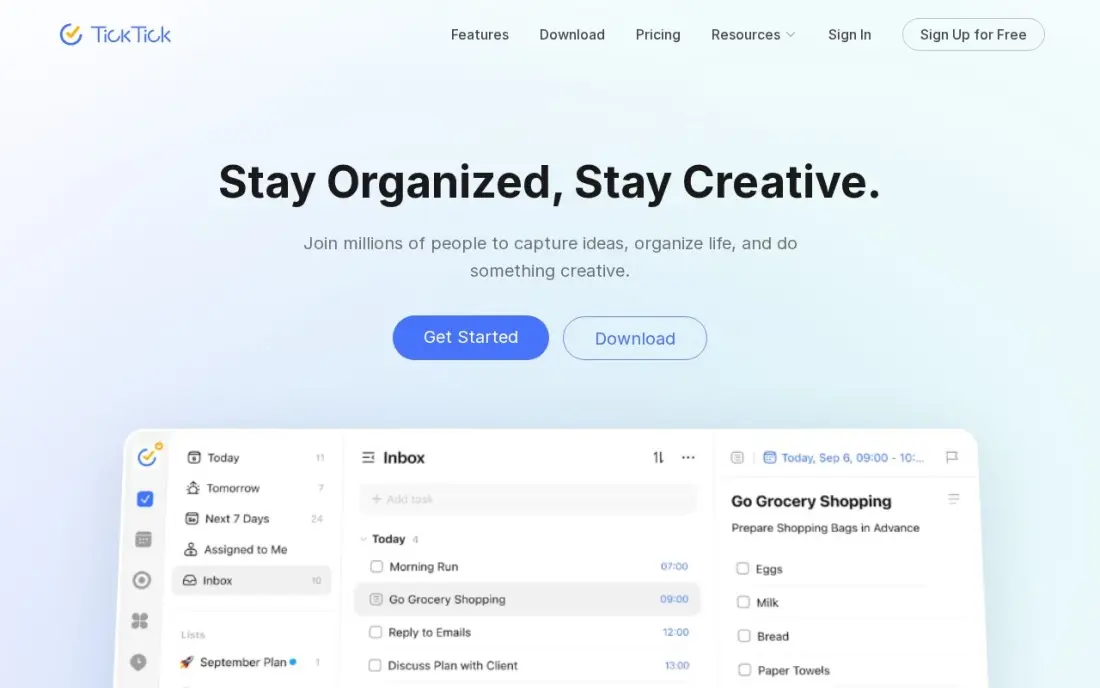
TickTick covers the four habits of good time management in one subscription: capture tasks, see them on a calendar, track daily habits and work in focused Pomodoro sessions. Premium costs $35.99 a year, adds two-way calendar sync, smart lists and location reminders, and the free plan holds up to 9 lists, enough to see whether the routine sticks.
Check two things before you pay. The $35.99 price is shown as a limited-time offer against a $49.99 list price, so confirm the renewal figure, and there is no free trial of Premium. There is also no family or team plan, so each person subscribes separately. For one person managing their own week, nothing here does more for less.
What we like
- One subscription covers tasks, calendar, habit tracking, Pomodoro timer and reminders
- Premium is $35.99 a year, the cheapest full task-plus-calendar plan here
- Two-way calendar sync, custom filters, smart lists and location reminders
- AI voice task creation and meeting transcription arrived in the 2026 update
Watch out for
- The $35.99 annual price is shown as a limited-time offer against a $49.99 list price — check the renewal price
- No free trial of Premium, so you pay before testing the paid features
- No team or family plan: each person needs their own subscription

Todoist
Best for: People whose time problem is forgetting things, and who want the fastest task capture
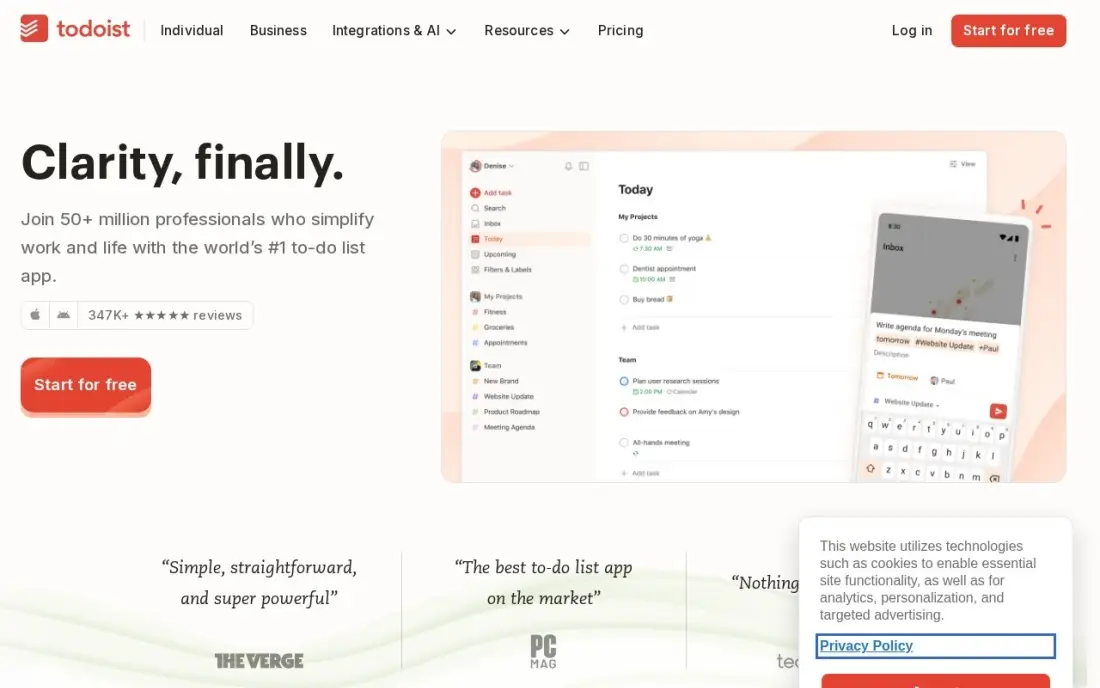
Todoist fixes the first leak in most schedules: tasks that never get written down. Natural-language entry turns a typed line such as 'send invoice Friday 4pm' into a dated task with a reminder, and it runs on web, desktop, phone, Linux and Apple Watch. Pro costs $5 a user a month billed annually, or $7 billed monthly, and adds 300 projects, task duration and the AI Assistant.
The free Beginner plan stops at 5 projects and has no reminders, which is the part that actually protects your time. Todoist also has no habit tracking and its calendar is a view of tasks rather than a planner, so pair it with Google Calendar or Reclaim if you want to block time as well as list it.
What we like
- Natural-language entry turns 'call Sara tomorrow 9am' into a dated, reminded task
- Pro costs $5 a user a month billed annually, with 300 projects, filters and calendar layout
- Runs on every platform, including web, Linux and Apple Watch
- Rated 4.5/5 on G2 from 855 reviews
Watch out for
- Free plan stops at 5 projects and has no reminders — the feature most planners need
- No built-in calendar or habit tracking; the calendar layout is a view, not a planner
- AI Assistant and task duration sit on Pro, so the free plan is a capture box only

Reclaim.ai
Best for: Professionals in back-to-back meetings who need focus time defended automatically
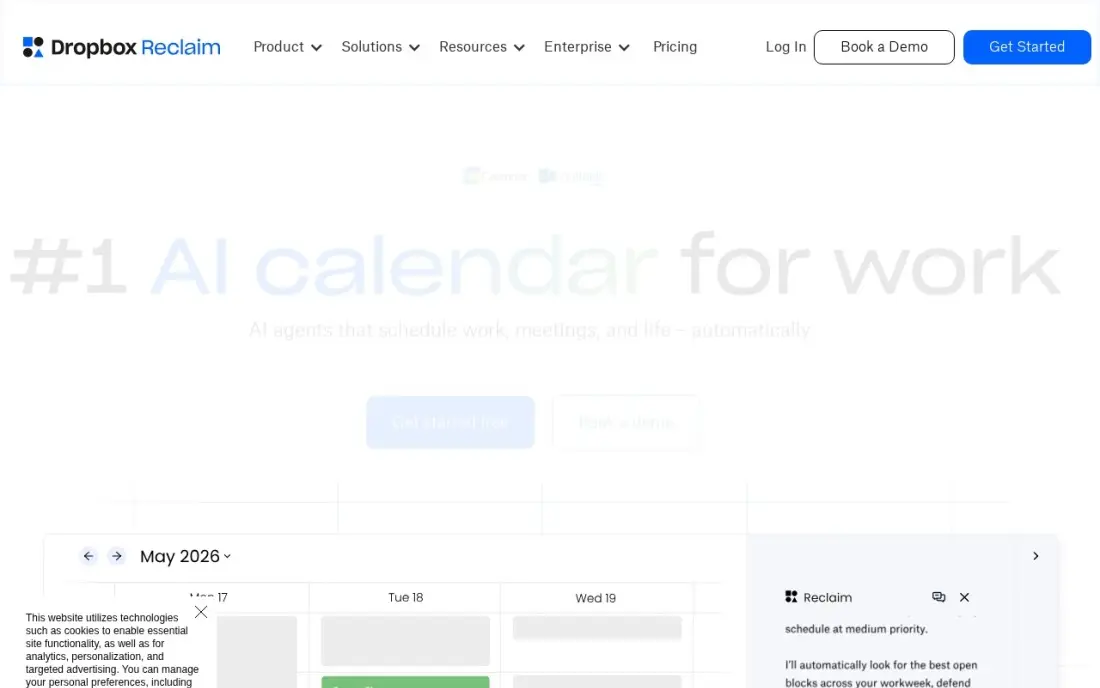
Reclaim.ai manages time inside the calendar you already use. You set goals for focus time, habits, breaks and tasks, and it books them around your Google or Outlook meetings, then moves them when a call runs over or a new invite lands. The free Lite plan does this for real, and Starter costs $12 a user a month, or $10 billed annually, for more AI agents and a longer scheduling range.
Its limits are platform ones. There is no native mobile app yet, iCloud calendars are not supported directly, and Lite schedules only one week ahead. For anyone whose day disappears into meetings, it is the least effort way to keep two hours of real work on the calendar every day.
What we like
- A real free Lite plan that defends focus time, habits and breaks
- Auto-schedules tasks and habits around meetings, then moves them when plans change
- Syncs events between Google and Outlook calendars to protect availability
- The tool Clockwise itself recommended when it shut down in March 2026
Watch out for
- No native mobile app yet, so phone use runs through the web or the calendar itself
- Lite caps at 5 AI agents and a 1-week scheduling range, so real use needs Starter
- Works only on Google Calendar and Outlook, not iCloud directly

Motion
Best for: Busy individuals and teams who want AI to plan and re-plan the whole day
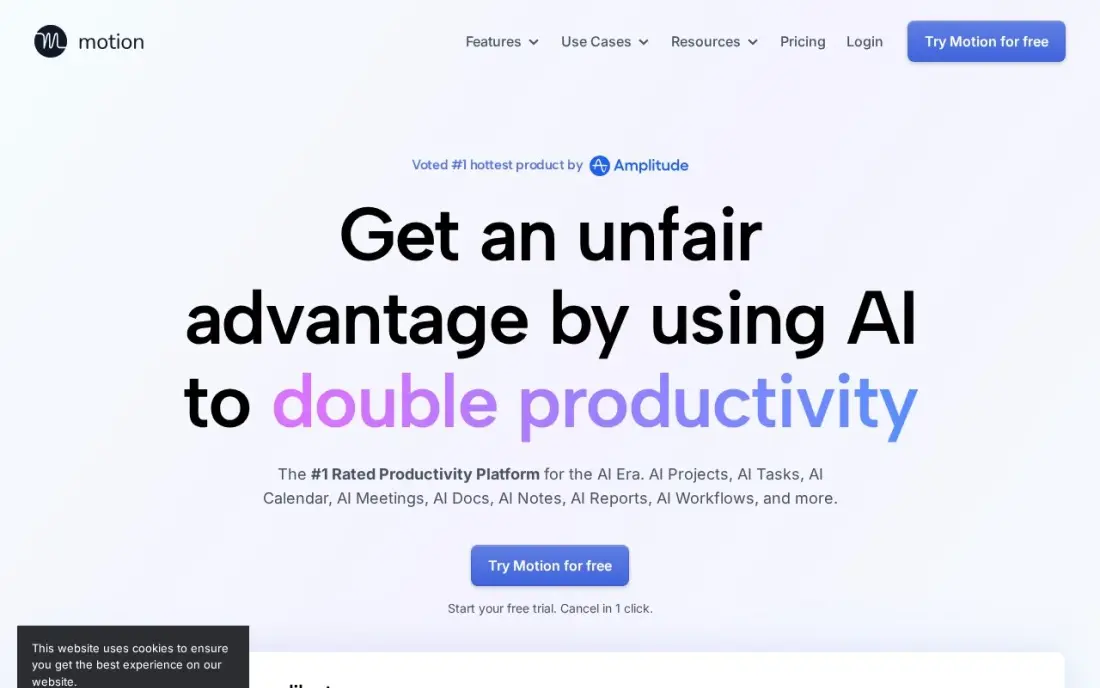
Motion goes further than any other app here: you give it tasks with deadlines and durations, and its AI builds the day around your meetings, then rebuilds it when something slips. Calendar, tasks, projects, docs, booking links and a meeting notetaker sit in one workspace, which removes the juggling between four apps that wastes time on its own.
It is also the priciest choice for one person: Pro AI Individual costs $49 a month, or $29 a month billed annually, while the $19 a seat figure applies to team annual plans. There is no free plan, only a 7-day trial, and Pro caps AI credits at 7,500 a month. Try it on a heavy week to see whether the hours it saves cover the bill.
What we like
- AI auto-schedules tasks around meetings and re-plans the day when things slip
- Calendar, tasks, projects, docs and meeting notes live in one workspace
- Booking links and a meeting notetaker come with the AI features
- Team Pro drops to $19 a seat a month billed annually, so teams pay far less per head
Watch out for
- One person pays $49 a month, not the $19 team rate the pricing page shows first
- No free plan, only a 7-day trial, and purchases are non-refundable
- AI credits cap at 7,500 a month on Pro, with extra credits charged on top

Sunsama
Best for: People who want a calm daily planning ritual and a realistic, time-boxed day
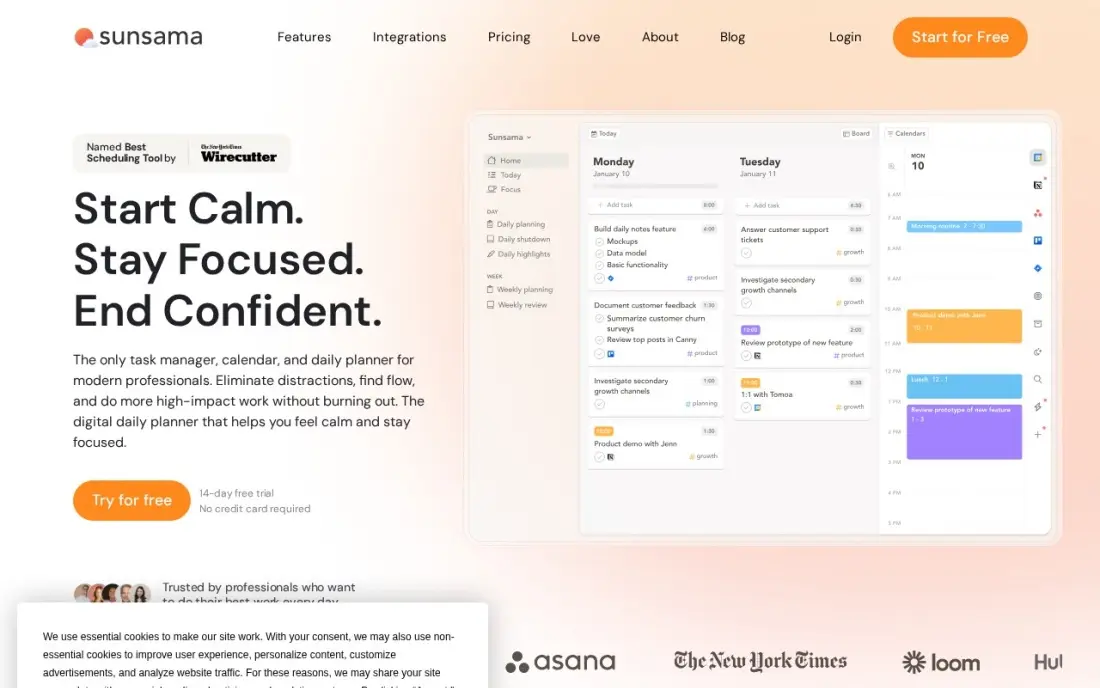
Sunsama treats time management as a daily habit. Each morning it walks you through choosing today's work from Asana, Trello, Todoist, Gmail and Slack, estimating each task and dragging it onto the calendar, and each evening a shutdown ritual reviews what got done. Focus mode keeps one task on screen at a time, which stops the overplanning that wrecks most to-do lists.
Pro costs $22 a month, or $17 a month billed annually, with everything on one plan and a 14-day trial but no free plan. Cancelling gives account credit rather than a refund. It suits routine-heavy roles best; if your day is rewritten by urgent requests every hour, an automatic planner such as Reclaim adapts faster.
What we like
- A guided morning ritual turns the task list into a realistic, time-boxed day
- Pulls tasks from Asana, Trello, Todoist, Gmail and Slack into one plan
- Focus mode and an end-of-day shutdown ritual keep the plan honest
- One plan with everything included, so there are no tiers to compare
Watch out for
- No free plan, only a 14-day trial, and cancellation gives account credit, not a refund
- The vendor's own pricing page still shows older $25 and $20 figures in its FAQ
- Manual daily planning suits routine days better than fast-changing ones

Google Calendar
Best for: Anyone who wants a free time-blocking base that syncs to every device
Google Calendar is where time management starts for most people, and it costs nothing. Block focus sessions as events, colour-code them by type of work, set recurring slots for weekly reviews and share availability through free booking pages. The same calendar appears on iPhone, Android, desktop and the web, and almost every planner in this list reads from it.
What it will not do is plan for you. There is no task list worth the name, no automatic rescheduling and no time tracking, so a calendar full of blocks still depends on your discipline. Use it free as the base layer, then add Reclaim or Motion on top only if manual blocking keeps falling apart. Business features come with Google Workspace from $7 a user a month.
What we like
- Free on iOS, Android, web and desktop, with the same events everywhere
- Connects to almost every calendar app, so it works as the shared base layer
- Booking pages, shared calendars and room booking cost nothing extra
- Search, time-zone support and recurring events all work on the free plan
Watch out for
- No built-in time-blocking or AI scheduling, so planning work still needs a second tool
- Sharing controls are basic next to paid team planners
- Google account required, which some workplaces do not allow

Clockify
Best for: Freelancers and small teams who want a free record of where their hours actually go
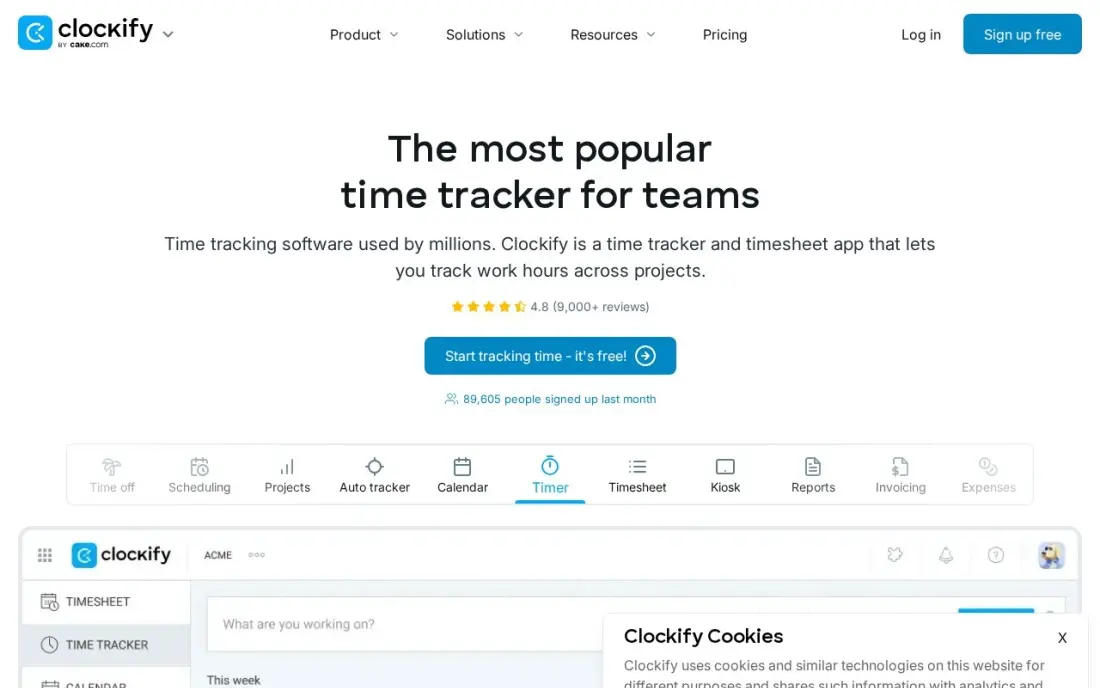
Clockify answers the question every time management plan should start with: where does the week actually go? Start a timer or fill in a timesheet, tag the time by client or project, and the reports show which work swallows the day. The free plan covers up to 5 users with unlimited projects, and Basic costs $3.99 a user a month billed annually, or $4.99 monthly.
Two limits to know. Free-plan reports cover only the last 31 days, so longer trend analysis needs a paid plan, and the 5-user cap on the free plan is new since April 2026. Clockify measures time rather than planning it, so most people run it alongside a task app for a few weeks, then adjust their calendar using the numbers.
What we like
- Free plan covers unlimited projects and time tracking for up to 5 users
- Basic at $3.99/user/month billed annually adds Kiosk clock-in, billable rates and report exports
- Timer, timesheet and calendar views with 100+ integrations keep billing simple
- Cheapest paid seats in this list, so a growing team stays cheap the longest
Watch out for
- The free plan's 5-user cap is new since April 2026, so larger teams now pay sooner
- Free-plan reports cover only the last 31 days, so older history needs a paid plan
- Measures time rather than planning it, so most people still run a task app alongside it

Toggl Track
Best for: People who want the simplest one-click timer and clean reports on their habits
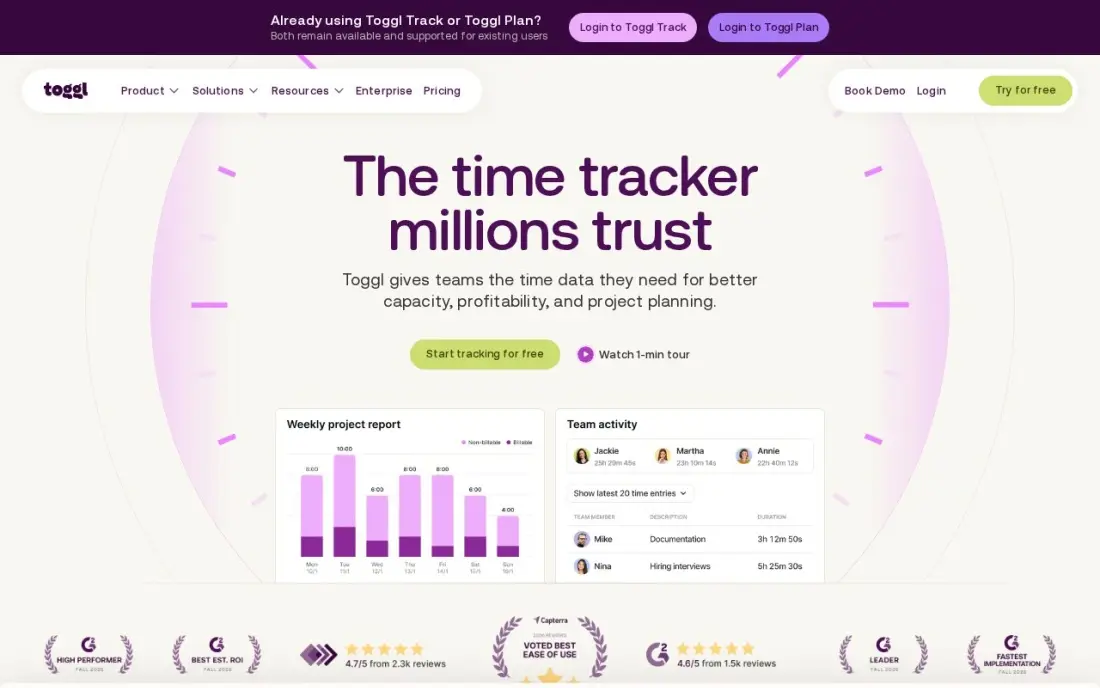
Toggl Track is the timer people keep using after the first week, because starting it takes one click in the browser, on the desktop or on the phone. Reports break your time down by project, client and tag with no setup, and Toggl rules out screenshots and keystroke monitoring, so it feels like self-measurement rather than surveillance.
The free plan covers up to 3 users, and Starter costs $9 a user a month billed annually, or $12 monthly, adding billable rates and project estimates. Like Clockify, it measures rather than plans, and it has no invoicing. Pick Toggl over Clockify when ease of use matters more than the cheapest seat.
What we like
- The fastest, simplest timer in this list — one click starts it, and it syncs everywhere
- No screenshots or keystroke monitoring, so it feels like self-measurement rather than surveillance
- Starter adds billable rates, project estimates and team reports from $9/user/month
- Strong reporting by project, client and tag with no learning curve
Watch out for
- Measures time rather than planning it, so tasks and calendar blocks still need another app
- No invoicing, so billable hours still need an accounting export
- Timesheet approvals and profitability reports wait for Premium at $16/user/month billed annually
The best apps for time management do one of three jobs: they catch every task, they put that work on the calendar, or they show you where your hours really went. We compared eight apps across those jobs — task managers, AI schedulers, a daily planner, a calendar and two time trackers — on free plans, real yearly cost and how much effort they ask of you, with every price checked on the vendor's own page in November 2026.
How to choose the best apps for time management
- Find your actual problem first. Forgetting tasks needs a capture app, losing days to meetings needs a scheduler, and not knowing where the time goes needs a tracker.
- Prefer apps that connect tasks to time. A list without time slots grows forever; the apps that put tasks on the calendar keep the plan honest.
- Count the effort it asks of you. Sunsama needs ten minutes every morning, Reclaim and Motion need almost none after setup — pick the amount of planning you will really do.
- Check which calendars it supports. Reclaim works with Google and Outlook only, so iCloud users should check before committing.
- Use the free plan for two weeks. Most of these apps have a free plan or trial; a time system only proves itself after it survives a bad week.
- Watch the renewal price. TickTick's annual price is a promotion against a higher list price, and Sunsama gives credit rather than refunds on cancellation.
- Students and tight budgets: start free. TickTick's free plan, Google Calendar and Todoist's Beginner plan cost nothing, and TickTick Premium at $35.99 a year is the cheapest full upgrade here.
Better time management is how most owners find the hours to work on their own marketing. If that time keeps running out, our monthly SEO service takes the search side off your list, and our guide to the best productivity software for small business covers the team tools that sit around these apps.
Time management app pricing: what you will actually pay
Take one person who wants a task list, time blocking and a monthly look at where their hours went. The cheapest working setup is free: Google Calendar for blocking, Reclaim's Lite plan to defend focus time, and Clockify's free plan for tracking. Moving to paid tools, TickTick Premium costs $35.99 a year and Todoist Pro $60 a year at its $5 annual rate, or $84 a year paid monthly at $7.
The planners cost more. Reclaim Starter is $12 a month billed monthly, $144 a year, or $120 a year at the $10 annual rate. Sunsama is $264 a year billed monthly at $22, or $204 a year billed annually. Motion is $588 a year at $49 a month, or $348 a year at the $29 annual rate. For tracking, Toggl Track Starter adds $108 a year at $9 a month billed annually, against $47.88 a year for Clockify Basic at $3.99. A full paid stack of TickTick plus Toggl comes to about $144 a year; Motion alone costs more than twice that.
Know the difference: planning apps vs tracking apps
Planning apps decide where time should go. TickTick, Todoist, Sunsama, Reclaim.ai, Motion and Google Calendar all work forward from today: they hold the tasks, give them dates or time slots and, in the case of Reclaim and Motion, move them when the day changes. They are only as good as the estimates you feed them.
Tracking apps record where time actually went. Clockify and Toggl Track run timers and timesheets, then report hours by project, client or tag. They do not plan anything, but they correct the estimates the planning apps depend on. Most people who get serious about time management use one of each: track for two or three weeks, then plan with real numbers instead of hopes.
Quick comparison: tool type by need
| Need | Best pick | Why |
|---|---|---|
| All-in-one on a budget | TickTick | Tasks, calendar, habits and Pomodoro for $35.99/year |
| Fast task capture | Todoist | Natural-language entry, Pro from $5/user/month billed annually |
| Defending focus time | Reclaim.ai | Free Lite plan books focus time and habits around meetings |
| Full AI day planning | Motion | Auto-schedules and re-plans tasks, $49/month or $29 billed annually |
| Daily planning ritual | Sunsama | Guided morning plan and shutdown, $22/month or $17 billed annually |
| Free time blocking | Google Calendar | Free on every device and the base for other planners |
| Free time tracking | Clockify | Free for up to 5 users, Basic from $3.99/user/month |
| Simplest timer | Toggl Track | One-click timer, free for up to 3 users |
Mistakes to avoid
- Stacking four apps at once. Each app adds a place to check; start with one planning app and one tracker at most.
- Planning without estimates. A day with ten tasks and no durations always overflows — give each task a time before it goes on the calendar.
- Paying for AI before trying the free version. Reclaim's Lite plan shows whether automatic scheduling suits you before Motion's $49 a month does.
- Leaving no buffer. Calendars packed edge to edge fail at the first late meeting; leave gaps or let a scheduler move work for you.
- Tracking time and never reading the report. A timer only helps if you review the numbers weekly and change the plan.
Related comparisons: Real-Time Analytics Platforms · Time Tracking Apps for Contractors · Payroll Software with Time Tracking · Time to Post on LinkedIn
How we chose
We grouped the apps by the job they do — capture, scheduling, daily planning, calendar and tracking — and checked each vendor's own pricing page in November 2026, recording the starting price exactly as shown with the annual and monthly figures. We favoured apps with a working free plan or trial, support across phone and desktop, and a clear benefit for one person managing their own time. Ratings come from G2 pages checked on the dates shown in the sources; where no rating appears we found no reliable count. No vendor paid for a place in this list, and none of the links here are affiliate links.
What to do next
Install Clockify or Toggl Track today and track one ordinary week without changing anything. Then pick the planning app that fixes the biggest leak the report shows. If the hours you win back should go into growing the business, book a free SEO review and we will show you where your site stands.
Frequently asked questions
What is the best app for time management?
For most people TickTick is the best value: it combines tasks, a calendar, habit tracking and a Pomodoro timer for $35.99 a year, with a free plan. Reclaim.ai is better if meetings fill your week, and Motion if you want AI to plan the whole day and can pay $49 a month.
Is there a free time management app?
Yes. Google Calendar is free, Reclaim.ai has a free Lite plan, TickTick has a free plan with up to 9 lists, Todoist's free Beginner plan covers 5 projects, and Clockify and Toggl Track have free time-tracking plans for up to 5 and 3 users.
Should I use a to-do list or a calendar to manage my time?
Both. A to-do list holds everything you have to do; a calendar shows when you will actually do it. The apps that work best, such as TickTick, Sunsama and Motion, connect the two so tasks get a time slot rather than sitting on a list.
Are AI scheduling apps worth paying for?
They are worth it when your plans change several times a day. Motion and Reclaim.ai re-plan automatically when meetings move. Reclaim's free Lite plan is enough to test the idea before paying for Starter at $12 a month or Motion at $49 a month.
How do time tracking apps help with time management?
They show where your hours really go, which is often different from where you think. A few weeks of tracking in Clockify or Toggl Track usually reveals the meetings, email and context switching to cut before you redesign your calendar.
What is time blocking?
Time blocking means assigning each task a fixed slot on your calendar instead of working from a list. Google Calendar does it manually for free, Sunsama guides you through it each morning, and Reclaim.ai and Motion create and move the blocks for you.
What are the best time management apps for students?
Start with the free plans. TickTick's free plan covers tasks, a calendar, habits and a Pomodoro timer, and Premium is $35.99 a year if you outgrow it. Google Calendar is free for time-blocking classes and study sessions, and Todoist's free Beginner plan handles quick task capture for up to 5 projects. None of these needs a paid plan to get started.
Which time management apps work on Android, iPhone, Windows and Mac?
Google Calendar is free on iOS, Android, web and desktop, with the same events everywhere. Todoist runs on every platform, including web, Linux and Apple Watch. Toggl Track's one-click timer syncs across devices. Reclaim.ai is the exception: it has no native mobile app yet, so phone use runs through the web or the calendar itself.
Which time management app helps with motivation?
TickTick is the strongest pick for motivation: habit tracking and a built-in Pomodoro focus timer sit beside your tasks and calendar for $35.99 a year, with a free plan to try. Sunsama takes a calmer route, with a guided morning planning ritual, a focus mode and an end-of-day shutdown ritual, from $17 a month billed annually.
Sources we checked (12)
- TickTick — ticktick.com (checked November 12, 2026)
- TickTick reviews on G2 (checked November 12, 2026)
- Todoist — todoist.com/pricing (checked November 12, 2026)
- Todoist reviews on G2 (checked November 12, 2026)
- Reclaim.ai — reclaim.ai/pricing (checked November 10, 2026)
- Motion — www.usemotion.com/pricing (checked November 10, 2026)
- Sunsama — www.sunsama.com/pricing (checked November 10, 2026)
- Google Calendar — calendar.google.com (checked November 10, 2026)
- Clockify — clockify.me/pricing (checked November 10, 2026)
- Clockify reviews on G2 (checked November 10, 2026)
- Toggl Track — toggl.com/track/pricing (checked November 10, 2026)
- Toggl Track reviews on G2 (checked November 10, 2026)
Make one of these tools?
We re-check this list every quarter. Send a correction, request a review, or ask about a clearly labeled sponsored spot.
Request a listingShamim
Founder of SerpAstra
A full-stack digital marketer and SEO strategist covering technical and local SEO, AI search visibility, paid ads and lead generation for local businesses, e-commerce brands and SaaS teams.
Free SEO and AI visibility audit
Find out what is holding your rankings back
Send us your site. Within 2 business days you get a written audit, an AI visibility check and a short fix list ranked by impact. Free, with no contract attached.
Request my free audit→Related buying guides
 Productivity & OfficeBest Digital Planner Apps (2026): 12 Apps Worth DownloadingCompare the 12 best digital planner app options for iPad, Android and desktop on price, free plans and features, with every price checked November 12, 2026.Read guide →
 Productivity & Office12 Best Cross-Platform Calendar for 2026 (Pros, Cons and Pricing)Compare the 12 best cross-platform calendar apps for 2026, with real starting prices, free plans and sync across iOS, Android and the web checked.Read guide →
 Productivity & Office12 Best Time Tracking Software for Small Business in 2026, ComparedThe 12 best time tracking software for small business compared on price, free plans and billing features, with real starting prices checked November 10, 2026.Read guide →