
6 Best CAM Software in 2026, Compared
Compare the 6 best CAM software tools for CNC routers, mills and machine shops on toolpaths, licences, free versions and real prices, all checked by hand.
 Shamim Mia, Founder, SerpAstraLast verified November 4, 202610 min read
We compare pricing pages, documentation and public reviews. We never accept payment for rankings.
Key takeaways
- Autodesk Fusion is the best all-round CAD and CAM package: free for personal use and $680 a year billed annually, or $85 a month, for commercial work.
- Vectric is the router shop standard with one-time prices: VCarve Desktop costs $349, VCarve Pro $699 and Aspire $1,995.
- Carbide Create Pro works with any normal CNC machine for $120 a year or $360 once, and the Core version comes with Carbide 3D machines.
- Mastercam and Siemens NX are the production machining picks, and neither publishes a price, so get written quotes.
On this page
Quick comparison
| Tool | Best for | Starting price | Free plan |
|---|---|---|---|
 Autodesk Fusion | Makers, product designers and small shops that want CAD and CAM in one program | Free; $680/yr | Yes (personal use) |
 Vectric VCarve | Woodworkers, sign makers and CNC router shops that want easy 2D and 2.5D toolpaths with a one-time licence | $349 one-time | No (free trial) |
 Carbide Create | Hobby CNC owners who want simple router CAM at a low price, especially on Carbide 3D machines | $120/yr or $360 once | Yes (Carbide machines) |
 Mastercam | Machine shops and schools that program production mills, lathes and multi-axis machines | Custom quote | Yes (Learning Edition) |
 Siemens NX | Engineering manufacturers that want design, simulation and CAM on one enterprise system | Custom quote | No (30-day trial) |
 FreeCAD | Hobbyists and tinkerers who want free, open-source CAD with CAM tools and no licence fees | Free | Yes (free) |
Make one of these tools?
We re-check this list every quarter. Send a correction, request a review, or ask about a clearly labeled sponsored spot.
Request a listingThe best CAM software
Autodesk Fusion
Best for: Makers, product designers and small shops that want CAD and CAM in one program
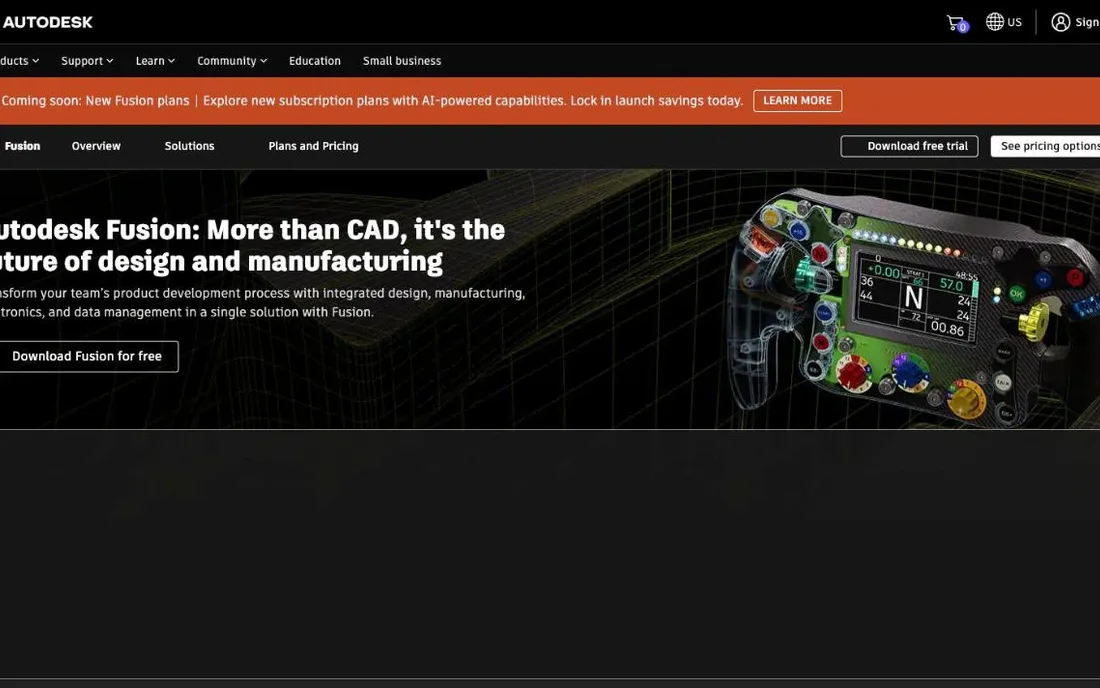
Autodesk Fusion is the CAM tool most small shops and makers try first, because design and toolpaths live in the same program. You model the part, switch to the manufacture workspace and generate the toolpath without exporting a file, and cloud version history keeps every change. The personal-use licence is free for non-commercial work under $1,000 a year in revenue and includes basic CAM.
Commercial use costs $680 a year billed annually, or $85 a month billed monthly, which removes the 10-document editable limit and unlocks full CAM. Some advanced manufacturing tools need paid extensions on top. Files live in Autodesk's cloud, so a poor connection can block access. For most small shops, it is the strongest value here.
What we like
- Full parametric CAD plus CAM, simulation and PCB tools in one workspace, so a part can go from sketch to CNC toolpath without leaving the app
- Free personal-use licence covers the core modelling tools hobbyists actually use, with a 10-document editable limit
- Cloud version history saves every change, so a failed experiment never loses the working model
- Large tutorial library and maker community, so most beginner questions already have a video answer
Watch out for
- Personal-use licence is non-commercial: earning over $1,000 a year from your designs means the $680/year subscription
- Cloud-based files and sign-in mean a poor connection can block access to your own designs
- Advanced simulation, generative design and some manufacturing tools need paid extensions on top of the subscription
Vectric VCarve
Best for: Woodworkers, sign makers and CNC router shops that want easy 2D and 2.5D toolpaths with a one-time licence
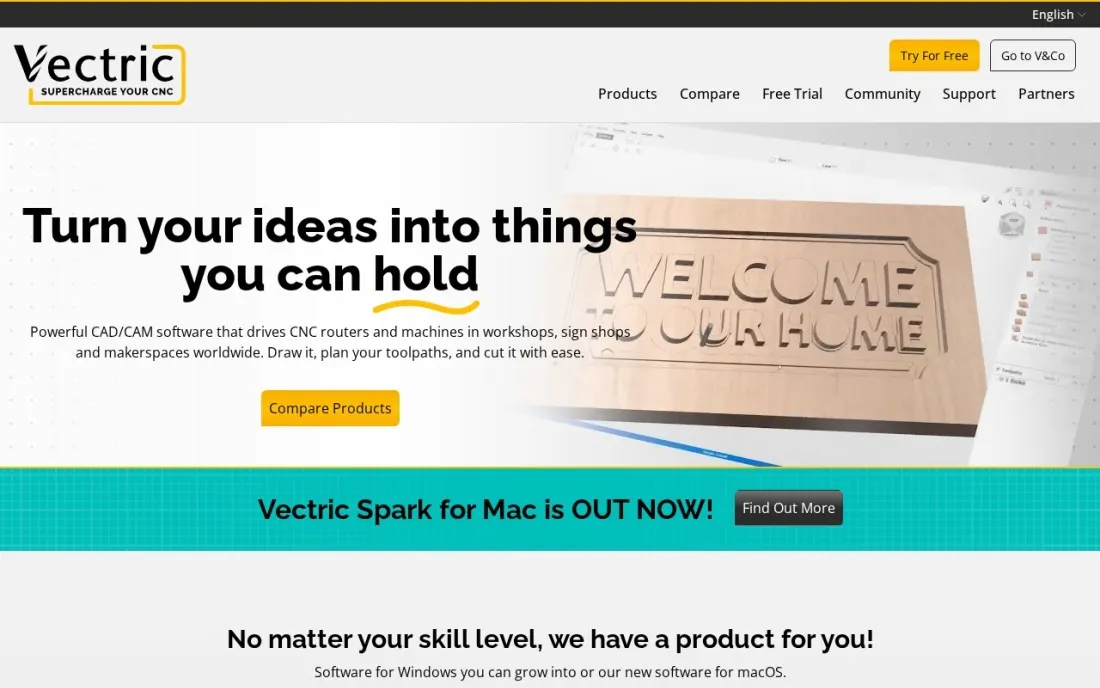
Vectric is the CAM software most CNC router owners end up with, because it turns vectors into V-carving, pocketing and profile toolpaths with very little setup. Prices are one-time perpetual licences: VCarve Desktop costs $349, VCarve Pro $699 and Aspire $1,995, with Cut2D from $149 for 2D-only work. A major version released within 12 months of purchase is free.
Desktop editions limit the job to a 24 by 24 inch work area, so a full-sheet router needs VCarve Pro. Aspire adds 3D relief modelling for carved signs and panels. The free trial runs every function, and its special project files let you cut on your own machine before paying.
What we like
- Perpetual licences, not subscriptions: VCarve Desktop $349, VCarve Pro $699, Aspire $1,995
- Free trial covers every function, with trial project files you can actually cut
- A major version released within 12 months of purchase is free
- Aspire adds 3D relief modelling for carved panels and signs
Watch out for
- Desktop editions are limited to a 24 by 24 inch work area
- Built for routers, not for multi-axis metal milling
- Major upgrades after the first year are paid
Carbide Create
Best for: Hobby CNC owners who want simple router CAM at a low price, especially on Carbide 3D machines
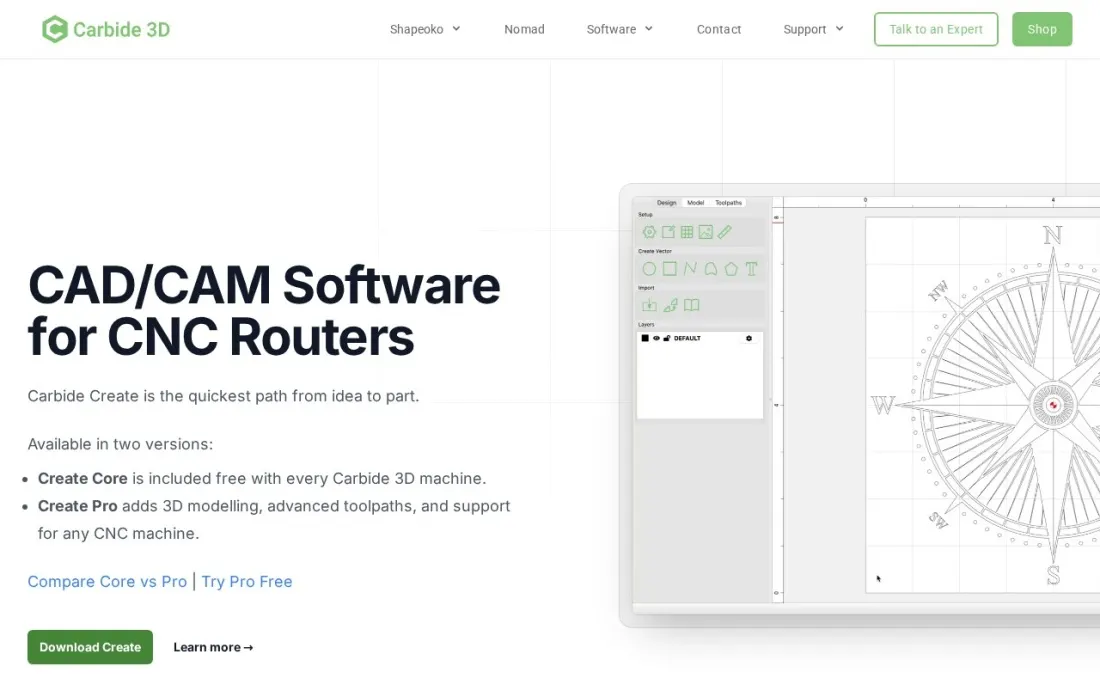
Carbide Create is the simple, low-cost CAM for hobby routers. The Core version comes with Carbide 3D machines such as the Shapeoko, but it is designed only for those machines. Carbide Create Pro works with any normal CNC machine and costs $120 a year as a subscription or $360 as a one-time purchase, with the same features either way.
The perpetual licence includes one year of updates, after which updates cost $120 a year, and a subscription deactivates if you do not renew. There is a 14-day free trial of Pro. It is the easiest way to start on a Carbide machine; owners of other routers will usually get more from VCarve.
What we like
- Pro costs $120 a year or $360 once, with the same features either way
- Pro generates G-code for any normal CNC machine
- Core comes included with Carbide 3D machines
- 14-day free trial of Pro
Watch out for
- Core works only with Carbide 3D machines
- The perpetual licence includes one year of updates; later updates cost $120 a year
- A simpler toolset than Fusion or VCarve Pro for complex parts
Mastercam
Best for: Machine shops and schools that program production mills, lathes and multi-axis machines
Mastercam is built for production machining: mills, lathes and multi-axis machines in job shops and manufacturing plants. It offers both subscription and perpetual licensing, and Mastercam CONNECT covers ongoing training, support and regular updates. A free Learning Edition lets students and new programmers learn it before a shop pays for a seat.
Mastercam publishes no prices, so the only figure that counts is a written quote, and it is far more software than a hobby router needs. Ask whether the quote is subscription or perpetual and what CONNECT adds each year. Choose it when the shop runs production metal work and hires programmers who already know it.
What we like
- Offers both subscription and perpetual licensing
- Free Learning Edition lets students and new programmers learn the software
- Mastercam CONNECT bundles training, support and regular updates
- Built for production machining rather than hobby routing
Watch out for
- No prices published, so every purchase starts with a quote
- Far more than a hobby router needs
- The Learning Edition is for learning, not production work
Siemens NX
Best for: Engineering manufacturers that want design, simulation and CAM on one enterprise system
Siemens NX is the enterprise choice for companies that design and machine their own parts. CAD, simulation and CAM sit in one integrated system, so a part moves from design to analysis to toolpath without file conversion, and synchronous modelling lets programmers edit imported geometry directly without rebuilding the model history.
Siemens publishes no price, so NX is a custom quote, and there is a 30-day trial. It scales from one seat to global engineering teams on one data model, which is the reason to buy it and the reason it is overkill for a small shop. Choose it when design changes and toolpaths must stay linked across a large team.
What we like
- One integrated system for CAD, CAE and CAM, so a part moves from design to toolpath without file conversion
- Strong synchronous modeling lets engineers edit imported geometry without rebuilding the feature tree
- Design changes and toolpaths stay linked across a large team on one data model
- Scales from a single seat to global engineering teams on the same data model
Watch out for
- No published price — every purchase starts with a sales conversation and a custom quote
- Heavyweight system that needs serious hardware and IT support to run well
- Overkill for a small studio that only models parts and never touches simulation or tooling
FreeCAD
Best for: Hobbyists and tinkerers who want free, open-source CAD with CAM tools and no licence fees
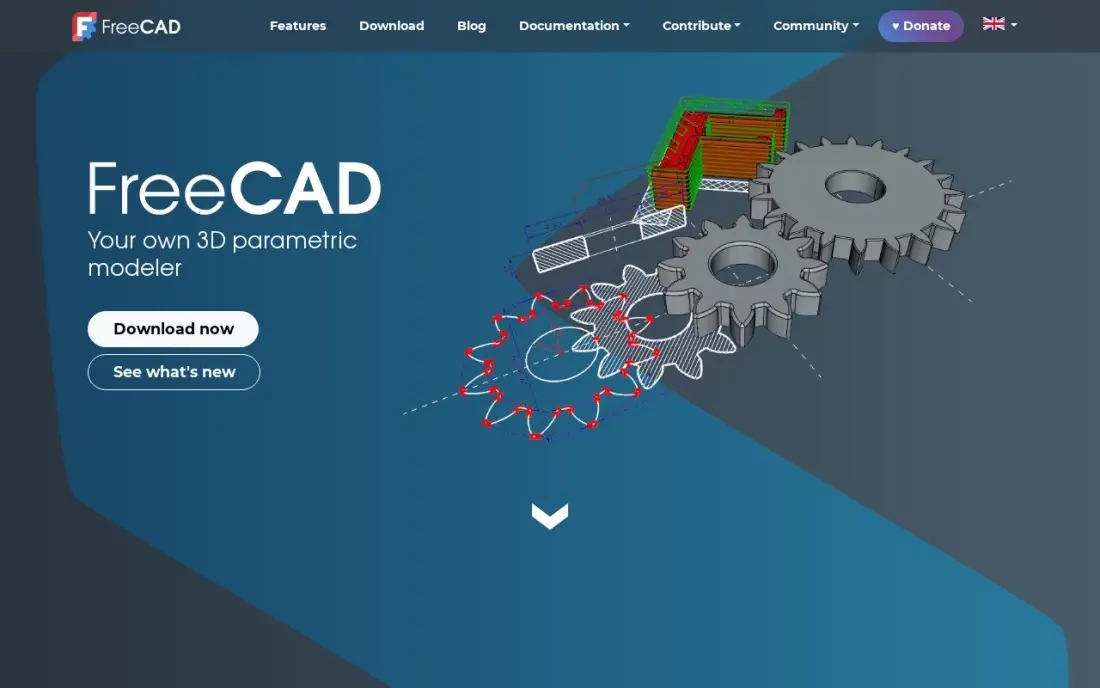
FreeCAD is the zero-cost route into CAD and CAM. It is a parametric modeller, so changing a dimension updates the part, and its add-ons and Python scripting extend it into CAM, so you can model a part and generate toolpaths without paying for anything. There is no signup, no paywall and no licence server, and it installs on as many machines as you like.
The interface feels built by engineers, the documentation is thinner than commercial tools and new users rely on forums and tutorials. Expect more trial and error setting up tools and post-processors than in Fusion or VCarve. Pick it when the budget is zero and you enjoy learning the software.
What we like
- Full parametric 3D modelling with constraints and dimensions, at $0 forever
- Add-ons and Python scripting extend it into CAM, so you can model a part and generate toolpaths for free
- Parametric modelling means changing a dimension updates the whole part
- No signup, no paywall and no licence server — install it on as many machines as you like
Watch out for
- A steeper learning curve than SketchUp, with an interface that feels built by engineers
- Expect more trial and error setting up tools and post-processors than in Fusion or VCarve
- Documentation is thinner than commercial tools, so new users lean on forums and tutorials
The best CAM software turns a design into toolpaths your CNC machine can cut cleanly the first time, with the right tools, feeds and order of operations. We compared six tools across hobby router CAM, integrated CAD and CAM, and production machining systems, and every price below comes from the vendor's own pricing page or our verified records as checked in November 2026.
How to choose the best CAM software
- Start with the machine. Routers cutting wood and signs need different CAM from mills and lathes cutting metal; buy for the machine you run.
- Count the axes. 2D and 2.5D toolpaths cover most router work; 3D carving, 4-axis and 5-axis work need higher tiers or different software.
- Check the post-processor. CAM must output G-code your controller understands, so confirm a tested post-processor for your machine before paying.
- Decide between one-time and subscription. Vectric sells perpetual licences, Fusion is a subscription, and Carbide Create offers both.
- Think about where the design comes from. If you design parts yourself, integrated CAD and CAM saves exporting; if you cut purchased or customer designs, a CAM-first tool is enough.
- Use the trial on your own machine. Cut a real part during the trial; toolpaths that look right on screen can still break a bit.
- Beginners should start simple. Carbide Create and VCarve are the quickest to learn for router work, and Fusion's free personal-use licence lets hobbyists try integrated CAD and CAM at no cost.
If you sell CNC work or machined parts, buyers search for suppliers online the same way they search for anything else. Our local SEO service helps a shop show up for nearby buyers, and the free local business schema generator helps Google read your services and location.
Which CAM software fits your situation
A hobbyist with a new desktop router and no budget. Start with Fusion's free personal-use licence or FreeCAD. Fusion is the easier path, with design and toolpaths in one program and a large tutorial library, but it is non-commercial, capped at 10 editable documents and stops being free once your designs earn over $1,000 a year. FreeCAD costs $0 with no licence server, though expect more trial and error setting up tools and post-processors.
A Shapeoko or other Carbide 3D owner. Carbide Create Core comes with the machine, so learn on it first. Move to Pro at $120 a year or $360 once when you need more, because Pro also outputs G-code for any normal CNC machine. If you buy the perpetual licence, remember updates after the first year cost $120 a year.
A woodworking or sign shop cutting customer files. Vectric is built for this work: V-carving, pocketing and profile toolpaths with very little setup, on a one-time licence. VCarve Desktop at $349 limits jobs to 24 by 24 inches, so a full-sheet router needs VCarve Pro at $699. Choose Aspire at $1,995 only if you carve 3D reliefs for signs and panels. Run the free trial on your own machine before paying.
A small shop that designs and revises its own parts. Fusion's commercial subscription, $680 a year billed annually or $85 a month, keeps CAD and CAM linked, so a changed dimension regenerates the toolpath without exporting. Budget for paid extensions if you need advanced manufacturing tools, and keep in mind that files live in Autodesk's cloud.
A production machine shop or engineering manufacturer. Mastercam suits shops programming mills, lathes and multi-axis machines, especially when you hire programmers who already know it; its free Learning Edition helps train new staff. Siemens NX fits larger teams that need design, simulation and CAM on one data model. Neither publishes prices, so compare written quotes that include training, maintenance and post-processors, and ask whether a Mastercam quote is subscription or perpetual.
CAM software pricing: what you will actually pay
Take a small router shop over three years. Autodesk Fusion costs $680 a year billed annually, so $2,040 over three years, or $85 a month billed monthly, which is $1,020 a year. Vectric VCarve Pro costs $699 once, and a major version released within 12 months of purchase is free, so three years may cost $699 if you skip later paid upgrades. Carbide Create Pro costs $120 a year, or $360 over three years, or $360 once with one year of updates and $120 a year after that.
For a hobbyist, the numbers drop further. Fusion's personal-use licence and FreeCAD cost $0, VCarve Desktop costs $349 once for jobs up to 24 by 24 inches, and Carbide Create Core comes with a Carbide 3D machine. Production shops should budget differently: Mastercam and Siemens NX publish no prices, so get written quotes that include training, maintenance and post-processors.
Know the difference: integrated CAD/CAM vs standalone CAM
Integrated CAD/CAM software keeps the design and the toolpaths in one model. Fusion and Siemens NX let you change a dimension and regenerate the toolpath without exporting a file, which saves time when you design your own parts and revise them often. The trade-off is a bigger program to learn.
Standalone or CAM-first software focuses on cutting. Vectric VCarve, Carbide Create and Mastercam can import drawings and models from other programs and turn them into toolpaths, and the router-focused tools draw simple vectors themselves. They suit shops that cut customer files, signs and repeat jobs, and they are usually quicker to learn for that work.
Quick comparison: tool type by need
| Buyer | Best pick | Why |
|---|---|---|
| Small shops and makers | Autodesk Fusion | CAD and CAM in one, free personal use, $680/year commercial |
| CNC router shops | Vectric VCarve | One-time licence from $349, Pro $699 |
| Hobby routers on a budget | Carbide Create | Pro $120/year or $360 once |
| Production machine shops | Mastercam | Mills, lathes and multi-axis, by quote |
| Enterprise manufacturers | Siemens NX | Integrated CAD, simulation and CAM, by quote |
| Zero budget | FreeCAD | Free, open source, no licence server |
Mistakes to avoid
- Buying for the machine you might own one day. Multi-axis CAM is wasted on a 3-axis router; buy for today's machine and upgrade later.
- Skipping the post-processor check. A missing or untested post can produce G-code your controller misreads.
- Ignoring the work-area limit. VCarve Desktop stops at 24 by 24 inches, which is too small for full-sheet routers.
- Trusting default feeds and speeds. Defaults are a starting point; test cuts in scrap before running a real job.
- Forgetting the upgrade cost. Perpetual licences and lapsed subscriptions both have update costs; check them before comparing prices.
Related comparisons: PCB Design Software · Furniture Software · BIM Software · 3D Mapping Software
How we chose
We listed CAM tools for the most common machines — CNC routers, mills and lathes — and checked each price on the vendor's pricing page or in our verified records in November 2026, noting one-time, monthly and annual pricing. Vectric, Carbide Create and Mastercam were checked on their own pages on November 16, 2026. Where a vendor publishes no price, we say so rather than repeat estimates. We ranked by fit for the most common buyer, a small shop or maker running a 3-axis machine. No vendor paid for a place in this list, and none of the links here are affiliate links.
What to do next
Download the free trial of the tool that matches your machine, cut one real part from scrap with it, and only then buy. If your shop takes outside work and wants more enquiries from nearby buyers, we can help. See where you rank locally, free.
Frequently asked questions
What is the best CAM software?
Autodesk Fusion is the best all-round CAM software for small shops and makers, with CAD and CAM in one program, free for personal use and $680 a year billed annually for commercial work. Vectric VCarve is the best for CNC routers, and Mastercam or Siemens NX suit production machine shops.
What is the best free CAM software?
Fusion's personal-use licence is the most capable free option, for non-commercial work under $1,000 a year in revenue. FreeCAD is free for any use and open source. Carbide Create Core comes with Carbide 3D machines but only works with them, and Mastercam offers a free Learning Edition for learning.
What is the best CAM software for a CNC router?
Vectric VCarve is the router standard for signs, cabinets and carvings, from $349 one-time for VCarve Desktop or $699 for VCarve Pro with no work-area limit. Carbide Create Pro is the cheaper alternative at $120 a year or $360 once.
Is CAM software a one-time purchase or a subscription?
Both exist. Vectric sells perpetual licences only, Carbide Create Pro is $120 a year or $360 once, and Mastercam offers subscription and perpetual licensing. Autodesk Fusion is a subscription at $680 a year billed annually or $85 a month.
What is the difference between CAD and CAM?
CAD software designs the part. CAM software turns that design into toolpaths and G-code that tell a CNC machine how to cut it. Fusion and Siemens NX do both in one program, while VCarve and Carbide Create focus on CAM for routers.
Do I need Mastercam?
Only if you run production machining on mills, lathes or multi-axis machines, or need to hire programmers who already know it. For routers and small shops, Fusion or VCarve cover the work at a published price, while Mastercam is quote-only.
What is the best CAM software for beginners?
For a CNC router, Carbide Create and Vectric VCarve are the easiest starts: Carbide Create is simple, low-cost router CAM at $120 a year for Pro, and VCarve Desktop gives easy 2D and 2.5D toolpaths for $349 one-time. Autodesk Fusion is free for personal use and adds CAD, at the cost of a bigger program to learn. Students heading for machine shops can learn on the free Mastercam Learning Edition.
What CAM software is best for CNC turning on a lathe?
Mastercam is the pick in this list for lathe work: it is built for production machining on mills, lathes and multi-axis machines in job shops and manufacturing plants. Pricing is by custom quote, with subscription and perpetual licences, and the free Learning Edition lets new programmers learn it before a shop pays for a seat. Router-focused tools like VCarve and Carbide Create are not built for turning.
Sources we checked (8)
- Autodesk Fusion — www.autodesk.com/products/fusion-360/subscribe (checked November 4, 2026)
- Autodesk Fusion reviews on G2 (checked November 4, 2026)
- Vectric VCarve — www.vectric.com/llms-full.txt (checked November 16, 2026)
- Carbide Create — carbide3d.com/carbidecreate/buy (checked November 16, 2026)
- Mastercam — www.mastercam.com/?p=27707 (checked November 16, 2026)
- Siemens NX — www.siemens.com/en-us/products/designcenter/nx-cad-software (checked November 4, 2026)
- FreeCAD — www.freecad.org/downloads.php (checked November 7, 2026)
- FreeCAD reviews on G2 (checked November 7, 2026)
Make one of these tools?
We re-check this list every quarter. Send a correction, request a review, or ask about a clearly labeled sponsored spot.
Request a listingShamim
Founder of SerpAstra
A full-stack digital marketer and SEO strategist covering technical and local SEO, AI search visibility, paid ads and lead generation for local businesses, e-commerce brands and SaaS teams.
Free SEO and AI visibility audit
Find out what is holding your rankings back
Send us your site. Within 2 business days you get a written audit, an AI visibility check and a short fix list ranked by impact. Free, with no contract attached.
Request my free audit→Related buying guides
 CAD, GIS & EngineeringBest Mechanical CAD Software for 2026: 7 Options Compared by Use CaseCompare the 7 best mechanical cad software options on price, free plans, simulation and sheet metal, with every price checked November 4, 2026.Read guide →
 CAD, GIS & Engineering10 Best 3D CAD Software for Hobbyist in 2026, ComparedCompare the 10 best 3d cad software for hobbyist makers on price, free plans and 3D-printing fit, with every price checked November 4, 2026.Read guide →
 CAD, GIS & Engineering11 Best Free CAD Software for Woodworking in 2026, ComparedCompare the 11 best free cad software for woodworking on price, free plans, CNC support and 2D drafting, with every price checked November 4, 2026.Read guide →