
8 Best Furniture Software in 2026, Compared
Compare the 8 best furniture software for makers, cabinet shops and designers on 3D modelling, cut lists, renders, free plans and real prices, all checked.
 Shamim Mia, Founder, SerpAstraLast verified November 4, 20269 min read
We compare pricing pages, documentation and public reviews. We never accept payment for rankings.

Key takeaways
- SketchUp is the best furniture software for most makers and designers, with a free web version for personal use and Pro at $399 a year.
- Polyboard is the specialist for cabinet and panel furniture: parametric designs that update costs and cut lists automatically, from $2,795 one-time.
- Autodesk Fusion and FreeCAD give you parametric modelling free, Fusion for non-commercial use and FreeCAD for everyone.
- Coohom is for selling furniture rather than building it: unlimited 4K room renders on Pro at $29 a month.
On this page
Quick comparison
| Tool | Best for | Starting price | Free plan |
|---|---|---|---|
 SketchUp | Furniture makers and designers who want fast 3D modelling and shop drawings | $99.99/mo | Yes (free web) |
 Polyboard | Cabinet and custom furniture shops that want costed designs and cut lists from one model | From $2,795 one-time | Yes (design only) |
 Autodesk Fusion | Makers who want precise parametric furniture models and CNC toolpaths in one tool | Free; $680/yr | Yes (personal use) |
 Shapr3D | Designers who want to sketch furniture on an iPad with a pencil | Free; Pro $299/yr | Yes (Basic) |
 Rhino | Designers of curved and sculptural furniture who want to pay once | $995 once | No (90-day eval) |
 SOLIDWORKS | Furniture manufacturers that need production-grade parts, assemblies and drawings | $2,820/yr | No |
 FreeCAD | Woodworkers who want free parametric modelling with no account or subscription | Free | Yes (free) |
 Coohom | Furniture retailers and interior designers who need room renders to sell pieces | $29/mo | Yes (free Basic) |
Make one of these tools?
We re-check this list every quarter. Send a correction, request a review, or ask about a clearly labeled sponsored spot.
Request a listingThe best furniture design software
SketchUp
Best for: Furniture makers and designers who want fast 3D modelling and shop drawings

SketchUp is the most widely used furniture design tool for good reason: you can model a table, a built-in or a full kitchen quickly, show it to a client from any angle, and turn it into dimensioned drawings in LayOut, which comes with Pro. The 3D Warehouse holds millions of ready-made models, including hardware and appliances, and the Extension Warehouse adds more than 1,000 extensions.
Pro costs $399 a year billed annually, or $99.99 a month billed monthly, and the free web version covers personal, non-commercial projects. There is no native photorealistic rendering; Studio at $859 a year adds V-Ray. G2 rates SketchUp 4.5 out of 5 from 1,324 reviews.
What we like
- The fastest professional 3D modeler here: model a table or a full kitchen, then show a client every angle in one session
- Pro includes LayOut for 2D documentation, plus the Extension Warehouse with more than 1,000 extensions
- Free web version covers personal, non-commercial projects at $0
- 3D Warehouse holds millions of ready-made models, from furniture to appliances
Watch out for
- Pro rose from $349 to $399 a year in July 2025, and monthly billing costs $99.99 a month
- No native photorealistic rendering; Studio at $859 a year adds V-Ray, or a separate renderer is needed
- The free web version is personal use only and has no desktop app
Polyboard
Best for: Cabinet and custom furniture shops that want costed designs and cut lists from one model
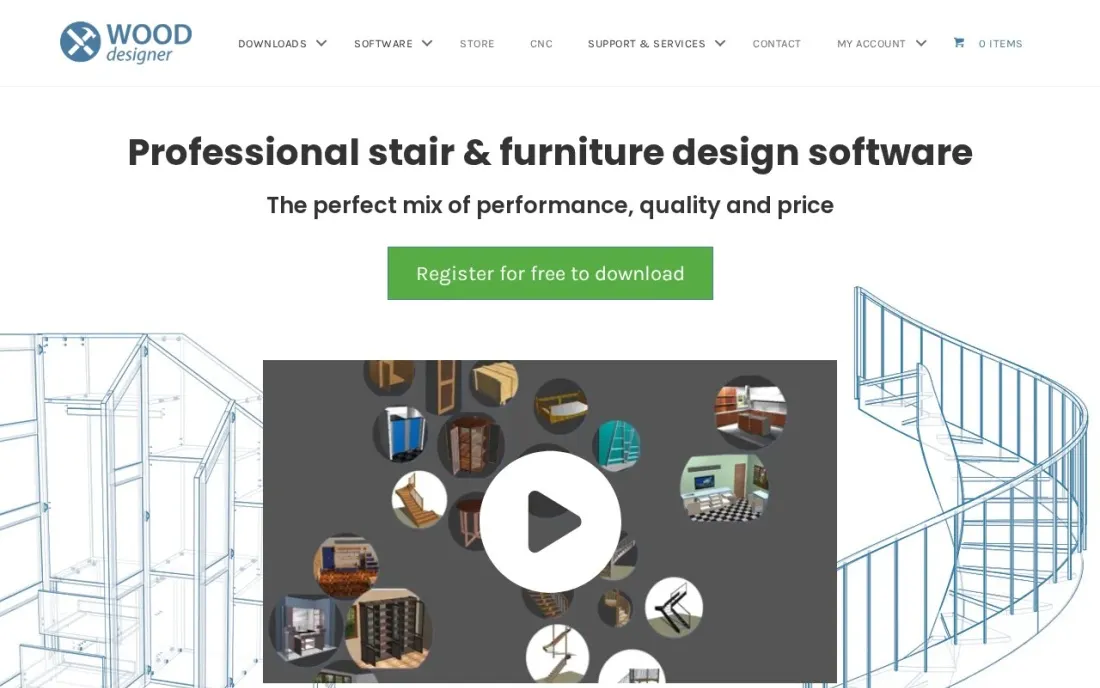
Polyboard, from Wood Designer, is built for the business side of furniture making: cabinets, kitchens and other panel furniture. Designs are parametric, so when a client changes the width of a unit, the costs, cut lists and plans update automatically, and the model can be presented in 3D and costed for a quote. Paired with OptiCut, it produces cutting maps that keep waste low.
Polyboard 8 is a one-time purchase, listed from $2,795 to $5,295 across the Pro and Pro PP editions, with three months of Premium Support included. A free version has the full design tools but cannot output cut lists or plans, which makes it a fair test before paying.
What we like
- Parametric design: change a dimension and the costs, cut lists and plans update automatically
- Works with OptiCut to produce cut lists and cutting maps with minimal waste
- Designs can be fully costed for quotes and presented in 3D
Watch out for
- The pricing page shows a $2,795 to $5,295 range without saying which edition costs which
- The free version cannot output cut lists or plans
- Premium Support is free for three months only, then charged at a 50% lifetime discount
Autodesk Fusion
Best for: Makers who want precise parametric furniture models and CNC toolpaths in one tool
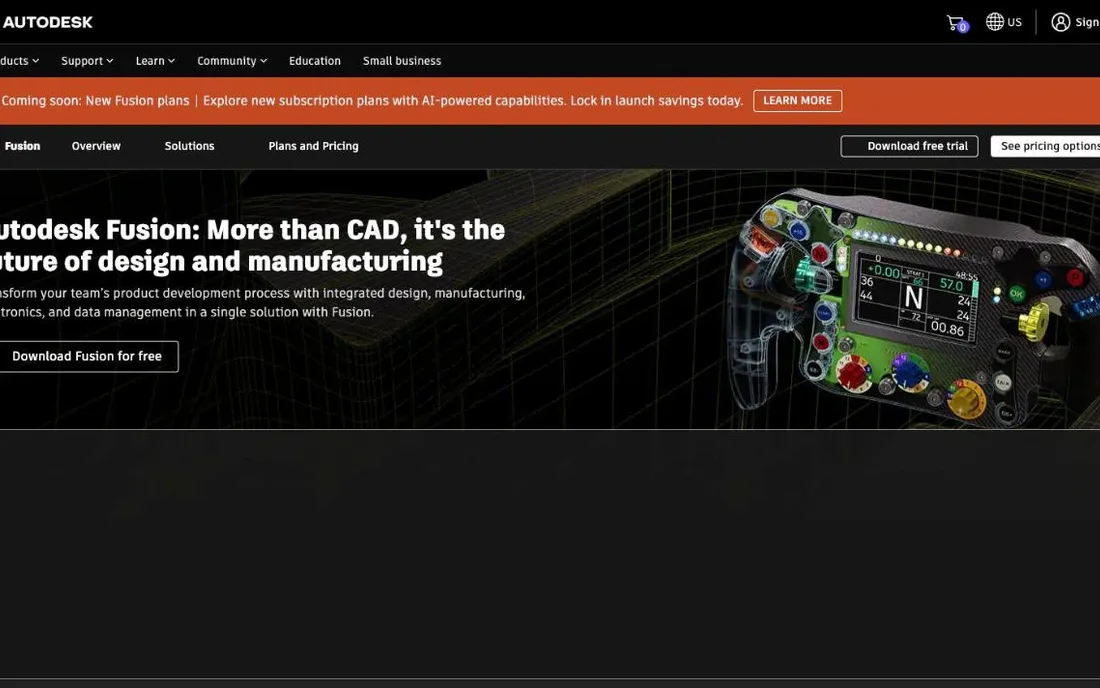
Autodesk Fusion is the pick for furniture makers who think in joints and tolerances. Parametric modelling means a tenon, a shelf height or a leg taper is a value you can change later, and the built-in CAM turns the model into CNC toolpaths without another program. The personal-use licence is free for non-commercial work, and G2 rates Fusion 4.5 out of 5 from 535 reviews.
The free licence is for personal use under $1,000 a year in revenue and limits you to 10 editable documents, so a furniture business needs the paid subscription at $680 a year billed annually, or $85 a month. Files live in Autodesk's cloud, so a weak connection can block access.
What we like
- Full parametric CAD plus built-in CAM in one workspace, so a furniture part goes from sketch to CNC toolpath without leaving the app
- Free personal-use licence covers the core modelling tools hobbyists actually use, with a 10-document editable limit
- Cloud version history saves every change, so a failed experiment never loses the working model
- Large tutorial library and maker community, so most beginner questions already have a video answer
Watch out for
- Personal-use licence is non-commercial: earning over $1,000 a year from your designs means the $680/year subscription
- Cloud-based files and sign-in mean a poor connection can block access to your own designs
- Advanced simulation, generative design and some manufacturing tools need paid extensions on top of the subscription
Shapr3D
Best for: Designers who want to sketch furniture on an iPad with a pencil
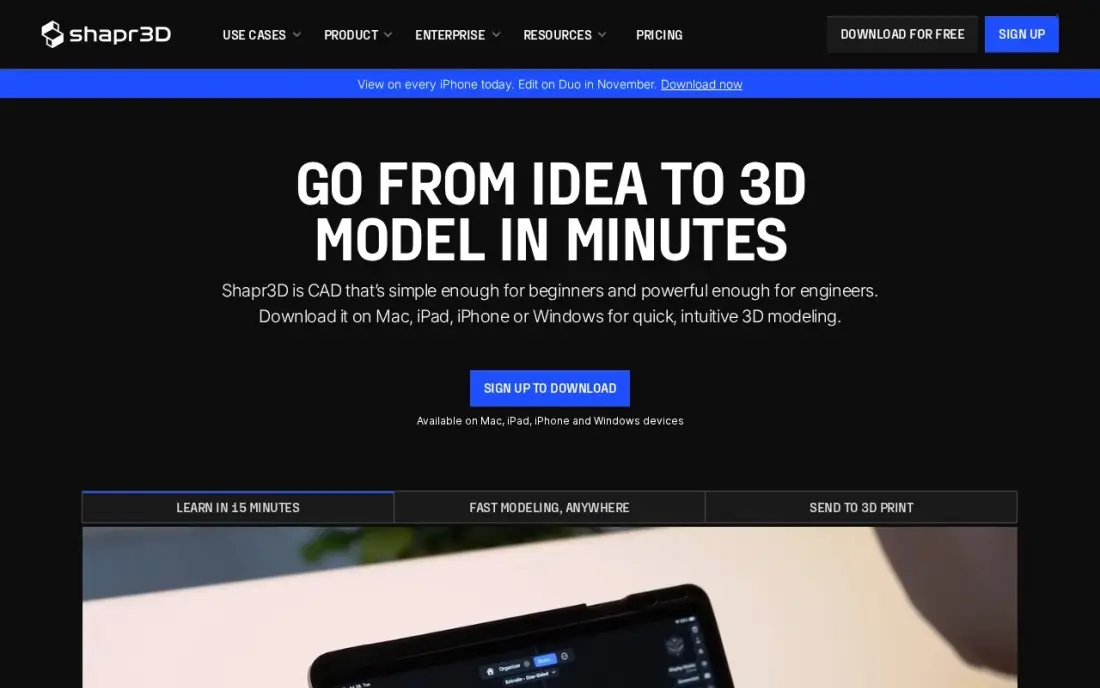
Shapr3D lets a furniture designer sketch directly on the model with an Apple Pencil, push and pull faces and refine dimensions, then pick up the same project on a Mac or Windows PC. It runs on the Siemens Parasolid kernel, so the geometry is precise enough for machining, and it works offline once installed. G2 rates it 4.8 out of 5 from 173 reviews.
The free Basic plan includes the full modelling toolset but only two projects and low-resolution exports. Pro costs $299 a year billed annually, or $37.99 a month through the App Store. It has fewer tutorials and add-ons than SketchUp, so it suits designers who value sketching speed over a large plug-in library.
What we like
- The best tablet CAD experience: sketch directly on the model with Apple Pencil
- Runs on the Siemens Parasolid kernel, so the geometry is precise enough for machining
- Syncs across iPad, Mac and Windows, and works fully offline once installed
- Generative Render turns a model into a photo-like image, with 20 uses on the free plan
Watch out for
- Basic caps you at 2 projects with low-resolution exports, so real furniture work pushes you to Pro
- Pro at $299/year is steep for a hobbyist who only models occasionally
- Fewer community tutorials and add-ons than the older desktop CAD tools
Rhino
Best for: Designers of curved and sculptural furniture who want to pay once
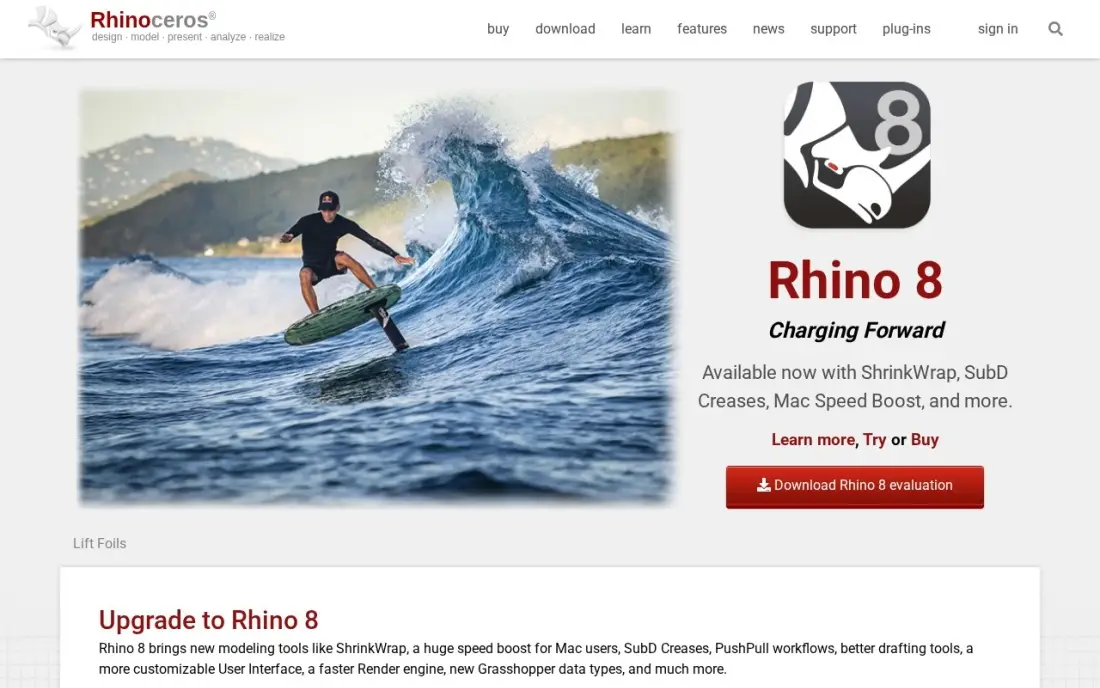
Rhino is the tool for furniture that is not made of straight panels: curved chair backs, organic tables and sculptural pieces. Its NURBS modelling handles freeform surfaces that parametric tools struggle with, and Grasshopper, included at no extra cost, adds parametric and algorithmic design for patterns and variations. G2 rates it 4.4 out of 5 from 192 reviews.
Rhino 9 costs $995 one-time with no subscription, and the 90-day evaluation has no feature limits. It has no parametric history tree, so dimension changes can mean rebuilding geometry, 2D drafting is weaker than dedicated CAD, and photorealistic renders need a plug-in. It suits designers more than production shops.
What we like
- One payment of $995 and the licence is yours forever — no subscription, no maintenance fees
- NURBS modeling handles curves and freeform surfaces no parametric tool can match
- Grasshopper adds parametric and algorithmic design without a separate purchase
- The 90-day evaluation is the longest free test in this list, with no feature limits
Watch out for
- No parametric history tree, so dimension-driven changes mean rebuilding rather than editing a value
- Weak 2D drafting and documentation compared with AutoCAD or SOLIDWORKS
- Rendering is basic — photorealistic images need a plug-in such as V-Ray
SOLIDWORKS
Best for: Furniture manufacturers that need production-grade parts, assemblies and drawings

SOLIDWORKS is the choice for furniture manufacturers that design for production: parametric parts, assemblies, sheet metal and weldments for metal frames, and drawings that update automatically when the model changes. A factory producing office or contract furniture in volume gets exact bills of materials and revision control from the same model, and G2 rates it 4.5 out of 5 from 707 reviews.
Standard costs $2,820 a year per user billed annually, with no monthly plan and no free trial, only a 15-day money-back policy. It is sold through resellers in most regions, so quotes vary. For one-off pieces, it is far more than a small workshop needs.
What we like
- The mechanical-design standard: parametric parts, assemblies, sheet metal and weldments in one tool
- Drawings update automatically when the model changes, which saves hours on revisions
- Simulation, rendering and data management are built in on the higher tiers, not separate purchases
- Huge community, training library and reseller network, so help is easy to find
Watch out for
- No monthly plan and no free trial — the cheapest entry is $2,820 a year, paid up front
- Large assemblies can slow down and crash, a complaint that recurs in user reviews
- Bought through resellers in most regions, so the final quote can vary from the list price
FreeCAD
Best for: Woodworkers who want free parametric modelling with no account or subscription
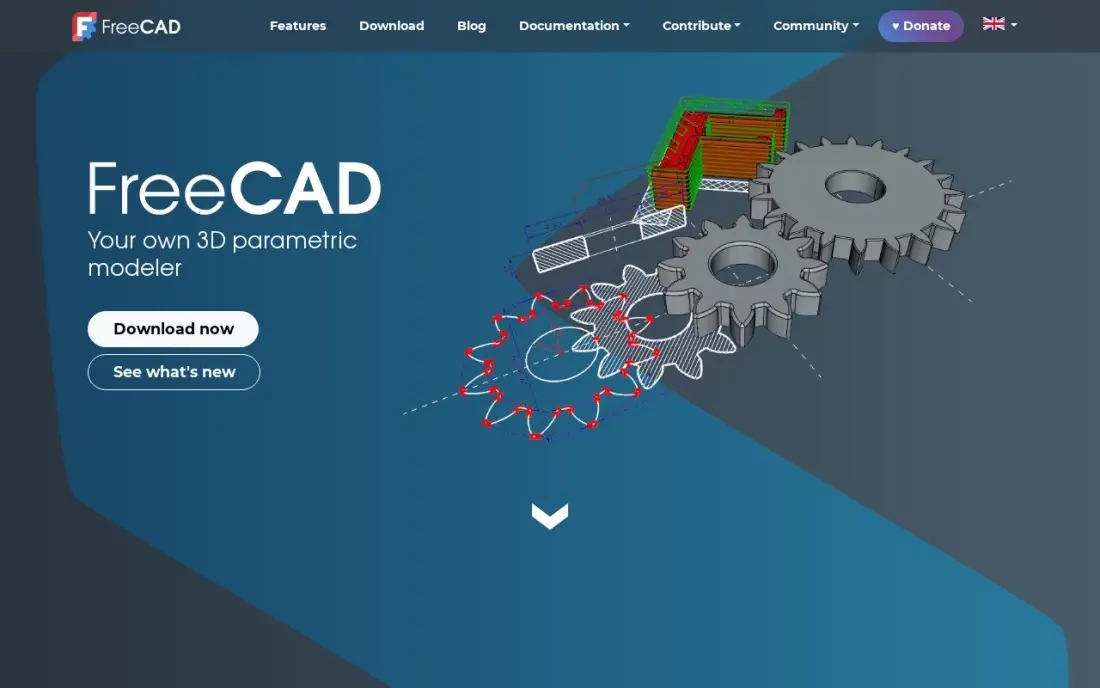
FreeCAD is the free, open-source route to parametric furniture design. You build with constraints and dimensions, so changing a board thickness updates the model, and Python scripting and a large add-on library extend it into CAM and rendering. There is no signup, no paywall and no licence server, and you can install it on every machine in the workshop.
The price of free is a steep learning curve. The interface feels built by engineers, documentation is thinner than commercial tools, and new users lean on forums and tutorials. G2 rates it 4.1 out of 5 from 61 reviews. Choose it if you are patient and want to avoid subscriptions entirely.
What we like
- Full parametric 3D modelling with constraints and dimensions, at $0 forever
- Changing a board thickness updates the whole model, because every part is built from constraints
- Python scripting and a large add-on library extend it into CAM, FEM and rendering
- No signup, no paywall and no licence server — install it on as many machines as you like
Watch out for
- A steeper learning curve than SketchUp, with an interface that feels built by engineers
- DWG support needs a paid converter or a community add-on; IFC is the smoother exchange route
- Documentation is thinner than commercial tools, so new users lean on forums and tutorials
Coohom
Best for: Furniture retailers and interior designers who need room renders to sell pieces

Coohom is for showing furniture in a room rather than engineering it. Pro includes unlimited projects, unlimited watermark-free 4K renders and 360-degree walkthroughs, and AI tools generate layouts and renders from a photo or a prompt. A furniture showroom or designer can place pieces in a client's room and send a realistic image the same day. G2 rates it 4.3 out of 5 from 183 reviews.
Pro costs $29 a month billed monthly, or $300 a year billed annually, and the free Basic plan covers three projects with watermarked 1K renders. AI features use credits on top of the subscription, prices vary by region, and reviewers report auto-renewal surprises.
What we like
- Pro includes unlimited projects, unlimited watermark-free 4K renders and 360-degree walkthroughs for $29 a month
- AI tools generate layouts and renders from a photo or a prompt, with credits on top of the subscription
- Elite at $69 a seat adds downloadable construction drawings and team collaboration
- Free Basic plan covers 3 projects with watermarked 1K renders
Watch out for
- AI tools run on credits on top of the subscription, so heavy AI use costs more than $29 a month
- Prices vary by region and have changed before, so the checkout total can differ from the list price
- Reviewers report auto-renewal surprises, including annual charges after a monthly signup
The best furniture software lets you design a piece in 3D, show it to a client, and turn it into the drawings, cut lists and costs you need to build or sell it. We compared eight tools across the three kinds of furniture software — general 3D modellers, panel and cabinet specialists, and room visualisers for selling furniture — and every price below comes from the vendor's pricing page as checked in November 2026.
How to choose the best furniture software
- Start with what you build. Panel furniture and cabinets suit a specialist such as Polyboard; chairs and curved pieces suit freeform modelling; production furniture suits parametric CAD.
- Decide how much output you need. A sketch for a client, a dimensioned drawing, a cut list and a CNC toolpath are four different jobs.
- Check commercial licence terms. Free versions of Fusion and SketchUp are for personal, non-commercial use only.
- Compare subscription and one-time costs. Rhino and Polyboard are bought once; SketchUp, Fusion, Shapr3D and SOLIDWORKS renew every year.
- Look at the model library. Ready-made hardware, appliances and materials save hours on every project.
- Test with a real piece. Model something you have already built and see how long it takes to get usable drawings out.
Good furniture design wins clients only if they can find you. Our local SEO service helps furniture makers and showrooms appear in local search and Google Maps, and the free local business schema generator helps search engines understand your workshop's location and hours.
Furniture software pricing: what you will actually pay
Take a small furniture business with two designers over three years. On SketchUp Pro at $399 a year each, that is $798 a year and $2,394 over three years. Autodesk Fusion at $680 a year each costs $1,360 a year and $4,080 over three years, and Shapr3D Pro at $299 a year each costs $598 a year and $1,794. SOLIDWORKS Standard at $2,820 a year each costs $5,640 a year and $16,920 over three years.
The one-time tools change the maths. Rhino 9 costs $995 per licence once, so two licences cost $1,990 with no renewal. Polyboard 8 is listed from $2,795 to $5,295, and additional licences carry a 50% discount, so a second seat costs half the first. FreeCAD costs nothing at any size. Coohom Pro at $300 a year billed annually is a separate sales cost if you also need client renders.
Know the difference: furniture design vs room planning software
Furniture design software models the piece itself. SketchUp, Polyboard, Fusion, Shapr3D, Rhino, SOLIDWORKS and FreeCAD work at the level of boards, joints, hardware and dimensions, and they produce what a workshop needs: drawings, parts lists, cut lists or toolpaths. This is the software a maker or manufacturer uses.
Room planning software places finished furniture in a space. Coohom and similar tools drop pieces into a floor plan, apply materials and lighting and render a realistic image of the room. That is what a retailer, showroom or interior designer uses to sell furniture, and it cannot tell a workshop how to build anything. Many furniture businesses use one of each.
Quick comparison: tool type by need
| Buyer | Best pick | Why |
|---|---|---|
| Most makers and designers | SketchUp | Fast 3D modelling and drawings, Pro $399/year |
| Cabinet and panel shops | Polyboard | Parametric designs with costs and cut lists, from $2,795 one-time |
| CNC furniture makers | Autodesk Fusion | Parametric CAD plus CAM, free for personal use |
| iPad designers | Shapr3D | Pencil-first modelling, Pro $299/year |
| Curved and sculptural pieces | Rhino | Freeform NURBS modelling, $995 one-time |
| Furniture manufacturers | SOLIDWORKS | Production-grade parts and assemblies, $2,820/year |
| Woodworkers on no budget | FreeCAD | Free, open-source parametric modelling |
| Retailers and showrooms | Coohom | Unlimited 4K room renders, $29/month |
Mistakes to avoid
- Using a free licence for paid work. Fusion's and SketchUp's free versions are for non-commercial use; a business needs the paid licence.
- Modelling without real material sizes. Set board thicknesses and sheet sizes first, or the cut list will not match your stock.
- Choosing a renderer when you need drawings. A beautiful image does not tell the workshop where to drill.
- Ignoring hardware libraries. Hinges, runners and fittings drawn by hand on every job waste hours and cause errors.
- Paying for production CAD for one-off pieces. SOLIDWORKS is built for manufacturing volume, not a single dining table.
Related comparisons: CAM Software · BIM Software · PCB Design Software · 3D Mapping Software
How we chose
We picked tools that furniture makers, cabinet shops, manufacturers and furniture sellers actually use, and judged them on modelling, output (drawings, cut lists, toolpaths or renders), learning curve and cost. We checked prices on vendor pricing pages in November 2026 and recorded them exactly as shown; Polyboard's page lists a price range across two editions, and we say so. Ratings come from G2 pages on the dates shown in the sources. No vendor paid for a place in this list, and none of the links here are affiliate links.
What to do next
Pick a piece you have already built, model it in the free version or trial of the two tools that fit your work, and compare how long each takes to produce a usable drawing or cut list. If your designs are strong but enquiries are slow, book a free local visibility check.
Frequently asked questions
What is the best furniture software?
SketchUp is the best furniture software for most makers and designers, with a free web version for personal use and Pro at $399 a year billed annually. Polyboard is best for cabinet and panel furniture businesses that need cut lists and quotes, and Autodesk Fusion is best for makers using CNC.
Is there free furniture design software?
Yes. FreeCAD is free and open source for any use, Autodesk Fusion is free for personal non-commercial use, SketchUp's web version is free for personal projects, and Shapr3D and Coohom have free plans with limits. Polyboard's free version designs but cannot output cut lists or plans.
What software do cabinet makers use?
Cabinet makers often use panel-furniture software such as Polyboard, which turns a parametric design into costs, cut lists and cutting maps. Others model in SketchUp and draw parts lists by hand, or use Autodesk Fusion when they cut parts on a CNC machine.
How much does furniture design software cost?
Coohom Pro costs $29 a month, Shapr3D Pro $299 a year, SketchUp Pro $399 a year, Autodesk Fusion $680 a year and SOLIDWORKS Standard $2,820 a year, all billed annually. Rhino 9 costs $995 one-time, and Polyboard 8 is listed from $2,795 to $5,295 one-time.
Can furniture software create cut lists?
Some can. Polyboard produces cut lists and cutting maps with OptiCut, and parametric CAD tools such as Fusion and SOLIDWORKS produce parts lists and drawings from the model.
What is the easiest furniture design software for beginners?
SketchUp is the easiest to learn for most people, with a huge library of tutorials and ready-made models. Shapr3D is also approachable on an iPad. FreeCAD and SOLIDWORKS take the longest to learn.
What software lets you place furniture in a room before buying or selling it?
That is room planning software, and Coohom is the pick here. It drops pieces into a floor plan, applies materials and lighting, and renders a realistic image of the room. Pro costs $29 a month, or $300 a year, with unlimited watermark-free 4K renders and 360-degree walkthroughs, and the free Basic plan covers 3 projects with watermarked 1K renders. It cannot tell a workshop how to build anything.
Sources we checked (15)
- SketchUp — www.sketchup.com/plans-and-pricing (checked November 12, 2026)
- SketchUp reviews on G2 (checked November 12, 2026)
- Polyboard — wooddesigner.org/product/polyboard (checked November 16, 2026)
- Autodesk Fusion — www.autodesk.com/products/fusion-360/subscribe (checked November 4, 2026)
- Autodesk Fusion reviews on G2 (checked November 4, 2026)
- Shapr3D — www.shapr3d.com/pricing (checked November 4, 2026)
- Shapr3D reviews on G2 (checked November 4, 2026)
- Rhino — www.rhino3d.com/buy (checked November 4, 2026)
- Rhino reviews on G2 (checked November 4, 2026)
- SOLIDWORKS — www.solidworks.com/how-to-buy/solidworks-design-cloud-services-plans-pricing (checked November 4, 2026)
- SOLIDWORKS reviews on G2 (checked November 4, 2026)
- FreeCAD — www.freecad.org/downloads.php (checked November 7, 2026)
- FreeCAD reviews on G2 (checked November 7, 2026)
- Coohom — www.coohom.com/pricing (checked November 12, 2026)
- Coohom reviews on G2 (checked November 12, 2026)
Make one of these tools?
We re-check this list every quarter. Send a correction, request a review, or ask about a clearly labeled sponsored spot.
Request a listingShamim
Founder of SerpAstra
A full-stack digital marketer and SEO strategist covering technical and local SEO, AI search visibility, paid ads and lead generation for local businesses, e-commerce brands and SaaS teams.
Free SEO and AI visibility audit
Find out what is holding your rankings back
Send us your site. Within 2 business days you get a written audit, an AI visibility check and a short fix list ranked by impact. Free, with no contract attached.
Request my free audit→Related buying guides
 CAD, GIS & Engineering11 Best Free CAD Software for Woodworking in 2026, ComparedCompare the 11 best free cad software for woodworking on price, free plans, CNC support and 2D drafting, with every price checked November 4, 2026.Read guide →
 Productivity & OfficeBest Space Planning Software for 2026: 9 Options Compared by Use CaseCompare the 9 best space planning software options for homeowners and designers on price, free plans and 3D features, with prices checked November 12, 2026.Read guide →
 CAD, GIS & EngineeringBest 3D CAD Software for 2026: 10 Options Compared by Use CaseCompare the best 3d cad software for 2026: 10 tools with real starting prices, free plans and G2 ratings, sorted by the job you need them for.Read guide →