
7 Best Project Budget Management Software in 2026, Compared
Compare the 7 best project budget management software on budget tracking, cost rates, profitability reports and real per-user cost, checked on vendor pages.
 Shamim Mia, Founder, SerpAstraLast verified November 4, 20269 min read
We compare pricing pages, documentation and public reviews. We never accept payment for rankings.
Key takeaways
- Zoho Projects is the cheapest way to put budgets on projects: Premium costs $4 a user a month billed annually and includes budgets, time tracking and Gantt charts.
- Productive and Scoro are the picks for agencies that judge projects on margin, with cost rates and profitability reports next to the plan; Scoro's 5-user minimum makes its floor $130 a month.
- Harvest is the simplest budget tool here: track time against a project, get an alert before the budget runs out and invoice the hours, from $9 a user a month billed annually.
- Watch seat minimums and tier gates: Teamwork keeps budgets on Accelerate at $24.99 a user, and Forecast needs at least ten seats at $29 each.
On this page
Quick comparison
| Tool | Best for | Starting price | Free plan |
|---|---|---|---|
| Productive | Agencies that want budgets, cost rates and resource plans in one place at a low per-user price | $10/user/mo | No (14-day trial) |
| Scoro | Professional-services firms that want quotes, project budgets and invoices in one system | $26/user/mo | No (14-day trial) |
| Zoho Projects | Small teams on a tight budget that want project budgets without paying for a finance suite | $4/user/mo | Yes (5 users) |
| Harvest | Small firms that budget projects in hours and want alerts before a job overruns | $9/user/mo | Yes (1 seat) |
| Teamwork | Client-service teams that want budgets, retainers and invoicing beside their task boards | $13.99/user/mo | Yes (free plan) |
| Forecast | Firms of 10 to 100 people that want budgets tied to resource plans and AI scheduling | $29/mo (annual) | No (14-day trial) |
| Smartsheet | Teams that already build project budgets in spreadsheets and want them tied to the schedule | $12/member/mo | No (30-day trial) |
Make one of these tools?
We re-check this list every quarter. Send a correction, request a review, or ask about a clearly labeled sponsored spot.
Request a listingThe best project budget management software

Productive
Best for: Agencies that want budgets, cost rates and resource plans in one place at a low per-user price
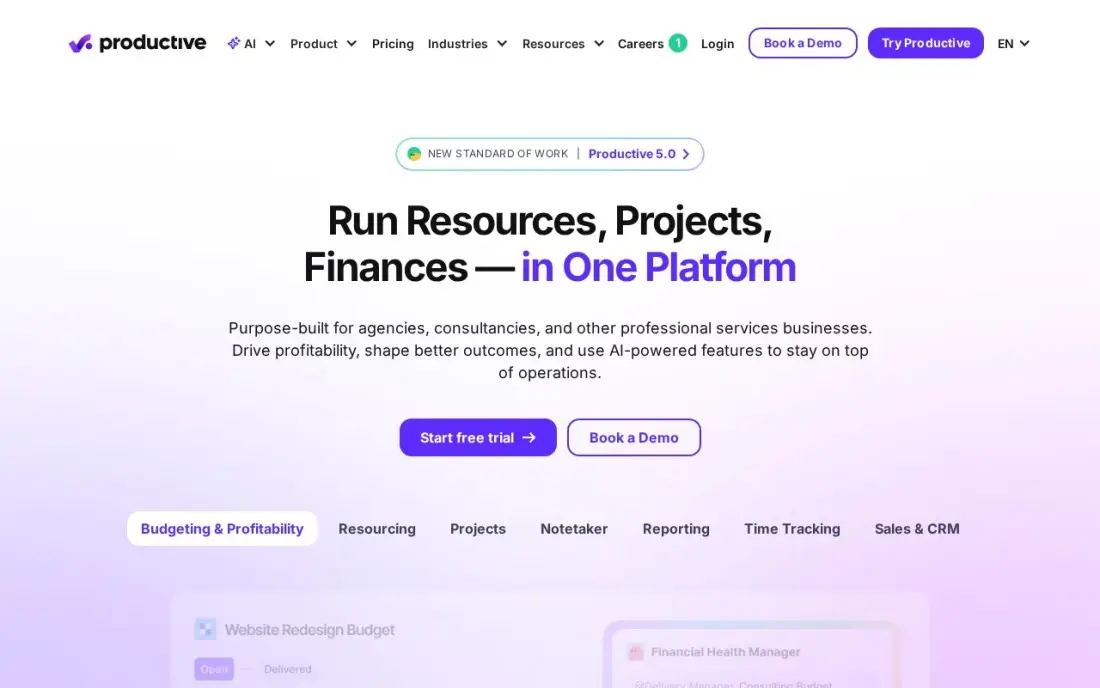
Productive treats every project as a budget first. Budgets and internal cost rates sit next to resource planning from the Essential plan, so when someone books ten hours on a job you can see what those hours cost the agency, not just what the client will be billed. Essential costs $10 a user a month billed monthly, or $9 billed annually, and client access is free.
Two limits to plan around. There is a three-seat minimum, so the smallest bill is $30 a month, and revenue forecasting and the scenario builder sit on the top tier rather than Essential. For an agency that wants to see margin per project without paying suite prices, it is the best value in this list.
What we like
- Budgets and cost rates sit next to resource planning from the entry plan
- AI Assistant is included on Essential, and client access is free
- Lowest starting price among the agency-built tools here at $10/user/month
Watch out for
- The vendor's own pricing page shows conflicting per-user figures — the $9 annual rate comes from the per-10-user totals, not the headline
- Revenue forecasting and the scenario builder sit on the most expensive tier, not Essential
- 3-seat minimum, so the smallest bill is $30/month

Scoro
Best for: Professional-services firms that want quotes, project budgets and invoices in one system
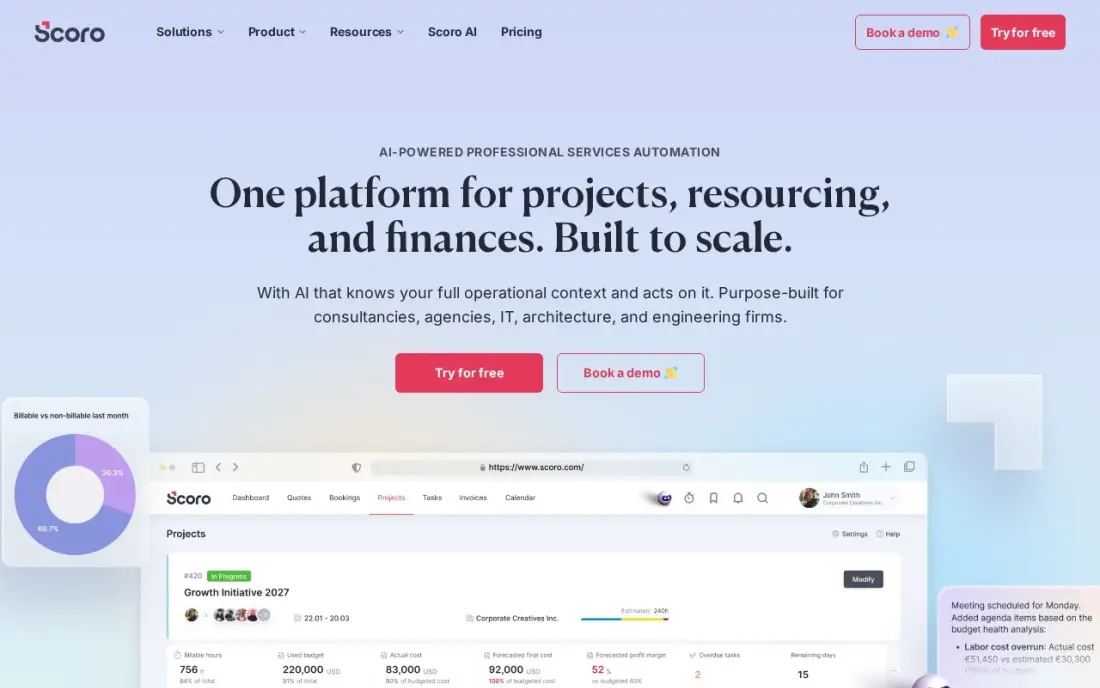
Scoro joins the whole money trail of a project: the quote that set the budget, the time and costs logged against it, and the invoice at the end. Real-time profitability reports show which projects and clients actually make money, and the Essential plan at $26 a user a month billed annually already includes summary financial reports.
The floor is the catch. Every plan needs at least five users, so the cheapest Scoro bill is $130 a month even for a three-person studio, and there is no free plan, only a 14-day trial. Setup also takes time before the dashboards feel natural. Choose Scoro when a firm of five or more wants budgets and billing in one tool instead of three.
What we like
- KPIs sit next to the work that drives them — projects, time, quotes and invoices in one place
- Real-time profitability and capacity reports show which clients and projects actually make money
- Detailed work reports and summary financial reports come with the entry plan
- A 14-day trial covers the full entry plan, so the whole team can test it before paying
Watch out for
- The 5-user minimum means a solo owner or a 2-person team pays for 5 seats — $130 a month minimum
- No free plan, and setup takes a learning period before the dashboards feel natural
- No client-facing portal, so clients cannot log in to see their own project status

Zoho Projects
Best for: Small teams on a tight budget that want project budgets without paying for a finance suite
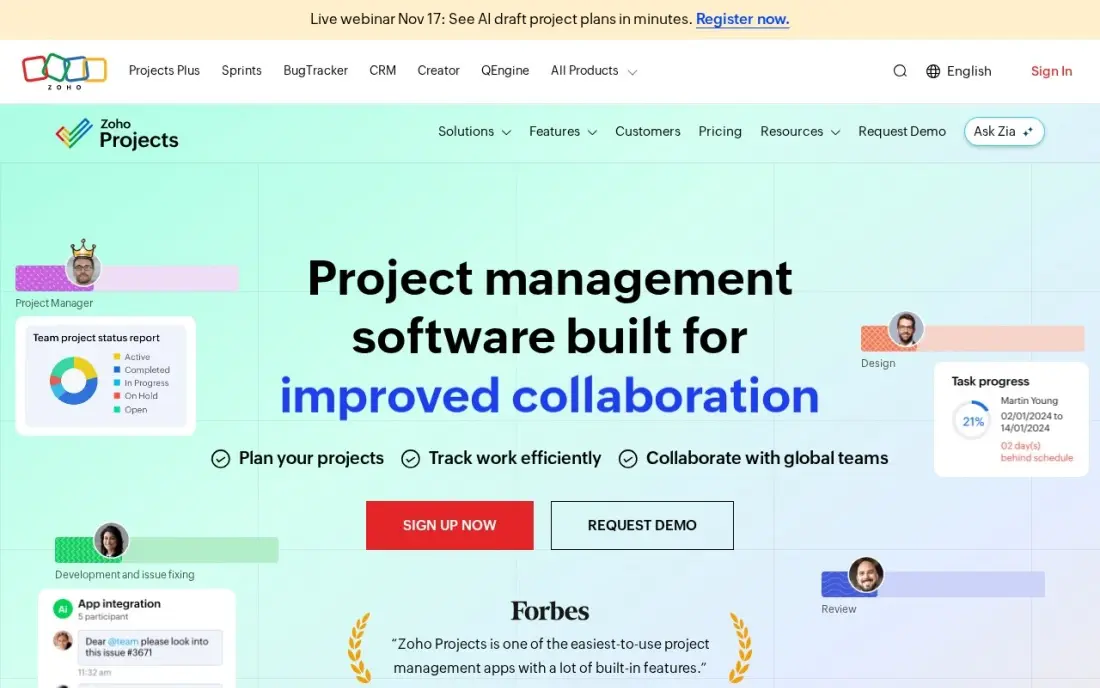
Zoho Projects is the cheapest paid plan that still tracks budgets. Premium costs $4 a user a month billed annually, or $5 billed monthly, and it includes budgets, time tracking, Gantt charts and workflow automation, so a team can log hours against a project and compare them with the plan. The free plan covers five users and three projects.
The budget tools are simpler than Productive's or Scoro's, and the interface can feel cluttered on large projects. Portfolios and critical path wait for Enterprise at $9 a user a month, and client users cost $4 each on annual billing. If the team already runs Zoho Books or Zoho CRM, the shared login makes it the easy first choice.
What we like
- Premium at $4/user/month is the lowest paid price in this list and includes Gantt charts, time tracking and budgets
- Free plan covers up to 5 users, 3 projects and 5GB of storage at $0
- Zia AI features are included on Premium, not held for a higher tier
- Deep integration with the rest of Zoho — CRM, Books, Desk and Mail — in one login
Watch out for
- The interface can feel cluttered on large projects, per G2 reviewers
- Portfolios, critical path and SSO wait for Enterprise at $9/user/month
- Client users cost $4 each on annual billing — only internal users are covered by the free plan's five seats

Harvest
Best for: Small firms that budget projects in hours and want alerts before a job overruns
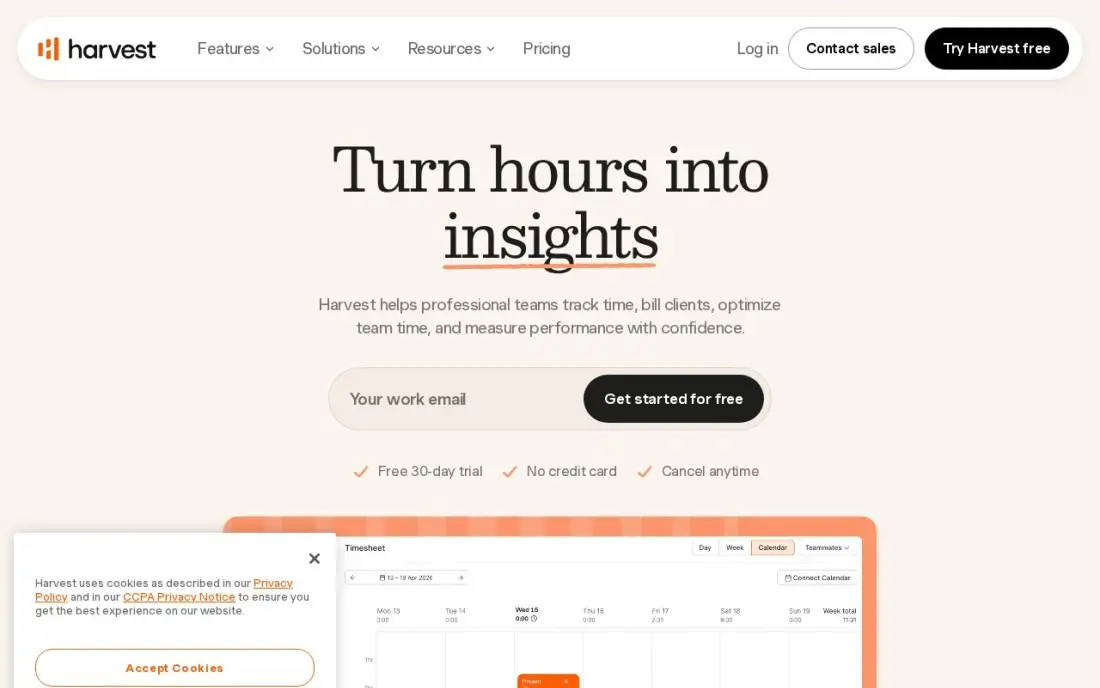
Harvest is the most focused budget tool in this list. Set a budget in hours or money on a project, track time against it, and Harvest warns you before the job eats its budget. When the work is done, the same hours become an invoice with expenses attached, paid through Stripe or synced to QuickBooks or Xero. Teams costs $9 a user a month billed annually, or $11 month to month.
It is not a project planner. There are no Gantt charts or resource schedules, so most teams pair it with a task tool. Flex billing also adds usage fees for extra invoices, projects and clients, and the free plan covers only one seat and two projects.
What we like
- The shortest path from tracked time to invoice in this list, with expenses attached
- Project budgets with alerts warn before a job eats its hours
- One flat per-seat price with no tier ladder to climb for the core features
- Integrates with QuickBooks, Xero and Stripe for payments
Watch out for
- Not a project planner: no Gantt charts or resource schedules, so most teams pair it with a task tool
- Flex billing adds usage fees for extra invoices, projects and clients on top of the $9 seat price
- The free plan covers 1 seat and 2 projects, so a real team pays from the first hire

Teamwork
Best for: Client-service teams that want budgets, retainers and invoicing beside their task boards
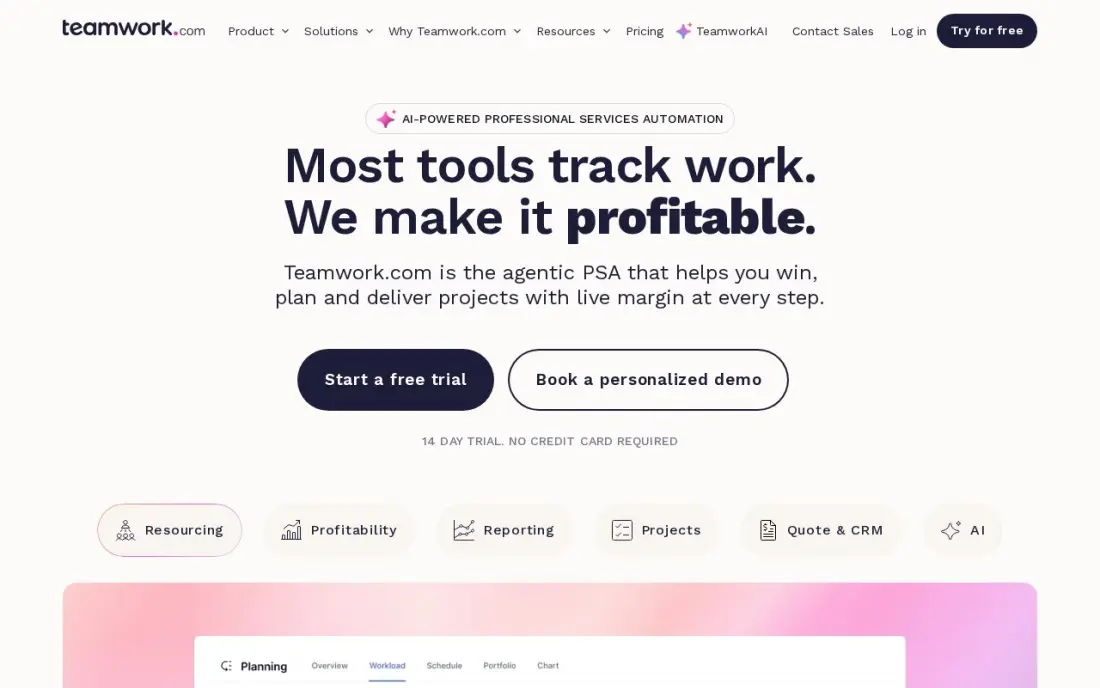
Teamwork is built for client projects, and its Accelerate plan adds the budget pieces most agencies ask for: project budgets, retainers and invoicing sit beside the boards, Gantt charts and time logs. Client users are free, so a client can follow progress without taking a seat. Accelerate costs $24.99 a user a month.
Be clear on the tier before you buy. Basics, at $9.99 a user a month billed annually or $13.99 monthly, covers time logging but not budgets, and it needs at least three users. The free plan covers five users and five projects, which is enough to test the workflow, though not the budget features.
What we like
- Built for client work: time tracking, budgets and invoicing sit beside the boards instead of in another app
- Basics includes list, board, table and Gantt views, time logging and 1,000 AI credits a month from $9.99 a user
- Client users are free, so clients can follow their own projects without a seat
- Free plan covers 5 users and 5 projects with board and Gantt views included
Watch out for
- Basics needs at least 3 users, and budgets, retainers and invoices wait for Accelerate at $24.99 a user
- Smaller template and integration library than Asana or monday.com
- The plan names changed in 2026 (Deliver became Basics), so older reviews quote retired names

Forecast
Best for: Firms of 10 to 100 people that want budgets tied to resource plans and AI scheduling
Forecast links the budget to the schedule. Rates, budgets and time tracking sit in the same suite as resource planning, and AI scheduling suggests who should take each task based on capacity and skills, so the projected cost of a project updates as people are assigned. Lite costs $29 a seat a month billed annually, and Pro at $49 adds financial portfolio reporting and retainer management.
It is the most expensive entry here. Lite has a ten-seat minimum, so the smallest bill is $290 a month, no monthly rate is published and there is no free plan, only a 14-day trial. It suits firms that already plan capacity carefully and want the budget to follow the plan.
What we like
- Resource planning, budgets, rates and time tracking in one suite
- AI scheduling suggests assignments based on capacity and skills
- Financial portfolio reporting on Pro
Watch out for
- Highest entry price here at $29 a seat a month, with a ten-seat minimum
- No free plan, only a 14-day trial

Smartsheet
Best for: Teams that already build project budgets in spreadsheets and want them tied to the schedule
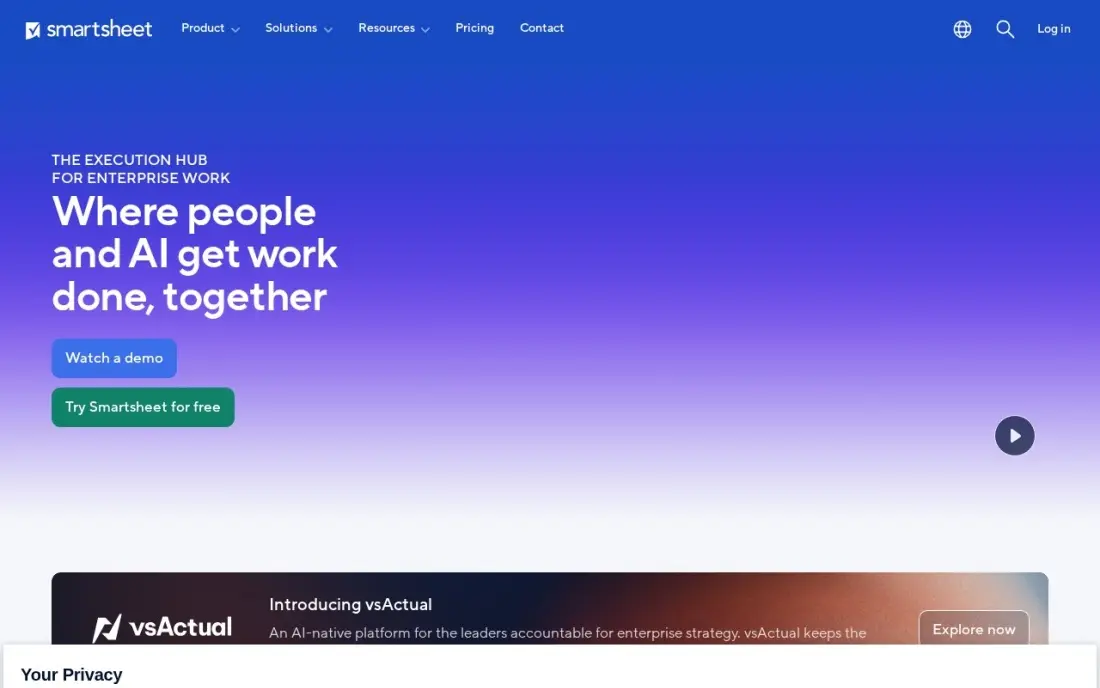
Smartsheet is the choice when the budget lives in a spreadsheet today. A sheet can hold the task list, the Gantt chart and budget columns with formulas side by side, and reports roll several project sheets into one view. Pro costs $9 a member a month billed annually, or $12 monthly, with unlimited sheets and 250 automations a month, and unlimited free Contributors can view and comment.
There is no built-in cost rate or profitability engine, so you build the budget logic yourself. Pro stops at ten members, after which Business costs $19 a member a month, and new sign-ups get a 30-day trial rather than a free plan.
What we like
- The grid is the project: rows, formulas and reports that spreadsheet users already understand, with a board view on top
- Pro includes Gantt, board, table and calendar views, unlimited sheets and 250 automations a month from $9 a member
- Unlimited free Contributors can view, comment and add attachments without a paid seat
- Business adds timeline view, unlimited automations and 1 TB of storage from $19 a member
Watch out for
- No free plan for new sign-ups since August 2024 — only a 30-day trial before the subscription starts
- Pro stops at 10 members, so an 11th member forces the jump to Business at $19
- The interface feels more spreadsheet than kanban, and the learning curve is steeper than Trello
The best project budget management software tells you a project is going over budget while there is still time to fix it, not after the invoice goes out. We compared seven tools that put budgets on projects, from simple hour budgets with alerts to full profitability suites with cost rates and forecasts, and every price below comes from the vendor's own pricing page as checked in November 2026.
How to choose the best project budget management software
- Decide what a budget means for you. Some teams budget in hours, others in money, and agencies need both plus internal cost rates. Make sure the tool tracks the unit you actually sell.
- Check that actuals update themselves. A budget is only useful if logged time and expenses flow into it automatically; if someone has to retype costs, it will be out of date by Friday.
- Look for early warnings. Alerts at a set percentage of budget, such as 80%, are what let a project manager act before the overrun rather than explain it afterwards.
- Find the tier that holds the budget features. Several tools keep budgets, retainers or forecasting on a higher plan than the headline price, so price the plan you will really need.
- Count the seat minimums. Productive needs three seats, Scoro five and Forecast ten, which changes the real cost for a small team.
- Think about invoicing. If the budget and the invoice live in the same tool, billed hours and budgeted hours never drift apart.
Budgets work differently in some industries. Contractors who need cost codes and change orders should read our guide to construction budget software, and agencies weighing a full operations suite can compare options in our ad agency software guide.
Project budget management software pricing: what you will actually pay
Take a ten-person team that wants budgets on every project, billed annually. On list prices, Zoho Projects Premium costs $4 a user, or $40 a month and $480 a year. Harvest Teams, Productive Essential and Smartsheet Pro each cost $9 a user, or $90 a month and $1,080 a year. Teamwork Accelerate, the plan that holds its budgets, costs $24.99 a user, or $249.90 a month. Scoro Essential costs $26 a user, or $260 a month and $3,120 a year, and Forecast Lite costs $29 a seat, or $290 a month and $3,480 a year.
Billing monthly costs more where a monthly price is published: Productive rises to $10 a user, Harvest to $11, Smartsheet to $12 and Zoho Projects to $5. A three-person studio feels the seat minimums most. Productive's smallest bill is $30 a month, Scoro's is $130 because it charges for five users, and Forecast's is $290 because it charges for ten seats.
Know the difference: budget tracking vs project profitability
Budget tracking compares what a project has used with what was planned. You set 120 hours or $15,000, the team logs time and expenses, and the tool shows how much is left and warns you when it runs low. Harvest, Zoho Projects and Smartsheet work this way, and for many teams it is all they need.
Project profitability adds the cost side. Each person gets an internal cost rate, so the tool knows that an hour from a senior designer costs the agency more than an hour from a junior, and it can show margin per project and per client. Productive, Scoro and Forecast track cost rates, and that is why they cost more. If you bill fixed fees or retainers, profitability is the number that matters, because a project can stay inside its hours and still lose money.
Quick comparison: tool type by need
| Buyer | Best pick | Why |
|---|---|---|
| Margin-focused agencies | Productive | Budgets and cost rates on Essential from $9/user/month billed annually |
| Firms of five or more | Scoro | Quotes, budgets, time and invoices in one system from $26/user/month |
| Tight budgets | Zoho Projects | Budgets on Premium at $4/user/month billed annually, free plan for 5 users |
| Hour budgets with alerts | Harvest | Budget alerts and invoicing from $9/user/month billed annually |
| Client-service teams | Teamwork | Budgets, retainers and invoices on Accelerate at $24.99/user/month |
| Capacity-led firms | Forecast | Budgets tied to AI resource scheduling from $29/seat/month, 10-seat minimum |
| Spreadsheet budgeters | Smartsheet | Budget formulas beside the Gantt chart from $9/member/month billed annually |
Mistakes to avoid
- Budgeting without cost rates. If you only track billable hours, a project can look healthy while senior time quietly wipes out the margin.
- Buying the headline plan. Check which tier holds budgets and alerts; on Teamwork, for example, they sit on Accelerate, not Basics.
- Letting time logging lag. Budget reports are only as current as the timesheets. Ask the team to log daily, or the alert arrives a week late.
- Ignoring change requests. When the client adds scope, raise the budget in the tool too, or every later report compares the work with an out-of-date plan.
- Paying for empty seats. Seat minimums of three, five and ten users can double the real price for a small team.
Related comparisons: Budget Software for Home · Creative Project Management Software · Marketing Tools for Small Businesses Budget · Project Management Software for Digital Agencies
How we chose
We checked each vendor's own pricing page in November 2026 and recorded the starting price exactly as shown, with the billing period. We only included tools that let you set a budget on a project and compare it with logged time or cost, and we noted which plan each budget feature sits on. We ranked the tools for the most common buyer, an agency or professional-services team of five to twenty people. Ratings come from G2 pages checked on the dates shown in the sources. No vendor paid for a place in this list, and none of the links here are affiliate links.
What to do next
Take one live project, set its budget in the free plan or trial of your top pick, and ask the team to log time against it for two weeks. If the tool warns you before the budget runs low, it does the job. When your project pipeline needs more inbound leads, book a free SEO consultation.
Frequently asked questions
What is the best project budget management software?
Productive is the best value for agencies, with budgets and cost rates on Essential from $9 a user a month billed annually. Scoro is the most complete for firms of five or more, from $26 a user a month billed annually, and Zoho Projects is the cheapest at $4 a user a month billed annually.
Is there free project budget management software?
Zoho Projects has a free plan for five users and three projects, and Harvest has a free plan for one seat and two projects, though its budget alerts are listed on the paid Teams plan. Teamwork's free plan covers five users and five projects, but its budget features sit on the paid Accelerate plan.
How much does project budget software cost?
On published prices billed annually, Zoho Projects costs $4 a user a month, Harvest $9, Productive $9, Smartsheet Pro $9, Scoro $26 with a five-user minimum and Forecast $29 with a ten-seat minimum. Teamwork's Accelerate plan, which includes budgets, costs $24.99 a user a month.
Can I manage project budgets in Excel or Google Sheets instead?
For one or two projects, yes. Spreadsheets break down when several people log time, because the actual cost has to be typed in by hand. Tools such as Harvest and Productive update the actual cost the moment someone logs hours.
What is the difference between budget tracking and project profitability?
Budget tracking compares hours or money spent with the plan. Profitability also needs the internal cost of each person's time, so it shows margin, not just burn. Productive, Scoro and Forecast track cost rates; Harvest and Zoho Projects focus on budget versus actual.
Which project budget tool is best for construction?
None of these is built for job costing on a building site. Construction firms need cost codes, change orders and subcontractor bills, which construction budget tools handle better; see our guide to construction budget software.
Sources we checked (12)
- Productive — productive.io/pricing (checked November 4, 2026)
- Productive reviews on G2 (checked November 4, 2026)
- Scoro — www.scoro.com/pricing (checked November 12, 2026)
- Zoho Projects — www.zoho.com/projects/pricing (checked November 12, 2026)
- Zoho Projects reviews on G2 (checked November 12, 2026)
- Harvest — www.getharvest.com/pricing (checked November 10, 2026)
- Harvest reviews on G2 (checked November 10, 2026)
- Teamwork — www.teamwork.com/pricing (checked November 12, 2026)
- Teamwork reviews on G2 (checked November 12, 2026)
- Forecast — forecast.app/pricing (checked November 10, 2026)
- Smartsheet — www.smartsheet.com/pricing (checked November 12, 2026)
- Smartsheet reviews on G2 (checked November 12, 2026)
Make one of these tools?
We re-check this list every quarter. Send a correction, request a review, or ask about a clearly labeled sponsored spot.
Request a listingShamim
Founder of SerpAstra
A full-stack digital marketer and SEO strategist covering technical and local SEO, AI search visibility, paid ads and lead generation for local businesses, e-commerce brands and SaaS teams.
Free SEO and AI visibility audit
Find out what is holding your rankings back
Send us your site. Within 2 business days you get a written audit, an AI visibility check and a short fix list ranked by impact. Free, with no contract attached.
Request my free audit→Related buying guides
 Project & Product Management10 Best Project Management Software in 2026, ComparedCompare the 10 best project management software on views, free plans, seat minimums and real monthly cost, with every price checked on the vendor's own pages.Read guide →
 Productivity & Office12 Best Time Tracking Software for Small Business in 2026, ComparedThe 12 best time tracking software for small business compared on price, free plans and billing features, with real starting prices checked November 10, 2026.Read guide →
 Project & Product Management11 Best Workload Management Tools in 2026 (Free and Paid, Compared)11 best workload management tools compared with real prices, free plans and workload views. Find the right fit for your team, from $5 a person a month.Read guide →