
8 Best Deployment Software Tools in 2026, Compared
Compare the 8 best deployment software tools, from GitHub Actions and GitLab to Vercel, Netlify and Octopus Deploy, on free plans, limits and real cost in 2026.
 Shamim Mia, Founder, SerpAstraLast verified November 4, 20269 min read
We compare pricing pages, documentation and public reviews. We never accept payment for rankings.
Key takeaways
- GitHub is the default starting point: the Free plan covers unlimited repositories and Actions runs CI and deployments from the same place, with Team at $4 a user a month.
- Vercel and Netlify are the fastest way to deploy a website or web app: both have free plans, and Pro costs $20 a month per developer seat on Vercel or $20 a month with unlimited members on Netlify.
- Octopus Deploy is the specialist release tool for teams deploying to many servers and customer environments, with a free tier up to 10 projects and paid plans billed annually.
- LaunchDarkly separates deploying code from releasing features, so a team can roll a change out to 1% of users and switch it off in seconds.
On this page
Quick comparison
| Tool | Best for | Starting price | Free plan |
|---|---|---|---|
| GitHub | Teams that want build, test and deploy pipelines in the same place as their code | Free; Team $4/user/mo | Yes (Free plan) |
| GitLab | Teams that want CI/CD, security scanning and planning in one self-hostable platform | $29/user/mo | Yes (Free plan) |
| Bitbucket | Teams on Jira that want deployments tracked against their tickets | Free; Standard $3.65/user/mo | Yes (Free plan) |
| Vercel | Frontend and full-stack web teams that want every git push deployed with a preview link | Free; Pro $20/seat/mo | Yes (Hobby) |
| Netlify | Small teams that want git-based website deployment with unlimited members on one flat plan | Free; Pro $20/mo | Yes |
| Octopus Deploy | Teams releasing to many servers, environments or customer tenants that need controlled promotion | Free; paid from $2,080/yr | Yes (10 projects) |
| LaunchDarkly | Engineering teams that want to separate deploying code from releasing features | From $10/mo | Yes (free tier) |
| DigitalOcean | Small teams that want to deploy apps and servers on a simple cloud with flat pricing | $4/mo | No (trial credit) |
Make one of these tools?
We re-check this list every quarter. Send a correction, request a review, or ask about a clearly labeled sponsored spot.
Request a listingThe best deployment software

GitHub
Best for: Teams that want build, test and deploy pipelines in the same place as their code
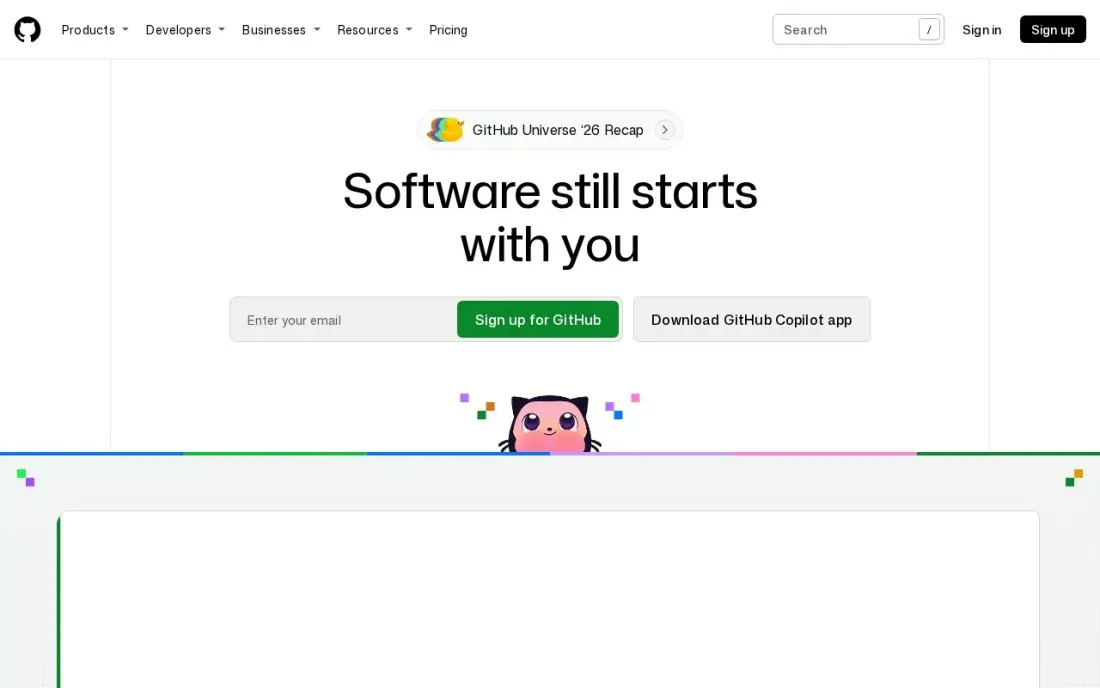
For most teams, deployment software starts where the code already lives. GitHub Actions runs workflows on every push or pull request, so the same repository that holds the code can build it, test it and ship it to a cloud, a server or a hosting platform. The Free plan covers unlimited public and private repositories, and Team costs $4 a user a month with branch rules and required reviewers that gate what reaches production.
GitHub labels Team and Enterprise as first-12-months prices with no published renewal price, so ask before budgeting for several years. Single sign-on and advanced security wait for Enterprise from $21 a user a month. G2 reviewers rate GitHub 4.7 across 2,399 reviews.
What we like
- Builds, tests and ships to a cloud, a server or a hosting platform from the repository that holds the code
- Branch rules and required reviewers on Team gate what reaches production
- The largest ecosystem here: Actions runs CI on every pull request, and most developers already know the workflow
- The Free plan covers unlimited public and private repositories, so small teams start at $0
Watch out for
- Team and Enterprise prices are labelled "first 12 months" on GitHub's pricing page, with no published renewal price
- Single sign-on and advanced security wait for Enterprise from $21/user/month
- Deployment pipelines are Actions workflows you write and maintain yourself

GitLab
Best for: Teams that want CI/CD, security scanning and planning in one self-hostable platform

GitLab treats deployment as part of one platform rather than an add-on. Pipelines, environments, security scanning and issue tracking live together, and merge requests show pipeline results and security findings next to the code change. Premium costs $29 a user a month billed annually and includes 10,000 CI minutes a month, and there is a self-managed option for teams that must host everything themselves.
The price is the main drawback: $29 a seat is roughly seven times GitHub Team, so a 20-developer team pays $580 a month before add-ons. The Free plan allows 5 users per group, and the top tier is quote-only. Choose GitLab when one platform for the whole pipeline is worth more than the cheapest seat.
What we like
- Merge requests show pipeline results and security findings next to the diff, so reviewers judge a change in one place
- One platform replaces separate CI, planning and scanning tools, which cuts tool sprawl across the pipeline
- Self-managed option for teams that must host their own code
- Premium includes $12 of GitLab Credits a month for Duo agent features
Watch out for
- $29/user/month is roughly seven times GitHub Team, so seat count dominates the bill
- The top tier is now quote-only, with no published price
- Platform breadth can feel heavy for a team that only needs to deploy

Bitbucket
Best for: Teams on Jira that want deployments tracked against their tickets
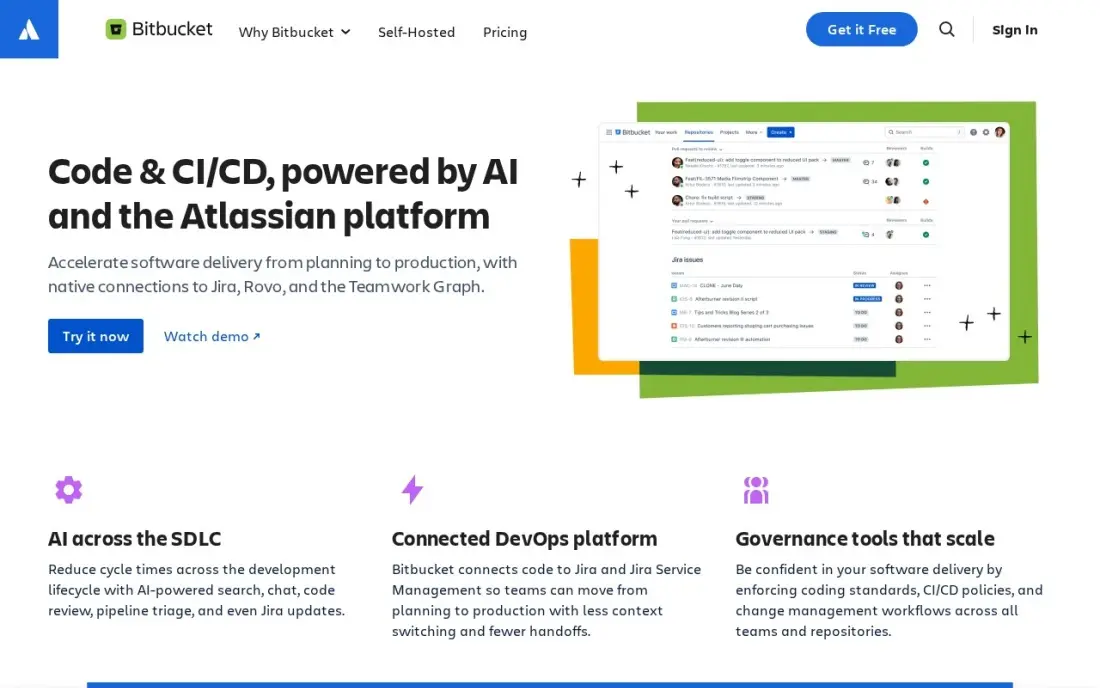
Bitbucket Pipelines runs CI and deployments in the same place as the code, and because Bitbucket is part of Atlassian, issue keys in commits move Jira tickets automatically, so a release shows up against the work it delivers. The Free plan covers up to 5 users, and Standard costs $3.65 a user a month with merge checks and 2,500 build minutes a month.
Atlassian changed its prices on October 13, 2026, so older roundups list different figures. The third-party ecosystem is smaller than GitHub's, and Data Center self-hosting is a separate product with its own pricing. It is the natural pick when Jira is already the system of record.
What we like
- Jira issue keys in commits update ticket status automatically from the pull request
- The cheapest paid plan here at $3.65/user/month for Standard
- Merge checks enforce review and build rules before code lands
- Pipelines CI runs in the same place as the code, with 2,500 build minutes a month on Standard
Watch out for
- The AI code reviewer needs Premium at $8/user/month, not Standard
- Smaller third-party ecosystem than GitHub
- Data Center self-hosting is a separate product with its own pricing

Vercel
Best for: Frontend and full-stack web teams that want every git push deployed with a preview link
Vercel turns a git repository into a deployed web app with almost no configuration. Each push builds and deploys automatically, and every branch gets its own preview, so a reviewer can click through a change before it reaches production. The Hobby plan is free for one developer, with 1M CDN requests, 100 GB of fast data transfer and 1M function invocations a month.
Pro costs $20 a month per developer seat, with unlimited viewer seats and $20 of monthly usage credit. Beyond that, usage is pay-as-you-go and uncapped, so set spend limits early. Hobby usage is capped and cannot be topped up, and SAML SSO costs $300 a month on Pro. It suits web apps, not servers or internal systems.
What we like
- Hobby is free with 1M CDN requests, 100 GB of fast data transfer and 1M function invocations a month
- Pro is $20 a month per developer seat with unlimited viewer seats and $20 of usage credit included
- Every push gets its own deployment, so reviewers check a live preview before production
- Enterprise adds multi-region failover and a 99.99% SLA
Watch out for
- Pro usage beyond the $20 credit is pay-as-you-go and uncapped, so spend management needs attention
- Hobby accounts cannot buy extra usage once they hit the cap
- SAML SSO is a $300-a-month add-on on Pro

Netlify
Best for: Small teams that want git-based website deployment with unlimited members on one flat plan
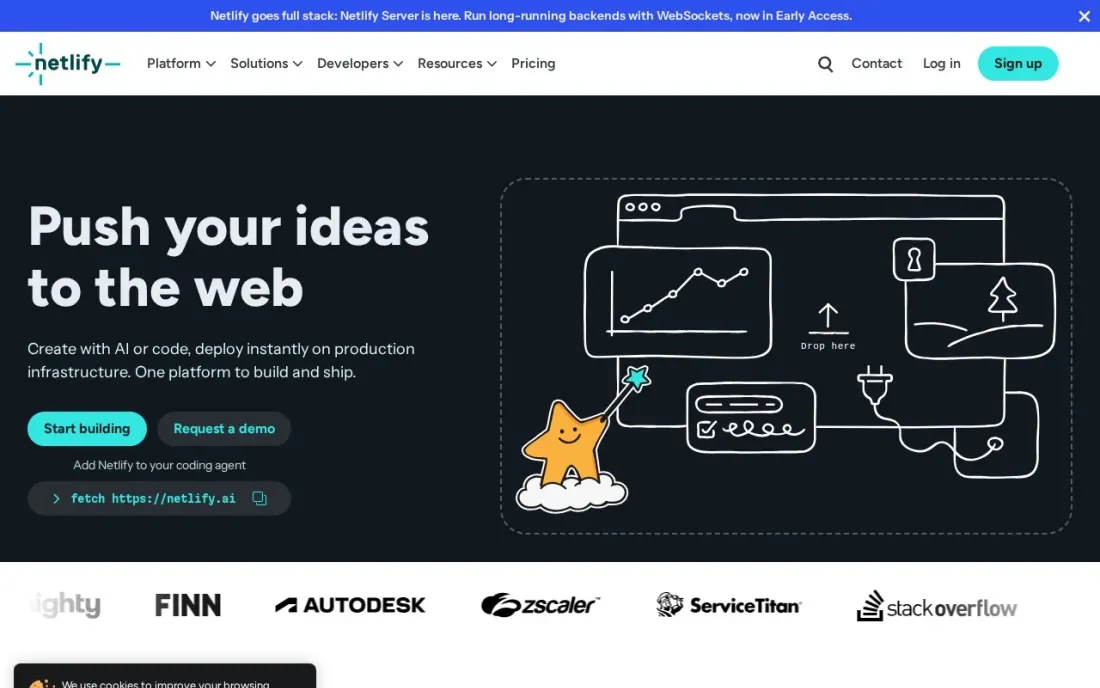
Netlify does for websites what Vercel does for web apps: connect a repository and every push builds and deploys, with unlimited deploy previews so a change can be reviewed on a live URL first. Custom domains with SSL, a global CDN, functions and storage are included on the Free plan, which costs $0 forever with a 300-credit limit.
The pricing is friendlier to teams than per-seat tools. Personal costs $9 a month with 1,000 credits, and Pro costs $20 a month with unlimited members and 3,000 credits, plus shared environment variables and three or more concurrent builds. Watch the credit balance on busy sites, and expect SSO and an SLA only on Enterprise.
What we like
- Free forever plan with unlimited deploy previews, custom domains with SSL and a global CDN
- Pro is a flat $20 a month with unlimited members, not priced per seat
- Deploys from Git, an API or AI tools, with functions, database and file storage built in
- Personal at $9 a month adds secret detection and priority email support
Watch out for
- Usage runs on credits, so heavy traffic or builds can exhaust the monthly allowance
- SSO, SCIM and the 99.99% SLA are Enterprise-only, on custom pricing
- Built for websites and web apps rather than deployments to your own servers

Octopus Deploy
Best for: Teams releasing to many servers, environments or customer tenants that need controlled promotion
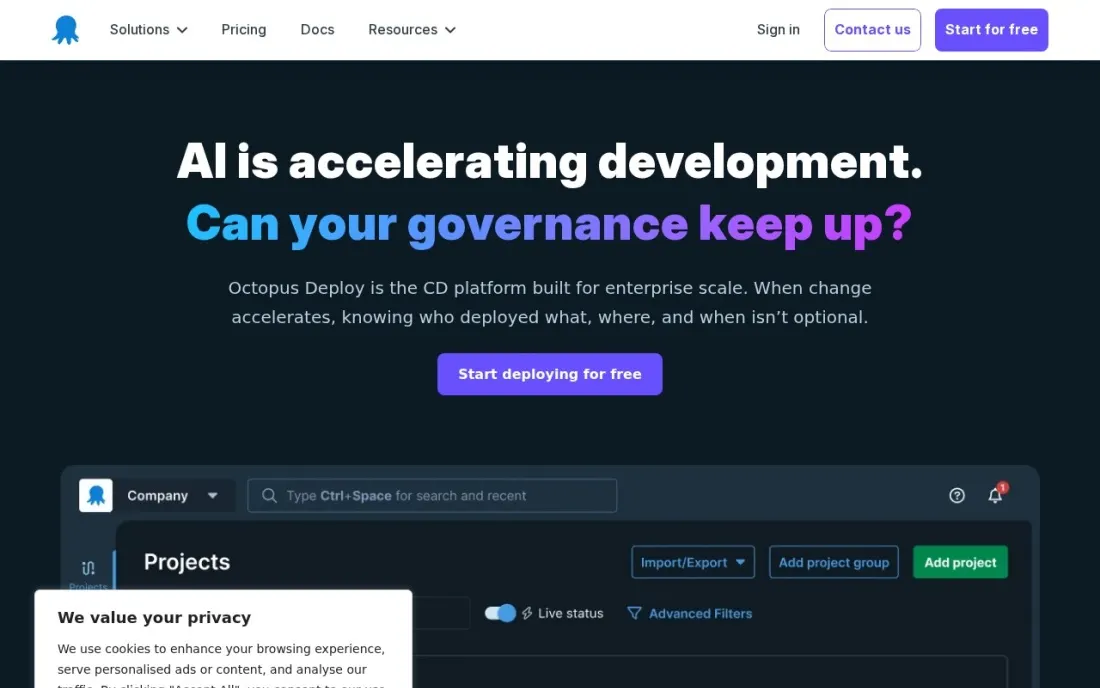
Octopus Deploy is the specialist in this list. It does not build code; it takes a built release and promotes it through environments such as test, staging and production, or out to many customer tenants, with the same steps every time. That makes it the tool teams reach for when deployments go to fleets of servers, Windows estates or one install per customer, which hosting platforms do not handle.
The free tier has no time limit and covers 10 projects, 10 tenants, 10 machines and 10 users. Paid plans are billed annually only and priced by project count: Professional lists at $2,080 a year on Server or $4,330 on Cloud at the default option, and tenants and machines are $770-a-year add-ons. The 30-day trial includes full Enterprise features.
What we like
- Free tier with no time limit covers 10 projects, 10 tenants, 10 machines and 10 users
- Available as Octopus Cloud or self-hosted Octopus Server
- Built for promoting one release through test, staging and production, and across customer tenants
- 30-day trial includes full Enterprise features, with no credit card required
Watch out for
- Annual billing is the only option on paid plans
- Paid plans are priced by project count, with tenants and machines as $770-a-year add-ons
- Enterprise lists at $15,600 a year on Server and $24,600 on Cloud

LaunchDarkly
Best for: Engineering teams that want to separate deploying code from releasing features

LaunchDarkly handles the step after deployment: deciding who sees the new code. Feature flags let a team ship code dark, turn it on for 1% of users, watch the metrics and switch it off in seconds if something breaks, which makes frequent deployments far less risky. SDKs cover every major server and mobile platform, and every plan includes unlimited seats.
The bill is the hard part to forecast. Foundation costs $10 per service connection a month plus a charge per 1,000 client-side monthly active users, billed annually, and experimentation is billed separately. The free Developer plan is limited. G2 reviewers rate it 4.5 across 914 reviews.
What we like
- The standard for progressive delivery: percentage rollouts, targeting rules and instant kill switches
- SDKs for every major mobile and server platform, with local evaluation for speed
- Unlimited seats on every plan, so the whole team can manage flags without per-seat fees
- Audit trails, approvals and workflows keep releases safe at scale
Watch out for
- Usage-based billing is hard to forecast: service connections plus client-side MAU both meter the bill
- Experimentation is billed separately from flags, so testing adds a second usage charge
- The free Developer plan is limited, and the full governance set waits for Enterprise

DigitalOcean
Best for: Small teams that want to deploy apps and servers on a simple cloud with flat pricing
DigitalOcean is where many small teams deploy once a hosting platform is not enough. Droplets give you a server from $4 a month billed monthly, and App Platform, managed databases and Kubernetes cover most early products without the complexity of a hyperscaler. The console can be learned in an afternoon, and the tutorials are some of the best around.
It is a cloud rather than a deployment pipeline, so you will still run builds from GitHub, GitLab or Bitbucket. There is no free plan, only trial credit, and backups cost 20% on top of the droplet price. G2 reviewers rate it 4.6 across 759 reviews.
What we like
- Flat monthly droplet pricing from $4, billed per second with a monthly cap
- A console a new developer can learn in an afternoon, with strong tutorials and community content
- Egress around $0.01 per GB, roughly a ninth of AWS
- Managed databases, Kubernetes and App Platform cover most early products
Watch out for
- A far smaller service catalog than the hyperscalers, with fewer regions and compliance certifications
- No free plan, and backups cost 20% on top of the droplet price
- Enterprise support and controls are thinner than the big three
The best deployment software gets code from a merged pull request to production the same way every time, with a record of what shipped and a fast way back if something breaks. We compared eight tools across four jobs — CI/CD built into code hosting, web hosting platforms that deploy on every push, release management for many servers and customers, and feature flags that control what users see — and checked every vendor's pricing page in November 2026.
How to choose the best deployment software
- Start from where the code lives. If the repository is on GitHub, GitLab or Bitbucket, their built-in pipelines are the shortest path to automated deployments.
- Match the tool to the target. Websites and web apps fit Vercel or Netlify; servers, Windows estates and per-customer installs fit Octopus Deploy; containers and droplets fit a cloud like DigitalOcean.
- Check how the price scales. GitLab and Vercel charge per seat, Netlify Pro has unlimited members, and Octopus prices by project count.
- Look for preview environments. Vercel and Netlify give every branch its own live URL, which catches problems before production.
- Plan the rollback. Know how you undo a bad release — redeploying the previous build, promoting an older release in Octopus, or switching off a LaunchDarkly flag.
- Watch usage-based bills. Vercel Pro usage beyond the included credit is uncapped, and LaunchDarkly meters service connections and monthly active users.
Deployment speed also affects search. A release that breaks page speed, a robots file or a sitemap can quietly cost rankings, so our technical SEO audit checks what search engines see after each change, and the free robots.txt tester catches the most common release mistake before it goes live.
Deployment software pricing: what you will actually pay
Take a team of five developers shipping a web app and its API. On GitHub Team at $4 a user a month, the code hosting and Actions pipelines cost $20 a month, or $240 a year. On Bitbucket Standard at $3.65 a user, the same team pays $18.25 a month. GitLab Premium at $29 a user a month billed annually costs $145 a month, or $1,740 a year, but replaces separate CI, planning and scanning tools.
Hosting the frontend adds a second line. Vercel Pro costs $20 per developer seat, or $100 a month for five developers, with $20 of usage credit included before pay-as-you-go charges. Netlify Pro costs $20 a month for the whole team because members are unlimited, a $960-a-year difference at five seats. Octopus Deploy is free up to 10 projects and 10 machines, and Professional lists at $2,080 a year on Server or $4,330 on Cloud. DigitalOcean servers start at $4 a month each.
A small team can therefore run a full pipeline for $0 on free plans, and a typical paid setup lands between $40 and $250 a month before cloud usage.
Know the difference: deploying vs releasing
Deploying puts new code on the servers or platform that run your product. GitHub Actions, GitLab pipelines, Bitbucket Pipelines, Vercel, Netlify and Octopus Deploy all handle this step, and the goal is a repeatable process: the same build, promoted through the same environments, with a log of who shipped what.
Releasing decides who actually sees the change. With feature flags such as LaunchDarkly, a team can deploy code that stays switched off, turn it on for staff or a small share of users, and switch it off again without a new deployment. Most small teams only need the first; teams shipping several times a day usually add the second once a bad release has cost them.
Quick comparison: tool type by need
| Buyer | Best pick | Why |
|---|---|---|
| Most development teams | GitHub | Actions pipelines beside the code, Free plan and Team at $4/user/month |
| All-in-one platform | GitLab | CI/CD, scanning and planning together, Premium $29/user/month billed annually |
| Jira teams | Bitbucket | Pipelines linked to Jira tickets, Standard $3.65/user/month |
| Web apps with previews | Vercel | Deploy on every push, Hobby free and Pro $20/seat/month |
| Website teams on a budget | Netlify | Pro $20/month with unlimited members |
| Many servers or customers | Octopus Deploy | Release promotion across environments and tenants, free up to 10 projects |
| Gradual feature releases | LaunchDarkly | Feature flags and kill switches, unlimited seats |
| Simple cloud hosting | DigitalOcean | Servers from $4/month and App Platform |
Mistakes to avoid
- Deploying by hand from a laptop. Manual deployments skip tests and leave no record; automate even a simple pipeline on a free plan.
- Skipping a staging or preview step. A preview URL or staging environment catches the obvious breakages before customers do.
- Ignoring uncapped usage. Set spend limits on usage-billed platforms such as Vercel Pro before a traffic spike sets them for you.
- Storing secrets in the repository. Keep keys in the platform's environment variables or secret store, never in code.
- Having no rollback plan. Decide before the first incident whether you redeploy, promote an older release or switch off a flag.
Related comparisons: Website Development Software · SQL Software · Software Testing Tools · Software for iOS App Development
How we chose
We checked each vendor's own pricing page in November 2026 and recorded starting prices and limits exactly as shown, including annual-only billing where it applies. Octopus Deploy figures come from its own pricing-model page at the default project option. We compared the tools on pipeline automation, environment and preview support, rollback options, pricing model and fit for a small to mid-size development team. Ratings come from G2 pages checked on the dates shown in the sources, and we omit a rating where we did not verify one. No vendor paid for a place in this list, and none of the links here are affiliate links.
What to do next
Pick the pipeline that sits beside your code, automate one deployment to a staging environment this week, and add a preview step before production. If your releases keep changing how the site appears in search, book a free SEO consultation and we will check what each deployment changes for Google.
Frequently asked questions
What is the best deployment software?
For most teams, GitHub with Actions is the best starting point, because builds and deployments run beside the code on a Free plan. Vercel and Netlify are best for websites and web apps, Octopus Deploy for releases to many servers or customers, and LaunchDarkly for controlling feature releases after deployment.
Is there free deployment software?
Yes. GitHub's Free plan covers unlimited repositories, Bitbucket is free up to 5 users, GitLab's Free plan allows 5 users per group, Vercel's Hobby plan and Netlify's Free plan are $0, and Octopus Deploy has a free tier up to 10 projects with no time limit.
What is the difference between CI/CD and deployment software?
CI builds and tests code on every change. Deployment software takes the built result and releases it to an environment. GitHub, GitLab and Bitbucket do both in one pipeline, while Octopus Deploy focuses on the release side and Vercel and Netlify combine build and hosting for web projects.
Should I use Vercel or Netlify?
Both deploy websites and web apps from git with preview links. Vercel's Pro plan costs $20 a month per developer seat with $20 of usage credit; Netlify's Pro plan costs $20 a month with unlimited members and 3,000 credits, which is cheaper for larger teams.
How much does Octopus Deploy cost?
Octopus Deploy has a free tier up to 10 projects, 10 machines and 10 users. On its pricing page, Professional lists at $2,080 a year for Server or $4,330 a year for Cloud at the default option, billed annually only, and Enterprise at $15,600 or $24,600 a year.
Do I need feature flags as well as deployment software?
Not at first. Feature flags such as LaunchDarkly help once a team deploys often and wants to release features gradually or switch them off without redeploying. Small teams can start with a deployment pipeline and add flags later.
What are the best practices for software deployment?
Automate deployments from the pipeline that sits beside your code, such as GitHub, GitLab or Bitbucket. Push every change through a staging or preview step first; Vercel and Netlify give each branch its own live preview URL. Use approvals for production, plan the rollback before you need it, and separate deploying from releasing with feature flags such as LaunchDarkly's percentage rollouts and kill switches.
Sources we checked (13)
- GitHub — github.com/pricing (checked November 7, 2026)
- GitHub reviews on G2 (checked November 7, 2026)
- GitLab — about.gitlab.com/pricing (checked November 7, 2026)
- GitLab reviews on G2 (checked November 7, 2026)
- Bitbucket — www.atlassian.com/software/bitbucket/pricing (checked November 7, 2026)
- Bitbucket reviews on G2 (checked November 7, 2026)
- Vercel — vercel.com/pricing (checked November 16, 2026)
- Netlify — www.netlify.com/pricing (checked November 16, 2026)
- Octopus Deploy — octopus.com/pricing/change-2024 (checked November 16, 2026)
- LaunchDarkly — launchdarkly.com/pricing (checked November 4, 2026)
- LaunchDarkly reviews on G2 (checked November 4, 2026)
- DigitalOcean — www.digitalocean.com/pricing (checked November 6, 2026)
- DigitalOcean reviews on G2 (checked November 6, 2026)
Make one of these tools?
We re-check this list every quarter. Send a correction, request a review, or ask about a clearly labeled sponsored spot.
Request a listingShamim
Founder of SerpAstra
A full-stack digital marketer and SEO strategist covering technical and local SEO, AI search visibility, paid ads and lead generation for local businesses, e-commerce brands and SaaS teams.
Free SEO and AI visibility audit
Find out what is holding your rankings back
Send us your site. Within 2 business days you get a written audit, an AI visibility check and a short fix list ranked by impact. Free, with no contract attached.
Request my free audit→Related buying guides
 Developer Tools8 Best Cloud Platforms for Developers in 2026, ComparedCompare the 8 best cloud platforms for developers, from Vercel and Render to AWS and DigitalOcean, on free tiers, pricing model and real monthly cost.Read guide →
 Business Software11 Best Cloud Infrastructure Services Reviews in 2026The 11 best cloud infrastructure services reviews compared on price, free tiers, egress and AI features, with every price checked November 6, 2026.Read guide →
 Developer Tools7 Best Code Review Tools for Distributed Teams in 2026, ComparedCompare the 7 best code review tools for distributed teams on price, free plans and review workflows, with every price checked November 7, 2026.Read guide →