
7 Best Takeoff Software in 2026, Compared
Compare the 7 best takeoff software for estimators on AI measuring, cloud vs desktop, free plans and real per-seat yearly cost, with prices from vendor pages.
 Shamim Mia, Founder, SerpAstraLast verified November 7, 20268 min read
We compare pricing pages, documentation and public reviews. We never accept payment for rankings.
Key takeaways
- STACK is the best all-round takeoff software: cloud-based, with a free plan for one active project a month and Premium at $299 a user a month billed annually.
- ConstructConnect Takeoff is the cheapest paid cloud option at $100 a seat a month on an annual contract, and Kreo starts at $100 a user a month billed annually with 2D and 3D takeoff.
- For AI-first takeoff, Togal.AI Growth costs $299 a user a month billed yearly with unlimited automated takeoffs; check whether AI is included on the plan you buy, because PlanSwift, Kreo and ConstructConnect reserve it for higher tiers.
- Bluebeam is the cheapest way to measure PDF plans if you also need markups, from $260 a user a year on Basics.
On this page
Quick comparison
| Tool | Best for | Starting price | Free plan |
|---|---|---|---|
 STACK | Estimating teams that want cloud takeoff with a free plan and AI takeoff on the paid tier | $299/user/mo | Yes (free plan) |
 Togal.AI | Estimators who want AI to detect and measure plan items automatically on every project | $299/user/mo (yearly) | No (demo) |
 PlanSwift | Estimators who measure PDF plans on a Windows desktop and price in Excel | $2,000/yr | No (14-day trial) |
 Bluebeam | Contractors and project managers who need PDF markups and takeoff in the same tool | $260/yr | No (14-day trial) |
 Kreo | Small contractors and quantity surveyors who want browser takeoff including 3D and BIM files | $100/user/mo | No (7-day trial) |
 ConstructConnect Takeoff | Subcontractors and small estimating teams that want low-cost cloud takeoff on an annual contract | $100/seat/mo (annual) | No |
 Buildxact | Residential builders and remodelers who want takeoff feeding straight into a priced quote | $199/mo | Yes (free Go plan) |
Make one of these tools?
We re-check this list every quarter. Send a correction, request a review, or ask about a clearly labeled sponsored spot.
Request a listingThe best takeoff software
STACK
Best for: Estimating teams that want cloud takeoff with a free plan and AI takeoff on the paid tier
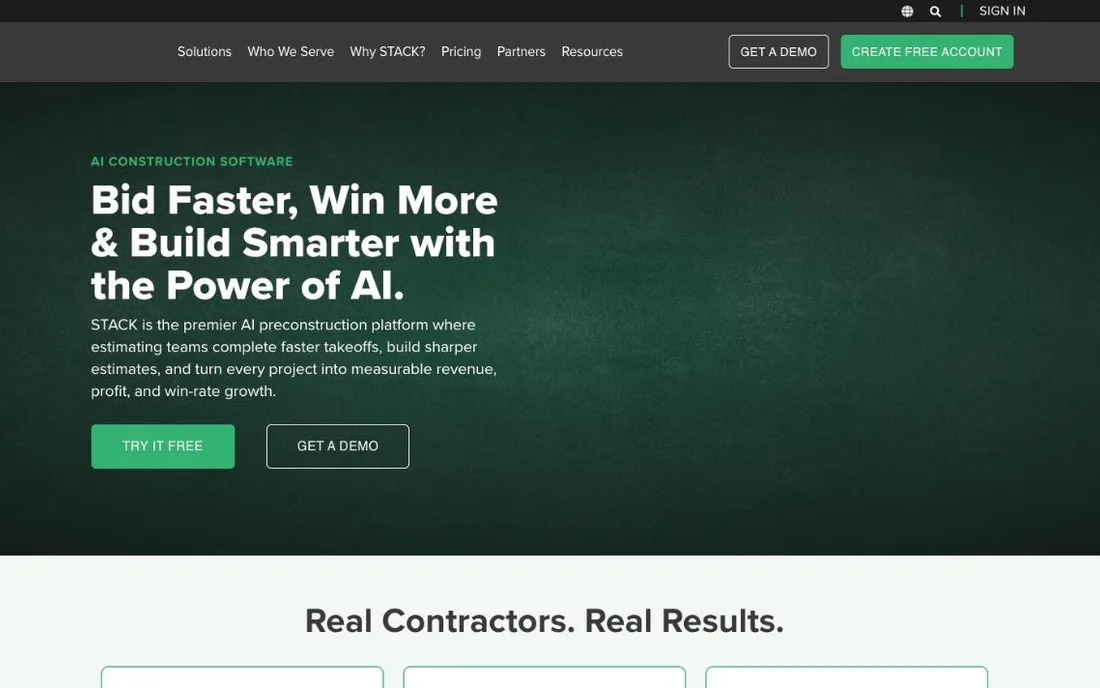
STACK is the best all-round takeoff tool for teams that bid from plans. You upload a plan set, measure areas, lengths and counts in the browser and build the estimate from items and assemblies, with several estimators working on the same numbers at once. The free plan covers one active project a month, so you can test it on a real bid before paying.
Premium costs $299 per user a month billed annually, or $349 billed monthly, and adds AI Takeoffs, STACK IQ, a prebuilt item library and plan overlay. Every paid plan is a 12-month commitment even on monthly billing, and the BNi regional cost library waits for Pro. It is the dearest monthly price here, but the most complete.
What we like
- The most transparent pricing in this list: every plan printed on the page
- Premium includes AI Takeoffs, STACK IQ, a prebuilt item library and plan overlay
- Free plan covers one active project a month, so you can test it on a real bid
- 100% cloud-based, so estimators work the same numbers in real time
Watch out for
- $299 per user a month is the dearest monthly price in this list
- Every paid plan is a 12-month commitment, monthly billing or not
- The BNi regional cost library waits for Pro at $349 a month
Togal.AI
Best for: Estimators who want AI to detect and measure plan items automatically on every project
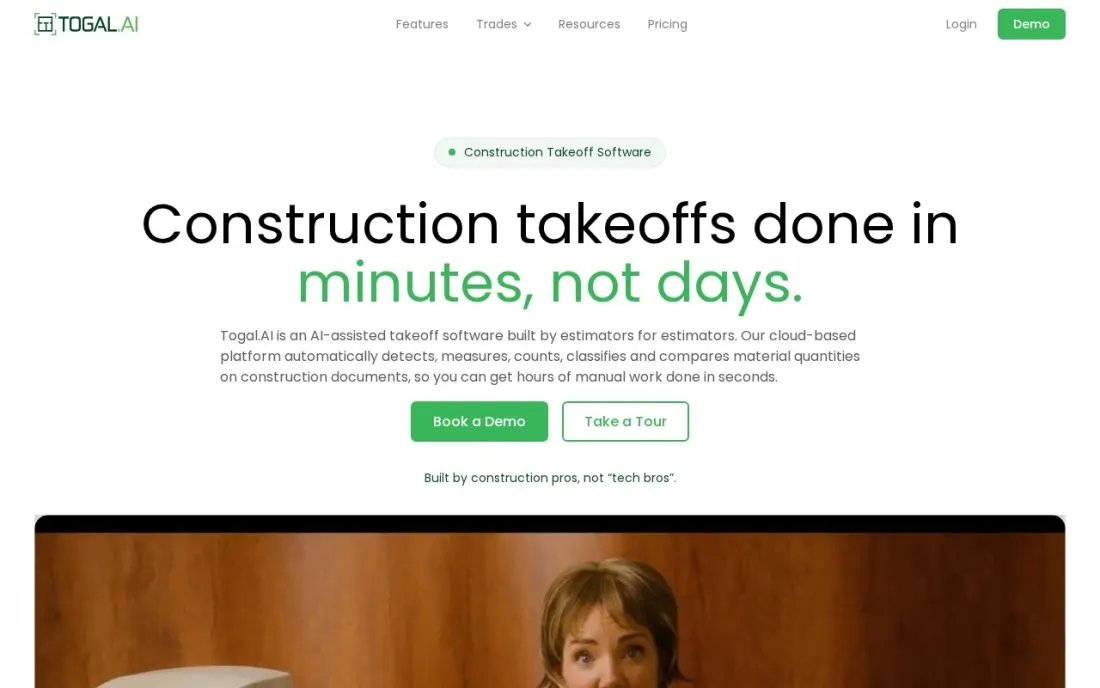
Togal.AI is built around automated takeoff: instead of clicking every room and fixture, the estimator lets the software detect and measure items on the drawings, then checks and corrects the result. Growth costs $299 per user a month billed yearly and includes unlimited automated takeoffs, chat prompts and image or symbol searches, so the AI is not rationed by credits.
Collaboration with people inside and outside your account is included, which helps when a GC and its subcontractors work from the same set. There is no free plan or self-serve trial, though: sign-up starts with a demo, and teams of four or more are steered to the custom-priced Business plan. Choose it when takeoff volume is high enough for AI to pay back a yearly seat.
What we like
- Growth includes unlimited automated takeoffs, chat prompts and image or symbol searches
- Internal and external collaboration are on the entry plan, so subcontractors and partners can be invited
- Business adds onboarding, a dedicated support representative, SSO and quantity discounts for teams of 4 or more
Watch out for
- No free plan or self-serve trial — you sign up by booking a demo
- Growth is billed yearly, so the minimum outlay is a full year per user
- Business pricing for larger teams is custom, so budgets need a sales call
PlanSwift
Best for: Estimators who measure PDF plans on a Windows desktop and price in Excel
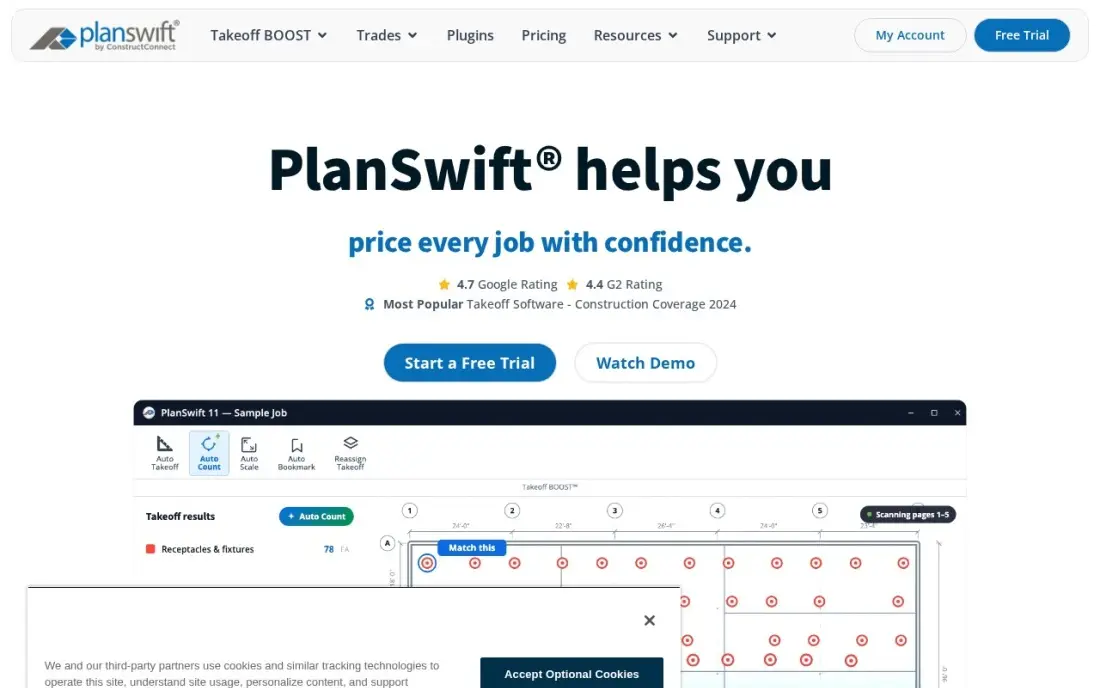
PlanSwift is one of the longest-running desktop takeoff tools, and it is quick to learn: point and click to measure areas, lengths and counts on PDF plans, use trade assemblies for common items and send the quantities to the Excel templates you already price in. Essential costs $2,000 a year per seat and includes Auto Count, Auto Scale and Auto Bookmark.
AI takeoff, called Takeoff BOOST, sits on Core at $3,000 a year rather than Essential. PlanSwift is Windows only, so Mac users need Boot Camp or Parallels, and cloud collaboration is limited. The 14-day trial is long enough to run a real bid. It suits a solo estimator or subcontractor who prefers desktop software and Excel.
What we like
- Point-and-click takeoff is fast to learn, with trade assemblies for quick counts
- Quantities flow into Excel templates the estimator already uses
- Auto Count, Auto Scale and Auto Bookmark are included on the Essential plan
- A 14-day trial lets an estimator run a real bid before paying for a seat
Watch out for
- Windows only: Mac users must run Windows through Boot Camp or Parallels
- AI takeoff (Takeoff BOOST) sits on Core at $3,000 a year, not the $2,000 Essential plan
- Desktop software with limited cloud collaboration and mobile access
Bluebeam
Best for: Contractors and project managers who need PDF markups and takeoff in the same tool
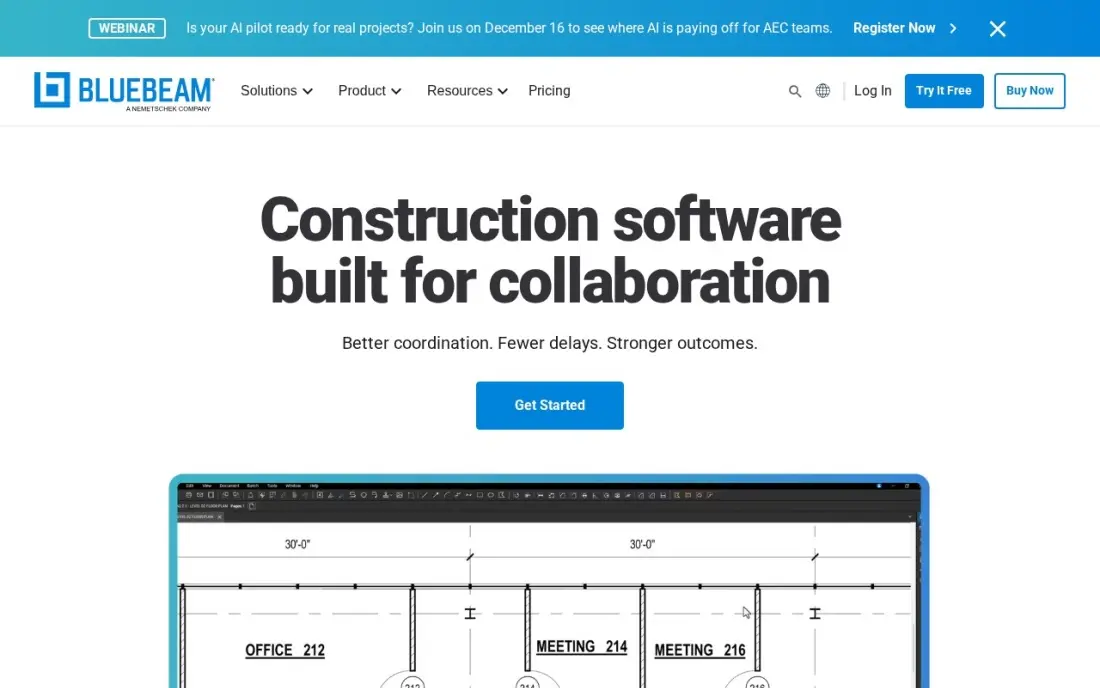
Bluebeam Revu is the PDF tool most of the construction industry already uses, and its measurement tools handle length, area, counts and volumes precisely. Studio sessions let a whole team mark up the same plan set in real time, so takeoff, plan review and punch lists can live in one program. Basics costs $260 per user a year, with Core at $330, Complete at $440 and Max at $590 as an introductory price.
It is not a dedicated estimating platform, so quantities still need pricing elsewhere, and billing is annual per user only. It is Windows-first, with Mac teams working through the browser version. If your estimators also mark up drawings all day, it is the cheapest way to cover both jobs.
What we like
- Industry standard for PDF markups, takeoffs and plan review
- Studio sessions let the whole team mark up the same set in real time
- Precise measurement tools for length, area, counts and volumes
- You can mix plans across the team, so only estimators need Complete
Watch out for
- Windows-first: Mac teams work through the browser version
- Annual per-user billing only, with no monthly option
- Not a project management platform, so it pairs with a suite rather than replacing one
Kreo
Best for: Small contractors and quantity surveyors who want browser takeoff including 3D and BIM files

Kreo is a browser-based takeoff tool that reads PDF, DWG and DXF files and measures in 2D and 3D in one place, which suits quantity surveyors working from BIM models as well as drawings. Essential costs $100 per user a month, billed once a year, and guests who only view and comment are free, so clients and supervisors cost nothing.
The AI tools are the reason most people look at Kreo, and they start on Pro at $175 per user a month: Auto Measure completes a sheet takeoff in minutes, and Caddie AI answers drawing questions by chat or voice. Pro covers up to four users. Kreo is newer than the established players, so test accuracy on your own drawings during the 7-day trial.
What we like
- Browser-based takeoff for PDF, DWG and DXF files, with 2D and 3D measurement in one place
- Auto Measure completes a full sheet takeoff in minutes, with the estimator checking the result
- Caddie AI answers drawing questions and refines takeoffs by chat or voice
- Guests who only view and comment are free, so clients and supervisors cost nothing
Watch out for
- AI takeoff tools (Auto Measure, Auto Count, Caddie AI) start on Pro at $175/user/month, not Essential
- Every plan is billed once a year, so there is no monthly subscription to cancel
- Newer and smaller than the established players, with limited independent accuracy testing
ConstructConnect Takeoff
Best for: Subcontractors and small estimating teams that want low-cost cloud takeoff on an annual contract
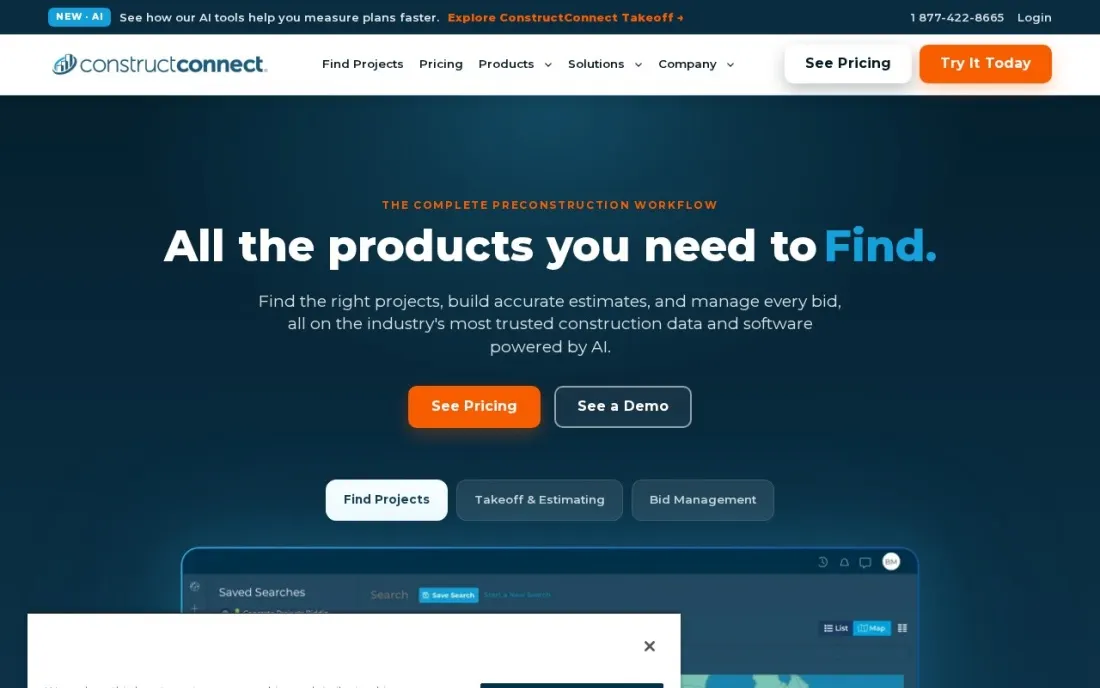
ConstructConnect, the company behind PlanSwift and On-Screen Takeoff, also sells its own cloud takeoff product with published prices. Takeoff Starter costs $100 a seat a month, or $1,200 a year, on an annual contract paid annually, and covers one user with unlimited projects, Auto Name, Auto Scale, 25 plans per project and export to CSV.
Takeoff Professional costs $205 a seat a month, or $2,450 a year, and adds Auto Takeoff, an AI tool that detects and measures items on your drawings, plus unlimited plans per project, extra seats and collaborators. There is no monthly option on either plan. For a subcontractor who wants cloud takeoff at the lowest annual cost, Starter is the cheapest paid entry here.
What we like
- Takeoff Starter includes unlimited projects, Auto Name and Auto Scale for $1,200 a year
- Takeoff Professional adds Auto Takeoff, an AI tool that detects and measures items on drawings
- Professional allows additional paid seats plus view and edit collaborators
Watch out for
- Starter is limited to one user and 25 plans per project
- Both plans require an annual contract with annual payment
- AI Auto Takeoff waits for Professional at $205 a seat a month
Buildxact
Best for: Residential builders and remodelers who want takeoff feeding straight into a priced quote

Buildxact is estimating software with takeoff built in, aimed at residential builders and remodelers rather than commercial estimators. You run digital takeoff on uploaded plans, live dealer material pricing feeds the quote, and the estimate that wins the job becomes the cost baseline for estimate-to-actual tracking. Foundation costs $199 a month, or $169 billed annually, with unlimited users on every plan.
A free Go plan includes five complimentary AI estimating credits, then pay as you go. Job management and scheduling wait for Pro at $399 a month, and the Blu AI tools are $99 to $149 a month add-ons on lower plans. Monthly plans reportedly carry a 12-month initial contract, so confirm before signing. Choose it when takeoff and quoting are one job for you.
What we like
- Digital takeoff runs from uploaded plans, and live dealer material pricing feeds the quote
- The winning estimate becomes the cost baseline, with estimate-to-actual costing in one workflow
- Every plan includes unlimited users, so the crew can grow without repricing the account
- Free Go plan gives five complimentary AI estimating credits to test the style before paying
Watch out for
- Job management and scheduling wait for Pro at $399 a month — Foundation is estimating-heavy
- AI tools (Blu) are add-ons at $99–$149 a month on lower plans, included only on Master
- Monthly plans reportedly carry a 12-month initial contract, so confirm before signing
The best takeoff software measures quantities from plans faster and more accurately than a scale ruler and a highlighter, so estimators spend their time pricing and winning work rather than counting outlets. We compared seven takeoff tools, from cloud platforms such as STACK and Togal.AI to desktop stalwarts such as PlanSwift and Bluebeam, and every price below comes from the vendor's own pricing page as checked in November 2026.
How to choose the best takeoff software
- Decide between cloud and desktop. Cloud tools work on any computer and let several estimators share a project; desktop tools such as PlanSwift are Windows only.
- Check which tier includes AI. Automated takeoff is included on Togal.AI Growth but sits on higher tiers at STACK, Kreo, PlanSwift and ConstructConnect.
- Test with your own plan sets. Accuracy varies with drawing quality and trade, so run a past bid through the trial and compare against your known quantities.
- Look at where quantities go next. Some tools price inside the estimate, while PlanSwift and Bluebeam usually hand off to Excel or another estimating program.
- Read the contract terms. Most takeoff tools bill annually or require 12-month commitments even when you pay monthly.
- Count who needs a seat. Viewers and collaborators are free on some tools, such as Kreo guests, which keeps per-seat costs down.
Faster takeoff lets you bid more jobs; search brings more jobs to bid. If you run a contracting business that wants more enquiries from local customers, our local SEO service covers that side, and our guide to the best estimating software for contractors covers pricing the quantities once you have them.
Takeoff software pricing: what you will actually pay
Take one estimator for one year. Bluebeam Basics costs $260, ConstructConnect Takeoff Starter $1,200, Kreo Essential $1,200 ($100 a month billed annually), PlanSwift Essential $2,000 and Buildxact Foundation $2,028 at its $169 annual rate. STACK Premium and Togal.AI Growth each cost $3,588 a year at $299 a month billed annually, and STACK Premium on monthly billing at $349 comes to $4,188.
Now add AI takeoff for that one estimator. ConstructConnect Takeoff Professional costs $2,450 a year, PlanSwift Core $3,000 a year and Kreo Pro $2,100 a year at $175 a month. A three-person team on STACK Premium pays $10,764 a year, while three ConstructConnect Professional seats cost $7,350. Bluebeam Complete at $440 a user a year is cheaper again, but it does not detect items for you.
Know the difference: takeoff vs estimating software
Takeoff software answers the question "how much": square feet of drywall, linear feet of pipe, the count of light fixtures. It reads PDF or CAD plans, sets the scale and turns clicks or AI detection into quantities. PlanSwift, Bluebeam, Togal.AI, Kreo and ConstructConnect Takeoff are takeoff-first tools.
Estimating software answers "how much will it cost": it applies material prices, labor rates, markup and overhead to those quantities and produces a bid. Some tools do both. STACK prices inside the same project, and Buildxact feeds takeoff straight into a quote with live dealer pricing. If you already price in Excel or a separate estimating program, a takeoff-only tool is often all you need.
Quick comparison: tool type by need
| Buyer | Best pick | Why |
|---|---|---|
| Most estimating teams | STACK | Cloud takeoff with a free plan, Premium $299/user/month billed annually |
| AI-first takeoff | Togal.AI | Unlimited automated takeoffs, $299/user/month billed yearly |
| Windows desktop and Excel | PlanSwift | Assemblies and Excel export, $2,000/seat/year |
| Markups plus takeoff | Bluebeam | PDF markup standard, from $260/user/year |
| 3D and BIM takeoff | Kreo | 2D and 3D in the browser, from $100/user/month billed annually |
| Lowest-cost cloud seat | ConstructConnect Takeoff | Starter $100/seat/month on an annual contract |
| Residential builders | Buildxact | Takeoff into a priced quote, from $169/month billed annually |
Mistakes to avoid
- Assuming the entry plan includes AI. On most tools here, automated takeoff starts one tier up, so price the plan you will actually use.
- Skipping the scale check. A wrong scale on one sheet throws off every measurement; verify against a known dimension on each page.
- Trusting AI quantities without review. Automated takeoff is a first pass — check counts and areas before they go into a bid.
- Buying desktop software for a Mac office. PlanSwift is Windows only; choose a browser tool if your estimators use Macs.
- Signing an annual contract before a real bid. Use the free plan or trial on a live project before committing a year per seat.
Related comparisons: Punch List Apps · Job Management Software · Free Estimating Software · Mobile Field Service Apps
How we chose
We checked each vendor's own pricing page in November 2026 and recorded the starting price exactly as shown, including whether billing is annual or monthly and which tier includes AI takeoff. We ranked tools by fit for the most common buyer, a contractor or subcontractor with one to five estimators bidding from PDF plans. Ratings come from G2 and Capterra pages checked on the dates shown in the sources; tools without a verified rating show none. No vendor paid for a place in this list, and none of the links here are affiliate links.
What to do next
Take one bid you have already priced, run it through two free plans or trials, and compare the quantities and the time each takes against your original. Keep the tool that gets closest fastest. If your bids are solid but too few jobs come in, book a free local visibility check.
Frequently asked questions
What is the best takeoff software?
STACK is the best all-round choice for most estimators: cloud-based, with a free plan for one active project a month and Premium at $299 a user a month billed annually. ConstructConnect Takeoff is the cheapest paid cloud option at $100 a seat a month on an annual contract, and Togal.AI is the AI-first pick.
Is there free takeoff software?
STACK has a free plan that covers one active project a month, and Buildxact has a free Go plan with five complimentary AI estimating credits. Most other tools offer trials instead: PlanSwift and Bluebeam for 14 days and Kreo for 7 days.
How much does takeoff software cost?
On published prices, Bluebeam Basics costs $260 a user a year, ConstructConnect Takeoff Starter $1,200 a year, Kreo Essential $100 a user a month billed annually, PlanSwift Essential $2,000 a year and STACK Premium or Togal.AI Growth $299 a user a month billed annually.
What is AI takeoff?
AI takeoff software detects and measures items such as rooms, walls and fixtures on drawings automatically, and the estimator reviews the result instead of clicking every measurement. Togal.AI includes it on Growth, while STACK Premium, Kreo Pro, PlanSwift Core and ConstructConnect Takeoff Professional include it on higher tiers.
Is PlanSwift or Bluebeam better for takeoff?
PlanSwift is the dedicated takeoff tool, with assemblies and Excel export, at $2,000 a seat a year. Bluebeam is the stronger PDF markup tool with good measurement features, from $260 a user a year. Estimators who only do takeoff usually prefer PlanSwift; teams that also review and mark up drawings choose Bluebeam.
Does takeoff software work on a Mac?
Cloud tools such as STACK, Togal.AI, Kreo and ConstructConnect Takeoff run in a browser, so they work on a Mac. PlanSwift is Windows only, and Bluebeam is Windows-first with Mac teams using the browser version.
Sources we checked (12)
- STACK — www.stackct.com/takeoff-and-estimate-pricing (checked November 8, 2026)
- STACK reviews on Capterra (checked November 8, 2026)
- Togal.AI — www.togal.ai/pricing (checked November 16, 2026)
- PlanSwift — www.planswift.com/pricing (checked November 8, 2026)
- PlanSwift reviews on G2 (checked November 8, 2026)
- Bluebeam — www.bluebeam.com/pricing (checked November 7, 2026)
- Bluebeam reviews on G2 (checked November 7, 2026)
- Kreo — www.kreo.net/pricing (checked November 7, 2026)
- Kreo reviews on G2 (checked November 7, 2026)
- ConstructConnect Takeoff — www.constructconnect.com/pricing (checked November 16, 2026)
- Buildxact — www.buildxact.com/pricing (checked November 12, 2026)
- Buildxact reviews on G2 (checked November 12, 2026)
Make one of these tools?
We re-check this list every quarter. Send a correction, request a review, or ask about a clearly labeled sponsored spot.
Request a listingShamim
Founder of SerpAstra
A full-stack digital marketer and SEO strategist covering technical and local SEO, AI search visibility, paid ads and lead generation for local businesses, e-commerce brands and SaaS teams.
Free SEO and AI visibility audit
Find out what is holding your rankings back
Send us your site. Within 2 business days you get a written audit, an AI visibility check and a short fix list ranked by impact. Free, with no contract attached.
Request my free audit→Related buying guides
 Construction & Field Service8 Best Estimating Software for Contractors in 2026, ComparedCompare the 8 best estimating software for contractors on price, takeoff, cost databases and free trials, with every price checked November 7, 2026.Read guide →
 Construction & Field Service10 Best General Contractor Estimating Software in 2026, ComparedCompare the 10 best general contractor estimating software tools on price, takeoff, AI features and cost databases, with every price checked November 7, 2026.Read guide →
 Construction & Field Service10 Best Digital Tools for Construction Management in 2026, ComparedCompare the 10 best digital tools for construction management on price, field tools, job costing and AI features, with every price checked November 7, 2026.Read guide →