
6 Best CI/CD Software in 2026, Compared
Compare the 6 best CI/CD software on free build allowances, runner pricing, self-hosting and real monthly cost, with every price checked on vendor pages.
 Shamim Mia, Founder, SerpAstraLast verified November 7, 202610 min read
We compare pricing pages, documentation and public reviews. We never accept payment for rankings.
Key takeaways
- GitHub Actions is the default pick for teams already on GitHub: standard runners are free in public repositories and the Free plan includes $12 of hosted compute a month for private ones.
- GitLab is the strongest all-in-one choice, with CI/CD, merge requests and security scanning together; Premium costs $29 a user a month billed annually and includes 10,000 CI minutes.
- CircleCI is the specialist CI service: the Free plan gives 30,000 credits a month, 5 active users and 30 concurrent jobs, and Performance starts at $15 a month.
- Jenkins costs nothing to license but everything to run — you host, patch and secure the server yourself, so price the engineer time before you call it free.
On this page
Quick comparison
| Tool | Best for | Starting price | Free plan |
|---|---|---|---|
 GitHub | Teams whose code already lives on GitHub and want CI/CD without another vendor | Free; Team $4/user/mo | Yes ($12 compute/mo) |
 GitLab | Teams that want CI/CD, code review and security scanning in a single platform | Free; Premium $29/user/mo | Yes (Free plan) |
 CircleCI | Teams that want a dedicated, fast CI service separate from their code host | Free; from $15/mo | Yes (30,000 credits/mo) |
 Bitbucket | Jira teams that want pipelines next to their code and tickets | Free; Standard $3.65/user/mo | Yes (Free plan) |
 Azure DevOps | Microsoft and .NET shops that want boards, repos and pipelines from one vendor | 5 users free; $6/user/mo | Yes (5 users) |
 Jenkins | Teams with ops capacity that need full control over a self-hosted build server | Free (self-hosted) | Yes (open source) |
Make one of these tools?
We re-check this list every quarter. Send a correction, request a review, or ask about a clearly labeled sponsored spot.
Request a listingThe best CI/CD software
GitHub
Best for: Teams whose code already lives on GitHub and want CI/CD without another vendor
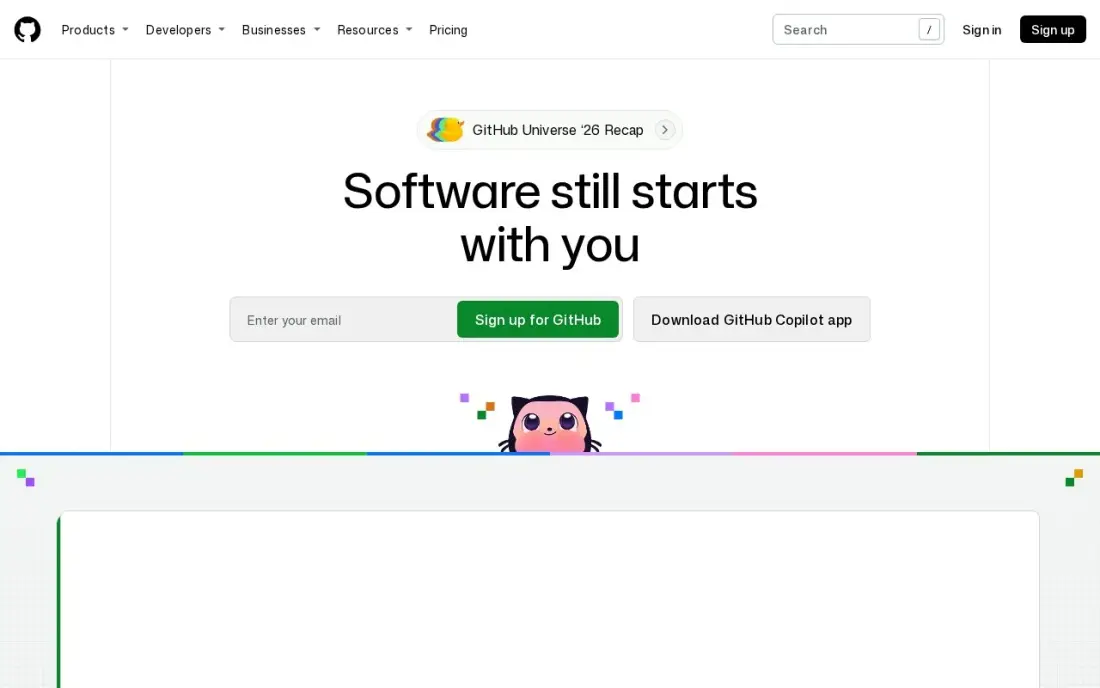
GitHub Actions runs workflows straight from the repository, so a team on GitHub gets CI/CD with no new login, no webhook setup and a marketplace of ready-made actions. Standard GitHub-hosted runners are free in public repositories, and private repositories get a monthly compute allowance: $12 on GitHub Free and $18 on Team, which costs $4 a user a month.
Beyond the allowance, a standard 2-core Linux runner costs $0.006 a minute, so $12 covers roughly 2,000 Linux minutes by our arithmetic. Self-hosted runners do not draw down the allowance. Watch Windows and macOS runners and larger machines, which bill at higher rates, and note that GitHub labels Team pricing as first-12-months with no published renewal price.
What we like
- Actions runs workflows straight from the repository, with no new login and a marketplace of ready-made actions
- Private repositories get a monthly compute allowance: $12 on Free and $18 on Team
- The largest ecosystem here: Actions runs CI on every pull request, and most developers already know the workflow
- The Free plan covers unlimited public and private repositories, so small teams start at $0
Watch out for
- Team and Enterprise prices are labelled "first 12 months" on GitHub's pricing page, with no published renewal price
- Single sign-on and advanced security wait for Enterprise from $21/user/month
- Windows and macOS runners and larger machines bill at higher rates than standard Linux runners
GitLab
Best for: Teams that want CI/CD, code review and security scanning in a single platform

GitLab treats CI/CD as part of the platform rather than an add-on: pipelines are defined in the repository, results show inside each merge request, and security scanning and issue tracking sit alongside. It also has a self-managed edition for teams that must run everything on their own servers, which few rivals here match.
The Free plan costs $0 for up to 5 users per group. Premium costs $29 a user a month billed annually and includes 10,000 CI minutes a month, 500 GiB of storage and $12 of GitLab Credits for Duo AI features. At that seat price a 20-person team pays $580 a month, so GitLab makes most sense when it replaces several tools rather than one.
What we like
- Merge requests show pipeline results and security findings next to the diff, so reviewers judge a change in one place
- One platform replaces separate CI, planning and scanning tools, with pipelines defined in the repository
- Self-managed option for teams that must host their own code
- Premium includes $12 of GitLab Credits a month for Duo agent features
Watch out for
- $29/user/month is roughly seven times GitHub Team, so seat count dominates the bill
- The top tier is now quote-only, with no published price
- Platform breadth can feel heavy for a team that only needs pipelines, not the whole suite
CircleCI
Best for: Teams that want a dedicated, fast CI service separate from their code host
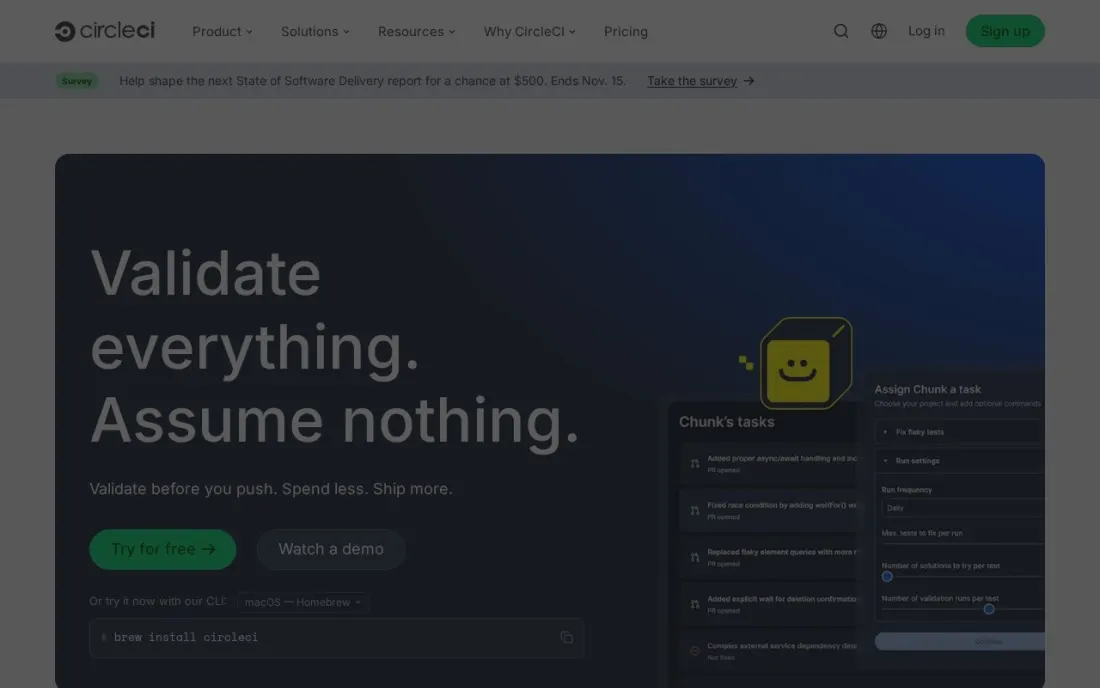
CircleCI is the specialist in this list: it does continuous integration and delivery and nothing else, and connects to repositories on GitHub, GitLab or Bitbucket. The Free plan costs $0 with no credit card, and includes 30,000 credits a month, 5 active users and up to 30 concurrent jobs on Docker, Linux, Arm and Windows.
Performance starts at $15 a month with 30,000 included credits, 80 concurrent jobs and 15 macOS jobs; extra credits cost $15 per 25,000. The trade-off is forecasting: credits burn by the second at rates that depend on machine size, and they expire monthly. Scale, with unlimited concurrency, is quote-only and billed annually.
What we like
- Generous free plan: 30,000 credits a month, 5 active users and up to 30 concurrent jobs
- Works with GitHub, GitLab and Bitbucket repositories, so CI is not tied to the code host
- Performance raises concurrency to 80 jobs, plus 15 macOS jobs
Watch out for
- Credit-based billing is harder to forecast than flat seat pricing
- Free and included credits expire monthly and do not roll over
- Scale is quote-only and billed annually
Bitbucket
Best for: Jira teams that want pipelines next to their code and tickets
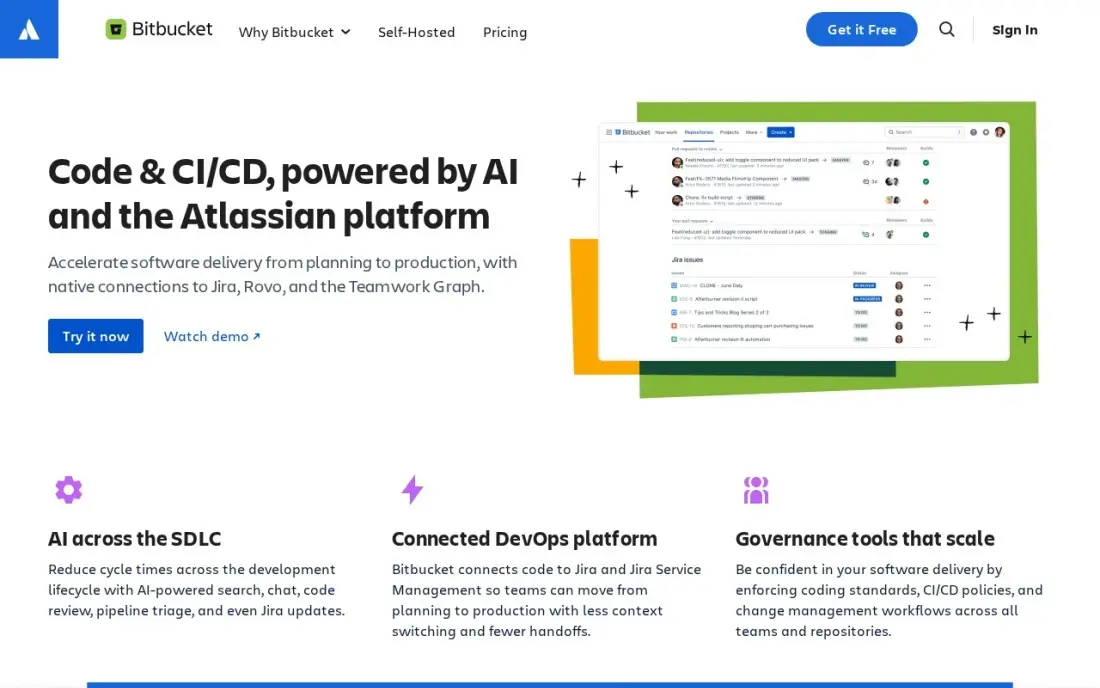
Bitbucket Pipelines is CI/CD built into Atlassian's code host, so a team on Jira sees builds, pull requests and ticket status connected without extra wiring. The Free plan covers up to 5 users, and Standard costs $3.65 a user a month with unlimited users, merge checks and 2,500 build minutes a month.
That makes it the cheapest paid seat in this list for a small team that needs pipelines. Its limits are the ecosystem, which is smaller than GitHub's marketplace, and the higher tiers: the AI code reviewer needs Premium at $8 a user a month. Self-hosting is a separate Data Center product with its own pricing, so it is a cloud-first choice.
What we like
- Jira issue keys in commits update ticket status automatically from the pull request
- The cheapest paid plan here at $3.65/user/month for Standard
- Merge checks enforce review and build rules before code lands
- Pipelines CI runs in the same place as the code, with 2,500 build minutes a month on Standard
Watch out for
- The AI code reviewer needs Premium at $8/user/month, not Standard
- Smaller third-party ecosystem than GitHub
- Data Center self-hosting is a separate product with its own pricing
Azure DevOps
Best for: Microsoft and .NET shops that want boards, repos and pipelines from one vendor
Azure DevOps bundles work tracking, Git repositories, Azure Pipelines, test plans and package feeds, which suits teams already on Microsoft tools and Azure. Pipelines build any language and deploy to any cloud, not just Azure. The first 5 Basic users are free, then $6 a user a month.
Pipelines pricing is per parallel job, not per minute. The free grant is one Microsoft-hosted job with 1,800 minutes a month and one self-hosted job with unlimited minutes; each extra hosted job costs $40 a month and each extra self-hosted job $15. Microsoft notes that its calculator figures are estimates, so confirm the bill in the portal.
What we like
- First 5 users are free, then $6 a user a month for Basic
- Boards, repos, pipelines, test plans and artifacts in one Microsoft suite
- One self-hosted parallel job with unlimited minutes is free
Watch out for
- The free hosted grant is a single parallel job capped at 1,800 minutes a month
- Each extra Microsoft-hosted parallel job costs $40 a month
- Test Plans push the seat price to $52 a user a month
Jenkins
Best for: Teams with ops capacity that need full control over a self-hosted build server
Jenkins is the open-source automation server that much of the industry learned CI on. It is a self-contained Java program with packages for Windows, Linux and macOS, it spreads builds across many machines, and its more than 2,300 community plugins connect it to almost every build, test and deployment tool.
There is no licence fee, but it is not free to run. Someone has to provision the servers, apply updates, manage plugins and secure an internet-facing build system, and that engineer time often costs more than a hosted plan. Choose Jenkins when you need control that hosted services cannot give, such as air-gapped builds or unusual hardware.
What we like
- Open source with no licence fee or per-user charge
- More than 2,300 community plugins connect it to almost any tool
- Runs on Windows, Linux and macOS and distributes builds across machines
Watch out for
- You host, upgrade, back up and secure the server yourself
- Plugin sprawl makes upgrades risky on older installs
- No vendor support unless you buy it from a third party
The best CI/CD software builds and tests every change automatically and ships the passing ones without anyone copying files by hand. We compared six tools — the pipelines built into GitHub, GitLab, Bitbucket and Azure DevOps, the dedicated CircleCI service and the self-hosted Jenkins server — on free allowances, compute pricing and how much running each one costs you in practice, with every price checked on vendor pages in November 2026.
How to choose the best CI/CD software
- Start with where your code lives. CI/CD that sits inside your code host saves integration work; moving hosts to get a pipeline rarely pays off.
- Price compute, not just seats. Most tools charge per user and then again for build minutes, credits or parallel jobs — the second bill is the one that grows.
- Check concurrency. A team whose builds queue behind each other loses more in developer time than it saves on the plan; compare how many jobs run at once.
- Decide hosted or self-hosted. Hosted runners remove maintenance; self-hosted runners give control, private network access and cheaper compute at volume, but you own the patching.
- Look at macOS and Windows rates. Mobile and desktop builds cost several times a Linux minute on most hosted services.
- Test the config format. Pipelines live in YAML files in the repository; run one real build on a free plan before committing.
Faster releases only matter if people find what you ship. If your product site also needs to show up in search, our technical SEO audit catches the crawl and speed problems that deployments often introduce, and the free robots.txt tester checks that a release has not blocked important pages.
Which CI/CD software fits your situation
A small team or open-source project already on GitHub. GitHub Actions is the obvious start. Standard runners are free in public repositories, private repositories get $12 of hosted compute a month on Free, and Team adds $18 for $4 a user a month. Keep an eye on Windows, macOS and larger runners, which bill at higher rates than the $0.006 a minute for standard Linux.
A team that wants code, pipelines and security scanning in one place. GitLab Premium at $29 a user a month billed annually includes 10,000 CI minutes and shows pipeline and security results inside each merge request. It also has a self-managed edition if your code must stay on your servers. The seat price is the catch: it only pays off when GitLab replaces several tools you would otherwise buy.
A team that wants a dedicated CI service independent of its code host. CircleCI works with GitHub, GitLab and Bitbucket repositories, and its Free plan gives 30,000 credits a month, 5 active users and up to 30 concurrent jobs with no card. Performance from $15 a month adds 80 concurrent jobs and macOS jobs. Track credit usage during the first month, because credits burn by the second by machine size and expire monthly.
A Jira team or a Microsoft shop. Bitbucket Standard at $3.65 a user a month is the cheapest paid seat here, with 2,500 build minutes and Jira ticket updates from commits. Azure DevOps suits teams on Microsoft tools: the first 5 users are free, then $6 a user a month, but hosted capacity is sold per parallel job, and each extra Microsoft-hosted job costs $40 a month.
A team that needs air-gapped builds, special hardware or full control. Jenkins has no licence fee and more than 2,300 plugins, and it can run builds entirely inside your network. Only choose it when someone owns the server's upgrades, plugins, backups and security, because that engineer time is the real cost.
CI/CD software pricing: what you will actually pay
Take a team of 8 developers running private-repository builds on Linux. On GitHub Team at $4 a user a month, seats cost $32 a month and include $18 of compute; at $0.006 a minute, that allowance covers roughly 3,000 standard Linux minutes by our arithmetic, and each extra 1,000 minutes costs $6. On Bitbucket Standard at $3.65 a user a month, seats cost $29.20 a month with 2,500 build minutes included.
GitLab Premium at $29 a user a month billed annually costs $232 a month for the same team, but includes 10,000 CI minutes and the security and planning tools. Azure DevOps charges $6 a user a month after the first 5 free users, so 8 developers cost $18 a month, and a second Microsoft-hosted parallel job adds $40 a month. CircleCI Performance starts at $15 a month with 30,000 credits and charges $15 for each further 25,000.
Jenkins has no licence fee, but a production install needs at least one server plus build agents, backups and someone to maintain them. If that is a few hours of engineer time a month, it already costs more than a hosted plan for a team this size.
Know the difference: built-in CI/CD vs standalone CI service
Built-in CI/CD comes with the code host. GitHub Actions, GitLab CI/CD, Bitbucket Pipelines and Azure Pipelines read a YAML file in the repository and report results inside pull or merge requests, so there is one login, one permission model and one bill. For most teams that convenience outweighs any feature gap.
A standalone CI service such as CircleCI, or a self-hosted server such as Jenkins, sits apart from the code host and connects through integrations. The gain is independence: you can change code hosts without rebuilding pipelines, tune machine sizes and caching in more depth, or keep builds entirely inside your own network. The cost is another vendor or another server to manage.
Quick comparison: tool type by need
| Buyer | Best pick | Why |
|---|---|---|
| Teams on GitHub | GitHub | Actions built in, free on standard runners in public repos |
| All-in-one DevOps platform | GitLab | CI/CD, review and scanning together; Premium $29/user/month annual |
| Dedicated CI service | CircleCI | Free plan with 30,000 credits a month and 30 concurrent jobs |
| Jira teams | Bitbucket | Pipelines next to tickets, Standard $3.65/user/month |
| Microsoft and .NET shops | Azure DevOps | First 5 users free, pipelines priced per parallel job |
| Full control, self-hosted | Jenkins | Open source with 2,300+ plugins, no licence fee |
Mistakes to avoid
- Comparing seat prices only. Build compute is billed separately on most tools, and a busy repository can spend more on minutes than on seats.
- Treating open source as free. Jenkins has no licence fee, but servers, upgrades and security reviews cost real money every month.
- Ignoring expiring credits. CircleCI's included credits expire monthly, so buying a large block you never use is money lost.
- Storing secrets in pipeline files. Use the platform's secret store and limit which branches can read production credentials.
- Skipping caching. Re-downloading dependencies on every run doubles build time and compute cost on every hosted service here.
Related comparisons: Website Development Software · SQL Software · Software Testing Tools · Software for iOS App Development
How we chose
We read each vendor's pricing page or official billing documentation in November 2026 and recorded plan prices, free allowances and compute rates exactly as published; where a figure is our own arithmetic, such as minutes covered by a dollar allowance, we say so. We favoured tools a small or mid-sized development team can start on without a sales call, and grouped them by where pipelines run: inside the code host, in a dedicated service or on your own servers. Ratings come from G2 pages checked on the dates shown in the sources. No vendor paid for a place in this list, and none of the links here are affiliate links.
What to do next
Put one real repository on the free plan of the CI/CD tool built into your code host, add caching, and time a week of builds before you buy more compute. If your product site's launches are not turning into search traffic, book a free SEO review.
Frequently asked questions
What is the best CI/CD software?
For most teams it is the CI/CD built into their code host: GitHub Actions on GitHub, GitLab CI/CD on GitLab or Bitbucket Pipelines on Bitbucket. CircleCI is the best dedicated service, with a Free plan of 30,000 credits a month, and Jenkins is the leading self-hosted, open-source option.
Is there free CI/CD software?
Yes. GitHub Actions is free on standard runners in public repositories and includes $12 of compute a month on GitHub Free, CircleCI's Free plan includes 30,000 credits a month for 5 users, GitLab and Bitbucket have free plans for 5 users, Azure DevOps is free for the first 5 users and Jenkins has no licence fee.
How much does CI/CD software cost?
Seat prices range from $3.65 a user a month on Bitbucket Standard to $29 on GitLab Premium billed annually. Build compute is charged separately on most tools: $0.006 a minute for a standard Linux runner on GitHub, $15 per 25,000 credits on CircleCI and $40 a month per extra Microsoft-hosted parallel job on Azure Pipelines.
Is GitHub Actions better than Jenkins?
For most teams, yes, because GitHub runs the infrastructure and workflows live next to the code. Jenkins wins when you need full control over where builds run, such as on-premises or air-gapped networks, and you have people to maintain the server.
What is the difference between CI and CD?
Continuous integration builds and tests every change automatically when it is pushed. Continuous delivery or deployment takes the tested build and releases it to staging or production automatically, so the same pipeline carries code from commit to customers.
Should I use self-hosted runners?
Use them when you need special hardware, private network access or lower compute cost at high volume. GitHub does not count self-hosted runners against the included allowance, and Azure DevOps includes one self-hosted parallel job free, but you take on the maintenance and security of those machines.
What does CI/CD stand for in software development?
CI/CD stands for continuous integration and continuous delivery or deployment. In the development life cycle it automates the steps after code is written: every pushed change is built and tested, and the tested build is released to staging or production. The pipeline is defined in YAML files in the repository, and tools such as GitHub Actions, GitLab and CircleCI run it.
What are the most popular CI/CD tools?
GitHub Actions has the largest ecosystem here, and most developers already know the GitHub workflow. GitLab combines CI/CD with merge requests and security scanning, and Jenkins is the open-source, self-hosted option with more than 2,300 community plugins. CircleCI is the dedicated CI service, while Bitbucket Pipelines and Azure DevOps suit teams on Jira and Microsoft stacks.
Sources we checked (9)
- GitHub — github.com/pricing (checked November 7, 2026)
- GitHub reviews on G2 (checked November 7, 2026)
- GitLab — about.gitlab.com/pricing (checked November 7, 2026)
- GitLab reviews on G2 (checked November 7, 2026)
- CircleCI — circleci.com/pricing (checked November 16, 2026)
- Bitbucket — www.atlassian.com/software/bitbucket/pricing (checked November 7, 2026)
- Bitbucket reviews on G2 (checked November 7, 2026)
- Azure DevOps — azure.microsoft.com/en-us/pricing/details/devops/azure-devops-services (checked November 16, 2026)
- Jenkins — www.jenkins.io (checked November 16, 2026)
Make one of these tools?
We re-check this list every quarter. Send a correction, request a review, or ask about a clearly labeled sponsored spot.
Request a listingShamim
Founder of SerpAstra
A full-stack digital marketer and SEO strategist covering technical and local SEO, AI search visibility, paid ads and lead generation for local businesses, e-commerce brands and SaaS teams.
Free SEO and AI visibility audit
Find out what is holding your rankings back
Send us your site. Within 2 business days you get a written audit, an AI visibility check and a short fix list ranked by impact. Free, with no contract attached.
Request my free audit→Related buying guides
 Developer Tools7 Best Code Review Tools for Distributed Teams in 2026, ComparedCompare the 7 best code review tools for distributed teams on price, free plans and review workflows, with every price checked November 7, 2026.Read guide →
 Developer ToolsBest AI Code Review Tools for 2026: 12 Picks Ranked by What You NeedCompare the 12 best ai code review tools on price, free plans, Git platforms and AI review depth, with every price checked November 6, 2026.Read guide →
 Developer Tools10 Best Software Development Tools in 2026, ComparedCompare the 10 best software development tools, from editors and Git hosting to app development frameworks, on free plans and real per-seat cost in 2026.Read guide →