
7 Best Documentation Software in 2026, Compared
Compare the 7 best documentation software for product, API and internal docs on Git sync, AI search, free plans and real monthly cost, with vendor prices.
 Shamim Mia, Founder, SerpAstraLast verified November 10, 20268 min read
We compare pricing pages, documentation and public reviews. We never accept payment for rankings.

Key takeaways
- GitBook is the best all-round documentation software for software teams: a free plan for one user with Git Sync, and Essential at $65 per site plus $12 per user a month billed annually.
- Mintlify is the pick for polished developer and API docs, with a free Starter plan for 5 editors and Pro at $450 a month billed annually.
- For internal documentation, Confluence is free for up to 10 users and Standard costs $6 a user a month billed annually; Notion is free for one person and Plus costs $10 a member billed annually.
- Open-source projects can host docs free on Read the Docs Community, which is ad-supported; Document360 publishes no prices, so get a written quote.
On this page
Quick comparison
| Tool | Best for | Starting price | Free plan |
|---|---|---|---|
| GitBook | Software teams that want product and API docs edited in a block editor and synced with Git | Free; $65/site/mo (annual) | Yes (1 user) |
| Mintlify | Developer-first companies that want polished API and product docs with an AI assistant | Free; Pro $450/mo (annual) | Yes (5 editors) |
| Confluence | Teams that want a structured internal wiki for specs, decisions and runbooks linked to Jira | $6/mo (annual) | Yes (up to 10 users) |
| Document360 | Companies building a customer-facing knowledge base with private and public docs in many languages | Custom quote | No (demo) |
| Read the Docs | Open-source projects and docs-as-code teams that build documentation from a Git repository | Free; Business $50/mo | Yes (open source) |
| Notion | Small teams that want internal docs, wikis and notes in one flexible workspace | $10/member/mo | Yes (free plan) |
| Tango | Operations and support teams that need step-by-step process guides and SOPs captured automatically | Free; Pro $22/mo | Yes (free plan) |
Make one of these tools?
We re-check this list every quarter. Send a correction, request a review, or ask about a clearly labeled sponsored spot.
Request a listingThe best documentation software

GitBook
Best for: Software teams that want product and API docs edited in a block editor and synced with Git
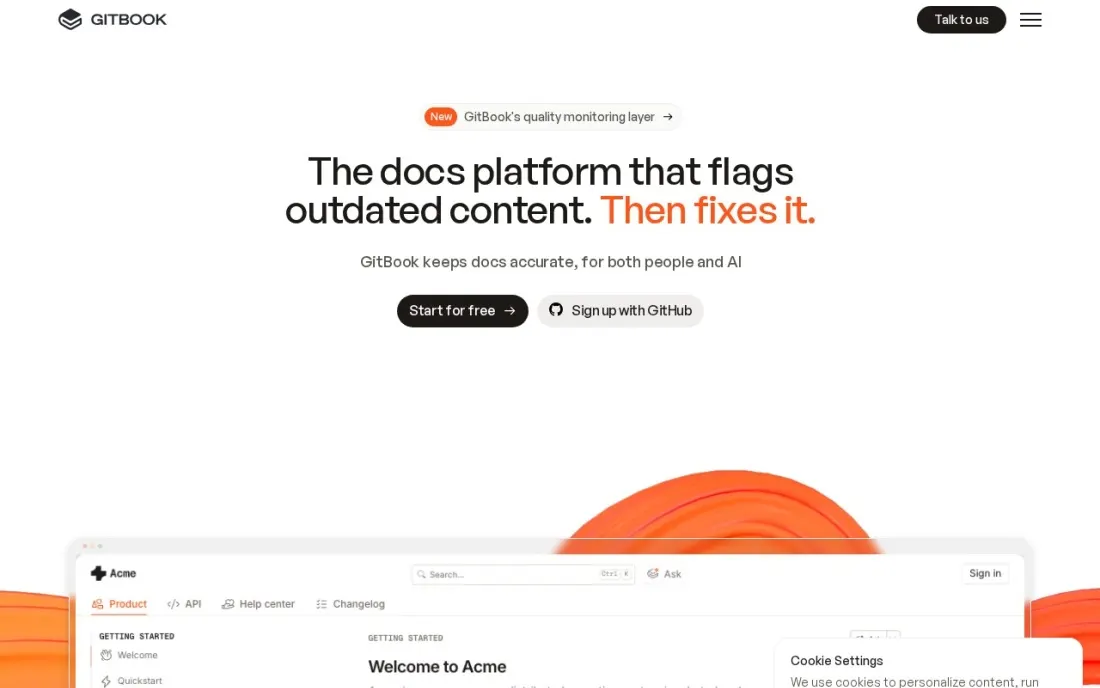
GitBook suits teams where engineers and writers share the docs. Pages are written in a block editor, Git Sync keeps them in step with a repository, and change requests give docs the same review flow as code. The Free plan covers one user with Git Sync, version history, API docs, full-text search, analytics and unlimited page views, which is enough for a solo maintainer.
Paid pricing is per site plus per user. Essential costs $65 per site a month plus $12 per user billed annually, or $79 plus $15 billed monthly, and adds a custom domain, user feedback, redirects and the AI Assistant. Ultimate at $249 per site plus $12 per user annually adds authenticated access and AI Assistant Chat. A 14-day trial unlocks everything.
What we like
- Free plan includes Git Sync, change requests, version history, API docs, search and analytics
- Essential adds a custom domain, user feedback, redirects and the AI Assistant with $20 of AI credits a month
- 14-day trial unlocks every feature, and monthly plans can be cancelled at any time
Watch out for
- Per-site plus per-user pricing adds up when you run several docs sites
- The Free plan is one user only; collaboration needs a paid plan
- Authenticated access and AI Assistant Chat wait for Ultimate at $249 per site a month billed annually

Mintlify
Best for: Developer-first companies that want polished API and product docs with an AI assistant
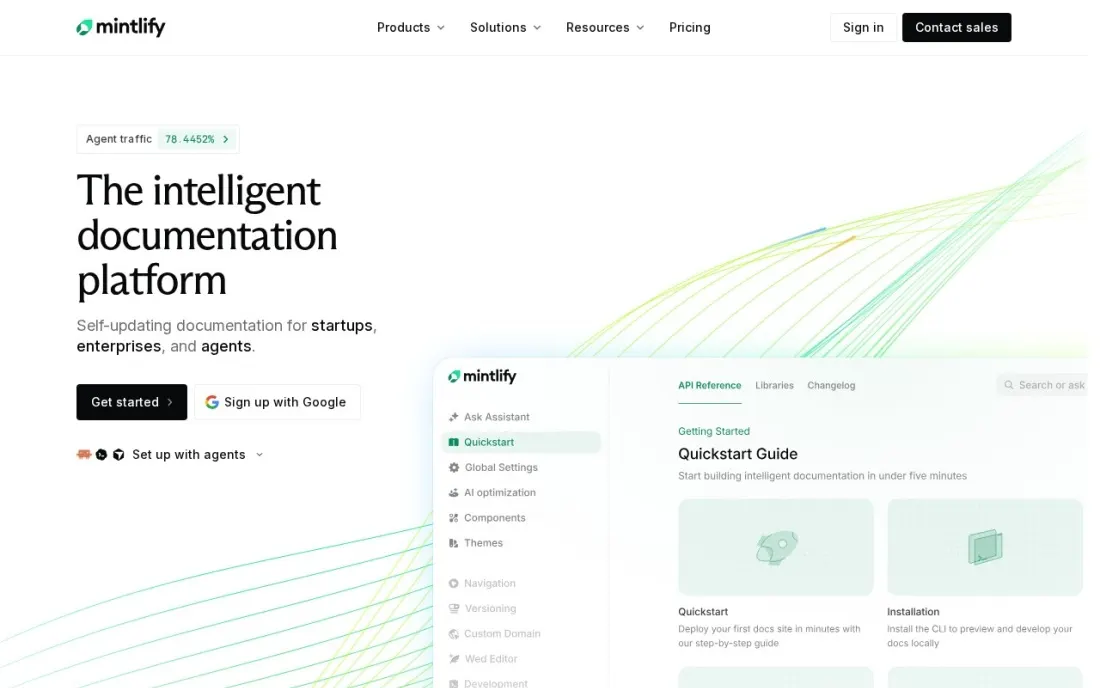
Mintlify is built for developer documentation that doubles as marketing: API references with a playground, guides and changelogs on a custom domain, kept in sync with Git. The free Starter plan is generous for a small team, with 5 editor seats, the full platform, a web editor, authentication, an MCP server, an API playground and search.
Pro costs $450 a month billed annually, or $540 billed monthly, and adds unlimited editors, the AI Assistant for readers, a writing Agent, Autopilot and preview deployments, with 10,000 credits a month and $0.01 per extra credit. That price makes sense for a funded API company, not a side project. The 14-day Pro trial needs no credit card.
What we like
- Free Starter plan includes 5 editor seats, a custom domain, an API playground, Git sync and authentication
- Pro adds unlimited editor seats, the AI Assistant, the writing Agent, Autopilot and preview deployments
- 14-day Pro trial with no credit card, including 5,000 credits
Watch out for
- The jump from free to Pro is steep at $450 a month billed annually
- AI features use credits: 10,000 a month on Pro, then $0.01 per credit
- SSO, SCIM and role-based access need the custom-priced Enterprise plan

Confluence
Best for: Teams that want a structured internal wiki for specs, decisions and runbooks linked to Jira
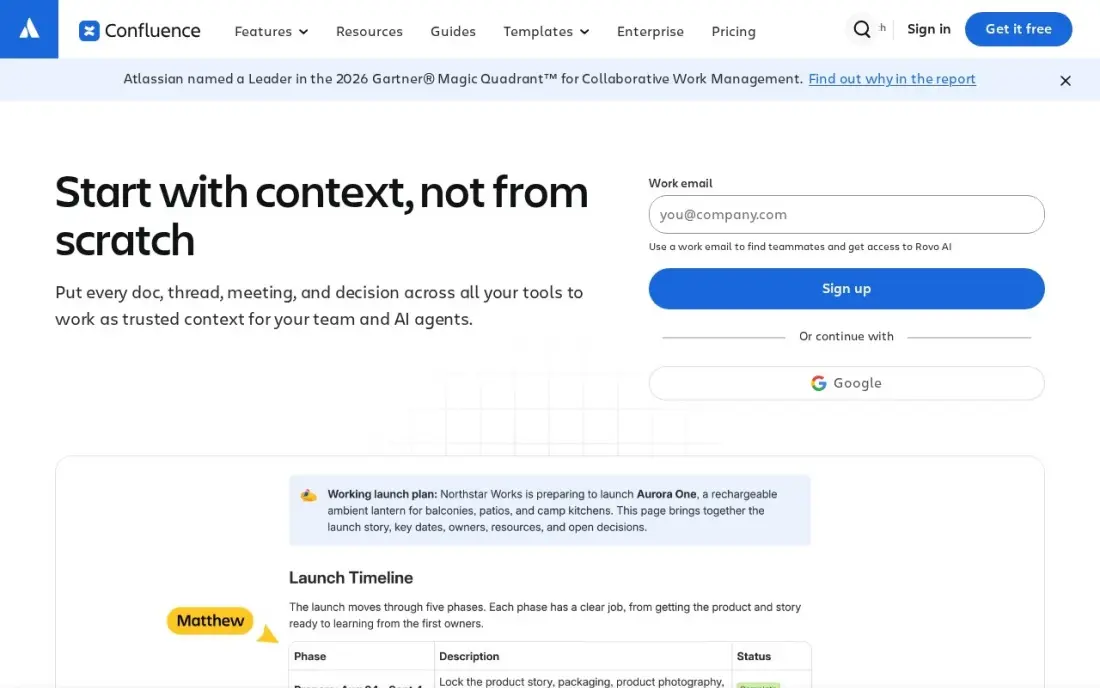
Confluence is the standard internal documentation tool for software teams that already use Jira. Spaces with their own permissions, page history and templates keep specs, decision records, runbooks and onboarding guides organized, and Jira issues link straight into the pages that explain them. The Free plan covers up to 10 users.
Standard costs $7.15 a user a month billed monthly, or $6 billed annually, for teams of 1 to 100 users, and adds page permissions, 250 GB of storage, public links and Rovo AI search and agents. The pricing page headline shows a lower blended rate for larger teams, so price at your own size. It is a wiki, not a public docs site, so pair it with a product docs tool for customers.
What we like
- Standard adds page permissions, 250 GB of storage, public links and Rovo AI search, chat and agents
- Free plan covers up to 10 users, so a tiny team can run a real wiki for nothing
- Deep Jira integration turns specs and decision pages into linked, traceable records
Watch out for
- The $7.15 rate is for the first 100 users; Atlassian raised it from $6.70 on October 13, 2026, and the pricing page headline shows a lower blended rate
- No built-in news feed, employee directory or chat, so it is a wiki first and an intranet second

Document360
Best for: Companies building a customer-facing knowledge base with private and public docs in many languages
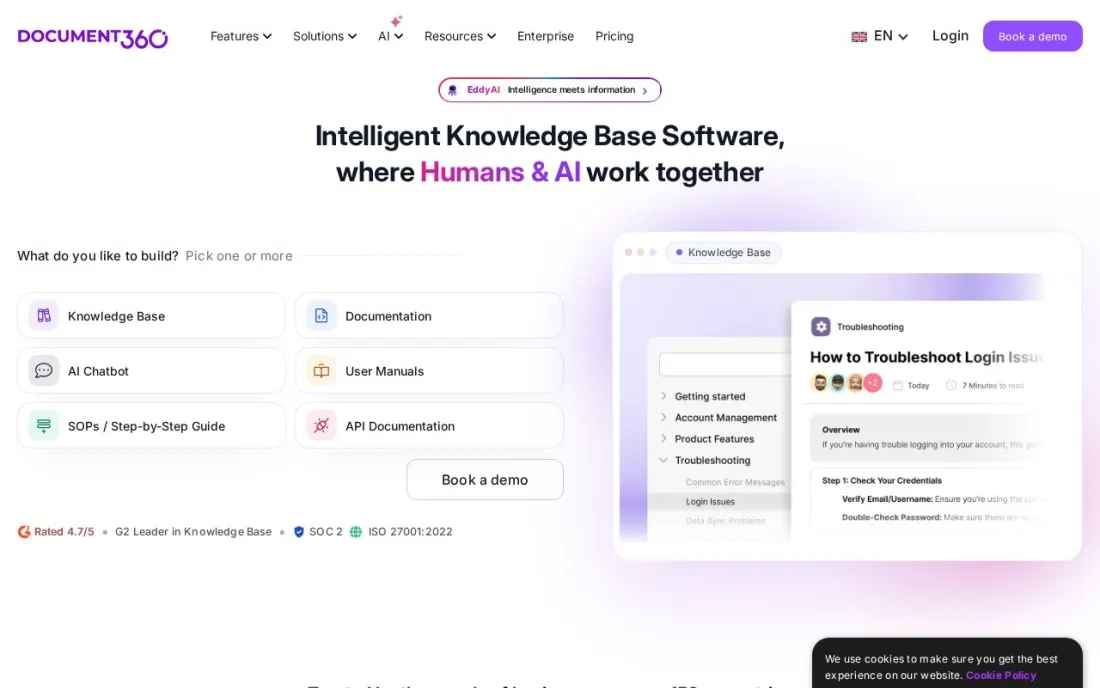
Document360 is a dedicated knowledge base platform for product documentation, help centers and internal guides. It handles public, private and mixed-access knowledge bases across several workspaces and languages, Eddy AI capabilities are included with plans, and every plan is SOC 2 Type II compliant. Each customer gets a dedicated success manager, onboarding sessions and best-practice training.
The downside is pricing transparency. Document360 publishes no prices and quotes on team accounts, workspaces, languages, SSO, privacy model and AI usage. The AI chatbot and AI Premium Suite tools such as step-by-step guides and video recording are add-ons. Standard migration is included in most quotes. Get the full first-year cost in writing.
What we like
- Supports public, private and mixed knowledge bases across multiple workspaces and languages
- Eddy AI capabilities are included with plans, and every plan is SOC 2 Type II compliant
- Every customer gets a dedicated success manager and onboarding, and standard migration is included in most quotes
Watch out for
- No published prices — every plan is a custom quote
- The AI chatbot and the AI Premium Suite tools are add-ons
- Getting a price means filling in a quote form or booking a demo

Read the Docs
Best for: Open-source projects and docs-as-code teams that build documentation from a Git repository
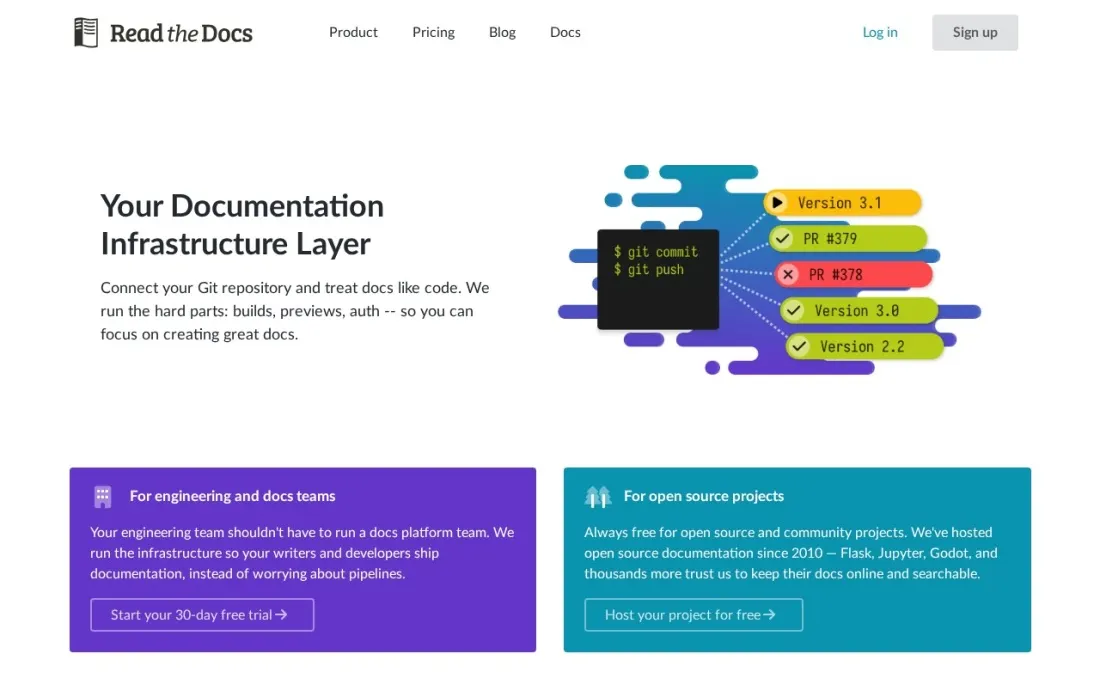
Read the Docs is the docs-as-code option: documentation lives as files in your repository and is built and hosted for you, so docs change in the same pull request as the code. Community hosting is free for open-source software, supported by ads, which is why so many open-source libraries publish there.
Commercial and private projects use Read the Docs Business. Basic costs $50 a month with 2 concurrent builds, Advanced $150 with 4 builds and 5 custom domains, and Pro $250 with 6 builds and 15 custom domains, with annual plans available. The 30-day trial does not charge automatically. It suits engineering teams comfortable writing in markup, not non-technical editors.
What we like
- Community hosting is free for open-source documentation
- Business plans for private, commercial docs start at $50 a month, with annual plans available
- 30-day free trial on Business, with no automatic charge when it ends
Watch out for
- Community hosting is ad-supported
- Custom domains start on Advanced at $150 a month (5 domains)
- Enterprise plans start at $10,000 a year
Notion
Best for: Small teams that want internal docs, wikis and notes in one flexible workspace
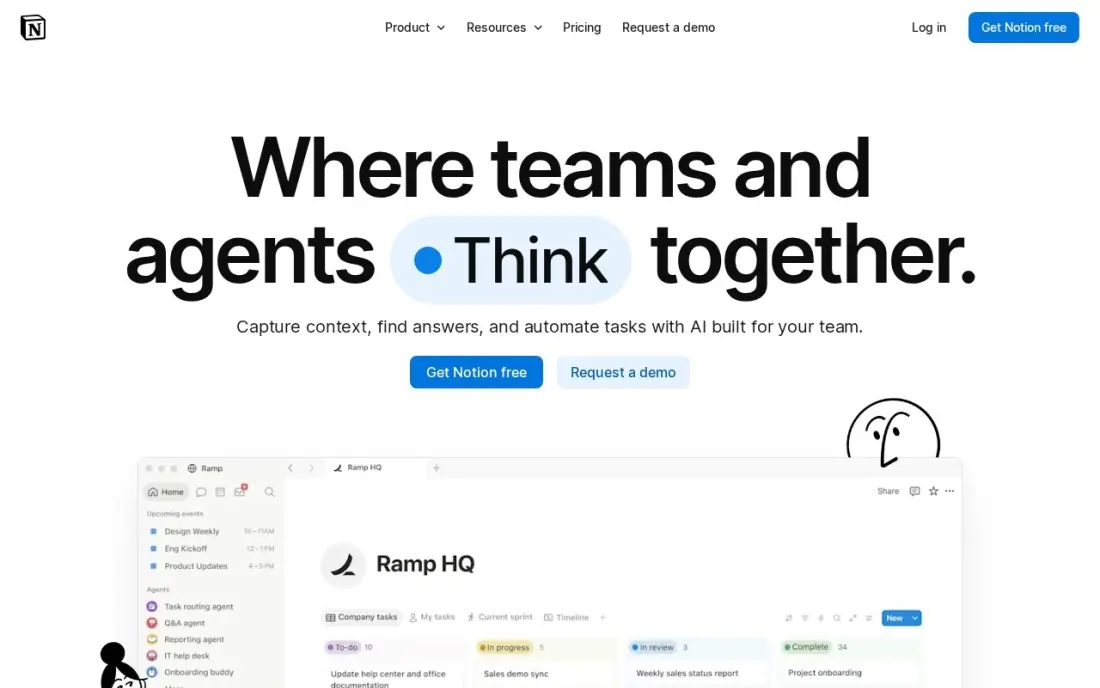
Notion works well for internal documentation at small companies because docs, wikis, meeting notes and project databases sit in one workspace. Pages nest inside each other, databases turn a list of how-to guides into a searchable library, and templates speed up onboarding docs. The free plan is unlimited for one person.
Plus costs $10 a member a month billed annually, or $12 billed monthly, and adds unlimited file uploads, 30-day page history and unlimited guests. Full Notion AI sits on Business at $20 a member a month. Notion has no Git sync or versioned public docs, and its freedom means someone has to design the structure, so it fits internal knowledge better than product documentation.
What we like
- Nested pages and databases turn a list of how-to guides into a searchable library
- Free plan is genuinely unlimited for one person, with sync on every device
- Plus adds unlimited file uploads, 30-day page history and unlimited guests
- Rated 4.6/5 on G2 from 13,975 reviews, the largest review base in this list
Watch out for
- Full Notion AI sits on Business ($20/member/month), not Plus — Plus gets an AI trial only
- Per-member pricing means a 5-person team pays $50 a month on Plus
- Blank-page freedom means someone has to design the docs structure, and there is no Git sync

Tango
Best for: Operations and support teams that need step-by-step process guides and SOPs captured automatically
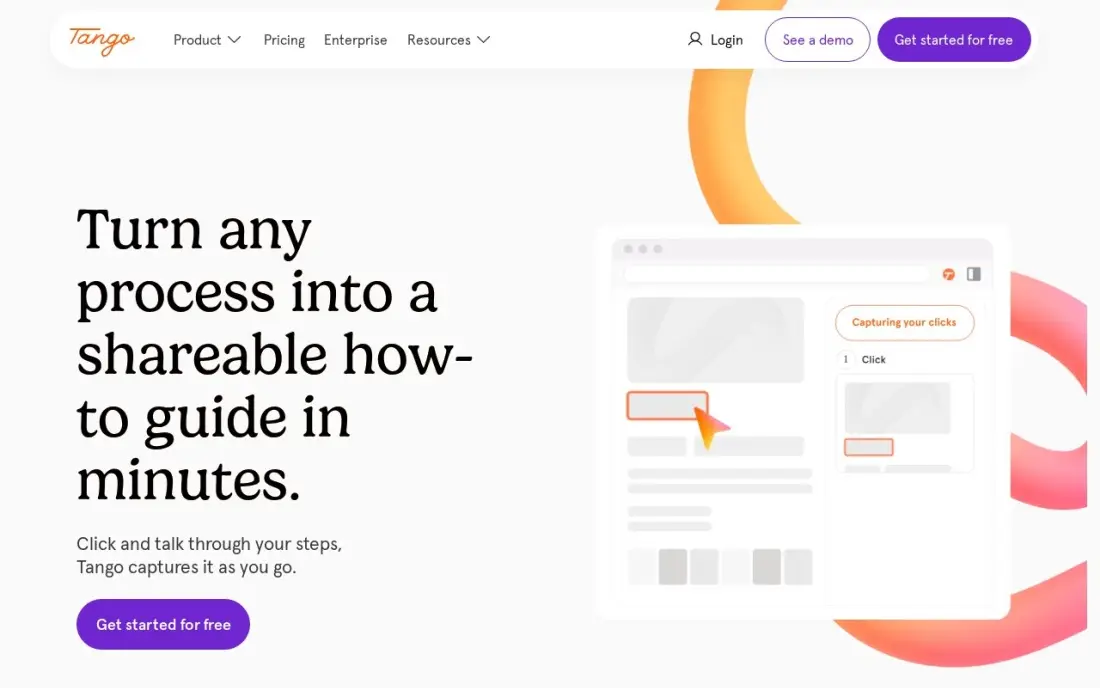
Tango covers a different kind of documentation: process guides. You do a task once in the browser and Tango captures the clicks, typing and screenshots into a step-by-step guide with AI-written descriptions, so an SOP takes minutes instead of an afternoon of screenshots. The Free plan covers 5 shared workflows and up to 10 users with no credit card.
Pro costs $22 a user a month for 1 to 2 users, or $20 a user a month billed monthly for teams of 3 or more, so a 10-person team pays $200 a month. In-app guidance such as Guide Me and Pins is Enterprise-only. Use it alongside a wiki or docs site when how-to guides for internal tools are the gap.
What we like
- Captures workflows automatically with screenshots as you do the work — no manual writing
- Free plan covers 5 shared workflows and up to 10 users with no credit card
- Guide Me overlays steps inside the live app so people learn by doing
Watch out for
- In-app guidance (Pins, Guide Me, Automations) is Enterprise-only, not on Pro
- Pro is per-user, so a 10-person team pays $200 a month billed monthly
- G2 still lists the old $15 Pro figure — that is the annual-billed rate for teams of 3+, not the headline price
The best documentation software makes it easy to write docs, easy to keep them current and easy for readers to find the answer. We compared seven tools across three kinds of documentation — public product and API docs, internal wikis and step-by-step process guides — including software documentation tools that sync with Git, and every price below comes from the vendor's own pricing page as checked in November 2026.
How to choose the best documentation software
- Decide who reads the docs. Customers and developers need a fast public site with search; employees need a wiki with permissions.
- Decide who writes them. Engineers prefer Git sync and markup; support and operations teams need a visual editor anyone can use.
- Check search and AI answers. Readers rarely browse; they search or ask. Look at which plan includes the AI assistant and how credits are billed.
- Look at versioning and review. Software documentation needs versions per release and a review step, such as GitBook change requests or pull requests.
- Price by site, seat and credit. GitBook charges per site and per user, Mintlify by plan, Confluence and Notion per user, and AI often costs extra.
- Plan for analytics and feedback. Page views, failed searches and reader feedback show which docs are missing.
Good documentation also ranks: help-center and API pages are often the first result for how-to searches about your product. Our AI search optimization service helps docs get cited in AI answers, and the free FAQ schema generator marks up question-and-answer pages for search engines.
Documentation software pricing: what you will actually pay
Take a software company with one public docs site and five editors. GitBook Essential costs $65 for the site plus $60 for five users, $125 a month billed annually, or $79 plus $75, $154 a month billed monthly. Mintlify Starter costs $0 for those five editors; Pro, for unlimited editors and the AI assistant, is $450 a month billed annually, or $540 monthly. Read the Docs Business Basic costs $50 a month, and Advanced, the first plan with custom domains, $150.
Over a year, that is $1,500 for GitBook Essential, $5,400 for Mintlify Pro and $600 to $1,800 for Read the Docs Business. For internal docs, five people on Confluence Standard cost $30 a month billed annually ($360 a year) and five on Notion Plus cost $50 a month billed annually ($600 a year), while both are free for small teams on their free plans. Document360 is quote-only, so compare its written quote against these figures.
Know the difference: product documentation vs internal documentation
Product documentation is published for people outside the company: customers learning a feature, developers calling an API, partners integrating. It needs a fast public site, versioning, good search, a custom domain and usually Git-based review. GitBook, Mintlify, Read the Docs and Document360 are built for this job.
Internal documentation is for employees: specs, decisions, runbooks, onboarding and how-to guides for internal tools. It needs easy editing for everyone, permissions and links to the tools the team already uses. Confluence, Notion and Tango cover this side. Many software companies run one tool of each kind rather than forcing a wiki to act as a public docs site.
Quick comparison: tool type by need
| Buyer | Best pick | Why |
|---|---|---|
| Most software teams | GitBook | Block editor with Git Sync, Essential $65/site + $12/user/month billed annually |
| API-first companies | Mintlify | Free for 5 editors, Pro $450/month billed annually |
| Internal engineering wiki | Confluence | Free up to 10 users, Standard $6/user/month billed annually |
| Customer knowledge base | Document360 | Public and private docs in many languages, custom quote |
| Open-source projects | Read the Docs | Free ad-supported hosting, Business from $50/month |
| Small-team internal docs | Notion | Flexible workspace, Plus $10/member/month billed annually |
| Process guides and SOPs | Tango | Auto-captured guides, free for 5 shared workflows |
Mistakes to avoid
- Using a wiki as a public docs site. Internal wikis lack versioning, custom domains and fast public search; customers notice.
- Choosing a Git-only tool for non-technical writers. If support writes the help articles, a markup-and-pull-request workflow will stall them.
- Ignoring AI credit costs. AI assistants on GitBook and Mintlify use monthly credits, with overages billed per credit.
- Publishing without owners. Every section needs a named owner and a review date, or docs go stale within a quarter.
- Skipping search analytics. Failed searches are the clearest list of docs you still need to write.
Related comparisons: Website Development Software · SQL Software · Software Testing Tools · Software for iOS App Development
How we chose
We checked each vendor's own pricing page in November 2026 and recorded the starting price exactly as shown, with annual and monthly billing stated separately where the vendor lists both. We grouped tools by the kind of documentation they serve best and ranked them by fit for the most common buyer, a software company of 5 to 50 people that needs public docs and an internal wiki. Ratings come from G2 pages checked on the dates shown in the sources; tools without a verified rating show none. Document360 publishes no price, so we list it as a custom quote. No vendor paid for a place in this list, and none of the links here are affiliate links.
What to do next
Pick one public docs tool and one internal tool from this list, move your ten most-read pages into the free plan or trial, and check search and editing with the people who will actually write them. If you want those docs to bring in search and AI traffic too, book a free SEO review.
Frequently asked questions
What is the best documentation software?
GitBook is the best all-round choice for software teams, with a free plan for one user and Essential at $65 per site plus $12 per user a month billed annually. Mintlify is best for polished API docs, Confluence for internal wikis, and Read the Docs for open-source projects.
Is there free documentation software?
Yes. GitBook's Free plan covers one user, Mintlify's Starter plan is free for 5 editors, Confluence is free for up to 10 users, Notion is free for one person, Tango is free for 5 shared workflows, and Read the Docs Community hosts open-source docs free with ads.
What is the best software for software documentation?
For public product and API docs, GitBook and Mintlify are the strongest, both with Git sync and AI search. For docs-as-code teams, Read the Docs builds and hosts documentation from your repository. For internal engineering docs, Confluence is the standard, especially alongside Jira.
How much does documentation software cost?
On published prices, Confluence Standard costs $6 a user a month billed annually, Notion Plus $10 a member billed annually, GitBook Essential $65 per site plus $12 per user billed annually, Read the Docs Business from $50 a month and Mintlify Pro $450 a month billed annually. Document360 is quote-only.
What is the difference between a wiki and a documentation site?
A wiki such as Confluence or Notion is for internal knowledge that many people edit freely. A documentation site such as GitBook, Mintlify or Read the Docs publishes structured, versioned docs for customers or developers, often reviewed and synced with Git like code.
Do I need Git sync for documentation?
If engineers write or review the docs, yes: Git sync lets documentation change in the same pull request as the code. GitBook, Mintlify and Read the Docs all work from a repository. Non-technical teams writing internal guides rarely need it.
What are software documentation best practices?
Write for the reader first: customers and developers need a fast public site with search, while employees need a wiki with permissions. Keep versions per release and a review step, such as GitBook change requests or pull requests in a docs-as-code setup like Read the Docs. Make answers easy to search, since readers rarely browse, and track failed searches and reader feedback to find the docs that are missing.
Sources we checked (10)
- GitBook — www.gitbook.com/pricing (checked November 16, 2026)
- Mintlify — www.mintlify.com/pricing (checked November 16, 2026)
- Confluence — www.atlassian.com/software/confluence/pricing (checked November 10, 2026)
- Confluence reviews on G2 (checked November 10, 2026)
- Document360 — document360.com/pricing (checked November 16, 2026)
- Read the Docs — about.readthedocs.com/pricing (checked November 16, 2026)
- Notion — www.notion.com/pricing (checked November 12, 2026)
- Notion reviews on G2 (checked November 12, 2026)
- Tango — www.tango.us/pricing (checked November 12, 2026)
- Tango reviews on G2 (checked November 12, 2026)
Make one of these tools?
We re-check this list every quarter. Send a correction, request a review, or ask about a clearly labeled sponsored spot.
Request a listingShamim
Founder of SerpAstra
A full-stack digital marketer and SEO strategist covering technical and local SEO, AI search visibility, paid ads and lead generation for local businesses, e-commerce brands and SaaS teams.
Free SEO and AI visibility audit
Find out what is holding your rankings back
Send us your site. Within 2 business days you get a written audit, an AI visibility check and a short fix list ranked by impact. Free, with no contract attached.
Request my free audit→Related buying guides
 Communication & Community9 Best Intranet Software for Small Business in 2026, Compared9 best intranet software for small business picks compared on price, free plans and setup, with real starting prices checked November 10, 2026.Read guide →
 Project & Product Management10 Best Digital Adoption Platforms for 2026 (Pros, Cons and Pricing)Compare the 10 best digital adoption platforms for 2026 on price, free plans and features, with every price checked on the vendor's own pricing page.Read guide →
 Developer Tools7 Best Code Review Tools for Distributed Teams in 2026, ComparedCompare the 7 best code review tools for distributed teams on price, free plans and review workflows, with every price checked November 7, 2026.Read guide →