
8 Best Feature Management Software in 2026, Compared
Compare the 8 best feature management software on feature flags, rollouts, experiments and real usage-based cost, with every price checked on vendor pages.
 Shamim Mia, Founder, SerpAstraLast verified November 4, 202610 min read
We compare pricing pages, documentation and public reviews. We never accept payment for rankings.
Key takeaways
- LaunchDarkly is the standard for progressive delivery at scale, from $10 per service connection a month billed annually, but its usage metering makes the bill hard to forecast.
- Flagsmith and ConfigCat are the dedicated flag tools with the simplest pricing: Flagsmith Start-Up costs $40 a month billed yearly, and ConfigCat gives unlimited seats on every plan.
- PostHog, Statsig and GrowthBook all have free plans that include feature flags and experiments, which covers most startups until traffic grows.
- Optimizely and AB Tasty (now part of Wingify with VWO) sell feature flags inside larger experimentation suites, priced by quote, so they only make sense for teams already buying testing.
On this page
Quick comparison
| Tool | Best for | Starting price | Free plan |
|---|---|---|---|
 LaunchDarkly | Engineering organizations running many services that need percentage rollouts, approvals and instant kill switches | $10/service conn./mo (annual) | Yes (free tier) |
 Flagsmith | Teams that want open-source feature flags with plain request-based pricing and a self-hosting route | $40/mo (annual) | Yes (50K requests/mo) |
 ConfigCat | Small and mid-size teams that want unlimited seats and predictable flag pricing without metered users | $110/mo (Pro) | Yes (10 flags) |
 Statsig | Product teams that want feature flags and statistically rigorous experiments on one free tier | $150/mo | Yes (free tier) |
 PostHog | Startups that want feature flags, analytics and session replay in one open-source product | Free; usage-based | Yes (1M events) |
 GrowthBook | Data teams that want open-source flags and experiments analysed in their own warehouse | Free; Pro $40/seat/mo | Yes (free Starter) |
 Optimizely | Enterprises that want feature flags inside a company-wide experimentation programme | Custom quote | Free Rollouts plan |
 AB Tasty (now Wingify) | Marketing-led teams that want feature flags bundled with testing and personalisation | Custom quote | No (free trial) |
Make one of these tools?
We re-check this list every quarter. Send a correction, request a review, or ask about a clearly labeled sponsored spot.
Request a listingThe best feature management software
LaunchDarkly
Best for: Engineering organizations running many services that need percentage rollouts, approvals and instant kill switches
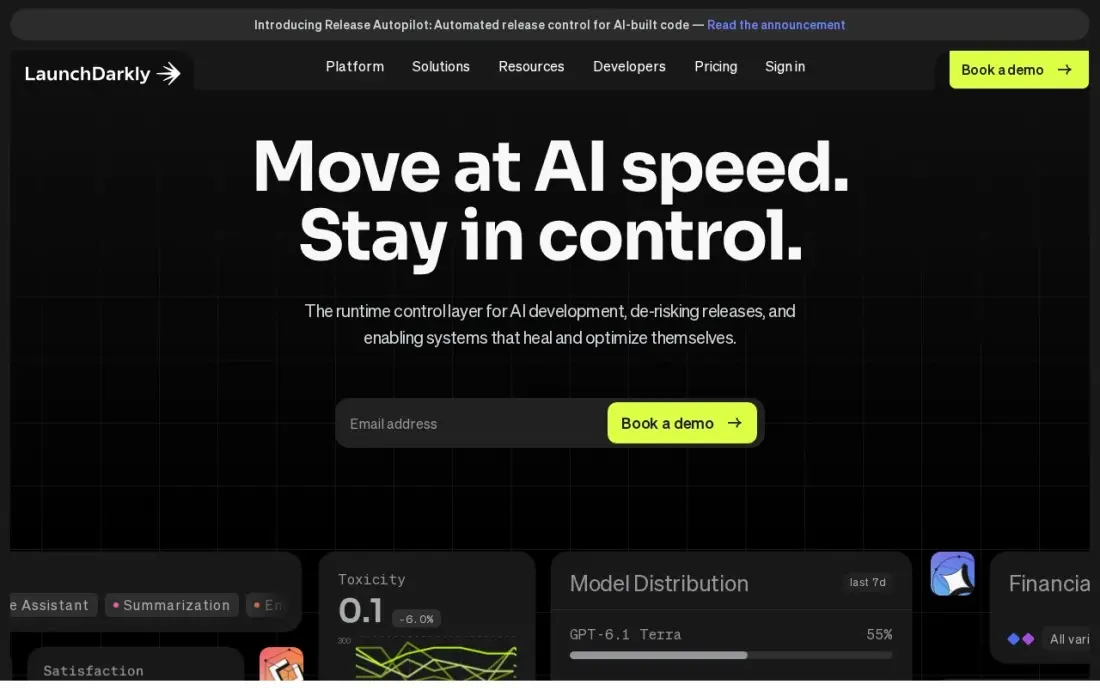
LaunchDarkly is the tool most feature management programmes are measured against. Targeting rules, percentage rollouts and kill switches let a team release to 1% of users, watch error rates and switch the feature off in seconds, while approvals, audit trails and workflows keep releases controlled when dozens of teams share one system. SDKs cover every major server and mobile platform, and every plan has unlimited seats.
Cost is the part to model before signing. Foundation is billed annually from $10 per service connection a month, client-side monthly active users are metered on top, and experimentation is a separate usage charge. The free Developer plan is enough to learn the tool, not to run production. It is rated 4.5 out of 5 on G2 from 914 reviews.
What we like
- The standard for progressive delivery: percentage rollouts, targeting rules and instant kill switches
- SDKs for every major mobile and server platform, with local evaluation for speed
- Unlimited seats on every plan, so the whole team can manage flags without per-seat fees
- Audit trails, approvals and workflows keep releases safe at scale
Watch out for
- Usage-based billing is hard to forecast: service connections plus client-side MAU both meter the bill
- Experimentation is billed separately from flags, so testing adds a second usage charge
- The free Developer plan is limited, and the full governance set waits for Enterprise
Flagsmith
Best for: Teams that want open-source feature flags with plain request-based pricing and a self-hosting route
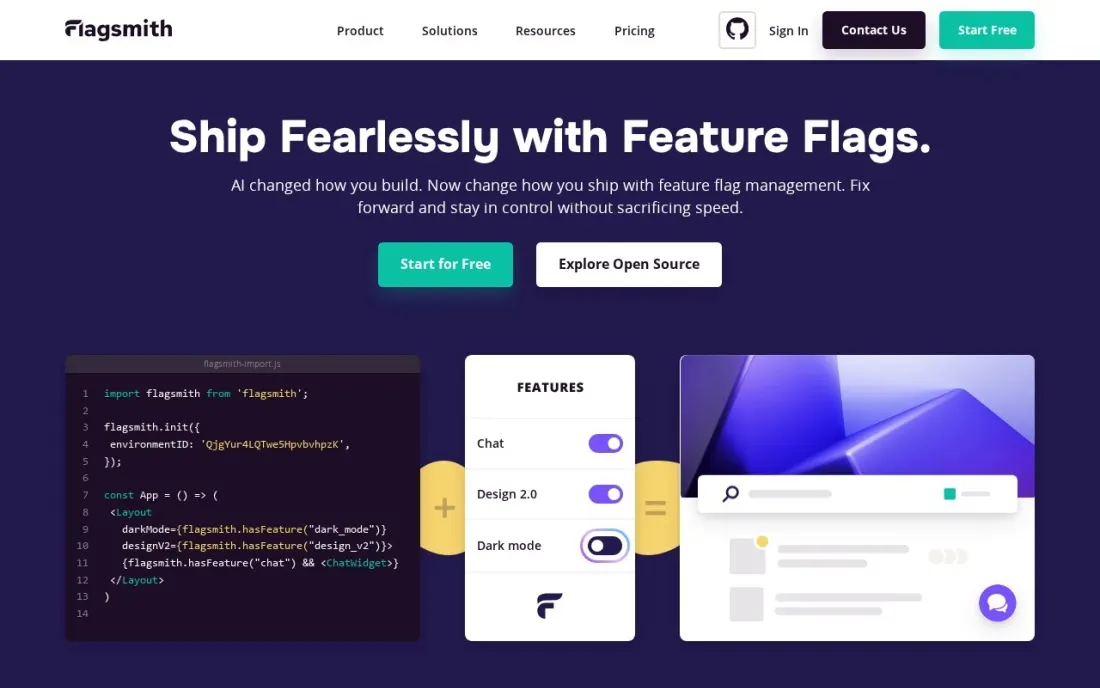
Flagsmith is the dedicated flag tool for teams that want something they could run themselves. The code is open source and the company supports on-premises or own-cloud deployment, which matters for regulated teams that cannot send user attributes to a third-party SaaS. Every plan, including Free, includes unlimited flags, environments, identities and segments, and the limits are set by API requests instead of seats or monthly users.
Free covers 50,000 requests a month for one person. Start-Up costs $40 a month billed yearly, or $45 billed monthly, for 1 million requests and three team members, and adds scheduled flags and A/B testing. Governance features such as change requests, audit logs and SAML wait for Scale-Up at $250 a month billed yearly or $300 monthly.
What we like
- Unlimited flags, environments, identities and segments even on the free plan
- Open source, with on-premises or own-cloud deployment for teams that cannot use SaaS
- A/B and multivariate testing and scheduled flags start on the $40 Start-Up plan
Watch out for
- Roles, permissions, change requests, audit logs and SSO wait for Scale-Up at $250 a month billed yearly
- Start-Up allows only 3 team members
- Self-hosted pricing is not published on the pricing page
ConfigCat
Best for: Small and mid-size teams that want unlimited seats and predictable flag pricing without metered users
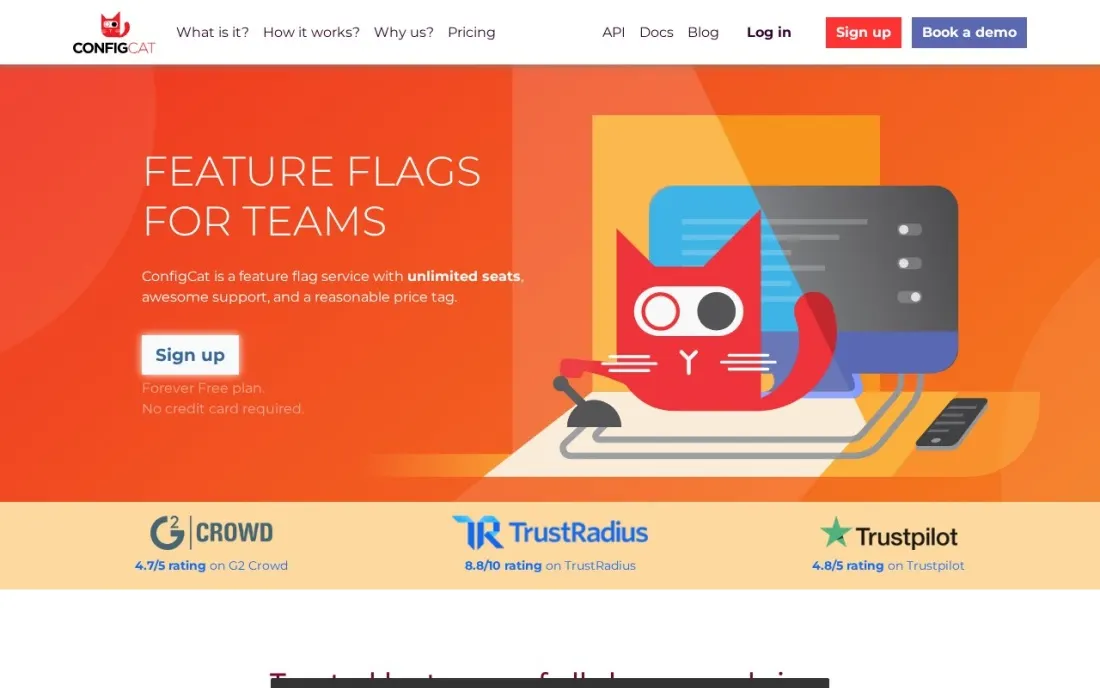
ConfigCat takes the opposite approach to LaunchDarkly's metering. Seats, monthly active users and service connections are unlimited on every plan, every plan gets the same features, and the only thing that counts toward a limit is how many times SDKs download the config file. For a team that has been surprised by a usage bill before, that predictability is the main reason to choose it.
Forever Free needs no card and covers 10 flags, two environments and 5 million config downloads a month. Pro is listed at $110 a month for 100 flags and 25 million downloads, with a lower rate shown for annual billing, and Smart at $325 a month removes the flag cap. Audit log retention is 7 days on Free and 35 days on Pro.
What we like
- Unlimited seats, monthly active users and service connections on every plan
- All features on all plans; only the limits change
- Only config JSON downloads count toward usage, so the bill is easy to forecast
Watch out for
- Free stops at 10 flags and 2 environments
- Pro caps flags at 100; unlimited flags need Smart at $325 a month
- No built-in experimentation analytics like Statsig or PostHog
Statsig
Best for: Product teams that want feature flags and statistically rigorous experiments on one free tier
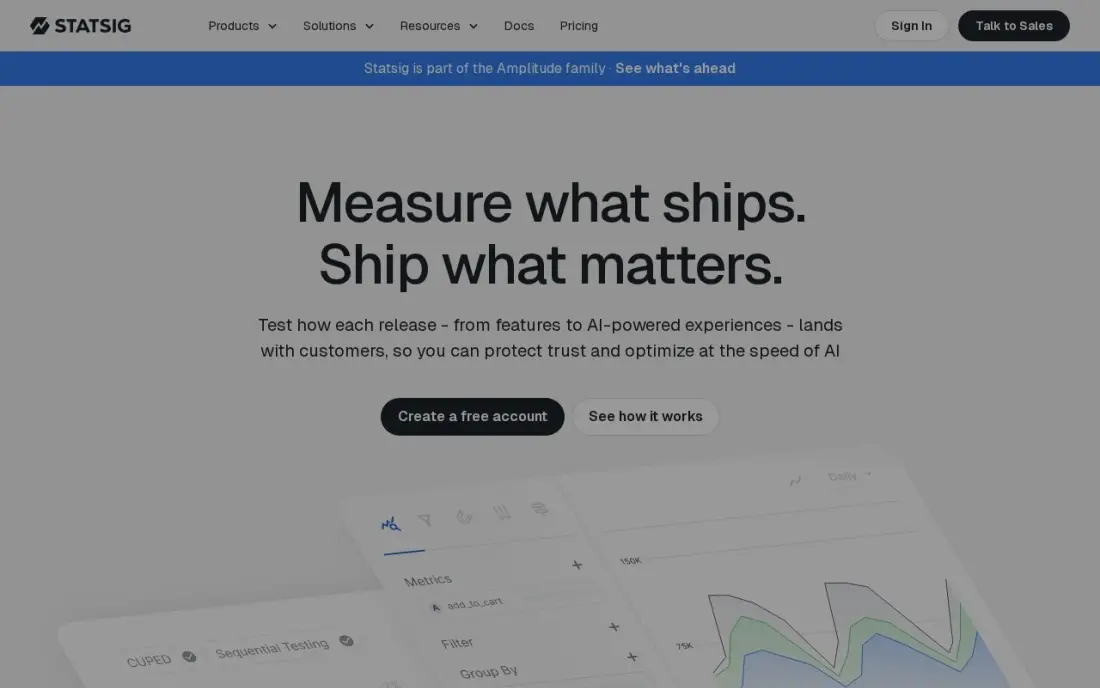
Statsig treats every feature flag as a possible experiment. Flags, A/B tests, product analytics and session replay share one event layer, so a rollout can be turned into a measured test without wiring a second tool, and sequential testing and CUPED variance reduction are built in. SDKs cover web, server, iOS, Android, React Native and Flutter, and a warehouse-native deployment is available.
The Developer tier is free with 2 million metered events a month, and Pro costs $150 a month for 5 million events, with overage charged per 1,000 events. That is cheap for a product team, but a chatty app can use the allowance quickly, and SSO and audit controls wait for Enterprise. It is rated 4.7 out of 5 on G2 from 348 reviews.
What we like
- Free Developer tier covers 2 million metered events a month with flags, experiments and analytics included
- Sequential testing and CUPED variance reduction are built in, not add-ons
- SDKs for iOS, Android, React Native and Flutter, plus warehouse-native deployment
- One data layer for flags, experiments, analytics and session replay
Watch out for
- Event-based billing means a chatty app can burn through the 5 million-event Pro allowance quickly
- Advanced governance, SSO and audit controls wait for the Enterprise tier
- Documentation can be thin for teams new to experimentation frameworks
PostHog
Best for: Startups that want feature flags, analytics and session replay in one open-source product
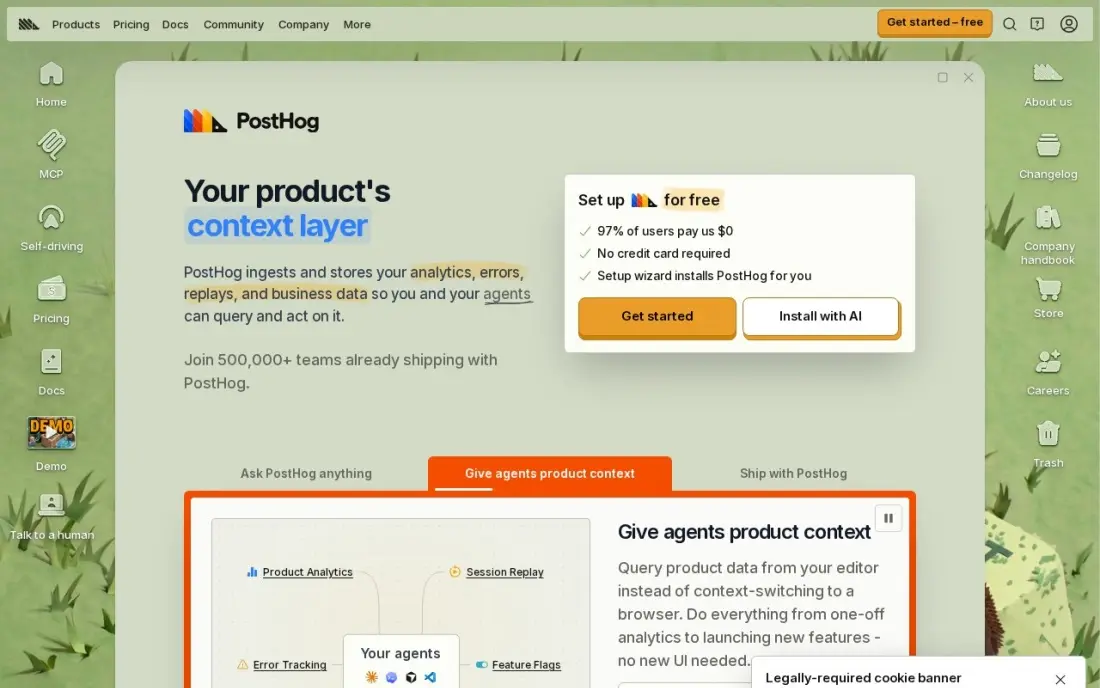
PostHog includes feature flags as one product in a broader platform, alongside product analytics, session replay, experiments and surveys. For a startup that has none of those yet, that is the attraction: one SDK, one bill and 1 million free flag requests a month, plus free allowances on events and recordings. The open-source core can be self-hosted, and EU hosting is available.
Paid usage is pay-as-you-go with no seat charges or base fee, but each product meters separately and identified users carry an extra person-profile charge, so model your traffic before scaling. Its flags cover targeting, percentage rollouts and payloads, but governance is lighter than LaunchDarkly's. It is rated 4.5 out of 5 on G2 from 1,051 reviews.
What we like
- Open-source core you can self-host, with EU hosting and HIPAA compliance
- Every product has its own free allowance, so a small app can run analytics, replay and flags for $0
- Per-unit prices fall with volume, down to $0.000009 per event above 250M events
- No seat charges and no base fee — you pay only for the usage above the free allowances
Watch out for
- Identified events carry an extra person-profile charge (+$0.000198 per event at 1–2M), so logged-in traffic costs more
- Each product is metered separately, so the bill is harder to forecast than a flat subscription
- Self-hosting the open-source edition means running the infrastructure yourself
GrowthBook
Best for: Data teams that want open-source flags and experiments analysed in their own warehouse
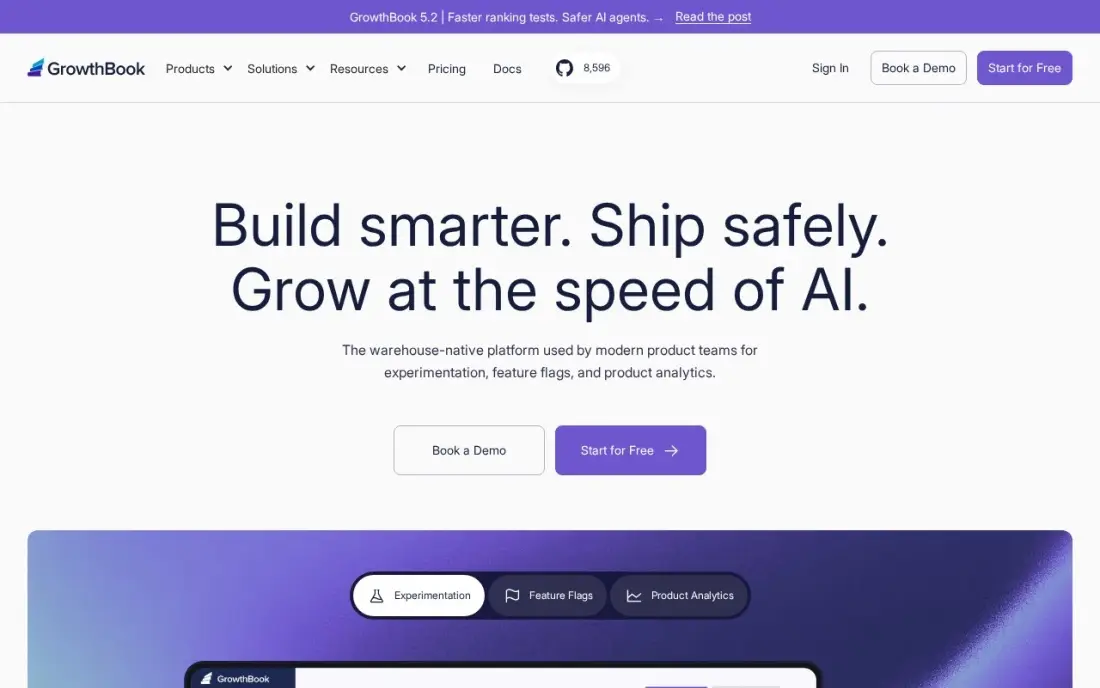
GrowthBook is open source and warehouse-native: flags are served by its SDKs, and experiment results are calculated from the data already in your warehouse instead of a separate event pipeline. Every plan, including the free hosted Starter for up to three users, includes unlimited feature flags, experiments and traffic, and the whole platform can be self-hosted at no cost.
Pro costs $40 a seat a month and adds the AI visual editor, multi-armed bandits, sequential testing and CUPED. The catch is that full analysis expects a data warehouse or the managed warehouse add-on, which suits teams with a data engineer more than a two-person startup. It is rated 4.6 out of 5 on G2 from 26 reviews.
What we like
- The only open-source tool here: self-host free, with a free hosted Starter for 3 users
- AI Visual Editor on Pro, plus multi-armed bandits and sequential testing
- Unlimited experiments, feature flags and traffic on every plan, including free
- Bayesian and frequentist statistics with variance reduction (CUPED) on Pro
Watch out for
- The AI Visual Editor needs Pro — the free Starter plan tests through code and flags only
- Needs a data warehouse (or the managed warehouse add-on) for full analysis
- No visual-editor preview for server-side experiments without activating them
Optimizely
Best for: Enterprises that want feature flags inside a company-wide experimentation programme
Optimizely sells feature management as part of its experimentation platform, so server-side tests, web experiments and controlled rollouts run in one system with a programme-management layer on top. That suits large companies where marketing and product both run tests and leadership wants one place to see them. A free Rollouts plan covers feature flags and one A/B test, which is enough to evaluate the SDKs.
Everything beyond Rollouts is individually packaged on an annual contract with no published price; third-party reports put Web Experimentation from about $36,000 a year. That makes it a poor choice for a team that only needs flags. It is rated 4.2 out of 5 on G2 from 411 reviews.
What we like
- The enterprise standard: web and full-stack testing, feature flags and server-side tests in one platform
- Deepest statistical rigor in this list, with a mature program-management layer
- Visual editor plus a full-stack SDK, so marketing and product teams share one system
- The largest enterprise customer base in the category
Watch out for
- Quote-only pricing with annual contracts; third-party reports put Web Experimentation from about $36,000 a year
- Needs dedicated owners and engineering involvement — overkill below serious traffic
- No self-serve tier and no monthly billing of any kind
AB Tasty (now Wingify)
Best for: Marketing-led teams that want feature flags bundled with testing and personalisation
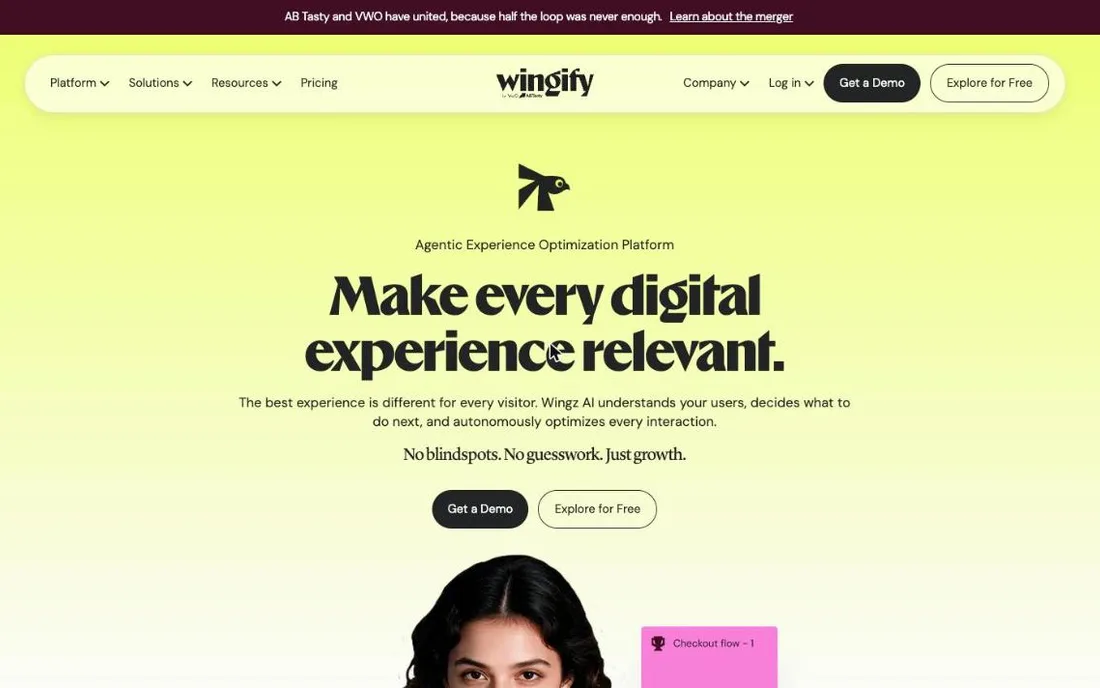
AB Tasty includes feature flags and rollouts in a suite best known for marketer-friendly testing and personalisation. For a business where marketing runs most experiments but engineering occasionally needs to release a feature to a segment first, one vendor covering both can be simpler than a separate flag tool. Its statistics engine runs Bayesian, frequentist and sequential methods.
AB Tasty is now part of Wingify alongside VWO, and its flags are sold as Wingify Feature Management: Growth lists 10 flags and 3 environments, Pro unlimited. Every plan is a custom proposal, with reported entry prices around €15,000 a year, and reviewers call it expensive for small teams. Buy it for testing and personalisation, not for flags alone. It is rated 4.4 out of 5 on G2 from 424 reviews.
What we like
- A drag-and-drop visual editor built for marketers, with a widget library for fast variants
- Bayesian, frequentist and sequential statistics in one engine, with EmotionsAI segmentation
- Now part of Wingify with VWO: Feature Management adds open-source SDKs in 8+ languages, feature experimentation and rollouts
- Support reviewers praise most: fast, flexible and responsive
Watch out for
- No published prices — every plan is a custom proposal, and Wingify prices on monthly active users
- Wingify's Feature Management Growth plan lists 10 feature flags, 5 variables and 3 environments; unlimited flags wait for Pro
- Reviewers repeatedly call it expensive for small businesses and startups
The best feature management software lets a team ship code to production without releasing it to everyone, then turn a feature on for 1% of users, a beta group or one customer, and switch it off in seconds if something breaks. We compared eight tools: dedicated flag platforms, product suites that bundle flags with analytics, and experimentation suites that sell flags as one module. Every price below comes from the vendor's own pricing page or our verified tool records, checked in November 2026.
How to choose the best feature management software
- Find out what the bill is metered on. Seats, monthly active users, service connections, requests, events or config downloads — each tool counts something different, and the wrong one for your traffic can triple the cost.
- Check SDK coverage before features. Make sure every language and platform you ship — backend, web, iOS, Android — has a maintained SDK that evaluates flags locally.
- Decide whether you need experiments. If you only need safe releases, a dedicated flag tool is enough; if you want to measure each rollout, pick a tool where flags and experiments share data.
- Price governance early. Approvals, audit logs, roles and SSO are often on the second or third plan, and a regulated team will need them from day one.
- Plan for stale flags. Ask how the tool flags code references and unused flags, because old switches left in the code are the main long-term cost of feature management.
- Consider self-hosting. If user attributes cannot leave your infrastructure, shortlist Flagsmith, GrowthBook or PostHog, which all offer a self-hosted route.
Feature flags are also a quiet SEO risk: a flag that changes page content, titles or internal links for some users can show search engines a different site from the one you tested. If you are rolling out changes to a marketing site or product pages, a technical SEO audit catches the indexing side, and our technical SEO audit checklist covers what to check after a release.
Feature management software pricing: what you will actually pay
Take a team of five engineers with one web app and one backend service. On Flagsmith, Start-Up costs $40 a month billed yearly, or $480 a year, but it allows only three team members, so five engineers need Scale-Up at $250 a month billed yearly, or $3,000 a year. ConfigCat has no seat limit, so the same team can stay on Pro, listed at $110 a month, or $1,320 a year at that rate, provided it stays under 100 flags.
On LaunchDarkly, Foundation is billed annually from $10 per service connection a month, and client-side monthly active users are metered on top, so the real price depends on traffic rather than headcount. GrowthBook is free for three users on Starter; five users on Pro cost $200 a month. Statsig's Developer tier is free up to 2 million events a month, and Pro costs $150 a month for 5 million. Optimizely and AB Tasty publish no prices, with third-party reports of about $36,000 and €15,000 a year.
Know the difference: feature flags vs experimentation
Feature flags are about risk. They separate deploying code from releasing it, so a team can merge unfinished work, release gradually and roll back without a new deploy. The questions that matter are speed of evaluation, targeting rules, approvals and how fast a kill switch takes effect. LaunchDarkly, Flagsmith and ConfigCat are built around this job.
Experimentation is about evidence. It splits users between versions and measures which one changes a metric, which needs an events pipeline and statistics on top of the flag. Statsig, PostHog and GrowthBook join the two, so any flag can become a test, while Optimizely and AB Tasty start from experimentation and add flags. If nobody on the team will read experiment results, you do not need to pay for the statistics.
Quick comparison: tool type by need
| Buyer | Best pick | Why |
|---|---|---|
| Large engineering orgs | LaunchDarkly | Rollouts, approvals and kill switches at scale, from $10/service connection/month annual |
| Open source, self-hosted | Flagsmith | Free plan, Start-Up $40/month billed yearly, on-prem option |
| Predictable pricing | ConfigCat | Unlimited seats and MAUs; only config downloads count |
| Flags plus rigorous tests | Statsig | Free up to 2M events/month, Pro $150/month |
| Startups wanting one platform | PostHog | 1M free flag requests/month plus analytics and replay |
| Warehouse-first data teams | GrowthBook | Open source, free for 3 users, Pro $40/seat/month |
| Enterprise experimentation | Optimizely | Flags inside a full testing programme, free Rollouts plan |
| Marketing-led testing | AB Tasty (now Wingify) | Flags bundled with testing and personalisation, by quote |
Mistakes to avoid
- Never removing flags. Every finished rollout should end with the flag deleted from code; a codebase with hundreds of permanent switches is harder to test and debug.
- Evaluating flags over the network on every request. Use SDKs that cache rules and evaluate locally, or a flag check can add latency to every page.
- Ignoring the metering unit. A tool priced on monthly active users can cost far more for a consumer app than one priced on requests or config downloads.
- Giving everyone production access. Without roles and approvals, a mistaken toggle can switch a feature on for all customers; set permissions before the first big release.
- Using flags for permanent configuration. Pricing tiers and customer entitlements belong in your own data model, not in a release tool you might replace.
Related comparisons: Serverless Platforms · SQL Software · Software Testing Tools · Software for iOS App Development
How we chose
We started from the tools in our verified database, read the Flagsmith and ConfigCat pricing pages on November 16, 2026, and recorded each starting price exactly as published, with yearly and monthly billing stated where the vendor gives both. We ranked the tools by fit for the most common buyer, a software team of five to fifty engineers that wants safer releases, and weighed SDK coverage, pricing model, governance and self-hosting. Ratings come from G2 pages checked on the dates shown in the sources; we left ratings out for the two tools we did not verify. No vendor paid for a place in this list, and none of the links here are affiliate links.
What to do next
Pick the two tools whose pricing unit fits your traffic, put one low-risk feature behind a flag in each, and run a real percentage rollout and rollback before you commit. If the features you release also change your public pages, book a free SEO review and we will check that search engines see what you intended.
Frequently asked questions
What is the best feature management software?
LaunchDarkly is the most complete choice for large engineering teams, from $10 per service connection a month billed annually plus usage. Flagsmith and ConfigCat are simpler dedicated flag tools with free plans, and PostHog, Statsig and GrowthBook bundle flags with analytics or experiments on free tiers.
What is the difference between feature flags and feature management?
A feature flag is a single on/off or percentage switch in code. Feature management is the system around many flags: targeting rules, environments, approvals, audit logs, scheduled releases and clean-up of stale flags, which is what the tools in this list sell.
Is there free feature management software?
Yes. Flagsmith Free covers 50,000 requests a month, ConfigCat Forever Free covers 10 flags, PostHog includes 1 million flag requests a month, Statsig's Developer tier covers 2 million events, and GrowthBook can be self-hosted free or used on a free hosted plan for 3 users.
How much does feature management software cost?
On published prices, Flagsmith Start-Up costs $40 a month billed yearly, ConfigCat Pro is listed at $110 a month, Statsig Pro costs $150 a month and GrowthBook Pro costs $40 a seat a month. LaunchDarkly starts at $10 per service connection a month billed annually plus usage, and Optimizely and AB Tasty are quote-only.
Can I self-host feature flags?
Yes. GrowthBook and PostHog have open-source editions you can run yourself, and Flagsmith supports on-premises or own-cloud deployment. Self-hosting removes the vendor bill but means you run the servers, upgrades and uptime yourself.
Do feature flags slow down an app?
Not noticeably when set up well. Most SDKs download the flag rules once and evaluate them locally in memory, so each check takes microseconds; problems come from calling a remote API on every check or leaving hundreds of stale flags in the code.
Sources we checked (14)
- LaunchDarkly — launchdarkly.com/pricing (checked November 4, 2026)
- LaunchDarkly reviews on G2 (checked November 4, 2026)
- Flagsmith — flagsmith.com/pricing (checked November 16, 2026)
- ConfigCat — configcat.com/pricing (checked November 16, 2026)
- Statsig — www.statsig.com/pricing (checked November 4, 2026)
- Statsig reviews on G2 (checked November 4, 2026)
- PostHog — posthog.com/pricing (checked November 12, 2026)
- PostHog reviews on G2 (checked November 12, 2026)
- GrowthBook — www.growthbook.io/pricing (checked November 5, 2026)
- GrowthBook reviews on G2 (checked November 5, 2026)
- Optimizely — www.optimizely.com/plans (checked November 5, 2026)
- Optimizely reviews on G2 (checked November 5, 2026)
- AB Tasty (now Wingify) — wingify.com/pricing (checked November 25, 2026)
- AB Tasty (now Wingify) reviews on G2 (checked November 5, 2026)
Make one of these tools?
We re-check this list every quarter. Send a correction, request a review, or ask about a clearly labeled sponsored spot.
Request a listingShamim
Founder of SerpAstra
A full-stack digital marketer and SEO strategist covering technical and local SEO, AI search visibility, paid ads and lead generation for local businesses, e-commerce brands and SaaS teams.
Free SEO and AI visibility audit
Find out what is holding your rankings back
Send us your site. Within 2 business days you get a written audit, an AI visibility check and a short fix list ranked by impact. Free, with no contract attached.
Request my free audit→Related buying guides
 Marketing9 Best A/B Testing Software for App Developers in 2026, ComparedCompare the 9 best A/B testing software for app developers on price, free tiers, SDKs and stats, with every price checked today, November 4, 2026.Read guide →
 Developer Tools6 Best CI/CD Software in 2026, ComparedCompare the 6 best CI/CD software on free build allowances, runner pricing, self-hosting and real monthly cost, with every price checked on vendor pages.Read guide →
 Project & Product Management10 Best Product Analytics Tools in 2026 (Free and Paid, Compared)10 best product analytics tools compared on price, free plans and fit, from Mixpanel and Amplitude to free GA4. Priced from vendor pages, November 2026.Read guide →