
8 Best QA Software in 2026, Compared
Compare the 8 best QA software for test management, automation, cross-browser and load testing on free plans and real per-seat cost, with vendor prices.
 Shamim Mia, Founder, SerpAstraLast verified November 4, 20269 min read
We compare pricing pages, documentation and public reviews. We never accept payment for rankings.
Key takeaways
- Most QA teams need two tools: a test management system such as TestRail or Qase, and an automation framework or runner such as Playwright, Katalon or BrowserStack.
- Qase is the best free start for test management, free forever for up to 4 seats; TestRail Essentials costs $22 a user a month billed annually for up to 5 users.
- Playwright is the best free automation framework: open source under Apache-2.0, maintained in Microsoft's repository, with Chromium, Firefox and WebKit support.
- For performance testing, Apache JMeter is free and Grafana k6 has a free Cloud tier of 500 virtual user hours a month.
On this page
Quick comparison
| Tool | Best for | Starting price | Free plan |
|---|---|---|---|
| TestRail | QA teams that want an established test case management system with cloud or on-premise options | $22/user/mo (annual) | No (30-day trial) |
| Qase | Small QA teams that want modern test case management free for up to 4 seats | Free; $35/user/mo (yearly) | Yes (4 seats) |
| Playwright | Engineering teams that want a free, fast end-to-end testing framework for modern web apps | Free | Yes (open source) |
| Katalon | QA teams that want low-code test automation for web, mobile, API and desktop in one tool | Free; $1,800/seat/yr | Yes (local only) |
| BrowserStack | Teams that need to test on real browsers and mobile devices without running a device lab | $12.50/mo (annual) | No (trial) |
| Grafana k6 | Developers who want load and performance tests written in JavaScript and run in CI | $19/mo | Yes (free tier) |
| Apache JMeter | Testers who need free load testing across many protocols with a graphical builder | Free | Yes (free) |
| Atlassian Jira | Software teams that want bugs, test tasks and sprints tracked in one place | $9.70/user/mo | Yes (free to 10) |
Make one of these tools?
We re-check this list every quarter. Send a correction, request a review, or ask about a clearly labeled sponsored spot.
Request a listingThe best QA software

TestRail
Best for: QA teams that want an established test case management system with cloud or on-premise options
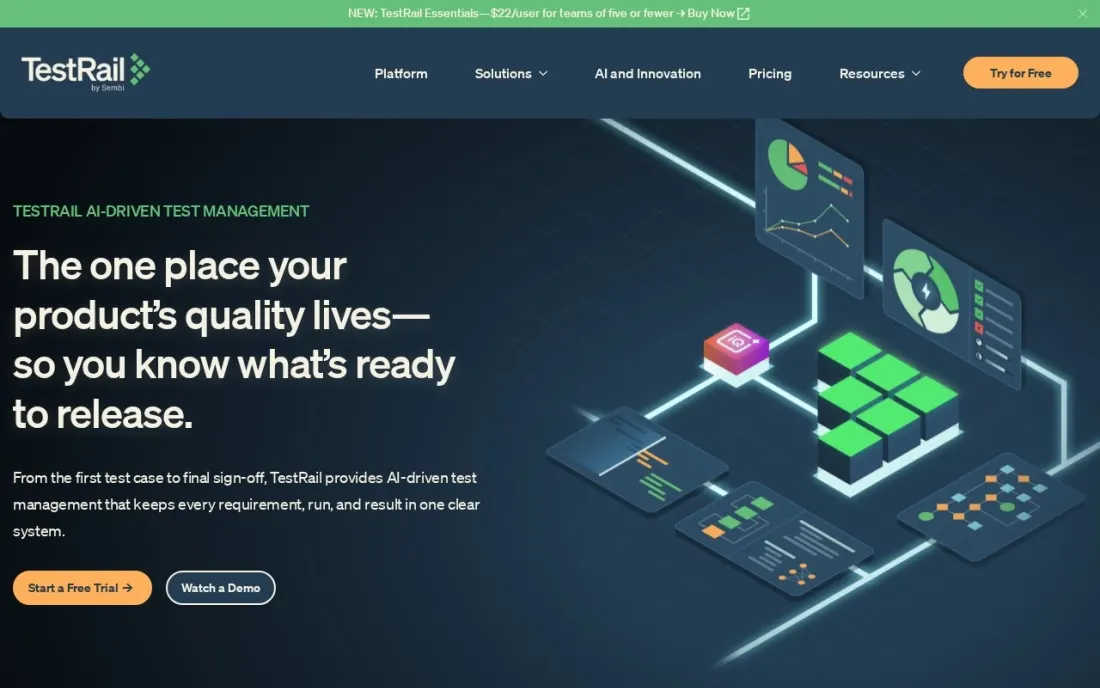
TestRail is one of the most widely used test case management tools. Testers write and organize test cases, group them into runs and milestones, record pass and fail results, and report coverage to the rest of the team. Essentials costs $22 per user a month billed annually for up to 5 users in the cloud, and every plan comes with a 30-day full-featured trial with no credit card.
Larger teams move to Professional, which removes the user cap and adds on-premise deployment; the pricing page shows $38 per user on the plan card and $39 in the FAQ, so confirm the figure. Enterprise costs $78 per user a month on annual billing. There is no permanently free plan, which is where Qase undercuts it.
What we like
- Every plan includes a 30-day full-featured free trial with no credit card
- Professional and Enterprise can run in the cloud or on-premise
- Professional removes the user cap that limits Essentials to 5 users
Watch out for
- No permanently free plan
- Essentials is cloud only and capped at 5 users
- The pricing page lists Professional at $38 on the plan card but $39 in the FAQ, so confirm the quote

Qase
Best for: Small QA teams that want modern test case management free for up to 4 seats
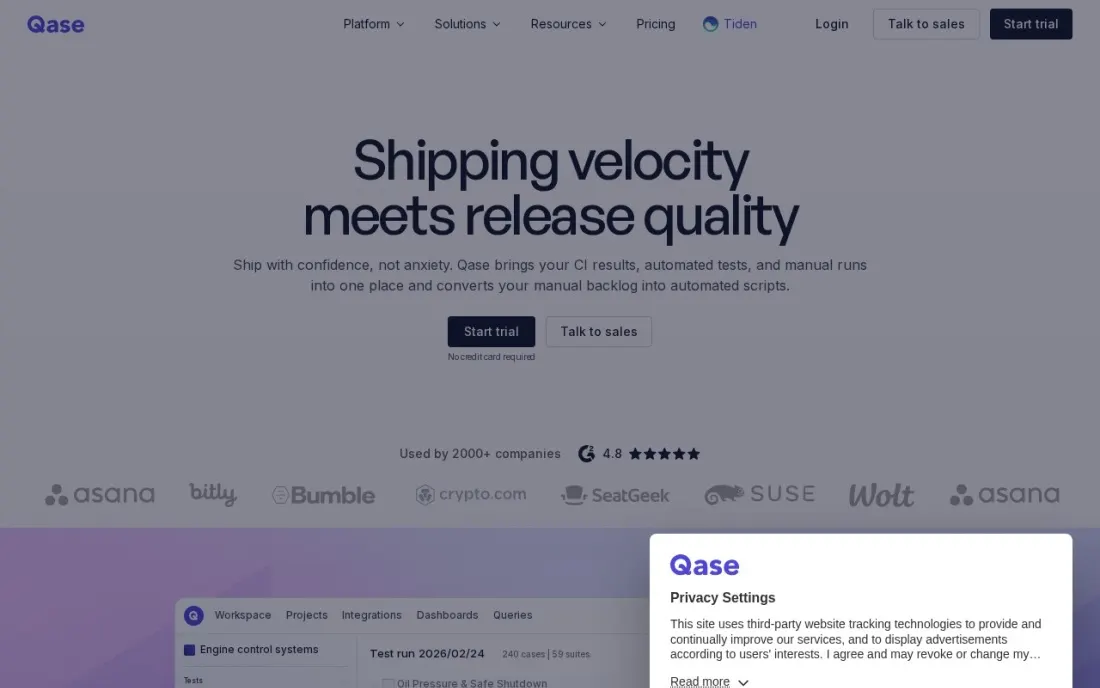
Qase is the modern alternative to TestRail with a real free plan. Free forever covers up to 4 full seats, 2 projects, test case and defect management, shared steps and an MCP server, with 30 days of test history. That is enough for a startup's first QA hire and a few developers to build a proper test library.
Teams costs $35 per user a month billed yearly, or $42 monthly, with a 5-seat minimum and collaborator seats at $10. It adds unlimited projects, two years of history, SSO, role-based access, requirements traceability, dashboards and 2,000 AI credits a month. The 14-day Teams trial needs no credit card. For teams that want tidy test management without legacy weight, start here.
What we like
- Free forever for up to 4 full seats with test case and defect management
- Teams includes SSO, role-based access, requirements traceability, 35+ integrations and 2,000 AI credits a month
- 14-day free trial of Teams with no credit card
Watch out for
- The free plan is limited to 2 projects, 500 MB storage and 30 days of test history
- Teams requires at least 5 full seats
- AI credits do not roll over, and extra credits cost $0.40 each

Playwright
Best for: Engineering teams that want a free, fast end-to-end testing framework for modern web apps
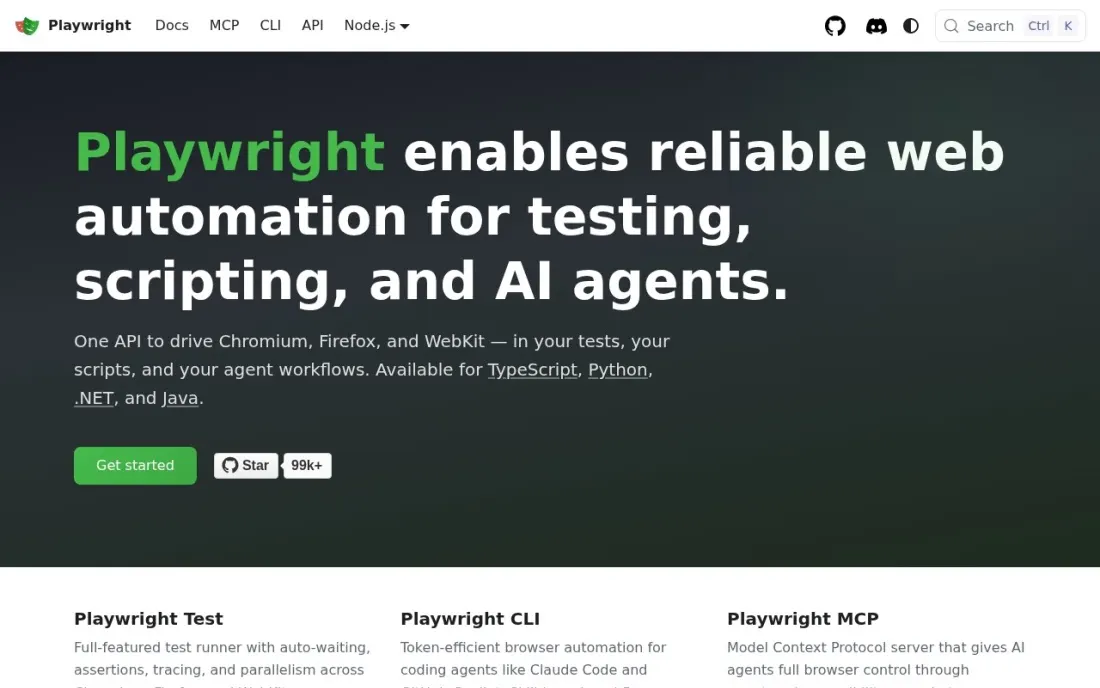
Playwright is the free end-to-end testing framework many teams now choose for new projects. It lives in Microsoft's GitHub repository under the Apache-2.0 licence, runs tests in Chromium, Firefox and WebKit on Linux, macOS and Windows, and supports TypeScript, Python, .NET and Java. Auto-wait means it waits for elements to be ready before acting, which removes much of the flakiness of older tools.
The Trace Viewer gives a full timeline of every test run with DOM snapshots, network requests and console logs, and codegen records your browser actions and writes the test code. It is a framework rather than a product, so you still need a place to manage test cases and, for real devices, a cloud such as BrowserStack.
What we like
- Tests Chromium, Firefox and WebKit on Linux, macOS and Windows, headless or headed
- Auto-wait and retrying assertions cut the flaky failures that plague older frameworks
- Trace Viewer records DOM snapshots, network requests, console logs and screenshots at every step
Watch out for
- A code framework, so testers need TypeScript, Python, .NET or Java skills
- No built-in test case management or reporting dashboard for managers
- Real mobile devices need a separate device cloud

Katalon
Best for: QA teams that want low-code test automation for web, mobile, API and desktop in one tool
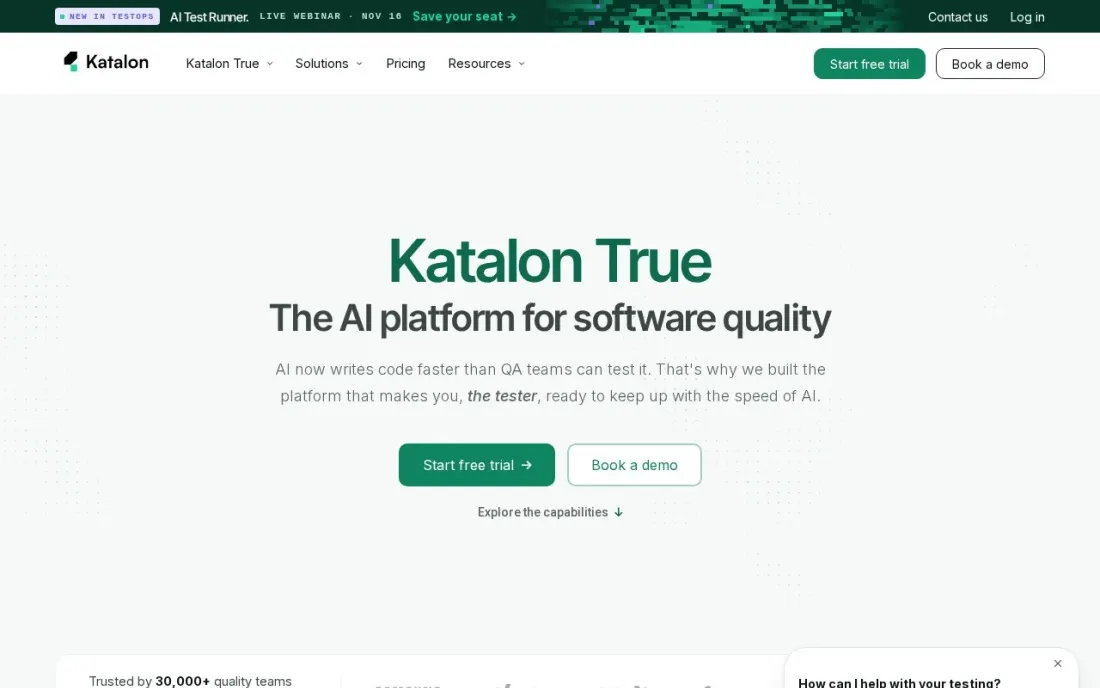
Katalon suits QA teams with manual testers moving into automation, because tests can be recorded, built in a low-code editor or written as scripts. The free plan covers local authoring, record and playback and local execution for web and mobile, with up to 40 static test suites, which is enough to learn the tool on a real app.
Professional costs $1,800 per seat a year billed annually and adds AI agents for authoring, self-healing and failure analysis, web, mobile, API and desktop testing, parallel execution and integrations with Jira, GitHub and Azure DevOps. Running tests in CI or the cloud needs the Runtime Engine or TestCloud add-ons, so price those too.
What we like
- Free plan includes local test authoring, record and playback and execution
- Professional covers web, mobile, API and desktop testing with AI self-healing and failure analysis
- Integrations with Jira, GitHub, GitLab, Slack and Azure DevOps on Professional
Watch out for
- The free plan has no parallel, headless, CI/CD or cloud execution
- Professional is billed annually only, at $1,800 per seat a year
- Cloud and CI execution need the Runtime Engine or TestCloud add-ons

BrowserStack
Best for: Teams that need to test on real browsers and mobile devices without running a device lab
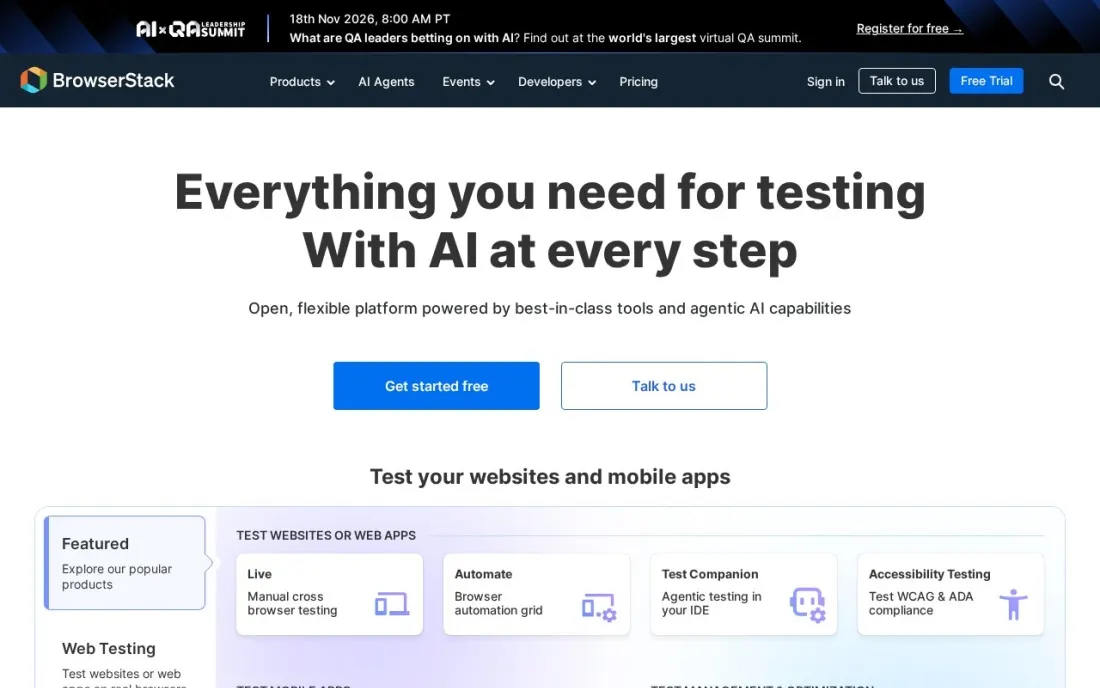
BrowserStack answers the question every QA team eventually asks: does it work on that browser and that phone? Live lets testers open real browsers and devices in the cloud for manual testing, and Automate runs your Selenium or Playwright suites across them in parallel. Live Freelancer costs $12.50 a month billed annually, or $19 month-to-month, for one user with 100 minutes.
Desktop Live costs $29 a month and Desktop and Mobile $39, both billed annually, while Team plans start at $150 a month. Automate Desktop starts at $99 a month billed annually, with prices rising as you add parallel tests. It replaces a shelf of test phones, but budget by parallels, not by users.
What we like
- Live manual testing starts at $12.50 a month billed annually for one user
- Automate runs Selenium and Playwright suites in the cloud, from $99 a month billed annually
- Desktop and mobile plans cover both browsers and real devices
Watch out for
- The Freelancer plan includes only 100 minutes of Live testing
- Most plans are priced on annual billing, with month-to-month shown only for Freelancer
- Costs rise with each parallel test, so large suites get expensive

Grafana k6
Best for: Developers who want load and performance tests written in JavaScript and run in CI
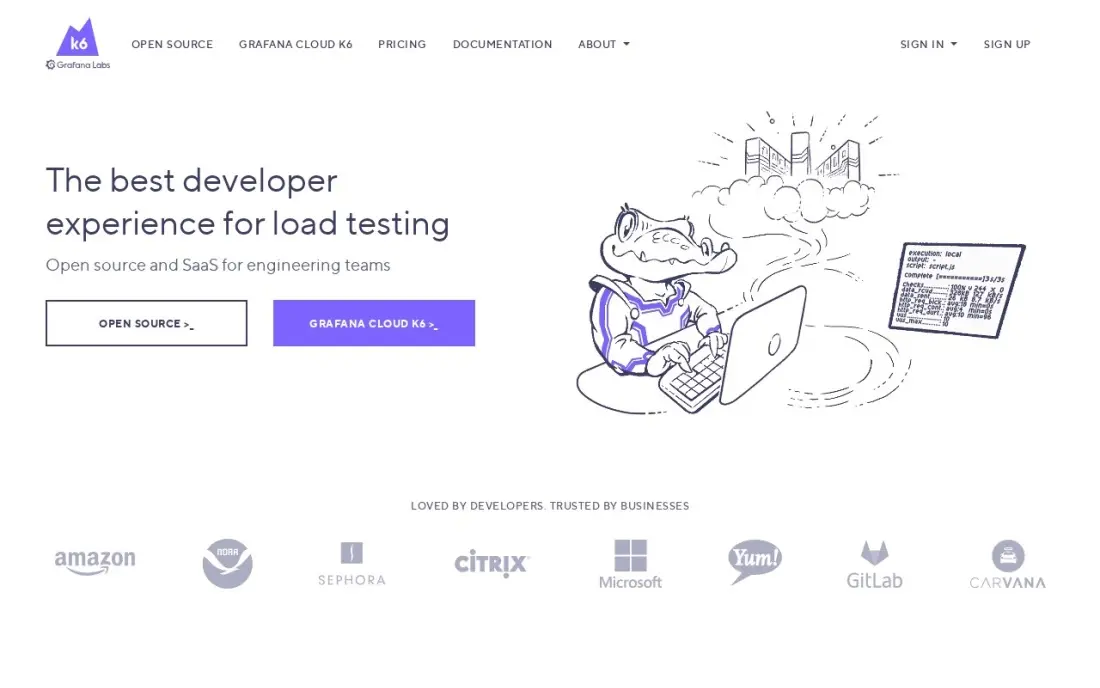
Grafana k6 covers the performance side of QA. Load tests are plain JavaScript stored in Git, so they get reviewed like code, and thresholds fail a build automatically when response times or error rates cross a limit. The open-source engine is free, and the Grafana Cloud free tier includes 500 virtual user hours a month.
Cloud Pro costs $19 a month as a platform fee, plus $0.15 per virtual user hour above the 500 included, so a big test month costs more. Tests are written in JavaScript or TypeScript only, and browser testing is an extension rather than the core. For teams already using Grafana dashboards, it fits neatly into the release pipeline.
What we like
- Tests are plain JavaScript stored in Git, so they get reviewed like any other code
- Thresholds and checks fail a build when response times or error rates cross a limit
- The same script runs locally, in Kubernetes, or in Grafana Cloud from 21 load zones
- Open-source engine is free, and the Cloud free tier covers 500 virtual user hours a month
Watch out for
- Cloud billing is metered, so a big test month costs more than the $19 platform fee
- Browser-based testing is an extension, not the core of the tool
- Only JavaScript and TypeScript are supported, so other-language teams must learn them

Apache JMeter
Best for: Testers who need free load testing across many protocols with a graphical builder
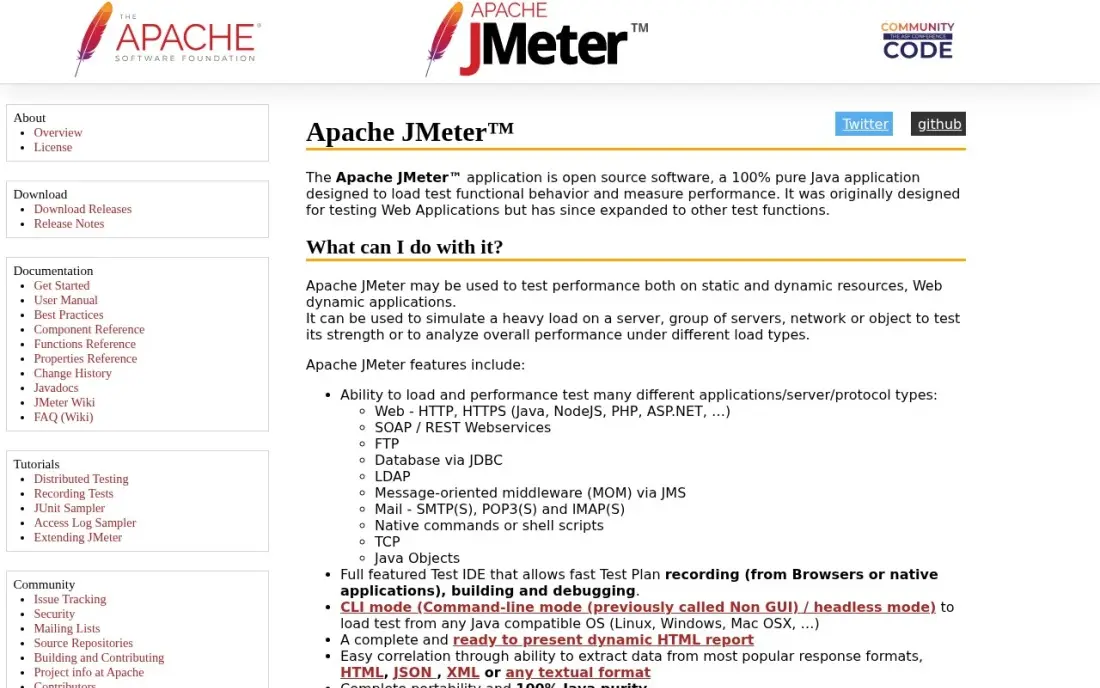
Apache JMeter is the long-standing free load testing tool, open source under the Apache 2.0 licence. It covers the widest set of protocols in this list, including HTTP, JDBC, JMS, FTP and LDAP, and its graphical test builder with recording means a first test needs no code. Distributed mode and HTML reports handle large tests without a paid tier.
The interface looks dated and takes time to learn for complex plans, running big tests through the GUI is slow, and dynamic values such as session tokens must be correlated by hand. For QA teams that need database or messaging load tests at no licence cost, it remains the standard.
What we like
- The widest protocol coverage here: HTTP, JDBC, JMS, FTP and LDAP in one free tool
- Graphical test builder with recording, so a first test needs no code
- Distributed mode and HTML reports cover large tests without a paid tier
- A large plugin community covers almost every sampler and listener you will need
Watch out for
- The interface looks dated and takes time to learn for complex test plans
- Running large tests through the GUI is slow; big runs need headless or distributed mode
- Dynamic values such as session tokens must be correlated by hand

Atlassian Jira
Best for: Software teams that want bugs, test tasks and sprints tracked in one place
Jira is where most software teams track the bugs QA finds, which makes it part of the QA toolset even though it is not a test tool. Defects link to stories and sprints, so developers see failures in the same board they plan from, and test management tools such as TestRail, Qase and Katalon integrate with it. Jira is free for up to 10 users.
Standard costs $9.70 per user a month on monthly billing for 1 to 100 users, after Atlassian raised Cloud prices on October 13, 2026, and includes Rovo AI agents. The per-user rate changes by user band, so forecast as the team grows. Reviewers cite complexity for new users, but few QA teams avoid it.
What we like
- Standard costs $9.70 per user per month on monthly billing for 1-100 users, or $9,700 a year for 100 users on annual billing
- Free for up to 10 users, so a small team can run real sprints before paying anything
- AI agents (Rovo) are included on every paid plan, with 25 Rovo AI credits per user per month on Standard
- Rated 4.3 out of 5 on G2 from 7,941 reviews, with project management the most-cited strength
Watch out for
- Atlassian raised Cloud prices on October 13, 2026: Standard went from $9.05 to $9.70 per user per month for 1-100 users
- The per-user rate changes by user band, so the bill is hard to predict as the team grows
- G2 reviewers cite complexity and a steep learning curve for new users
The best QA software helps a team plan what to test, run those tests quickly and track what broke, so releases ship with fewer surprises. We compared eight tools across the four jobs of a QA stack — test case management, test automation, cross-browser and device testing, and load testing — plus the bug tracker most teams report into, and every price below comes from the vendor's own page as checked in November 2026.
How to choose the best QA software
- Map your QA stack first. Most teams need a test management tool, an automation framework, a device or browser cloud and a bug tracker; few tools do all four well.
- Match automation to your team's skills. Code frameworks such as Playwright suit developers; low-code tools such as Katalon suit manual testers moving into automation.
- Check integrations with CI and Jira. Results should flow from your pipeline into test runs and defects without copying.
- Price per seat and per parallel. Test management bills per user, while device clouds bill per parallel test, which grows with suite size.
- Look at the free tier's limits. Qase's free plan stops at 2 projects and 30 days of history, and Katalon's free plan runs only locally.
- Plan for flaky tests. Auto-wait, tracing and AI self-healing save more time than any reporting feature.
QA protects the product; the website brings the users. If your release notes, docs and landing pages need to rank, our SEO audit service checks the technical side, and the free robots.txt tester makes sure staging and test pages stay out of search.
QA software pricing: what you will actually pay
Take a team of five testers. Test management on Qase is free for the first 4 seats; five full seats on Teams cost $175 a month billed yearly, or $2,100 a year. TestRail Essentials for five users costs $110 a month billed annually, or $1,320 a year. Automation with Playwright costs nothing in licences, while five Katalon Professional seats cost $9,000 a year.
Add device coverage: BrowserStack Automate Desktop starts at $99 a month billed annually, or $1,188 a year, and the price rises with each parallel test. Load testing with JMeter is free, and Grafana k6 Cloud Pro is $19 a month plus $0.15 per virtual user hour beyond the 500 included. Bug tracking in Jira is free for up to 10 users. A lean five-person stack — Qase Teams, Playwright, BrowserStack Automate and free Jira — comes to about $3,288 a year.
Know the difference: test management vs test automation
Test management is the record of what you test. It stores test cases and steps, groups them into runs for a release, records pass, fail and blocked results, and shows coverage against requirements. TestRail and Qase are test management tools, and they matter most for manual testing, audits and release sign-off.
Test automation is the machinery that runs tests without a person clicking. Playwright, Katalon, k6 and JMeter execute browser, API and load tests, often on every pull request, and BrowserStack supplies the browsers and devices to run them on. The two meet when automated results are reported back into test runs, which is why integrations matter as much as features.
Quick comparison: tool type by need
| Buyer | Best pick | Why |
|---|---|---|
| Established QA teams | TestRail | Test case management, Essentials $22/user/month billed annually |
| Free test management | Qase | Free for up to 4 seats, Teams $35/user/month billed yearly |
| Free web automation | Playwright | Open source, Chromium, Firefox and WebKit |
| Low-code automation | Katalon | Free local plan, Professional $1,800/seat/year |
| Real browsers and devices | BrowserStack | Live from $12.50/month, Automate from $99/month billed annually |
| Load testing in CI | Grafana k6 | JavaScript tests, free Cloud tier of 500 VU hours |
| Free multi-protocol load tests | Apache JMeter | Open source, HTTP, JDBC, JMS and more |
| Bug tracking | Atlassian Jira | Free for 10 users, Standard $9.70/user/month |
Mistakes to avoid
- Automating everything at once. Start with the smoke tests and critical paths; a huge flaky suite gets ignored.
- Keeping test cases in spreadsheets too long. Once more than two people test, a spreadsheet loses history and coverage.
- Testing only in Chrome. Safari and mobile browsers break layouts and forms that Chrome handles fine.
- Skipping load tests until launch day. Run a small k6 or JMeter test before each major release, not after an outage.
- Ignoring per-parallel pricing. Device clouds get expensive as suites grow; run only what needs real devices there.
Related comparisons: SQL Software · Software for iOS App Development · Serverless Platforms · Website Development Software
How we chose
We checked each vendor's pricing page or official documentation in November 2026 and recorded the starting price exactly as shown, including whether billing is annual or monthly. We grouped tools by QA job and ranked them by fit for the most common buyer, a software team with one to five testers working alongside developers. Where a pricing page showed conflicting figures, as TestRail's does for Professional, we say so. Ratings come from G2 pages checked on the dates shown in the sources; tools without a verified rating show none. No vendor paid for a place in this list, and none of the links here are affiliate links.
What to do next
Pick one test management tool and one automation framework, then automate your five most important user journeys and report the results into a test run on every release. Add device and load testing once those are stable. If your product works but too few people find it, book a free SEO review.
Frequently asked questions
What is the best QA software?
It depends on the job. For test case management, Qase (free for up to 4 seats) and TestRail (from $22 a user a month billed annually) are the strongest. For automation, Playwright is the best free framework, and Katalon suits low-code teams. BrowserStack covers real browsers and devices.
Is there free QA software?
Yes. Qase is free forever for up to 4 seats, Playwright and Apache JMeter are free and open source, Katalon Studio has a free plan for local execution, Grafana k6's Cloud free tier includes 500 virtual user hours a month, and Jira is free for up to 10 users.
What is the difference between test management and test automation tools?
Test management tools such as TestRail and Qase store test cases, plan test runs and report results. Test automation tools such as Playwright and Katalon execute tests automatically. Most teams use both, with automated results reported back into the test management tool.
How much does QA software cost?
On published prices, TestRail Essentials costs $22 a user a month billed annually, Qase Teams $35 a user billed yearly, Katalon Professional $1,800 a seat a year, BrowserStack Live from $12.50 a month billed annually and Automate from $99 a month billed annually.
Is Playwright better than Selenium?
For new web projects, many teams prefer Playwright for its auto-wait, built-in tracing and code generation, which reduce flaky tests. Selenium has a longer history and broader ecosystem. Both can run on BrowserStack Automate for real-browser coverage.
Do small teams need dedicated QA software?
A team with a few developers can start with free tools: Playwright for automated tests, Jira for bugs and Qase's free plan for test cases. Paid tools make sense when you need more seats, real-device coverage or AI help maintaining tests.
What are QA best practices in software testing?
Cover the whole stack: test case management such as TestRail or Qase, an automation framework such as Playwright or Katalon, real browsers and devices through BrowserStack, and bugs tracked in Jira. Have results flow from CI into test runs without copying, fight flaky tests with auto-wait, tracing and self-healing, and add load tests with Grafana k6 thresholds that fail a build when response times cross a limit.
Sources we checked (10)
- TestRail — www.testrail.com/pricing (checked November 16, 2026)
- Qase — qase.io/pricing (checked November 16, 2026)
- Playwright — github.com/microsoft/playwright (checked November 16, 2026)
- Katalon — katalon.com/pricing (checked November 16, 2026)
- BrowserStack — www.browserstack.com/pricing (checked November 16, 2026)
- Grafana k6 — k6.io (checked November 7, 2026)
- Grafana k6 reviews on G2 (checked November 7, 2026)
- Apache JMeter — jmeter.apache.org (checked November 7, 2026)
- Apache JMeter reviews on G2 (checked November 7, 2026)
- Atlassian Jira — www.atlassian.com/licensing/future-pricing/cloud/list/pricing-tables (checked November 4, 2026)
Make one of these tools?
We re-check this list every quarter. Send a correction, request a review, or ask about a clearly labeled sponsored spot.
Request a listingShamim
Founder of SerpAstra
A full-stack digital marketer and SEO strategist covering technical and local SEO, AI search visibility, paid ads and lead generation for local businesses, e-commerce brands and SaaS teams.
Free SEO and AI visibility audit
Find out what is holding your rankings back
Send us your site. Within 2 business days you get a written audit, an AI visibility check and a short fix list ranked by impact. Free, with no contract attached.
Request my free audit→Related buying guides
 Developer Tools7 Best Load Testing Tools in 2026 (Free and Paid, Compared)Compare the 7 best load testing tools on starting price, free plans, scripting language and cloud scale, with every price checked November 7, 2026.Read guide →
 Developer ToolsBest AI Code Review Tools for 2026: 12 Picks Ranked by What You NeedCompare the 12 best ai code review tools on price, free plans, Git platforms and AI review depth, with every price checked November 6, 2026.Read guide →
 Developer Tools7 Best Code Review Tools for Distributed Teams in 2026, ComparedCompare the 7 best code review tools for distributed teams on price, free plans and review workflows, with every price checked November 7, 2026.Read guide →