
8 Best Slack Apps in 2026, Compared
Compare the 8 best Slack apps for standups, polls, automation, tasks, meetings and files, with free plans and every price checked on vendor pages in 2026.
 Shamim Mia, Founder, SerpAstraLast verified November 4, 20269 min read
We compare pricing pages, documentation and public reviews. We never accept payment for rankings.
Key takeaways
- Geekbot and Polly are Slack-native: Geekbot runs async standups free for up to 10 users, and Polly runs polls and surveys from a free plan up to Basic at $19 a month billed annually.
- Zapier is the most flexible Slack app because it connects Slack to thousands of other tools, with a free plan of 100 tasks a month.
- For most teams, the best Slack apps are the ones for tools they already pay for: Asana, Jira, Google Workspace, Loom and Zoom all post updates and actions into Slack.
- The Slack app is rarely the cost; the underlying tool's plan is. Price the tool, then check which plan its Slack features need.
On this page
Quick comparison
| Tool | Best for | Starting price | Free plan |
|---|---|---|---|
| Geekbot | Remote teams that want async daily standups and check-ins inside Slack | Free; $2.5/participant/mo | Yes (up to 10 users) |
| Polly | Teams that run quick polls, pulse surveys and feedback forms in Slack channels | Free; Basic $19/mo | Yes (limited) |
| Zapier | Teams that want Slack messages triggered by, or sent to, thousands of other apps | From $29.99/mo | Yes (free plan) |
| Asana | Teams that turn Slack requests into tracked tasks with owners and due dates | $13.49/user/mo | Yes (free plan) |
| Atlassian Jira | Software teams that want issue updates and sprint work flowing into Slack | $9.70/user/mo | Yes (free to 10) |
| Google Workspace | Teams that share Google Docs, Sheets and Drive files in Slack every day | $7/mo (annual) | No (14-day trial) |
| Loom | Remote teams that replace meetings with short video updates shared in Slack | $15/mo (annual) | Yes (25 videos) |
| Zoom | Teams that start calls from Slack and share meeting notes back into channels | $14.16/mo (annual) | Yes (40-min meetings) |
Make one of these tools?
We re-check this list every quarter. Send a correction, request a review, or ask about a clearly labeled sponsored spot.
Request a listingThe best Slack apps

Geekbot
Best for: Remote teams that want async daily standups and check-ins inside Slack
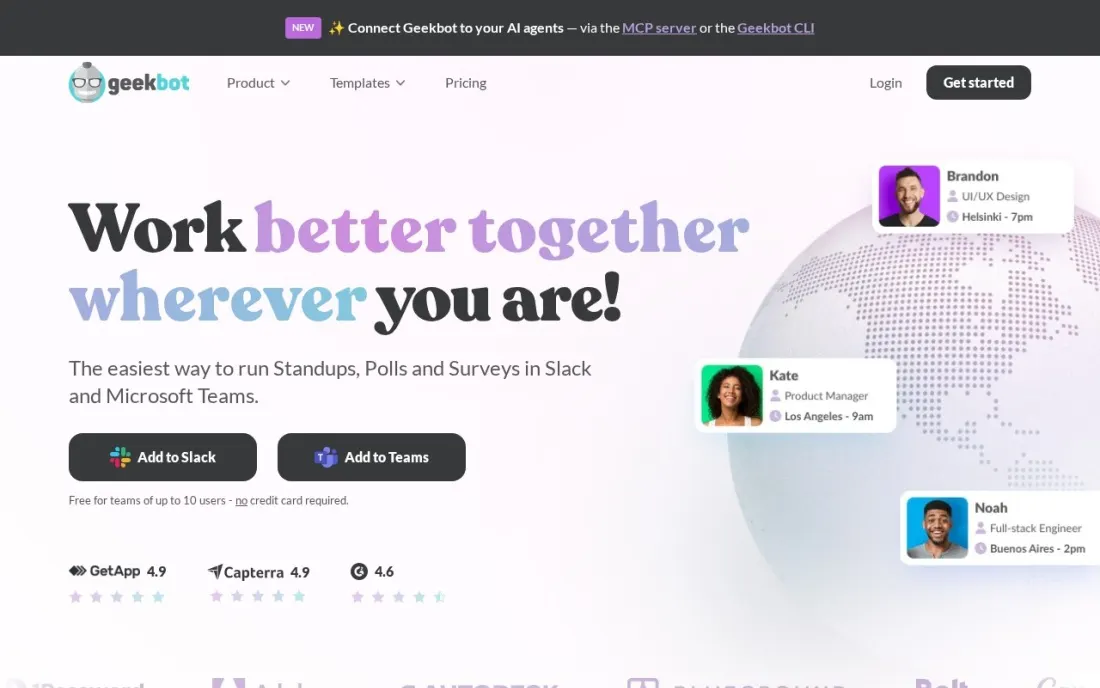
Geekbot replaces the daily standup meeting with a short set of questions it sends each person in Slack at a time that suits their time zone. Answers are collected and posted to a channel, so the team reads progress and blockers without a call. The Starter plan is free for teams of up to 10 users, with unlimited standups, reports, polls and surveys.
Above 10 users, Basic charges $3 per active standup participant a month billed monthly, or $2.5 billed annually, with a 30-day free trial. Polls and surveys bill separately at $1 per respondent a month, or $0.75 annually, and only when someone answers. For a distributed team, it is the cheapest way to cut a daily meeting.
What we like
- Free Starter plan covers teams of up to 10 users with unlimited standups, reports, polls and surveys
- Basic charges per active participant, not per seat in the workspace
- Polls and surveys are charged only when someone responds
- 30-day free trial of Basic, and it works in Microsoft Teams too
Watch out for
- Two separate meters on Basic — standup participants and poll respondents — make the bill harder to forecast
- Enterprise pricing is not published
- Useful only if the team actually answers its standups every day

Polly
Best for: Teams that run quick polls, pulse surveys and feedback forms in Slack channels
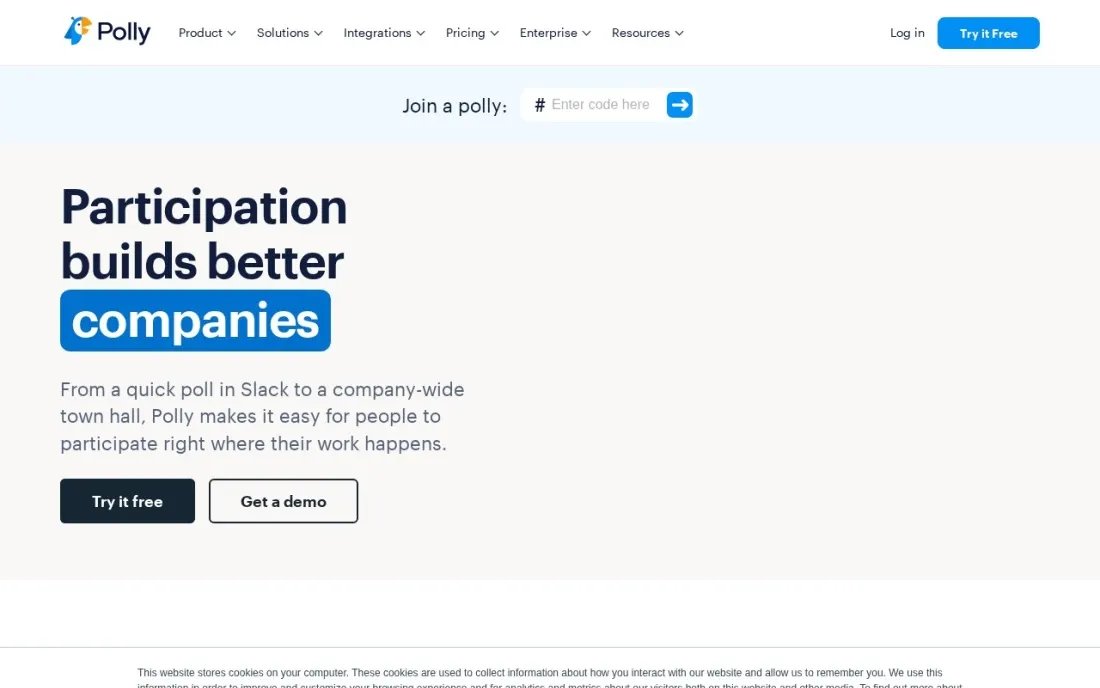
Polly turns Slack into a place to ask questions: quick channel polls, recurring pulse surveys, meeting feedback and retros, with results shown in the channel. Because people vote without leaving the conversation, there is no separate survey link to chase. The free plan covers three Polly types with a 45-day results history, and its limits table caps it at 25 responses a month.
Paid plans are priced per creator license and billed annually: Basic is $19 a month ($228 a year), Pro $29 a month ($348 a year), and Team $249 a month for five users. Enterprise is quoted. If only one person runs surveys, Basic is enough; HR teams with several creators should price Team.
What we like
- Free plan to start polling in Slack right away
- Polls run inside the channel, so people answer without opening another tool
- Team plan covers five users at $249 a month billed annually
- Pairings add-on for team introductions and social connection
Watch out for
- Paid plans are billed annually per license, with no monthly option shown
- The free plan's limits table caps it at 25 responses a month and 45 days of results
- Pro costs $29 a month per license, which adds up for several survey creators

Zapier
Best for: Teams that want Slack messages triggered by, or sent to, thousands of other apps
Zapier is the Slack app that connects Slack to everything else. A new form lead, a paid invoice or a support ticket can post to the right channel automatically, and a Slack message or emoji reaction can create a task, row or record in another tool. The free plan covers 100 tasks a month, which is enough to test a couple of simple alerts.
Real use moves to Professional at $19.99 a month billed annually, or $29.99 billed monthly, for 750 tasks, with multi-step Zaps and filters. The bill follows task volume, so a busy alert can push the price up quickly. Professional covers one user; a team building Zaps together needs Team at $69 a month.
What we like
- Connects thousands of apps, so the tools a business already uses can share data
- Multi-step Zaps, webhooks, filters and paths come with Professional
- AI by Zapier is included, so workflows can draft, summarise and route work
- 2-minute polling on Professional keeps automations close to real time
Watch out for
- The bill is set by task volume, not seats: a busy workflow can jump from $19.99 to $89 a month
- Professional covers only 1 user, so a team that builds Zaps together needs Team at $69 a month
- No free plan beyond 100 tasks a month, so real automation starts on a paid tier

Asana
Best for: Teams that turn Slack requests into tracked tasks with owners and due dates
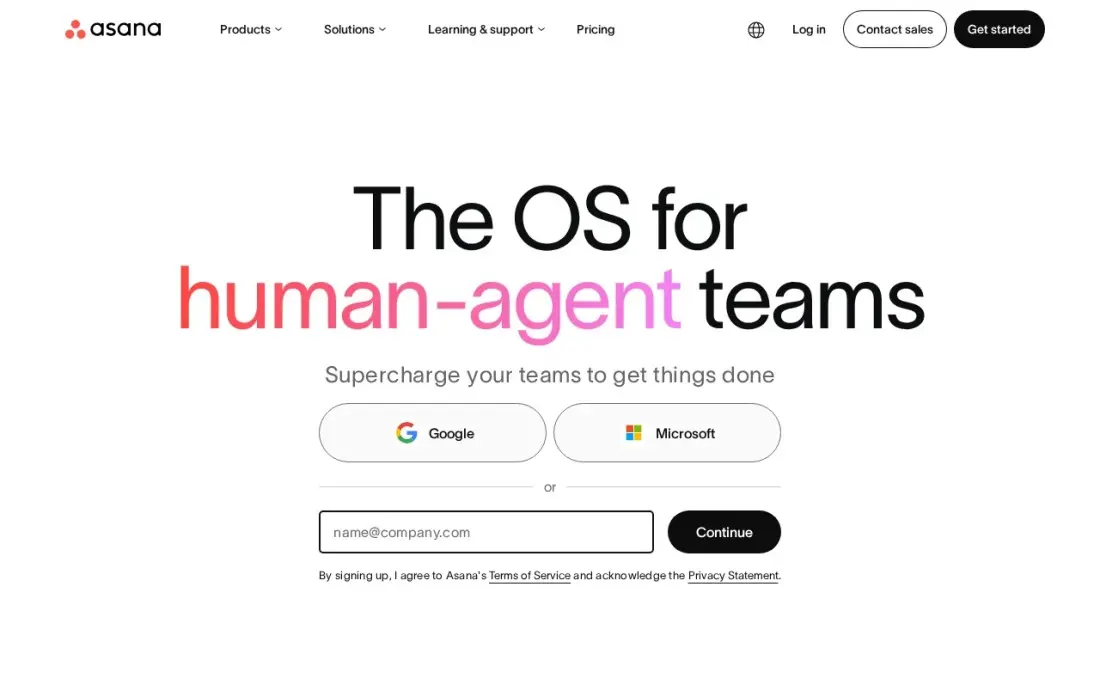
Asana's Slack app closes the gap where requests in chat get forgotten. A message can become an Asana task, task updates post back to a channel, and people can act on notifications without switching apps. For a team that plans work in Asana, it keeps Slack for conversation and Asana as the record of who owns what.
The Slack app is part of Asana; the cost is the Asana seat. Starter is $10.99 a user a month billed annually, or $13.49 monthly, and the free Personal plan covers only two people. Portfolios, goals and workload need Advanced at $24.99 a user a month. Pick Asana if your team does not already have a task tool.
What we like
- Board, list, timeline and calendar views in one project, so the same work reads as a kanban board or a Gantt chart
- Starter adds Timeline and Gantt, dashboards, forms, custom fields and unlimited automations from $10.99 a user
- Unlimited free guests, so clients and contractors can follow work without a paid seat
- Asana AI is included on Starter, with writing help and smart summaries
Watch out for
- Portfolios, goals, workload and approvals wait for Advanced at $24.99 a user a month
- The free Personal plan covers only two people, so any real team pays from the first seat
- Time tracking needs a $5.99 add-on or the Advanced plan

Atlassian Jira
Best for: Software teams that want issue updates and sprint work flowing into Slack
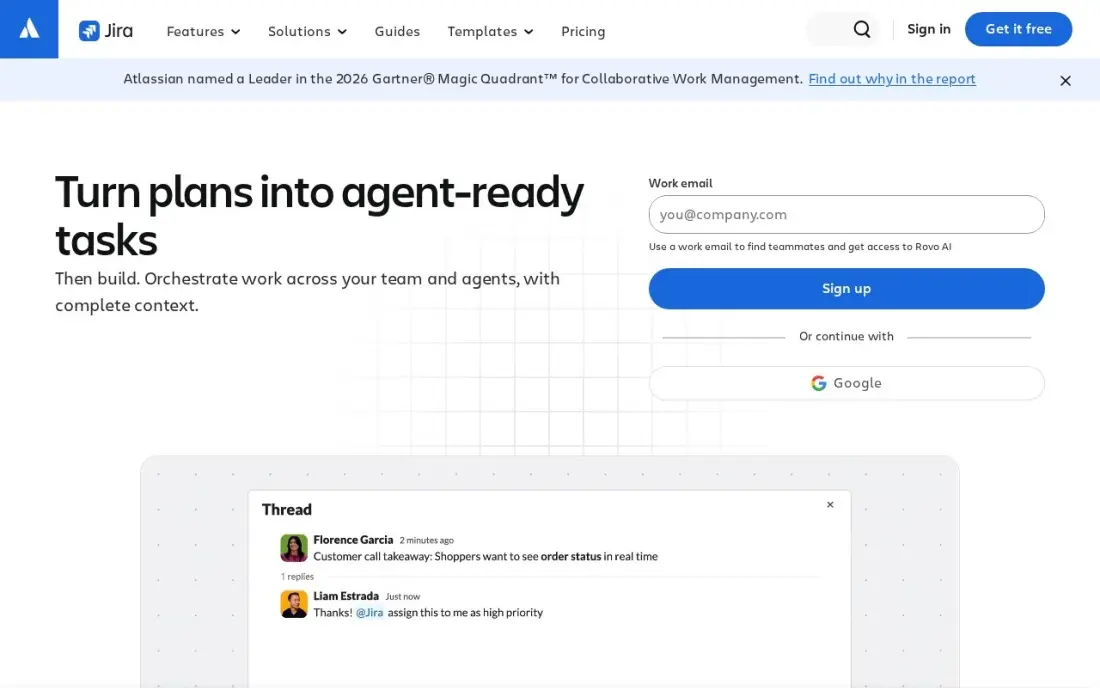
Jira's Slack integration posts issue updates, sprint changes and mentions into the channels where engineers already talk, and lets people create or update issues from a message. It cuts down on status questions, because the answer is already in the channel when the ticket moves.
Jira is free for up to 10 users, so a small dev team can run the whole setup at no cost. Standard costs $9.70 per user per month on monthly billing for 1 to 100 users, after Atlassian raised Cloud prices on October 13, 2026. The per-user rate changes by user band, so check your band before budgeting. Choose it when software delivery is the work.
What we like
- Standard costs $9.70 per user per month on monthly billing for 1-100 users, or $9,700 a year for 100 users on annual billing
- Free for up to 10 users, so a small team can run real sprints before paying anything
- AI agents (Rovo) are included on every paid plan, with 25 Rovo AI credits per user per month on Standard
- Rated 4.3 out of 5 on G2 from 7,941 reviews, with project management the most-cited strength
Watch out for
- Atlassian raised Cloud prices on October 13, 2026: Standard went from $9.05 to $9.70 per user per month for 1-100 users
- The per-user rate changes by user band, so the bill is hard to predict as the team grows
- G2 reviewers cite complexity and a steep learning curve for new users

Google Workspace
Best for: Teams that share Google Docs, Sheets and Drive files in Slack every day
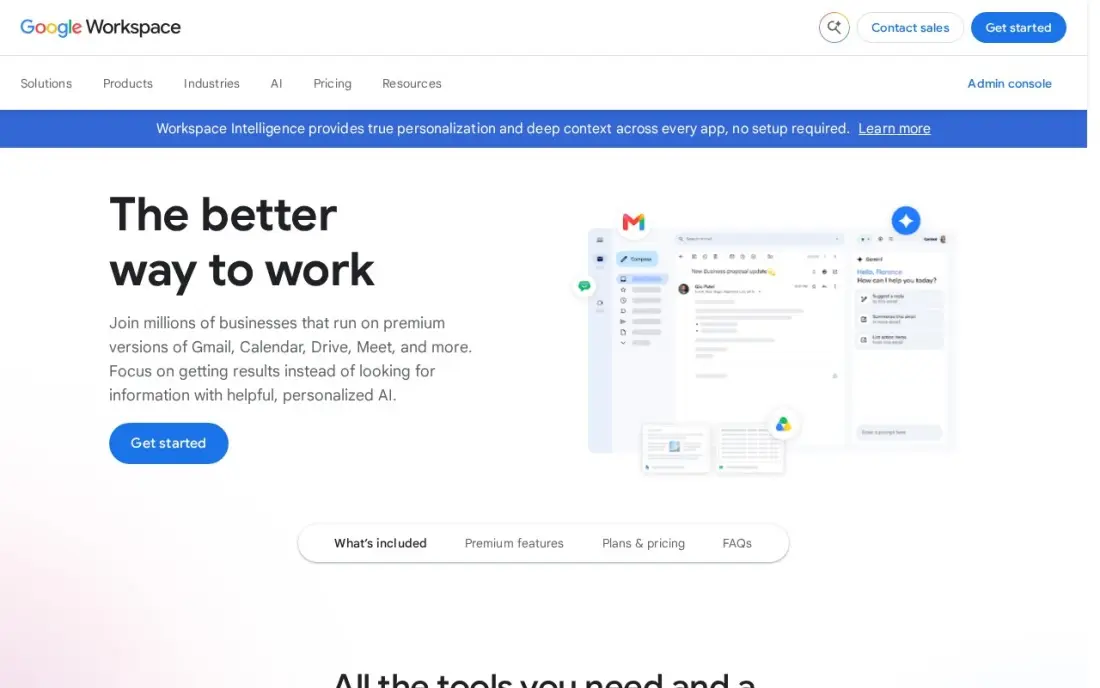
Google Drive and Google Calendar are two of the most-used Slack integrations because so much work lives in Google files. Shared Docs and Sheets preview in the channel, file access requests and comments come through Slack, and calendar status can show when someone is in a meeting.
The Slack side costs nothing extra; the cost is the Workspace subscription. Business Starter costs $7 a user a month billed annually, or $8.40 on the flexible monthly plan, with Gemini AI included. Meet recording and advanced admin need Business Standard at $14 a user a month. If your team already uses Gmail and Drive, connect it on day one.
What we like
- Business email, Docs, Sheets, Slides, Drive and Meet in one subscription from $7 a user a month billed annually
- Gemini AI is included in Gmail and the Gemini app on every Business plan
- 30 GB of pooled storage per user on Business Starter, with Meet for up to 100 participants
- The suite most clients already use, so sharing files and calendars needs no training
Watch out for
- Business editions cap at 300 users, so a growing company must move to Enterprise
- Meet recording and advanced admin controls need Business Standard ($14) or higher
- The 50%-off new-customer offer covers only the first 20 users for 12 months

Loom
Best for: Remote teams that replace meetings with short video updates shared in Slack
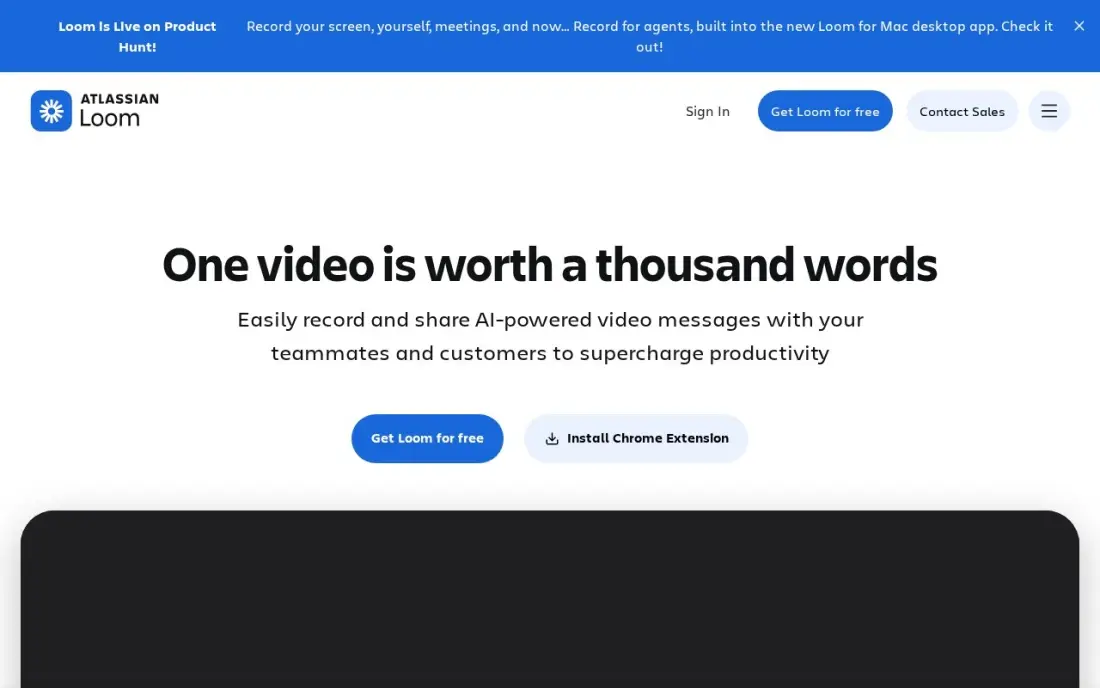
Loom's Slack app turns a shared Loom link into a playable preview in the channel, so a walkthrough, bug report or design review can be watched right where it was posted. For async teams that already use Geekbot or written updates, a two-minute video often answers what a thread of 20 messages could not.
Only people who record need paid seats; viewers watch free. The free Starter plan caps recordings at five minutes and 25 videos per person. Business costs $18 a user a month billed monthly, or $15 billed annually, and full AI features need Business + AI at $24 a month billed monthly.
What we like
- Unlimited videos and unlimited recording length on Business, with 4K recording
- Only creators need paid seats; viewers watch, comment and react for free
- Custom branding, trim and stitch editing, engagement insights and password protection included
- Recordings upload automatically and share by link, so there is no file to attach or host
Watch out for
- Full AI features (summaries, chapters, filler removal) need Business + AI at $24 a user a month billed monthly
- Only the people who record videos need paid seats, but annual billing now uses fixed user tiers
- The free Starter plan caps recordings at 5 minutes and 25 videos per person

Zoom
Best for: Teams that start calls from Slack and share meeting notes back into channels
Zoom's Slack app lets anyone start or join a meeting from a channel or direct message, so a thread that needs a quick call becomes one in a click. Zoom's AI meeting notes and summaries can then be shared back to the channel, which keeps people who missed the call up to date.
The free Basic plan limits group meetings to 40 minutes, which is tight for real work. Pro costs $14.16 a user a month billed annually, or $16.99 monthly, and lifts meetings to 30 hours with 10 GB of cloud recording per licence. Pro still caps meetings at 100 participants. If Slack huddles cover your quick calls, you may not need it.
What we like
- Pro lifts meetings from 40 minutes to 30 hours and adds unlimited AI meeting notes and summaries
- 10 GB of cloud recording per licence, plus Zoom Mail and Calendar in the same subscription
- The most-reviewed video tool here, with 4.5 stars from more than 56,000 G2 reviews
Watch out for
- Pro still caps meetings at 100 participants; larger calls need Business at $18.33 a user a month
- Cloud recording is only 10 GB per licence on Pro, so heavy recorders pay for more storage
- Prices exclude tax, and the annual figure is charged as one upfront payment
The best Slack apps do one of two jobs: they bring work from other tools into the channels where people already talk, or they replace a meeting with something that happens in Slack. We compared eight apps across standups, polls, automation, tasks, files, video and calls, looked at the free plans and checked every price on the vendor's own page in November 2026.
How to choose the best Slack apps
- Start with the meeting you want to cut. If daily standups eat the morning, a standup bot pays off first; if decisions stall, a poll tool does.
- Connect the tools you already pay for. The Slack apps for Asana, Jira, Google Workspace, Loom and Zoom cost nothing extra and remove the most context-switching.
- Check the pricing unit. Geekbot bills per active participant, Polly per creator license, Zapier by task volume and the work tools per seat, so the same team size gives very different bills.
- Watch notification noise. Every app can post to channels; route alerts to a dedicated channel so they do not bury conversation.
- Look at admin approval. Many workspaces require an admin to approve new apps, so ask before you build a workflow on one.
- Prefer apps that work both ways. The most useful integrations let people act from Slack — create a task, update an issue — not just read alerts.
Slack apps save time inside the team; getting found by customers is a separate job. If your site needs more visitors from search, our monthly SEO service covers that, and the free UTM builder helps you track which links shared in Slack and elsewhere bring traffic.
Slack apps pricing: what you will actually pay
Take a 15-person remote team. Geekbot is free for up to 10 users, so at 15 people the team pays for Basic: 15 active participants at $2.5 each billed annually is $37.50 a month, or $450 a year; billed monthly at $3 it is $45 a month, or $540 a year. One person running surveys in Polly Basic pays $228 a year. Zapier Professional for one builder costs $19.99 a month billed annually, about $240 a year, or $29.99 billed monthly, about $360 a year.
The work tools cost more because they are seat-based. Asana Starter for 15 users is $164.85 a month billed annually ($10.99 x 15), or $202.35 billed monthly. Google Workspace Business Starter is $105 a month billed annually ($7 x 15). Loom Business is $15 a creator a month billed annually, so five creators cost $75 a month. The Slack apps themselves add nothing to these bills, so budget the tools, not the integrations.
Know the difference: Slack-native apps vs integrations
A Slack-native app lives inside Slack and has no real life outside it. Geekbot and Polly are examples: the standup questions, the poll and the results all happen in Slack messages and channels. You buy them to change how the team works in Slack, and you can drop them without moving any data.
An integration is the Slack side of a tool you use elsewhere. Asana, Jira, Google Workspace, Loom and Zoom keep their data in their own systems and use Slack as a window: previews, alerts and quick actions. Zapier sits between the two, building custom bridges from Slack to thousands of other apps. Integrations are usually free to add but only as useful as the tool behind them.
Quick comparison: tool type by need
| Buyer | Best pick | Why |
|---|---|---|
| Remote teams with daily standups | Geekbot | Async standups, free up to 10 users, then $2.5/participant/month annually |
| Teams that poll and survey often | Polly | In-channel polls, free plan, Basic $19/month billed annually |
| Teams connecting Slack to other apps | Zapier | Thousands of app connections, 100 free tasks a month |
| Teams tracking requests as tasks | Asana | Messages become tasks, Starter $10.99/user/month annually |
| Software teams | Atlassian Jira | Issue updates in channels, free for up to 10 users |
| Teams working in Google files | Google Workspace | Drive and Calendar in Slack, from $7/user/month annually |
| Async video teams | Loom | Playable video previews, free viewers, Business $15/month annually |
| Teams that need longer calls | Zoom | Start meetings from Slack, Pro $14.16/user/month annually |
Mistakes to avoid
- Installing every app at once. Each one adds alerts; add one, check that people use it for two weeks, then add the next.
- Sending all alerts to the main channel. Route automated posts to dedicated channels so real conversation stays readable.
- Forgetting the user threshold. Geekbot is free only up to 10 users and Jira up to 10, so a growing team should budget before it crosses the line.
- Ignoring task volume in Zapier. A busy multi-step Zap uses tasks fast and can move the bill to a higher tier.
- Leaving unused apps connected. Old apps keep access to your workspace; review and remove the ones nobody uses.
Related comparisons: Whiteboard Software Tools · Tracker Apps · Tools for Remote Teams · SOP Software Tools
How we chose
We checked each vendor's own pricing page in November 2026 and recorded starting prices exactly as listed, including whether they are billed monthly or annually. Geekbot and Polly prices were read on their pricing pages on November 16, 2026; the other tools come from our verified tool database checked in November 2026. We picked the apps that solve the most common Slack problems — meetings, scattered requests and switching between tools — and favoured apps with a free plan or free tier. Ratings, where shown, come from G2 pages checked on the dates in the sources. No vendor paid for a place in this list, and none of the links here are affiliate links.
What to do next
List the three things your team most often leaves Slack to do, and install the app that brings the first one in. Run it for two weeks before adding another. If the bigger problem is that customers are not finding your business online, book a free SEO review.
Frequently asked questions
What are the best Slack apps?
For most teams, Geekbot for async standups, Polly for polls and surveys, and Zapier for connecting Slack to other tools are the most useful additions. Beyond those, install the Slack apps for tools you already use, such as Asana, Jira, Google Workspace, Loom and Zoom.
Are Slack apps free?
Installing most Slack apps costs nothing, but the features depend on the underlying tool's plan. Geekbot is free for up to 10 users, Polly has a free plan with 25 responses a month, Zapier's free plan includes 100 tasks a month, and Jira is free for up to 10 users.
What is the best Slack app for standups?
Geekbot is the standup pick in this list. It is free for teams of up to 10 users, then Basic costs $3 per active participant a month billed monthly, or $2.5 billed annually, with a 30-day free trial.
What is the best Slack app for polls?
Polly is built for polls and surveys in Slack, with a free plan and Basic at $19 a month billed annually. Geekbot also includes polls and surveys, billed at $1 per respondent a month only when someone answers.
How do I automate tasks in Slack?
Slack's own Workflow Builder handles simple in-Slack steps. To connect Slack to other tools, Zapier is the most flexible option, with a free plan of 100 tasks a month and Professional from $19.99 a month billed annually.
How many Slack apps should a team install?
As few as do a clear job. Each app adds notifications, so start with the integrations for tools the team uses every day, add one standup or poll tool if meetings are the problem, and remove any app nobody has used in a month.
What are the best Slack apps for developers?
Atlassian Jira is the core one: it posts issue updates, sprint changes and mentions into engineering channels and lets people create or update issues from a message, and it is free for up to 10 users. Zapier connects Slack to thousands of other apps, from $19.99 a month billed annually. Geekbot runs async standups for remote dev teams, free for up to 10 users.
Sources we checked (12)
- Geekbot — geekbot.com/pricing (checked November 16, 2026)
- Polly — polly.ai/pricing (checked November 16, 2026)
- Zapier — zapier.com/pricing (checked November 12, 2026)
- Zapier reviews on G2 (checked November 12, 2026)
- Asana — asana.com/pricing (checked November 12, 2026)
- Asana reviews on G2 (checked November 12, 2026)
- Atlassian Jira — www.atlassian.com/licensing/future-pricing/cloud/list/pricing-tables (checked November 4, 2026)
- Google Workspace — workspace.google.com/pricing (checked November 10, 2026)
- Google Workspace reviews on G2 (checked November 10, 2026)
- Loom — www.loom.com/pricing (checked November 10, 2026)
- Zoom — zoom.us/pricing (checked November 10, 2026)
- Zoom reviews on G2 (checked November 10, 2026)
Make one of these tools?
We re-check this list every quarter. Send a correction, request a review, or ask about a clearly labeled sponsored spot.
Request a listingShamim
Founder of SerpAstra
A full-stack digital marketer and SEO strategist covering technical and local SEO, AI search visibility, paid ads and lead generation for local businesses, e-commerce brands and SaaS teams.
Free SEO and AI visibility audit
Find out what is holding your rankings back
Send us your site. Within 2 business days you get a written audit, an AI visibility check and a short fix list ranked by impact. Free, with no contract attached.
Request my free audit→Related buying guides
 Productivity & Office8 Best Productivity Software for Small Business in 2026, ComparedCompare the 8 best productivity software for small business options on price, free plans and features, with every price checked November 12, 2026.Read guide →
 Productivity & Office10 Best Automation Apps for Small Business in 202610 best automation apps for small business compared on price, free plans and billing units, with starting prices checked on vendor pages, November 2, 2026.Read guide →
 Project & Product ManagementBest Kanban Apps for Small Business (2026): 11 Apps Worth DownloadingCompare the best kanban app for small business: 11 tools on price, free plans and board features, with every price checked November 12, 2026.Read guide →